Gaming PC buying guide 6 min read
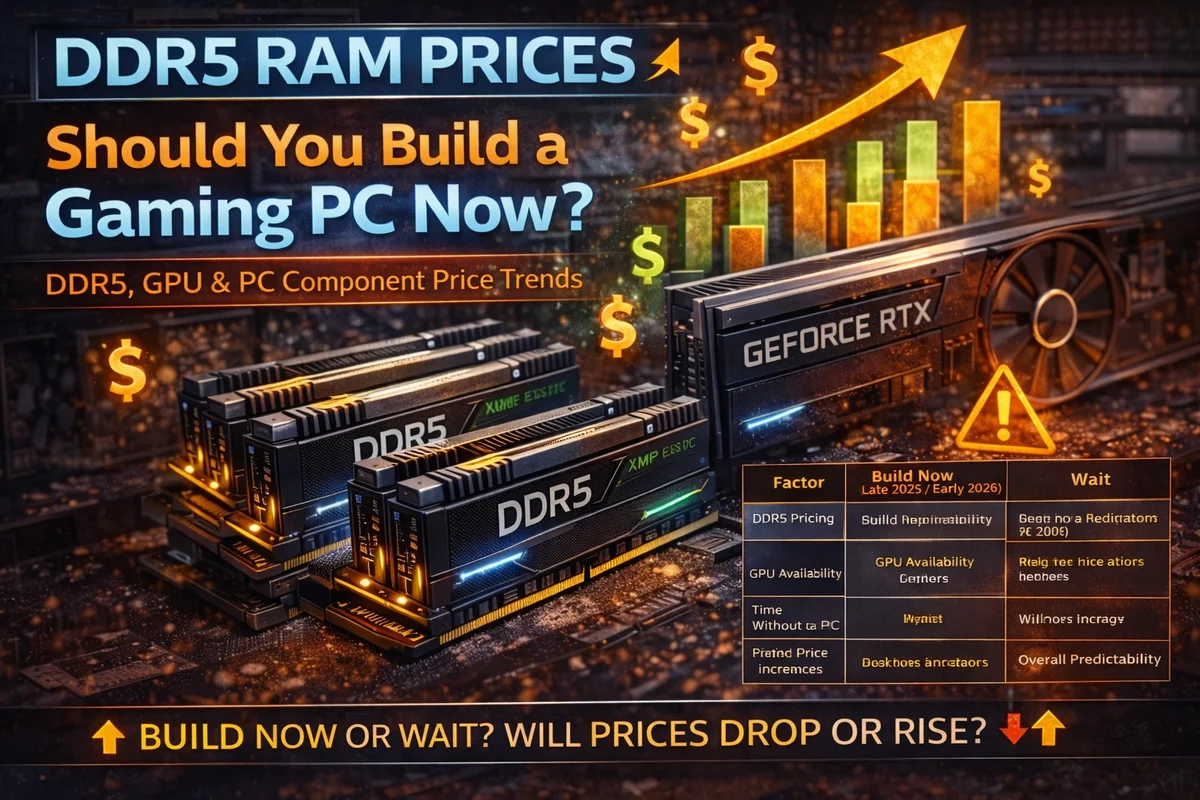
Prebuilt vs Custom Gaming PCs: What the Specs Don’t Tell You
Great specs are only the beginning. Here’s why we build around reliable components, proper cooling and parts you can actually replace.
The biggest problem with a bargain gaming PC can show up the day it needs a repair. Suddenly, the motherboard, power supply and support behind those parts matter a lot more than the lights on the case.
At ElitePC, we once had a customer bring in a computer they had bought their son on Amazon. Inside was a third-generation Intel Core i7, a no-name motherboard with no BIOS or driver updates available, and no-name RAM and power supply. The motherboard had failed.
Our assessment was that repairing it would be poor value. Replacing the board would still leave the customer relying on other questionable components. We didn’t believe the machine justified more repair money.
That experience is a big reason we recommend a carefully planned custom build. With control over the full parts list, we can put performance, reliability and future repairs into the plan from the start.
01 Beyond the headline specs
That “i7 gaming PC” could be older than you think
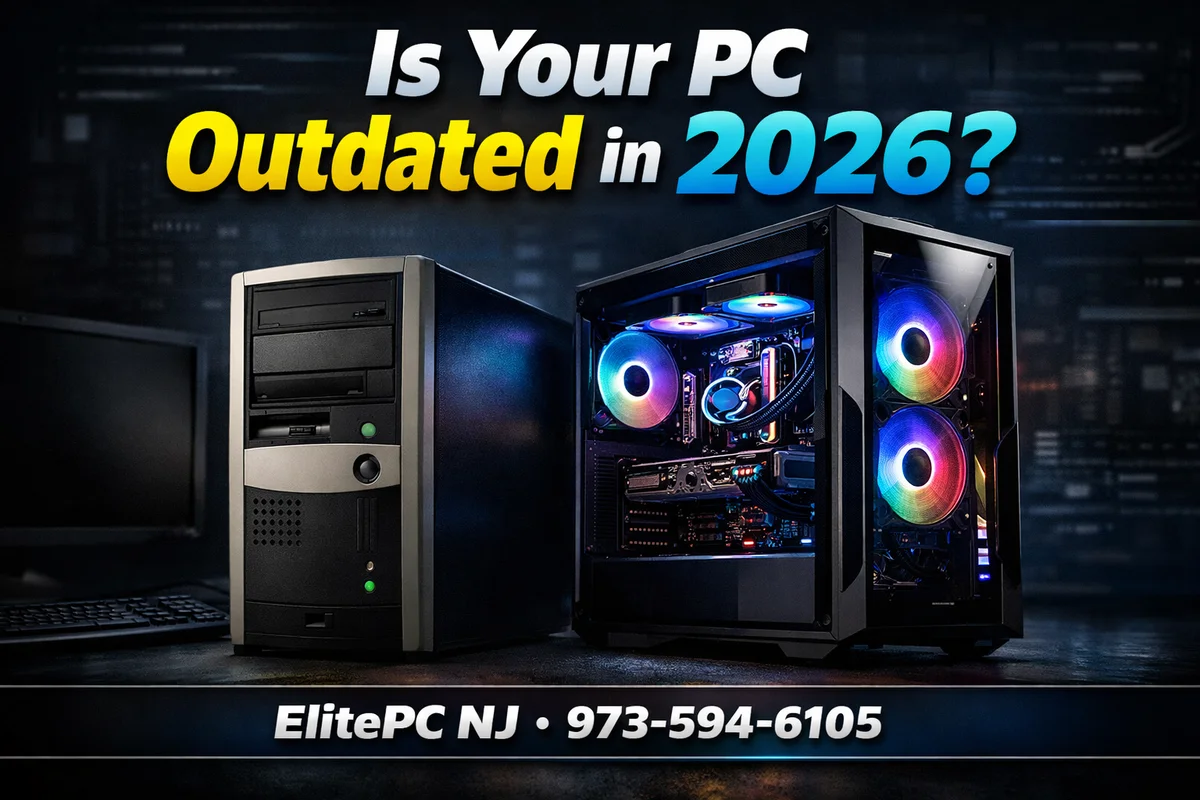
An “i7” label tells you far less than the full processor model. For perspective, Intel’s i7-3770, a third-generation model, launched in 2012. A newly purchased PC can contain much older hardware; a fresh case doesn’t make the processor current.
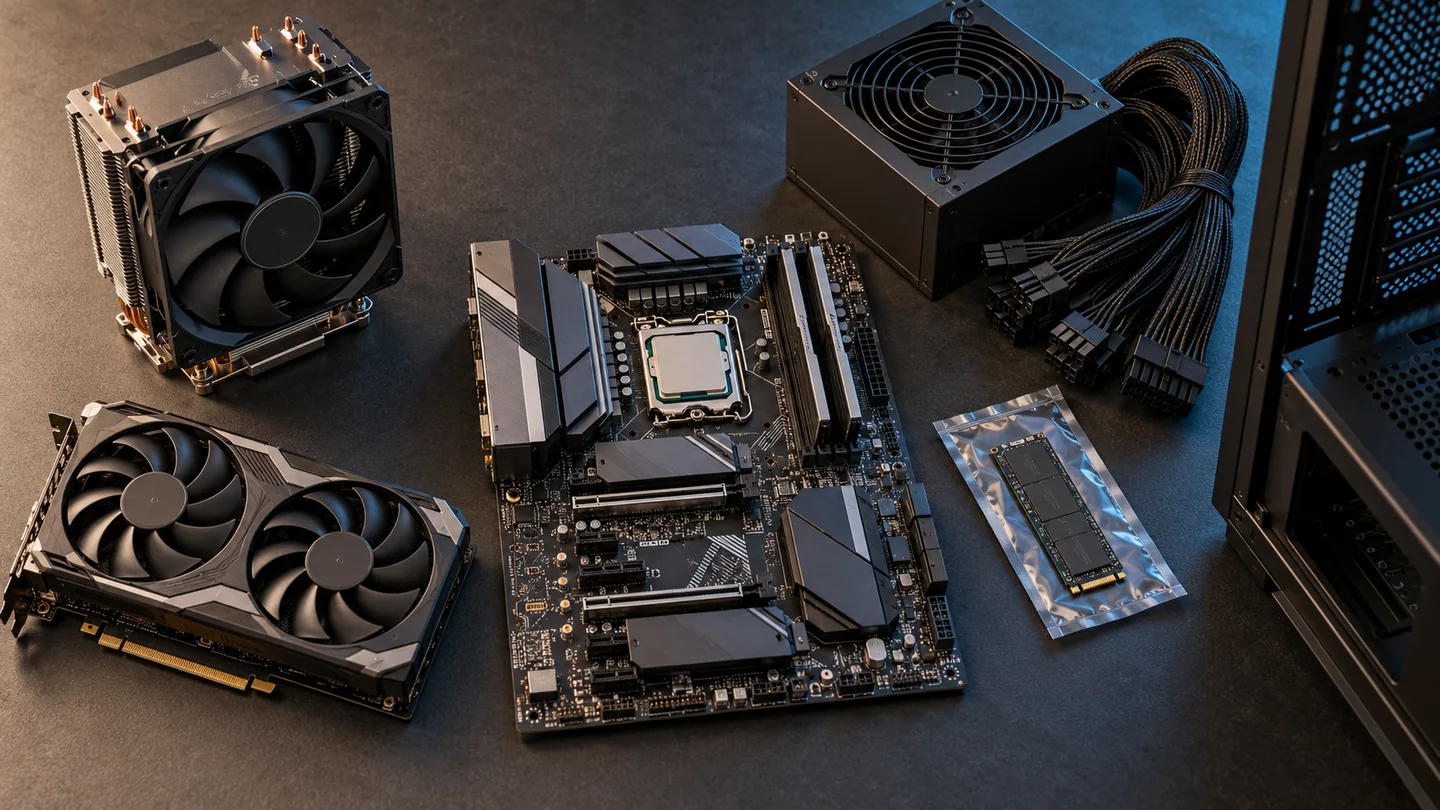
We look beyond the CPU and graphics card to choose identifiable, well-supported components that make sense together:
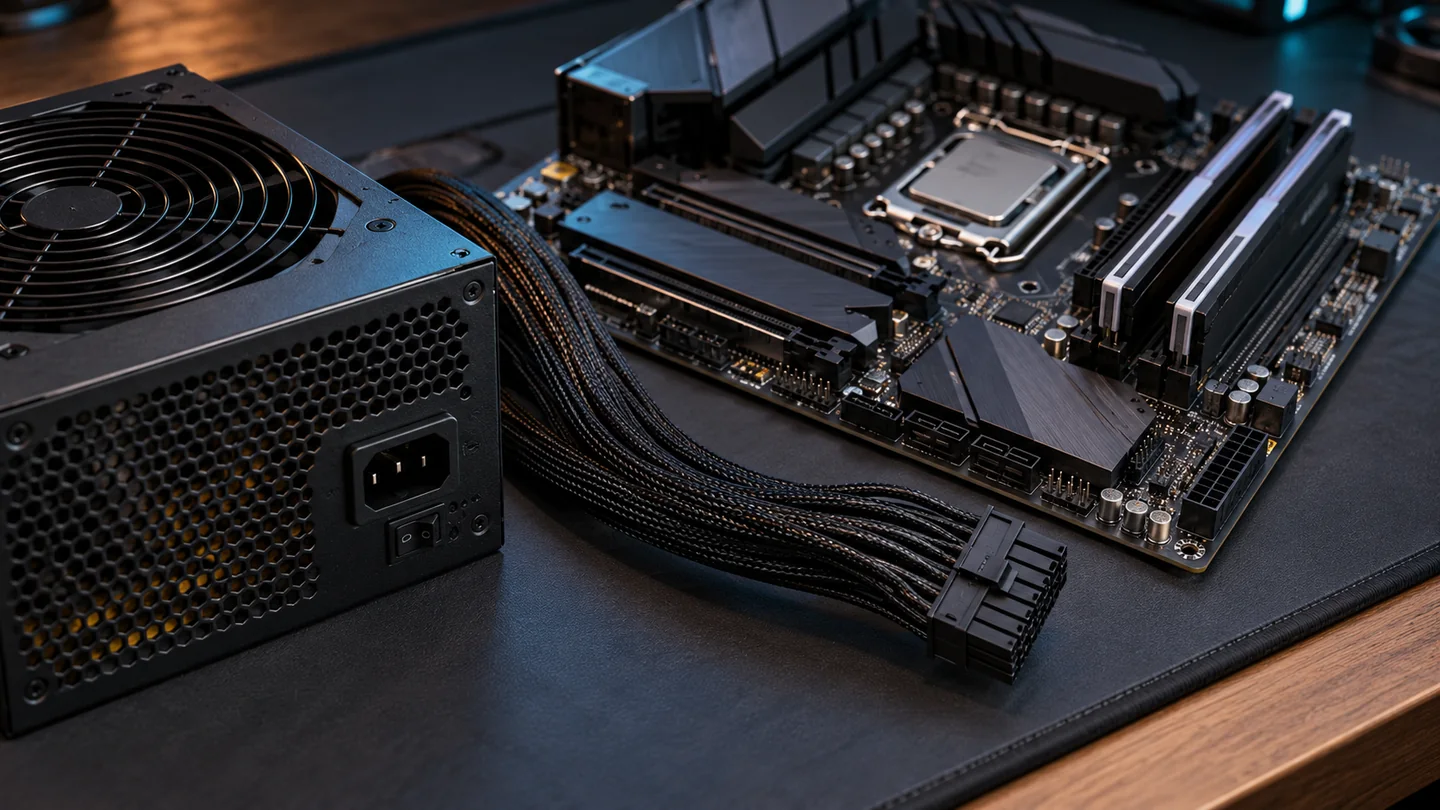
- Motherboard: an identifiable model from an established manufacturer, with accessible BIOS, driver downloads and technical support. Ports and slots are only part of the decision.
- RAM and storage: specific, compatible models from reputable manufacturers, with traceable specifications and warranty support. Capacity alone doesn’t tell the whole story.
- Power supply: a reputable manufacturer and a suitable model, chosen for the build’s needs and support behind it, not just the wattage printed on the label.
A big wattage number or shiny badge cannot do that homework for you. 80 PLUS measures efficiency, not the complete quality of a power supply. The manufacturer and specific model still matter.
A reputable brand is a starting point, not a reason to skip research. We can compare individual models, compatibility, support and warranty coverage rather than accepting whichever unnamed parts come in a box. The goal is dependable hardware without spending money where it won’t help you.
02 Cooling that fits
All those lights won’t keep it cool
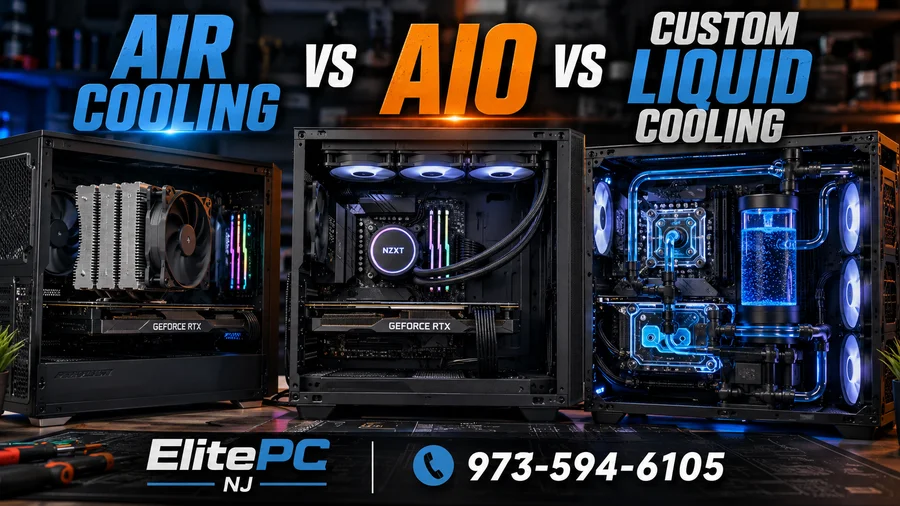
We’ve seen prebuilts with seriously inadequate cooling for the components inside. A powerful processor needs more than an impressive name on the listing.
When a CPU gets too hot, it can reduce its operating speed to protect itself. Intel explains how insufficient cooling costs performance. That’s performance you paid for but may not get during sustained use. Excessive heat can also damage hardware. Effective cooling can help protect component lifespan, not just performance.
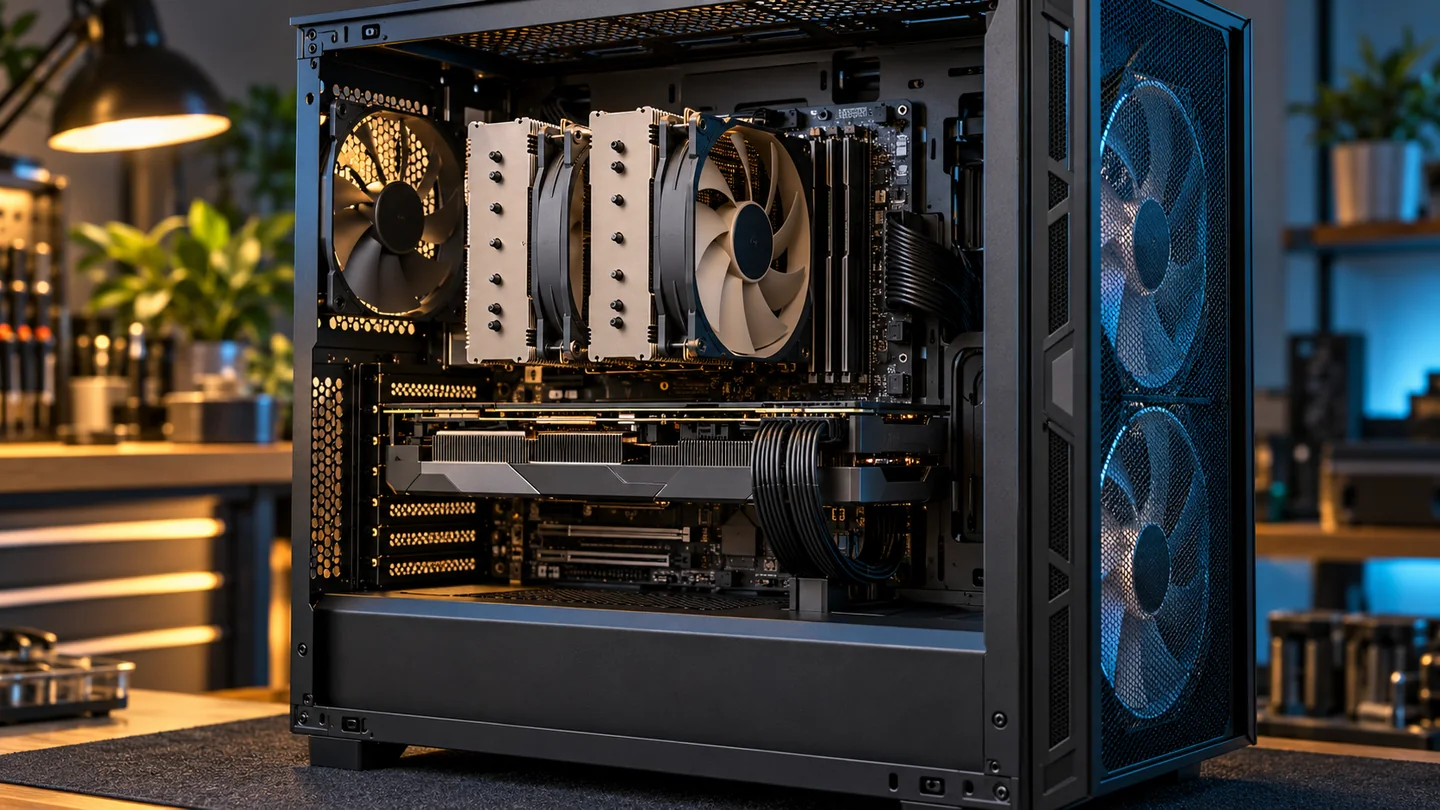
With a custom build, we can match the cooler, case ventilation and fan layout to the hardware. We can also plan around the noise level you’re comfortable living with.
RGB is fine if you like it. We just won’t treat lighting as a substitute for cooling. The priorities are getting heat out and giving your components room to work.
03 Repair first. Upgrade next.
A failed part shouldn’t turn the whole PC into a write-off
When one component fails, you want a sensible way to replace it. Some big-brand systems use manufacturer-specific motherboards, power connections or cases that narrow those choices. Repairability matters even if you never plan a performance upgrade.
Dell’s Alienware Aurora R16, for example, has front ports built onto its motherboard. That design ties the board to the case layout, which can complicate replacing it with an ordinary retail motherboard.
That’s why we favor standard components and consider replacement options during build planning. Some prebuilts use this approach too: Corsair’s Vengeance documentation specifies standard ATX motherboards. The advantage comes from the hardware choices, not the label alone.
Standard parts still need to fit and work together, but they give us more room to plan a repair. Later, those same choices can help with a graphics-card, storage or other computer upgrade. We’d rather consider both jobs before you need either one.
04 The support behind the parts
Choose the parts. Know who backs them.
Custom building lets us select components with meaningful manufacturer coverage, including options backed for three years or longer. Corsair’s published warranties include ten years for RMx power supplies and a limited lifetime warranty for its DRAM memory, subject to eligibility and terms.
Those are component warranties, not a blanket warranty on the entire computer or its labor. Coverage depends on the product, purchase channel and manufacturer’s conditions. Longer coverage is useful, but it doesn’t make a part failure-proof. We consider it alongside the component’s suitability and support.
Compared with a PC sold with one-year system coverage, selected component warranties can extend much further. A professionally custom-built PC gives you help choosing and assembling the parts without taking on a DIY project. Confirm whole-system service and labor terms separately.
05 Buyer beware
Don’t let a flashy listing do the choosing
Shopping Amazon Marketplace? Don’t let an RGB case, an “i7” badge or a tempting bundle distract you from the actual hardware. Check the seller, full CPU model and component list. Our customer’s experience is a reason to look closely, not a claim that every Amazon PC is bad.
Five stars are worth a closer look, too. The UK’s competition regulator has documented fake reviews and reviews reassigned from unrelated products. Read what people actually reviewed, check that it matches the computer offered, and use the parts list rather than the star rating to judge the hardware.
| What matters | What a listing may leave out | The custom-build advantage |
|---|---|---|
| Repairability | Proprietary connections or hard-to-source replacement parts. | Plan around standard parts and sensible replacements. |
| Component quality | Unnamed motherboard, memory or power supply models. | Choose identifiable models with support and warranty coverage. |
| Cooling | Whether the cooler and airflow suit the hardware. | Match cooling and case choice to the complete build. |
| Budget and support | Trade-offs behind the headline specs and warranty wording. | Prioritize your games, reliability needs and clear coverage. |
At ElitePC, we aim for the best balance of gaming performance and reliability your budget allows. That means deciding where spending helps and where it doesn’t, instead of squeezing in a headline component while neglecting everything around it.
06 The ElitePC approach
Let’s build the PC you’d want to own for years
For a gaming PC you want to keep, maintain and enjoy, a well-planned custom build is the route we recommend. You can choose supported components, suitable cooling and sensible replacement options instead of discovering the compromises after a failure.
You don’t need to become a hardware expert to get those benefits. Tell us what you play and what you want to spend. We can help make the component choices and build a computer around your priorities.