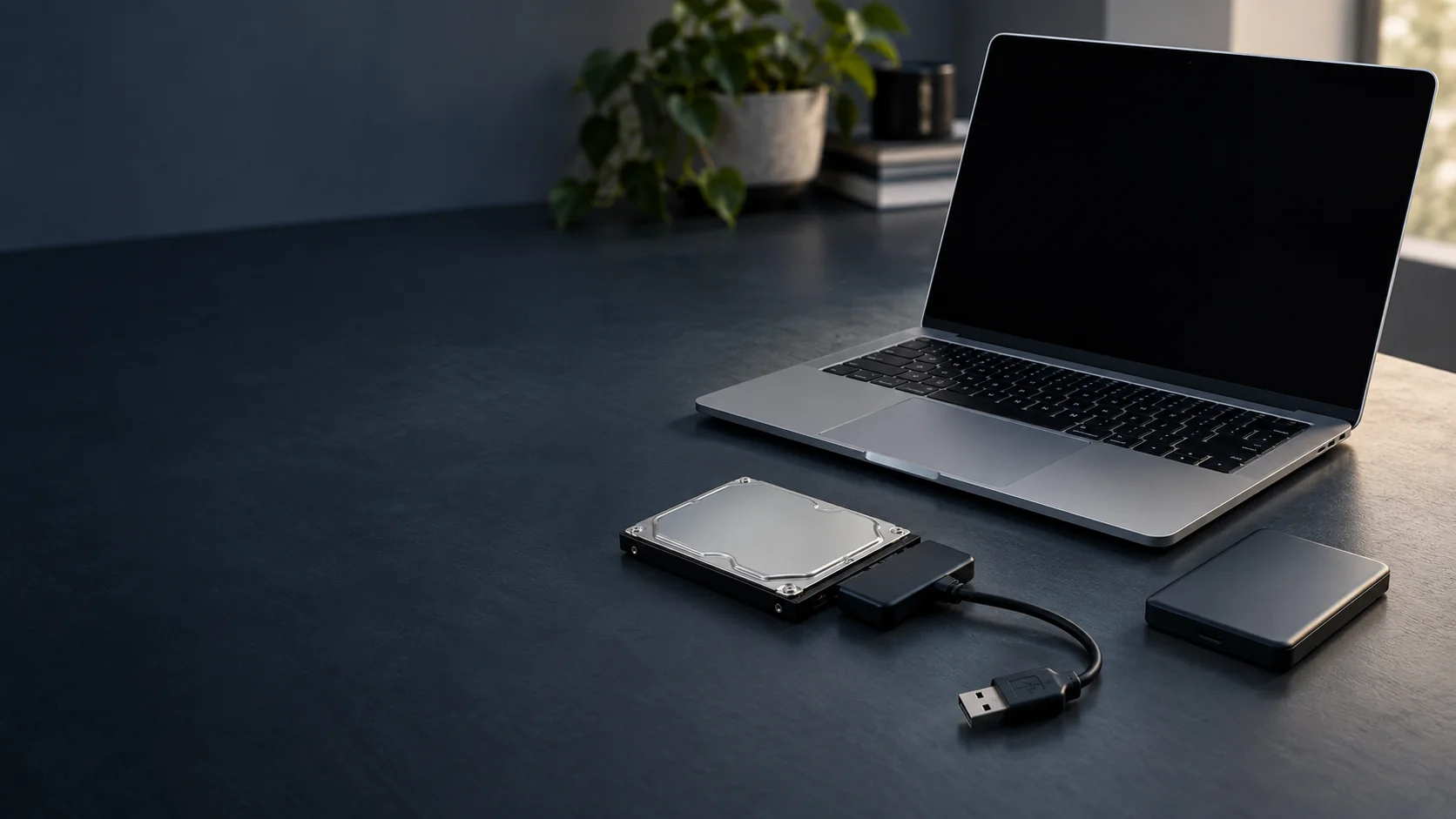
ElitePC NJ · Garfield, New Jersey
Data Recovery and File Retrieval
A computer that won't start can still hold the files you need. ElitePC can assess your drive and help with file retrieval when its condition allows.
Our in-house recovery work is limited. Advanced recovery and cleanroom work need an independent specialist.
- Files from nonworking computers
- Deleted, formatted or corrupted files
- Help for home and business computers
Local service in Garfield, NJ. By appointment.
A computer can fail while its files are still there.
Protect your files: If files are missing or the drive may be failing, stop using it for now. Resets, formatting, reinstalling Windows and recovery software can make recovery harder. Get advice before trying again.
Help for the Files That Matter
You May Not Need to Fix the Computer
If your main concern is getting your files back, a full computer repair may not be necessary. We can look at file retrieval as a separate job.
Your Important Files Come First
Some files are hard to replace. We can focus on the photos, records or projects you most need back.
You Don't Need to Know the Cause
You don't have to identify the failed part or choose a recovery method. Start with what happened, and we can help you understand the options.
Files on a Computer That Won't Start
The problem may be with the computer, the drive or the files themselves. We look at what happened and what can still be accessed.
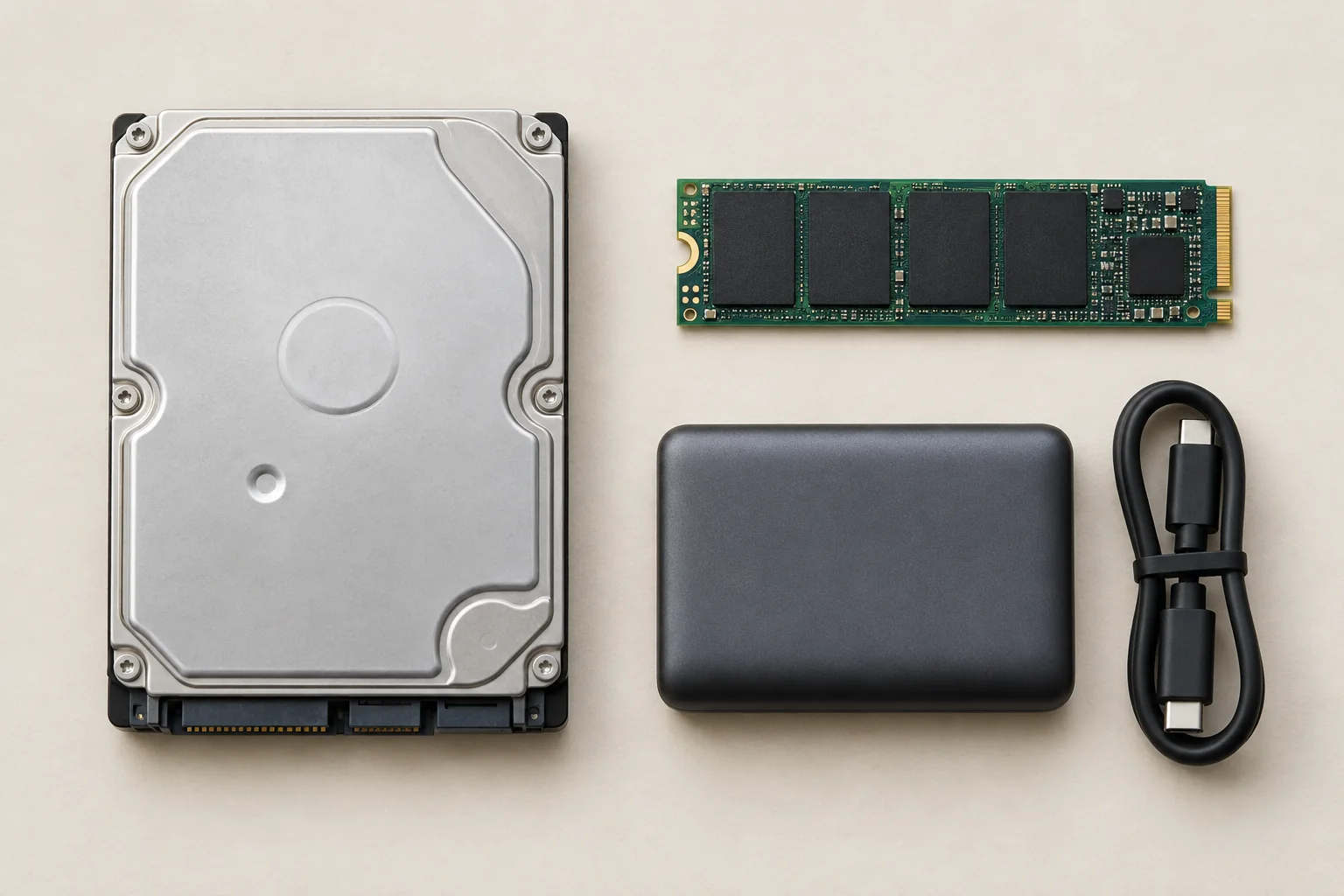
Hard drive, M.2 SSD and portable drive.
Retrieving Files From a Broken Computer
A power or motherboard fault doesn't necessarily mean the drive has failed. If the drive is readable and accessible, copying the files may still be possible.
Deleted, Formatted or Corrupted Files
Missing files need a different approach from copying files that still open. Recovery may be possible, but it depends on what happened, the drive's condition and whether new data has overwritten the files.
Hard Drive or SSD?
Hard drives and solid-state drives (SSDs) work differently, which can affect recovery. You don't need to know which kind you have before asking for help.
Password Protection and Built-In Storage
BitLocker and FileVault keep files locked without the correct password or recovery key. Moving the drive to another computer won't remove that protection.
Some laptops need their original motherboard to reach the files. A laptop motherboard assessment may help, though repair cannot guarantee access.
Built-in storage is one reason a drive may not be removable.
When You Need a Data Recovery Specialist
Drives with serious physical damage and advanced recovery from hard drives, SSDs or multi-drive RAID systems are outside our local service. A specialist may also be the better first call when a drive no longer reads reliably.
A Drive That Clicks or Keeps Disappearing
New grinding, scratching or repeated loud clicks alongside trouble opening files can signal a serious problem. So can a drive that connects and disconnects. Ordinary drive sounds aren't always a fault, and an SSD can fail silently.
Going Straight to a Specialist
You can go directly to an independent specialist without paying for a local attempt first. ElitePC doesn't manage an outside-lab service, so you deal with the provider you choose.
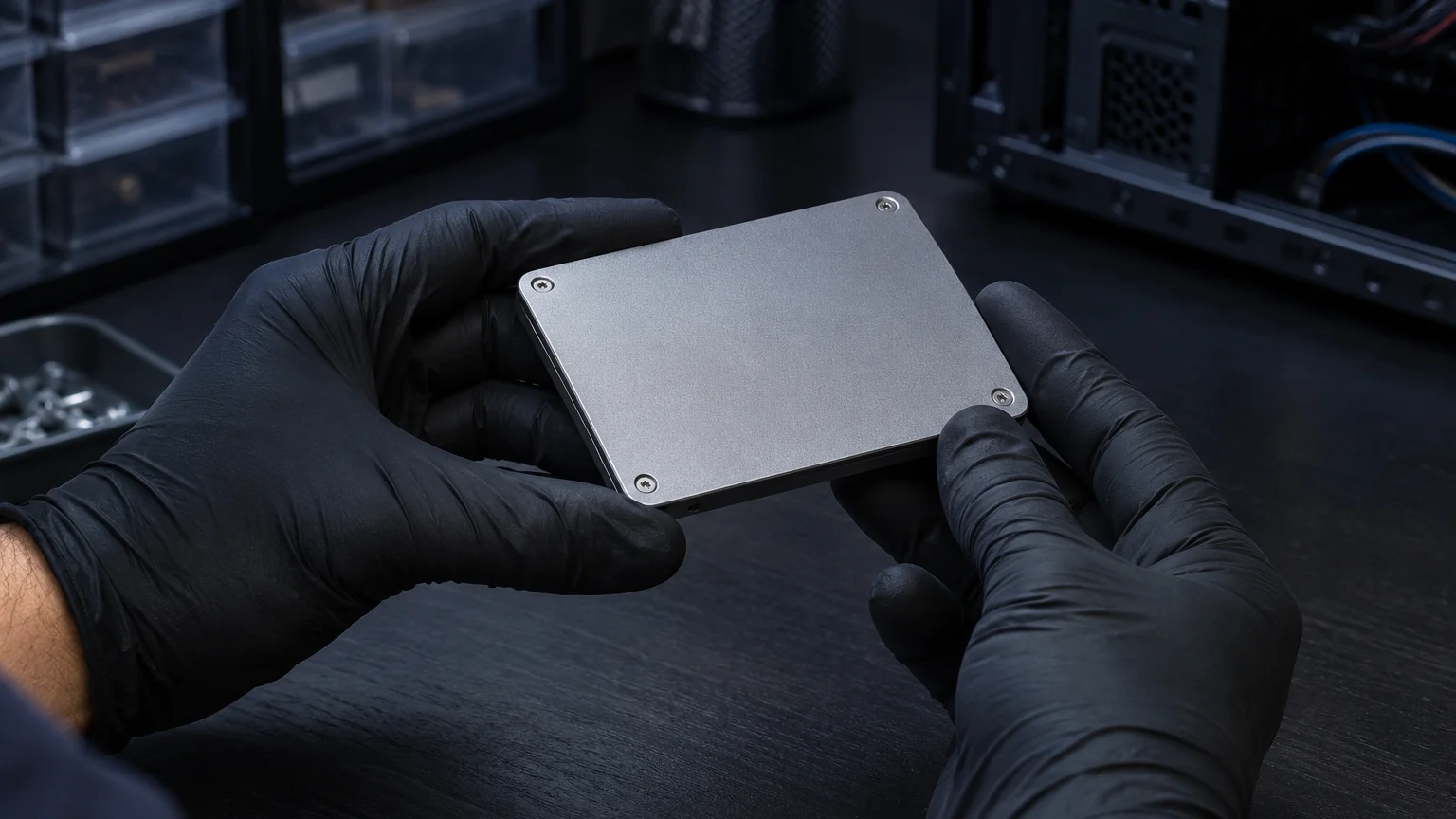
Why More Attempts Can Make Things Worse
Repeated power-ups and disk-repair tools can make the problem worse. A damaged hard drive should stay sealed. Stopping early may help preserve more recovery options.

Storage and file-loss problems to discuss
The device and its condition determine the next step. Local file retrieval is limited; advanced recovery needs an independent specialist.
Hard drives
Discuss missing or inaccessible files. A drive with physical damage may need a specialist first.
Solid-state drives
Review access and file-loss concerns, including the limits of recovery on an SSD.
RAID storage
Multi-drive RAID recovery is outside our local service and needs an independent specialist.
External drives and USB storage
Ask about files on portable storage, with the next step based on whether the device is readable.
Deleted files and email
Discuss missing documents or email data and any usable backup. Recovery cannot be guaranteed.
Data Recovery Costs and Results
The cost depends on the drive's condition and the work needed to reach your files. A simple file copy and a difficult recovery can involve very different work.
Cost and Timing
Once we understand the problem, we'll explain the options and any cost before you decide.
Getting Files You Can Use
A photo or document needs to open properly to be useful. Some recovered files may be damaged or incomplete, and a large file count can still leave out the ones you need most.
Choosing Storage for Your Files
The amount of data helps determine what storage you'll need for returned files. A return drive may add to the price.
Questions About Privacy
Concerned about personal or business files? We can discuss the access needed, how files would be returned and what would happen to any copies kept during the work.
From the Original Drive to Separate Storage
The original drive and storage for returned files.
Recovering Files, Moving Files or Making a Backup?
I Can't Get to My Files
File retrieval or recovery may help when important files are missing or inaccessible. This is the place to start, even if you're not planning to repair the computer.
SSD Upgrade With Cloning
If your files are accessible and the drive is healthy, cloning may move your system and files to a new SSD. A failing drive needs recovery advice first.
Business Backup Planning
A backup gives your business another copy to turn to if something goes wrong. ElitePC's Business IT Services can help with planning future protection.
Already have a usable backup? It may save you a recovery attempt. If your files are accessible and you need the computer fixed, see Computer Repair.
Questions About Your Files
Can You Get Files From a Computer That Won't Turn On?
Sometimes, if its drive is readable and accessible. Encryption or built-in storage can affect the options.
Can Deleted or Formatted Files Always Be Recovered?
No. Some losses are permanent, especially if new data has overwritten the files. A recovery attempt may return some files, all of them or nothing usable.
What If I Only Need a Few Folders?
Tell us which ones matter most. A few family photos or a single work project can be the priority. The amount you need doesn't always make the recovery itself easier.
Does a BitLocker Screen Mean My Files Are Gone?
No. It usually means the drive needs its recovery key to unlock. Your saved key or your organization's IT team may help. Resetting the computer isn't a safe shortcut when you need the files.
Can a Backup Restore My Missing Files?
Yes, if the files are in a usable backup. A new backup won't bring back files already missing from every copy.
How Long Does File Recovery Take?
The problem, drive condition and amount of data all affect timing. There isn't one turnaround time for every recovery.
Ask About Your Files
Tell us what happened and which files you need. A short description is enough to start the conversation.
Based in Garfield, ElitePC helps home and business customers across Bergen County, Passaic County and North Jersey.
Service is by appointment. Please contact us before bringing equipment.
A Few Helpful Details
- What happened and when you last opened the files
- The files you need most and any backup you have
- Your computer model, if known, and anything already tried
- Any error message or recovery-key screen, without sharing the key
Keep passwords, recovery keys and private files out of the contact form.