ElitePC NJ / Portable gaming systems
Gaming Laptop Repair in North Jersey
Won’t start. Runs hot. Won’t charge. Screen gone black.
Get gaming laptop computer repair help in Garfield for overheating, startup, charging and screen problems. Tell us your model and what happens. You don’t need to diagnose it first.
- ✓ Overheating & Gaming Shutdowns
- ✓ Charging, Battery & Startup Problems
- ✓ Screen, Keyboard & Port Repairs
Service by confirmed appointment.
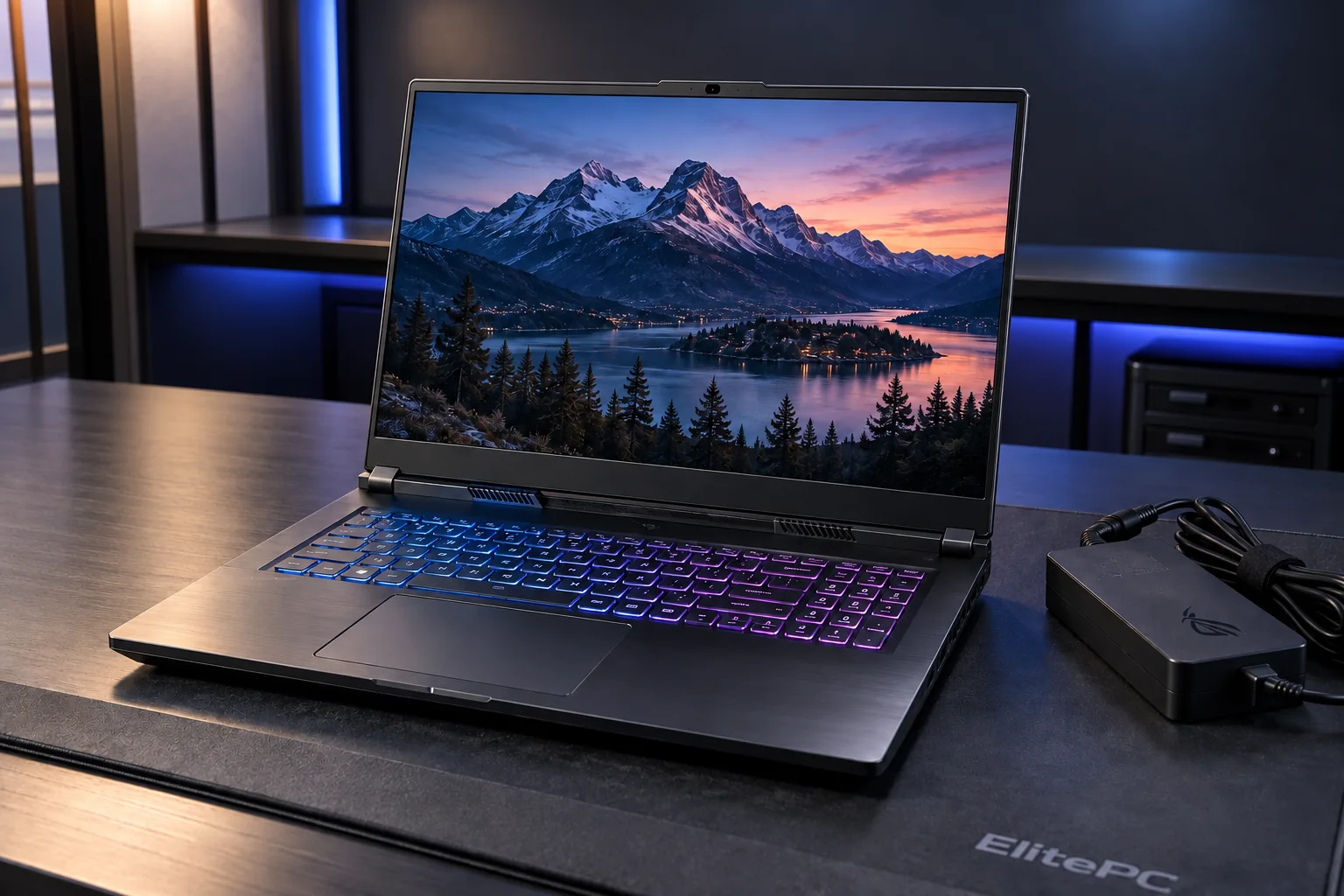
Your laptop model shapes its repair options.
Using a desktop? Explore Gaming PC Repair
Cooling + stability
Gaming Laptop Overheating & Shutdowns
Getting hotter than before, running louder or shutting down mid-game? Tell us what changed and when it happens.
Blocked vents, fan trouble, a demanding game or a power problem can cause different symptoms in a gaming laptop.
Excess heat can make the hardware slow itself down without switching off. This is called thermal throttling.
A laptop may behave differently on battery and charger power, or in games versus work and study. Those differences help separate cooling, power and other faults.
Can Gaming Laptop Cooling Be Upgraded?
We repair the cooling system designed for your model, rather than fit desktop-style air or liquid coolers. Depending on the fault, work may include:
- Clearing blocked airflow
- Replacing a faulty fan
- Addressing heat-transfer problems
We check the cause before recommending work.
For the cooling service itself, explore Overheating Repair. Start here when you need the wider gaming-laptop fault assessed.
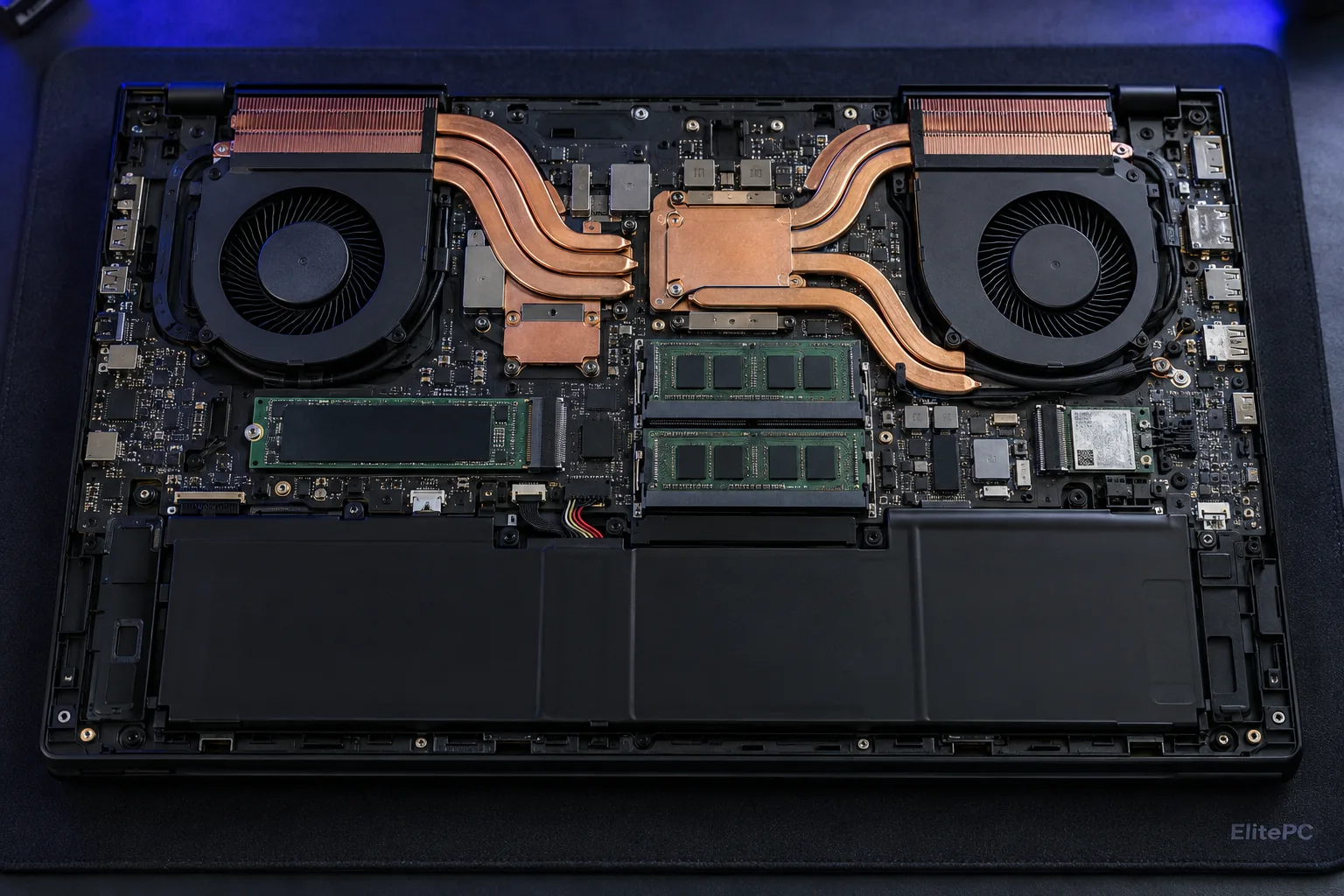
Shared cooling hardware carries heat away from the processor and graphics chips.
Power + charging
Gaming Laptop Won’t Turn On or Charge?
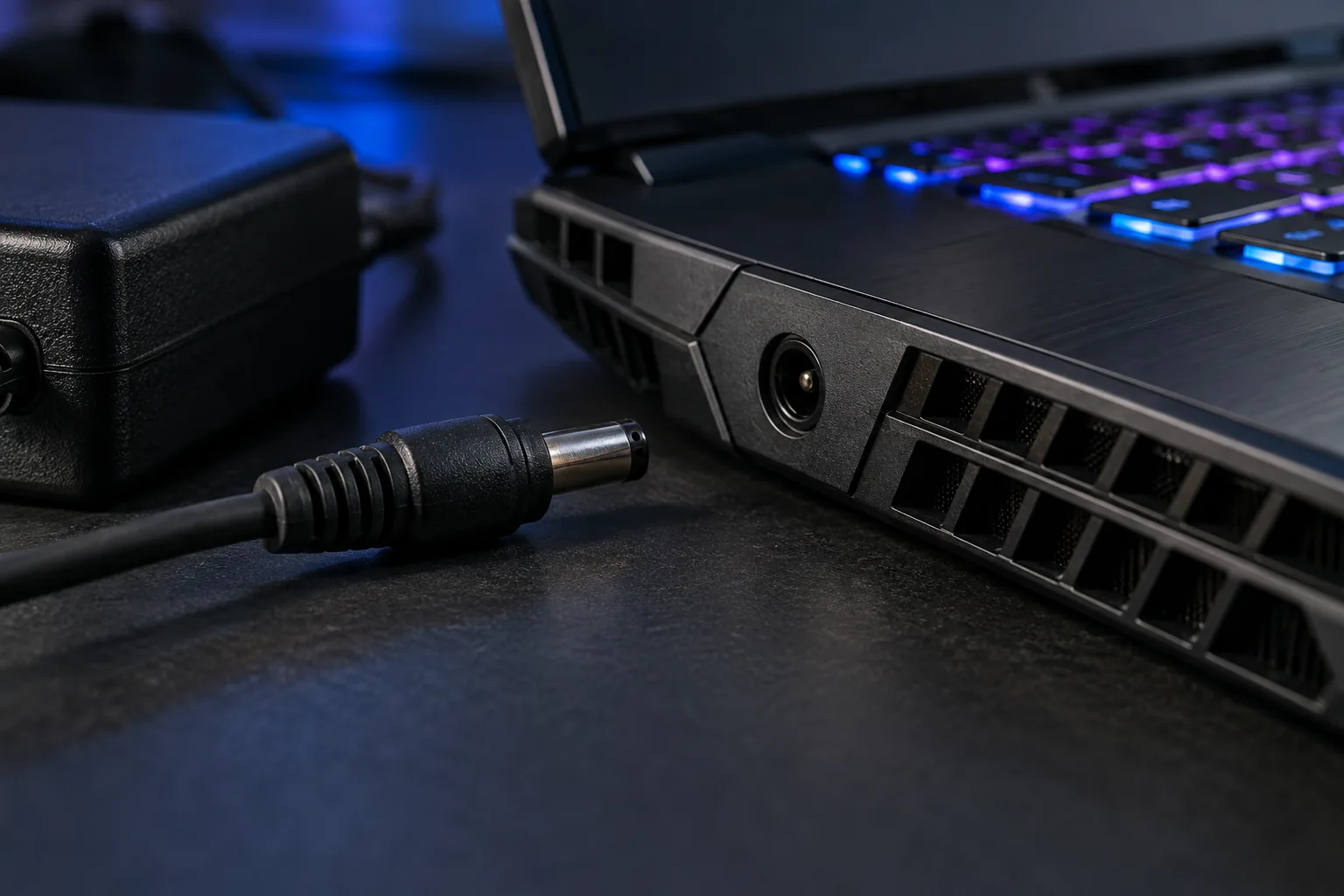
Charging trouble can involve the adapter, connector, battery or settings.
Swollen battery or burning smell? If the battery appears swollen or you notice a burning smell, stop using and charging the laptop. Disconnect external power only if you can do so safely without touching a hot, leaking or smoking part. Do not press, puncture or try to remove the battery, and do not turn the laptop back on. Contact ElitePC before arranging transport or bringing it in. If there is smoke or flame, do not handle the laptop. Leave the area and call emergency services.
No lights, lights without a picture, or power that cuts out in a game? Tell us which happens. A laptop that won’t start needs different checks from one that runs but won’t charge.
The charger, cable, connector, battery and charging settings can all matter. If charging always stops at the same level, mention it. Some models limit charging through settings; this alone does not prove a part has failed.
Charger Power & Battery Behavior
Charger-only operation, power loss when unplugged and a loose connector give different clues. We assess the power source, connection and battery rather than assume one part has failed.
Matching the Charger to Your Gaming Laptop
Gaming laptops need a charger matched to the model and its power requirements. The original or replacement adapter’s stated wattage helps assess compatibility. Avoid buying a substitute to test a guess.
If you are using a USB-C charger or dock, include its model and the cable you use. Not every USB-C port accepts charging, and the laptop, charger and cable must support the required power delivery.
A confirmed connector problem can lead to Charging Port Repair. The model helps determine whether the port, battery or another part can be repaired or replaced.
Display + everyday controls
Gaming Laptop Screen, Keyboard & Port Repairs
A cracked screen and a laptop that powers on without a picture need different starting points.
Gaming laptop screen repair involves more than matching the screen size. Resolution, refresh rate and the display connector must suit the exact model. If you want a faster-refresh panel, ask about compatibility before buying one.
Cracked Screens, Flickering & No Display
Cracks, lines, flickering and a black screen can have different causes. A laptop that seems to start with no picture may have a system fault rather than a failed panel.
Keyboard, Trackpad & Connection Problems
Keyboard, trackpad or port not working? Tell us what failed and whether it followed a spill, damage or earlier repair.
Replacement keyboards, ports and housing assemblies must match the model. See our Laptop Repair page for those repair options.
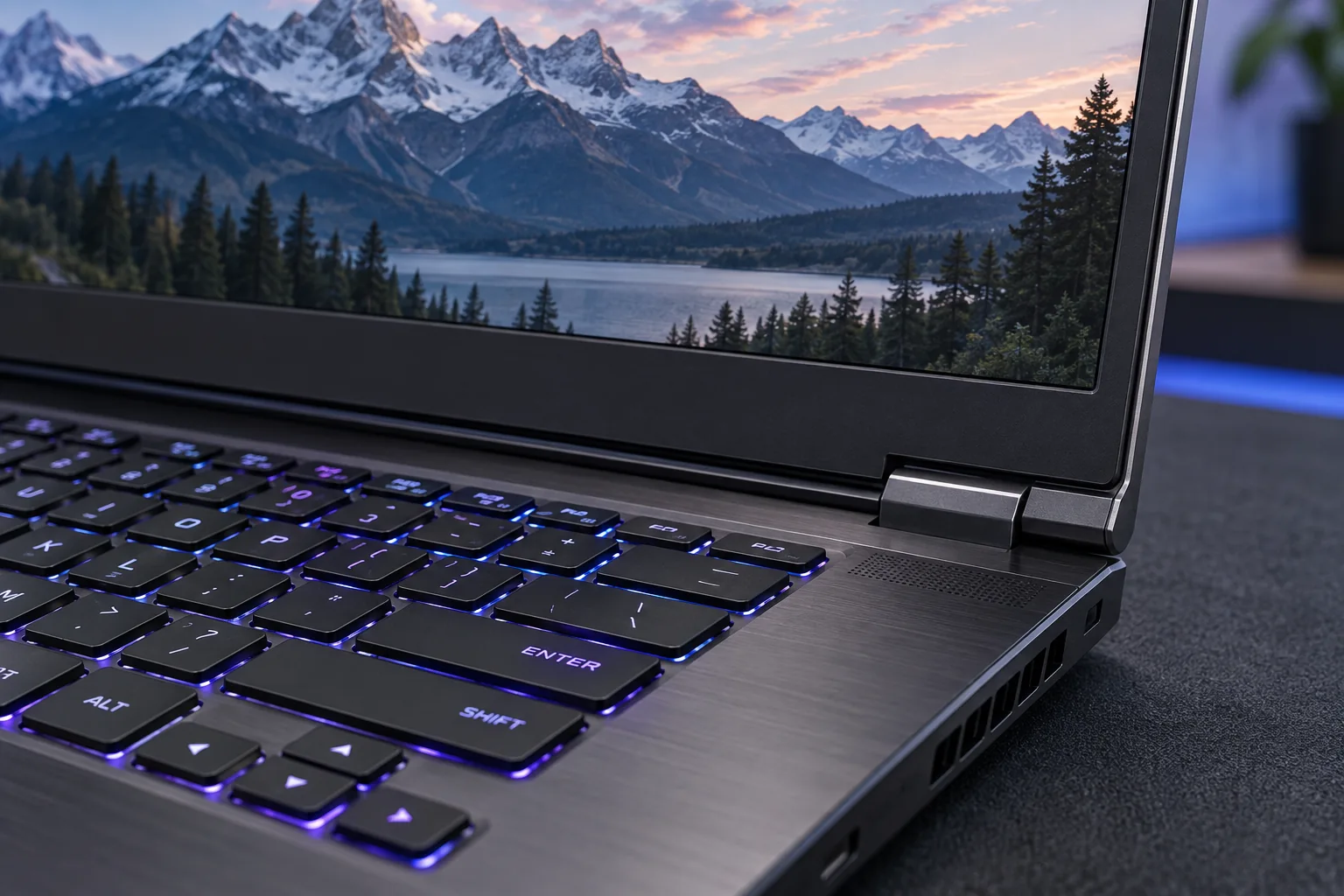
Screen, hinge and keyboard assemblies need parts matched to the laptop.
PORTABLE GAMING SYSTEMS
Gaming Laptop Repair Services
From charging and motherboard faults to overheating and damaged screens, we check your exact model before recommending a repair or replacement.
POWER & TEMPERATURE
Cooling, Charging & Battery
Cooling & Fan Repair
We check blocked vents, faulty fans and heat transfer. Cooling repair may include cleaning or replacing a failed fan when the model supports it.
Charger & Charging Port
We test the charger and socket before recommending charging port repair for a round DC jack or a supported USB-C charging port.
Battery Testing & Replacement
We check battery health and charge settings, and discuss a model-matched replacement if the battery is failing.
DISPLAY & CHASSIS
Display, Controls & Physical Repairs
Gaming Laptop Screen Repair
We trace cracks, flicker or a black screen to the cause and match the panel, connector and refresh rate for screen replacement.
Keyboard & Trackpad Repair
We troubleshoot failed keys or a faulty trackpad. Some models need the entire upper-case assembly replaced.
Hinges, Housing & Data Ports
We assess damaged hinges and mounts, cracked housing, and faulty USB or display connections. Replacement depends on how the part is built into your laptop.
NO POWER • NO STARTUP • SPILL DAMAGE
Motherboard Repair & Replacement
Component-Level Board Repair
When no power, startup failure or a spill points to the board, we assess whether component-level motherboard repair can fix the fault.
Model-Matched Board Replacement
If the board can’t be repaired, we check for a compatible replacement and explain your options before ordering parts. See laptop repair and replacement options.
SYSTEM & STORAGE
Windows, Storage & Memory
Windows & Driver Troubleshooting
We troubleshoot Windows startup errors and graphics-driver crashes. If we suspect an infection, we can discuss virus and malware removal.
RAM Upgrades & SSD Cloning
For supported models, we offer RAM upgrades and SSD installation with cloning. Depending on drive condition, we can discuss a fresh Windows setup instead.
If a drive won’t read or files are missing, tell us before repair work starts. Data recovery is a separate service.
Your model sets the options
Gaming Laptop Repair & Upgrade Options
Some gaming laptops have removable RAM and storage; other parts are soldered in place or built into a larger assembly. The exact model matters more than the gaming label when deciding what can be replaced.
Compatible RAM & SSD Upgrades
More RAM may help when games and open applications run out of working memory. An SSD can provide more game storage or quicker loading. Available slots, supported types and the parts already fitted determine what is possible.
Laptop Graphics, Processors & Cooling
Most gaming laptops do not take a removable desktop graphics card or processor. These parts often share the motherboard and cooling system, so changing one can be far more involved than a desktop upgrade.
Repairing a Fault or Improving Performance?
Fixing a fault, adding game storage and improving gameplay are different goals. A fault needs repair assessment; compatible memory or storage upgrades may address capacity needs.
For compatible hardware improvements, start with Computer Upgrades, including RAM Upgrades and SSD Upgrade with Cloning. If you need existing files moved to a new drive, include that in the request.
For low FPS or stuttering games, ask about Gaming PC Performance Optimization for your laptop model. Mention any crashes or overheating too. These may call for repair rather than tuning.
Gaming Load, Power & Heat
Diagnosing Gaming Laptop Faults
Understanding Your Laptop’s Symptoms
Game crashes can come from software or graphics driver problems as well as hardware faults. A gaming laptop technician considers the game or workload, power source, display behavior, known temperatures and recent changes to focus the assessment. You do not need to run new tests before asking.
Checking Gaming Load, Power & Temperatures
A laptop that fails on battery but works plugged in gives different clues from one with no display at startup. The symptoms guide checks of power, display connections, cooling and gaming stability.
Testing the Original Problem After Repair
After repair, we check the original problem under relevant conditions where possible, such as the game or task that triggered it.
If the fault cannot be reproduced, we’ll explain what was checked and what remains uncertain.
Benefits of Gaming Laptop Diagnostics
Gaming laptop diagnostics help you:
- Find out whether power, cooling, display or another fault needs attention.
- Understand the repair options for your laptop model.
- Know what was checked if a fault cannot be reproduced.
See Computer Diagnostics for assessment details, pricing and policy.
If the problem comes and goes, a short test may miss it. Notes about the game, charger and time before failure can help narrow down when it happens.
Gaming Laptop Repair Questions
Is My Gaming Laptop Worth Repairing or Replacing?
Compare the repair estimate with the cost of a suitable replacement and whether the laptop still meets your gaming, work or study needs. The fault, compatible parts and integrated components can change what is practical. Repair addresses the fault; it does not necessarily give an older laptop the performance of a newer one.
Repair cost depends on the fault, the work needed and any compatible replacement parts. Parts availability can also affect timing.
Can a Gaming Laptop Need Repair If It Only Crashes in Games?
A laptop that works for lighter tasks can still need assessment when a game or workload triggers a fault. Tell us which game or task is involved, whether it happens on battery or charger power, and what changed. You do not need to reproduce the crash or run new tests before requesting help.
Should I Bring the Charger With My Gaming Laptop?
Yes. Always bring the original charger with your gaming laptop, even if the problem doesn’t seem power-related. We need to confirm the charger meets the laptop’s power specifications and test it to see whether the charger or the laptop is part of the fault. If you normally use a different charger, USB-C cable or dock, tell us when you request service.
ElitePC / Garfield, New Jersey
Request Gaming Laptop Repair in Garfield
A plain description is enough to start. Send the details you know and the problem you want help with.
ElitePC serves gaming laptop customers in Garfield and North Jersey, including Bergen and Passaic counties. We review your request before confirming an appointment or repair work.
If the affected computer is unusable, send your request from another device.
Your laptop and its power source
Brand/model if known, charger details and whether the issue occurs plugged in, on battery or both. It is fine if you cannot find every specification.
The problem and its history
What happens, the game or task, when it started, any useful photo or error, damage or spills if relevant, and earlier repairs or changes.
Your location and next contact
Service ZIP code and preferred contact method. You do not need to post a serial number publicly or take the laptop apart.
Wait for confirmation before drop-off.
We’ll confirm the appointment and which charger or accessories to bring. Keep passwords and sensitive information out of the request.
Start with the laptop. Tell us what changed.
Start a conversation with ElitePC in Garfield.