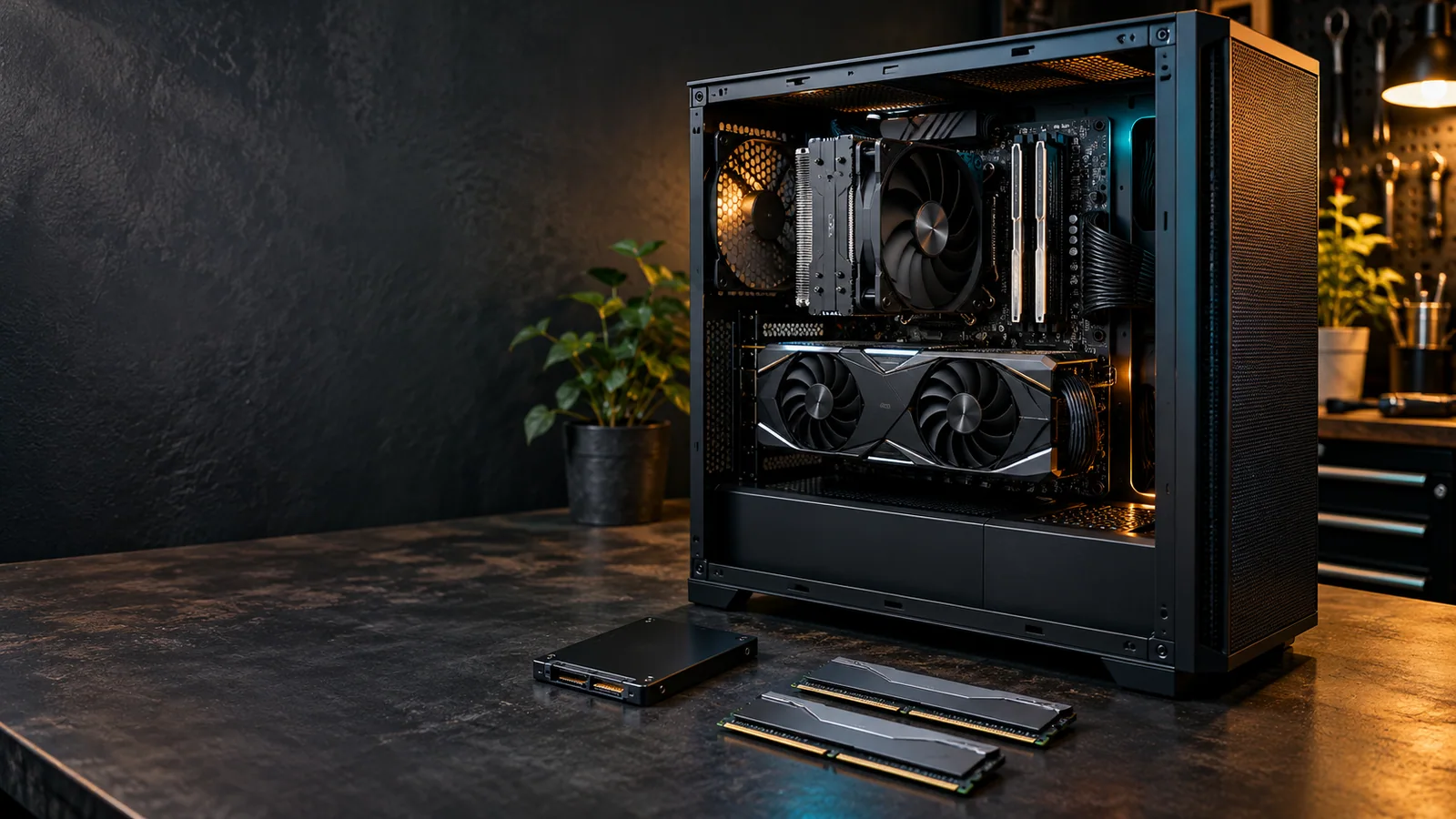
Computer upgrade services · Garfield, NJ
Computer Upgrades for Gaming, Work & Everyday Life.
Get more from the computer you already own. We help you choose compatible parts, install them carefully and check the result around the way you use your PC.
CPU, RAM, graphics & SSD upgrades
Desktop & compatible laptop options
Installation, setup & system checks
Local service in Garfield, New Jersey By appointment
Choose your upgrade
Six Ways to Upgrade
Your Computer.
From a simple memory upgrade to a new motherboard platform, start with the service that fits your goal. Not sure which part matters? We can help you work it out.
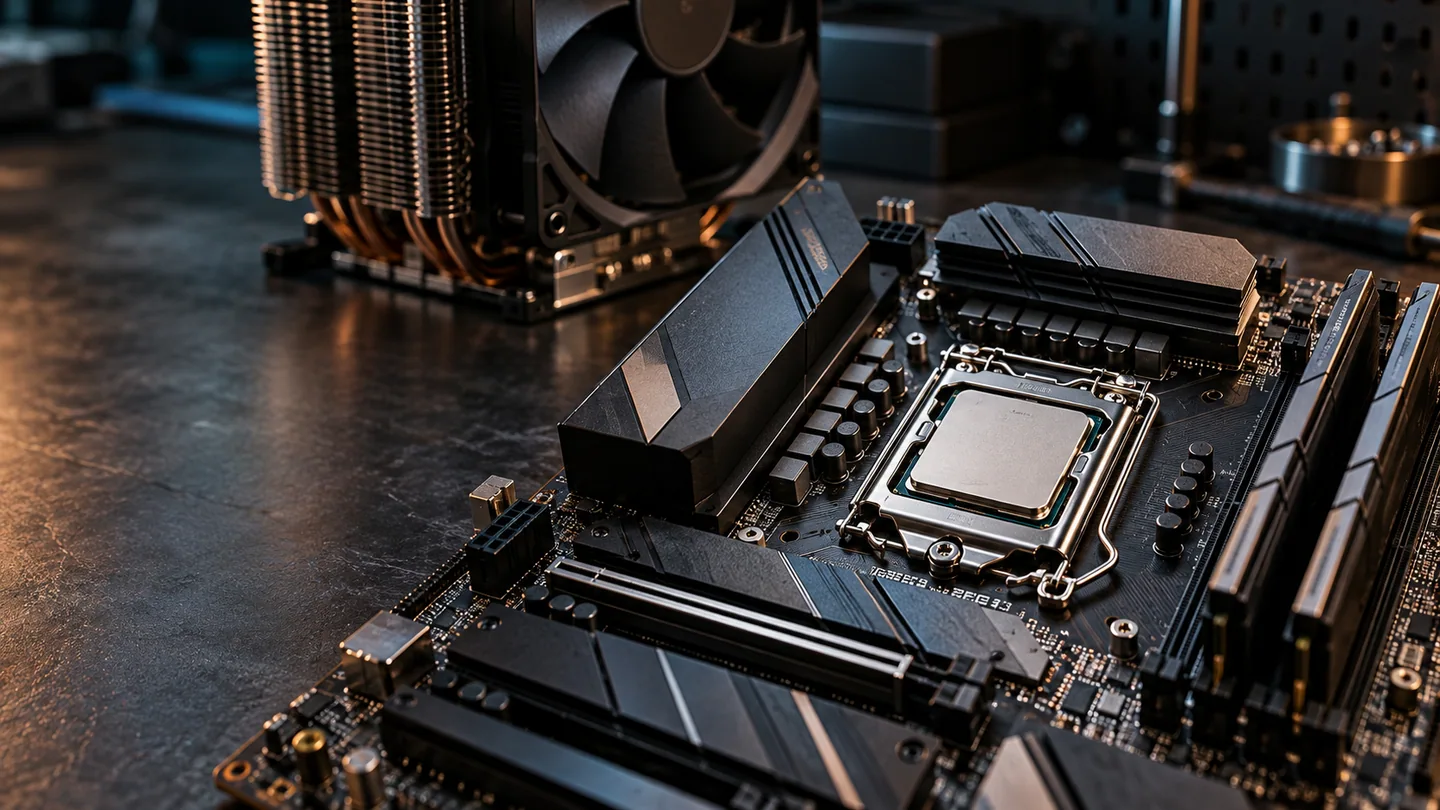
Processing power
More headroom for demanding games, video exports and CPU-heavy applications. We check motherboard support and cooling before choosing your processor.
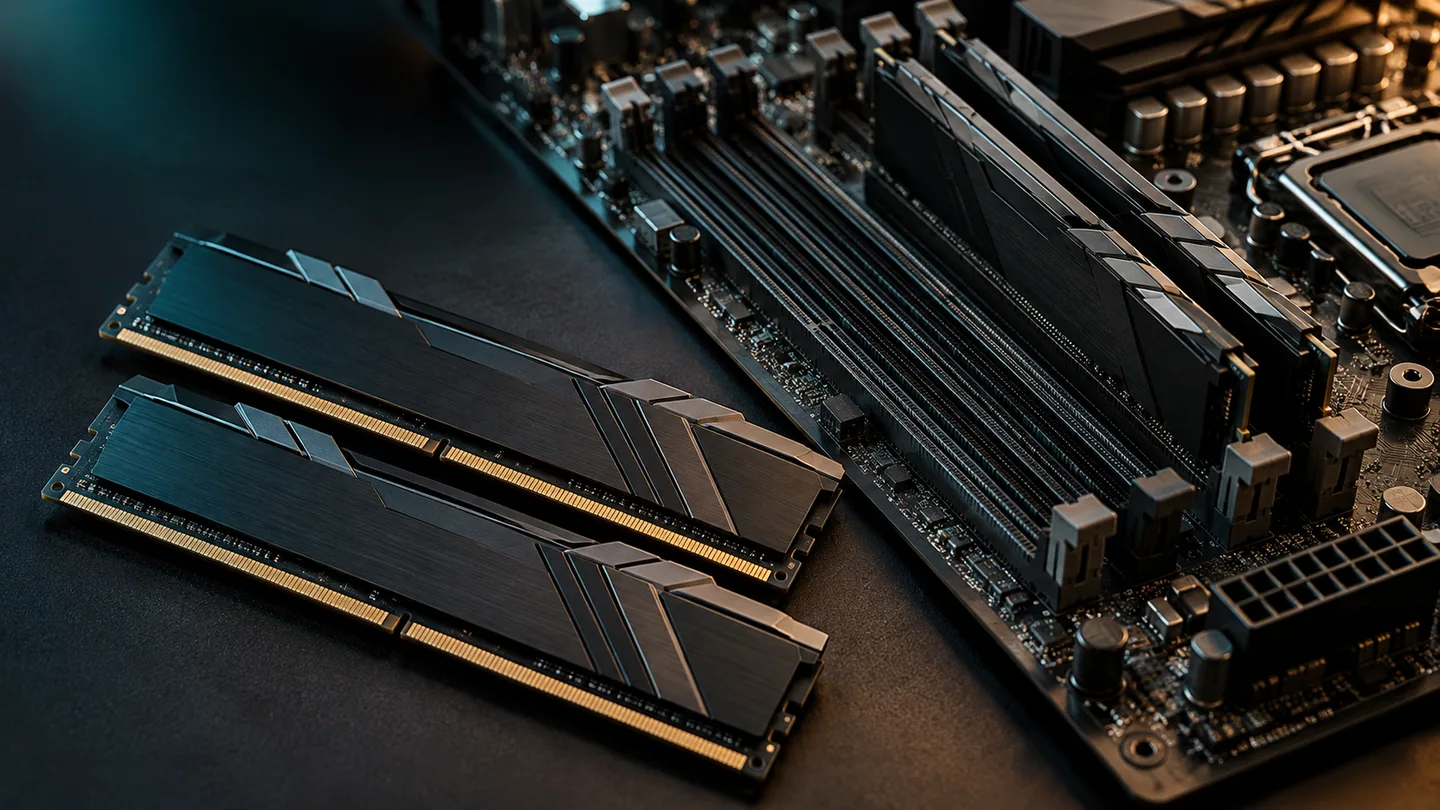
Everyday responsiveness
Give busy apps, browser tabs and large projects more room to work. We match the memory type, capacity and configuration to your computer.
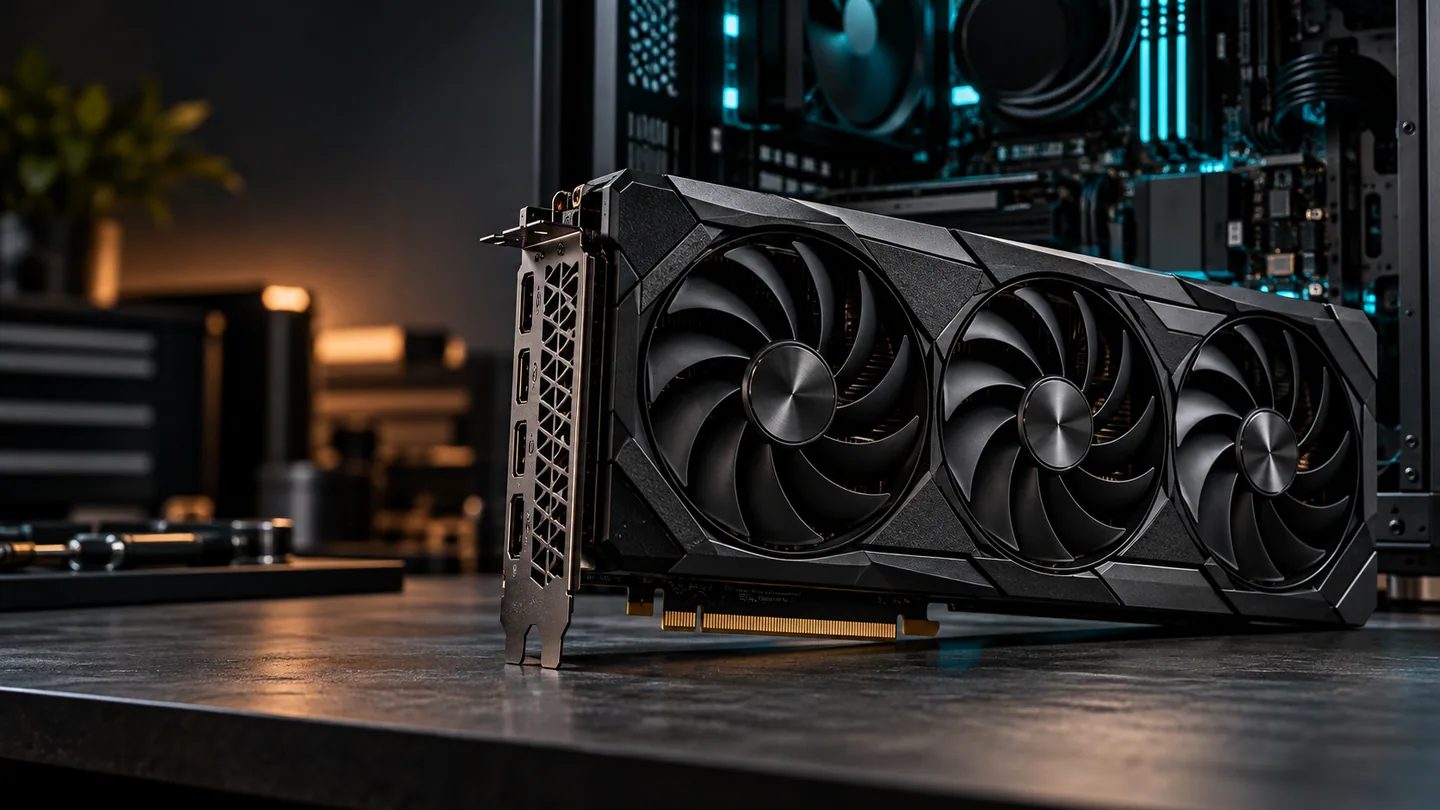
Gaming & creative work
Plan a GPU upgrade around your games, creative software and displays, with the power connections and case clearance it needs.
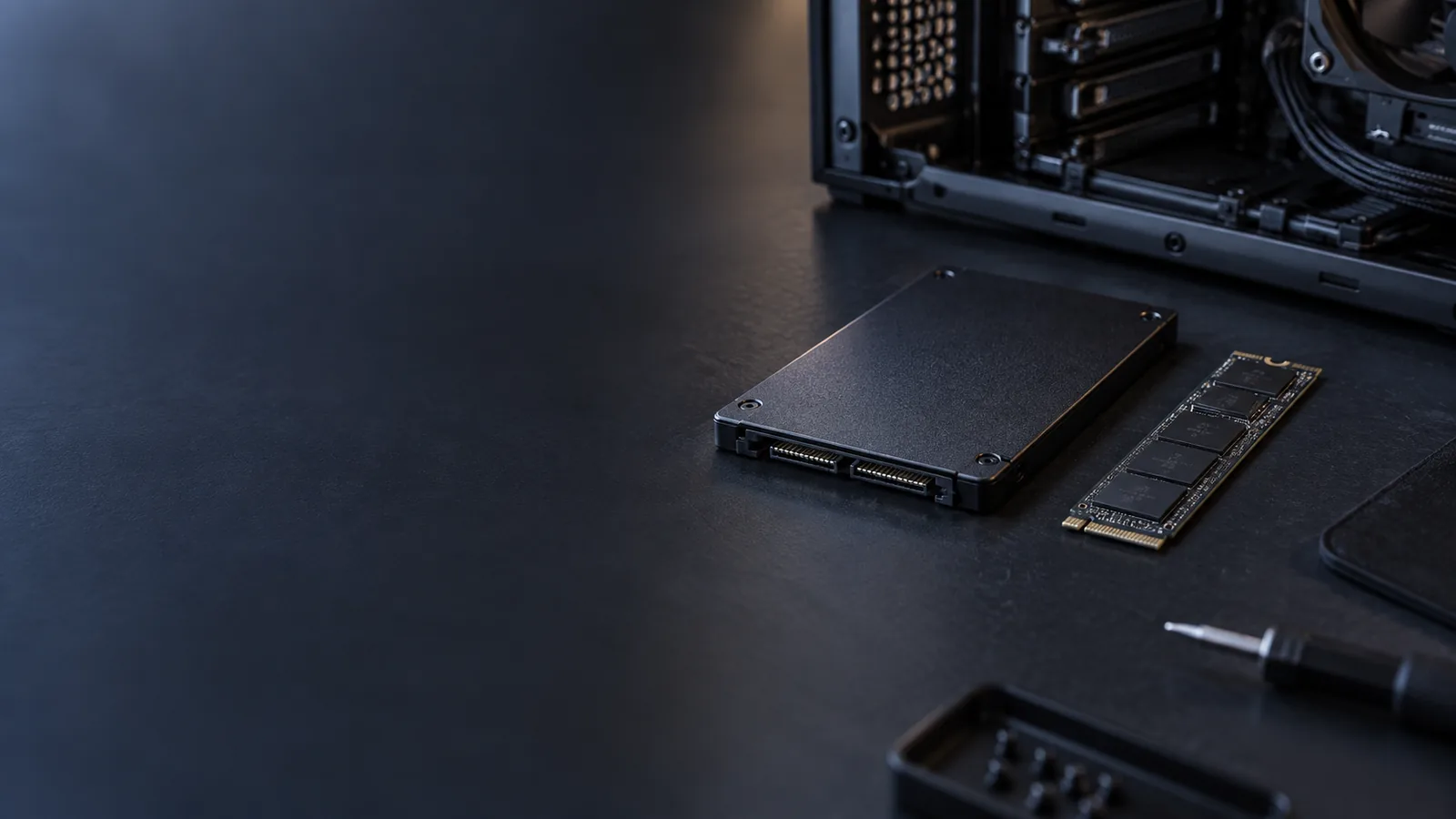
Loading & storage space
Replace a mechanical drive or move to a larger SSD. Cloning a suitable, readable drive can carry your familiar Windows setup to the new storage.
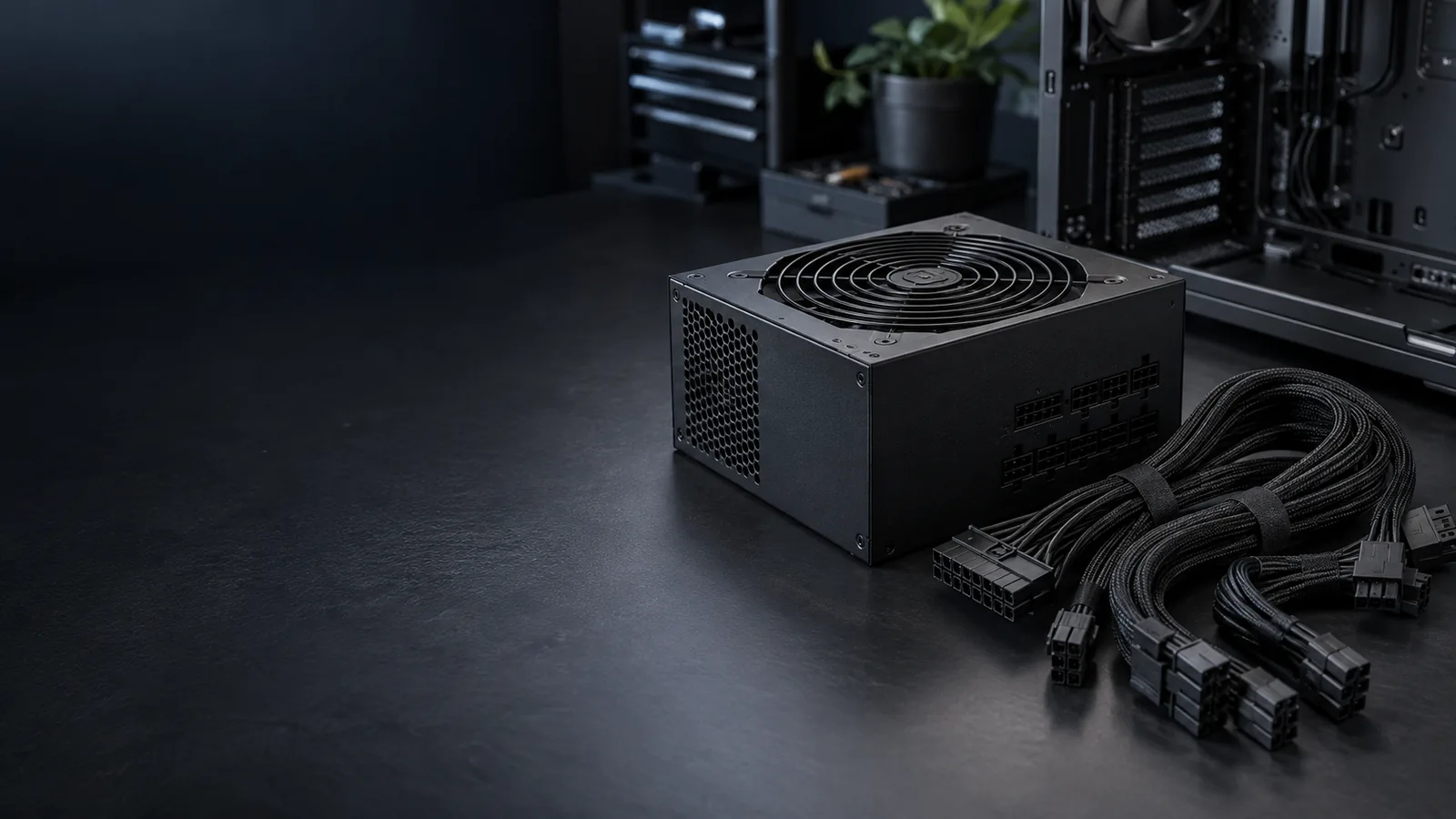
Power & reliability
Replace a faulty power supply or prepare for new hardware. We check the complete system, case fit and exact cable requirements.
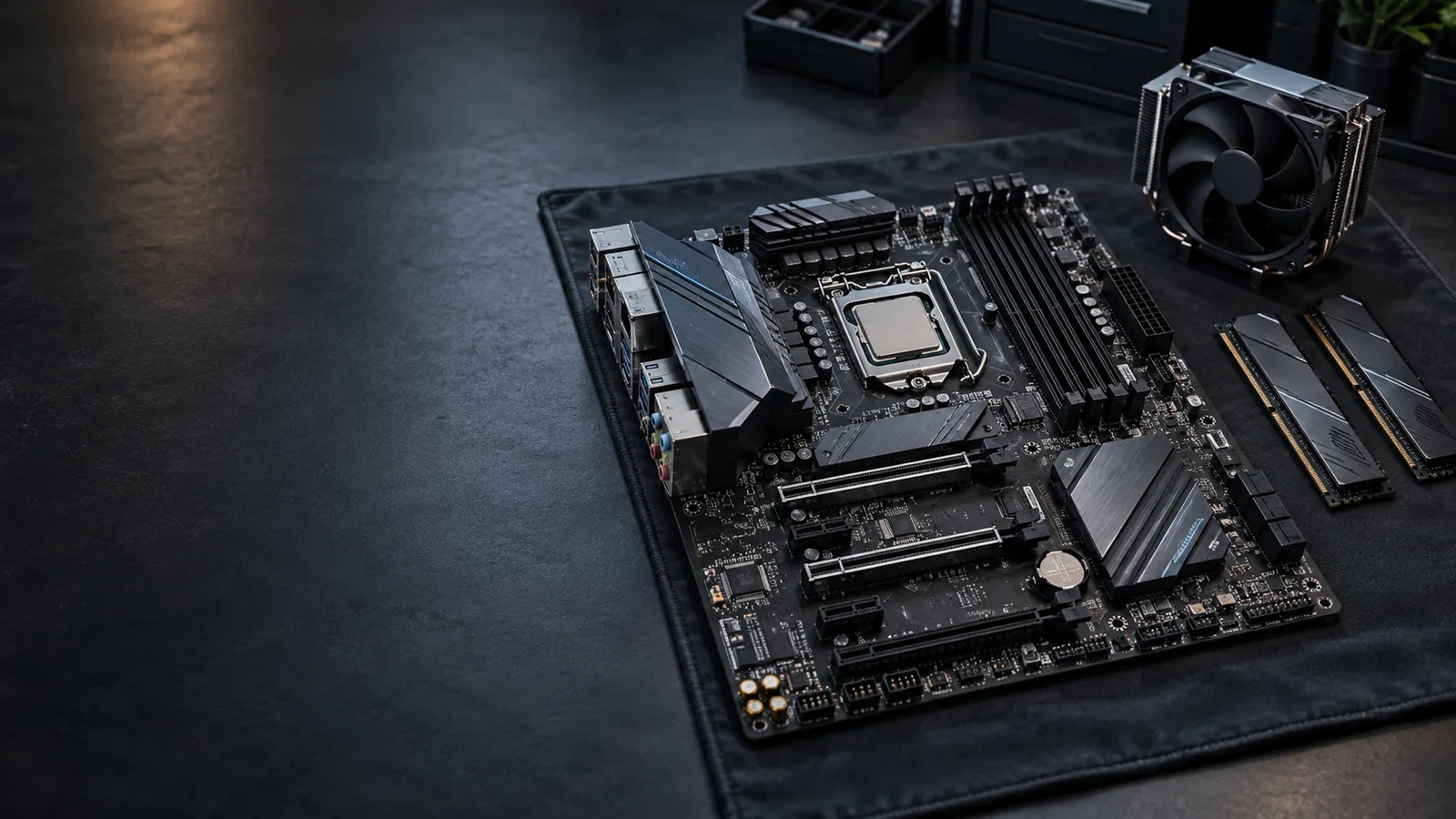
Repair & platform changes
Upgrade to a compatible CPU/memory platform or replace a failed board. We check which existing components can stay and what else the change needs.
Not sure where to start?
Start with what you want to do better
Computer Upgrades for Your Games, Apps & Workday.
The right change tackles the part of your day that feels slow. We look at your current hardware and the tasks that matter to you.
More Capable Gaming & Creative Work
Your games, monitor resolution and creative applications guide CPU and graphics choices. We also look at cooling and the rest of the system.
Smoother Multitasking
More RAM can help when tabs, calls, spreadsheets and large projects compete for memory. We check whether memory capacity is the real limit.
Quicker Loading & More File Space
An SSD can improve storage-bound startup and loading. A larger drive can add room for games, photos and work without replacing a useful PC.
Some improvements need settings or maintenance rather than parts. Explore gaming performance optimization or PC tune-up services.
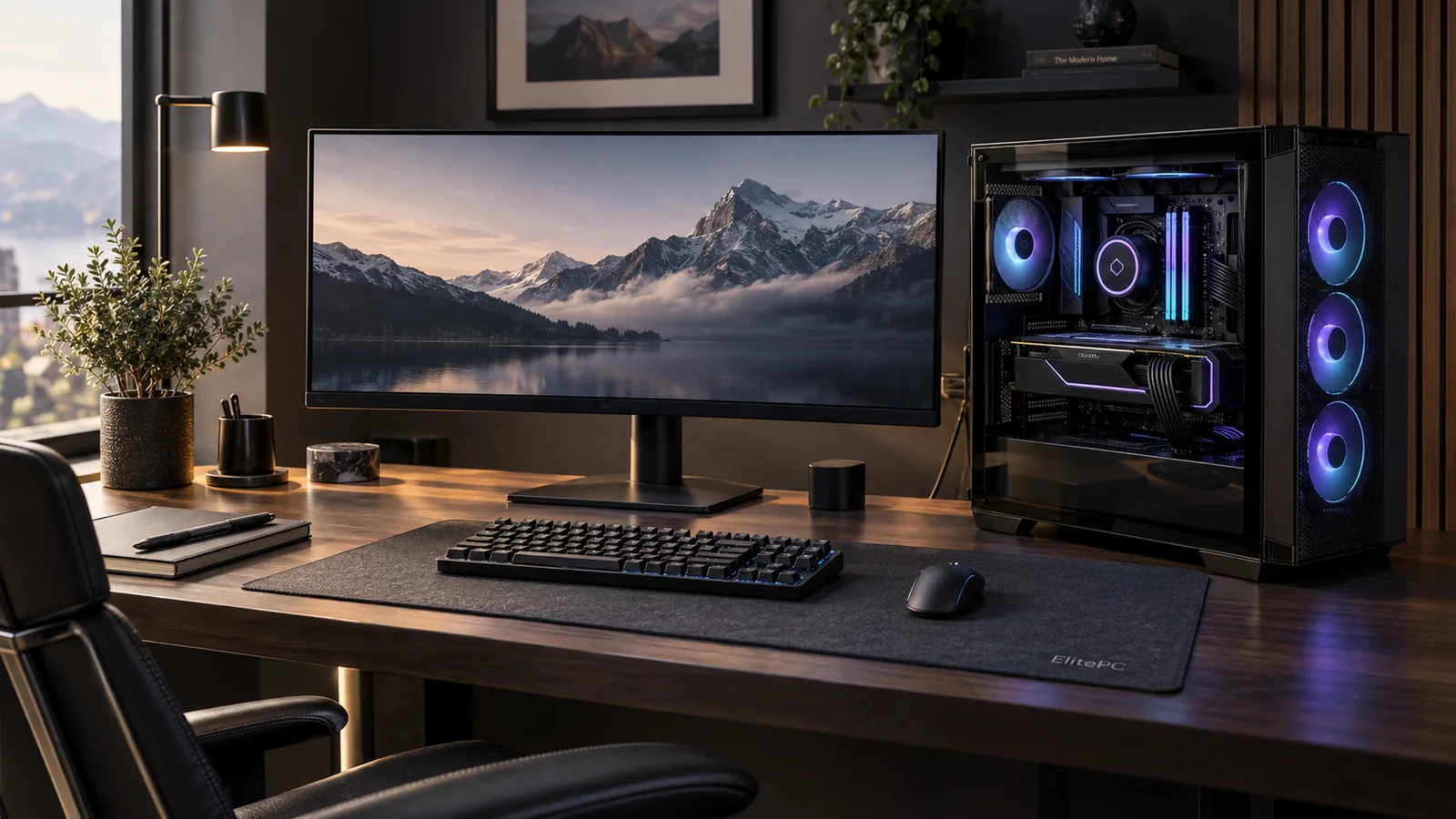
One PC.
Different priorities.
Computer performance & upgrade choices
Slow PC? Compare
the Upgrade Options.
These are options we may recommend after checking your system. Your applications, current hardware and compatibility help us choose the change that will make a useful difference.
Startup & storage
Slow Startup & Long Loading
How it can help
A compatible SSD can reduce storage-related waits. Software problems may need a tune-up instead.
Apps & working memory
Too Many Apps Slow You Down
How it can help
More memory gives tabs, calls and large projects room to work when RAM capacity is the limit.
Processor-heavy work
Long CPU-Heavy Exports & Calculations
How it can help
A supported processor upgrade can shorten CPU-limited work. We check how your application uses the current PC.
Games & display goals
Games Struggle at Your Target Settings
How it can help
More graphics power may suit higher-resolution play. CPU-limited games can call for a processor upgrade instead.
Heat & cooling
Hot, Noisy or Slowing Under Load
How it can help
We check whether heat is limiting performance. Cleaning, thermal service or a suitable cooler or airflow upgrade may help; new parts are not always needed.
Power for new hardware
New Hardware Needs Different Power
How it can help
Match power delivery and connectors to the full system, or replace a diagnosed faulty unit. This supports hardware rather than adding speed by itself.
Platform & connectivity
Your Next Upgrade Needs a New Platform
How it can help
A compatible board can enable the CPU, memory or connections you need. A confirmed board fault may also need replacement.
Sudden Slowdown, Crashes, No Display or No Boot?
Start with diagnosis so we can find the cause before recommending parts.
Make the whole project worthwhile
Upgrade Your PC,
or Replace It?
A good upgrade keeps useful hardware in service. We compare the complete job with the performance, condition and future use of your computer.
A focused improvement
Keep the Parts That Still Do the Job.
A RAM, SSD, CPU or graphics upgrade can be a practical choice when the rest of your computer suits your needs. We check compatibility and include any necessary cooling, power or setup work in the plan.
A bigger change
Compare the Total Cost of a New Platform.
If a motherboard change also needs a new processor, memory and other parts, we compare the complete cost of parts, labor and any related setup or migration work with a replacement computer. Condition, software support and parts availability matter alongside age.
Crashes, overheating or a PC that will not start? We find the cause before recommending an upgrade. Start with computer diagnostics.
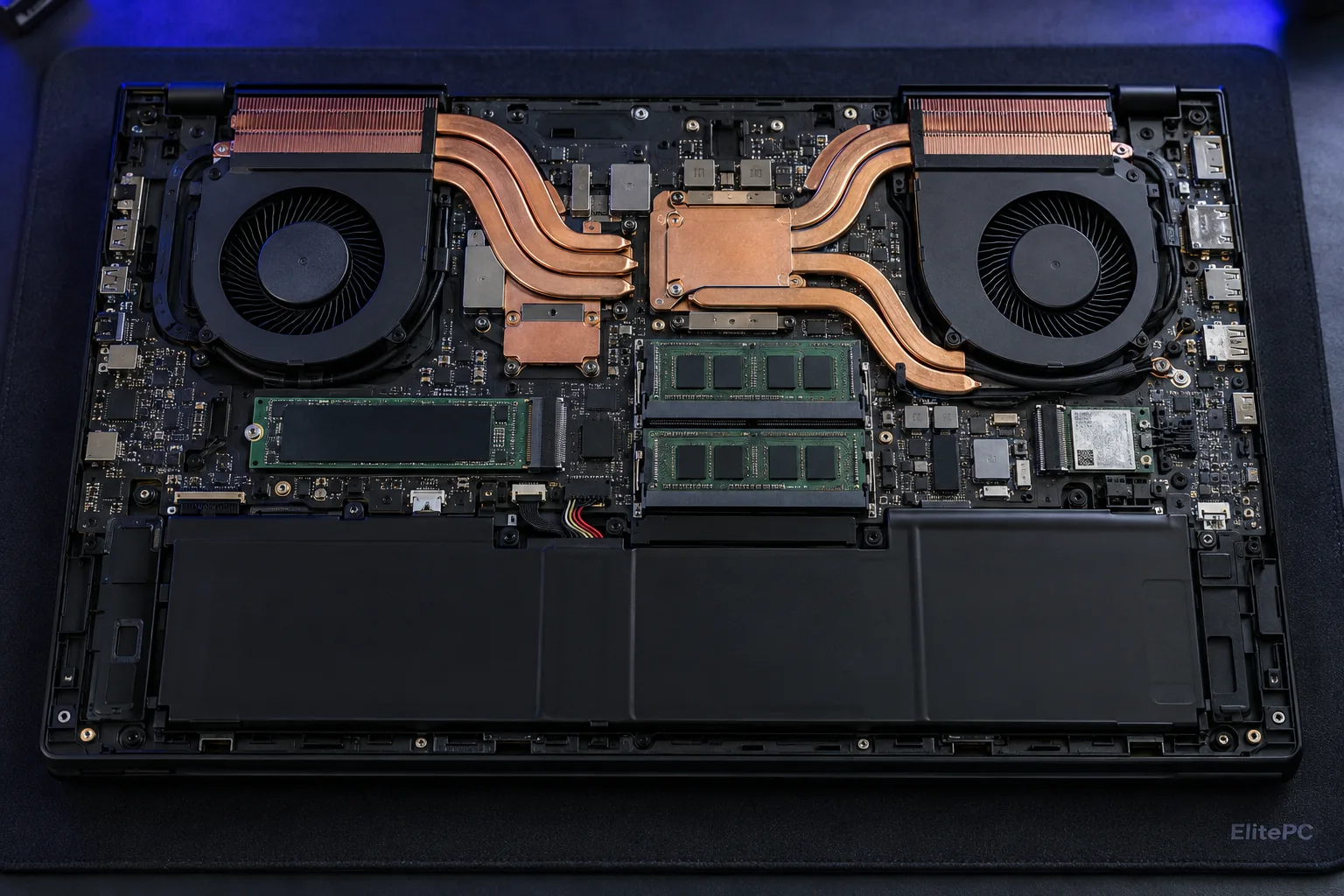
Compatibility comes first
Desktop, Prebuilt or Laptop: We Check What Fits.
Desktop & Prebuilt Upgrades
We check the exact motherboard, case, cooling and power connections. Prebuilt PCs can use custom parts that affect your options.
Laptop RAM & SSD Upgrades
Some laptops have replaceable memory and storage; others use soldered parts. CPU and graphics upgrades are often not ordinary laptop part swaps. Send the model and we’ll review the possibilities.
Parts You Already Own
Already have a component? Tell us its exact model and whether it is new or used. We’ll review suitability and installation arrangements before you bring it in.
Advice, installation & checks
A Clear Plan for
Your PC Upgrade.
We explain the parts, labor and related setup before work begins, then install and check the agreed upgrade.
Review Your PC & Goal
Tell us what feels limited, the computer you use and any parts you already have.
Confirm Parts & Scope
We check fit and compatibility, then agree the upgrade and any cooling, power or Windows work.
Install & Configure
We install the accepted components and set up the drivers or configuration the job requires.
Test the Upgraded PC
We check startup, component operation and relevant system behavior, then explain any remaining limits.
Your Files, Programs & Windows
A suitable drive clone can carry your existing setup to a new SSD. We agree backup, file access and any Windows or application work before starting. Cloning depends on a readable source and is separate from an ongoing backup plan.
ElitePC NJ · Garfield, New Jersey
Let’s Plan Your
Computer Upgrade.
Tell us your computer model, what you want it to do better and your budget for the whole job. Unknown specifications are fine—we’ll help with the next step.
Service is by appointment. We’ll confirm arrangements after reviewing your request.
A useful starting point
Your PC or laptop model, if known
Games, apps or tasks you want to improve
Any symptoms or parts already purchased
No need to open the computer or buy a part before asking us.