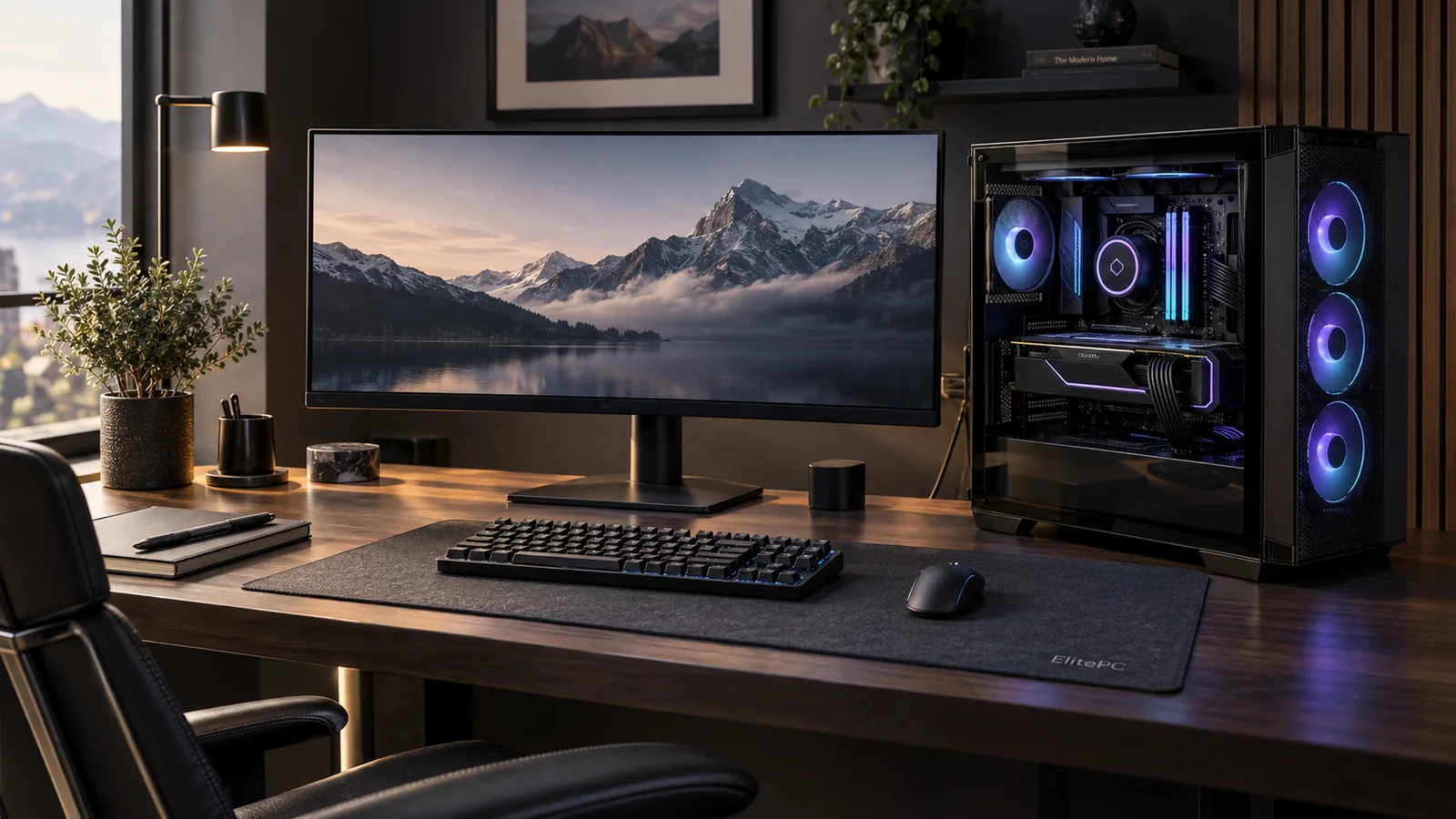
ElitePC NJ / Custom PC builder / North Jersey
Custom Computers for Gaming, Work and Everyday Use
Tell us what you want to play, create or get done. We’ll help you choose parts to suit.
You buy the parts; ElitePC professionally assembles and sets up your custom computer in Garfield. Need help choosing parts? We can help plan a build for your games, work and budget.
- ✓ Gaming PCs, Workstations & Home Computers
- ✓ Help Choosing Compatible PC Parts
- ✓ Professional Assembly & Setup
Service by confirmed appointment.
Custom computers can balance gaming, creative work and everyday use.
A computer planned around your work, games and everyday needs.
Start with your needs
Custom PC Builds for Gaming, Work & Home
Custom Gaming & Streaming PCs
The games you play and the monitor you use help shape your custom gaming PC. Resolution, refresh rate and any streaming or recording needs guide the balance of graphics, processor power and memory.
Custom Workstations for Professional & Creative Work
From video editing and design to development, your applications determine what a workstation needs. Your usual project sizes and the tasks that slow you down help us balance processor power, graphics, memory and storage.
Custom Computers for Home & Everyday Use
A home or study computer should suit everyday applications, storage and connected devices. Case size, fan noise, desk space and sensible spending can matter more than buying the most powerful parts.
One computer, more than one role
Can One Custom PC Handle Games & Work?
Yes, when the parts suit both your games and work applications. We can also plan around the software, storage and displays you need to keep using.
A PC used for games at night may also need room for video projects, several displays or work software during the day. Those needs belong in the parts discussion too.
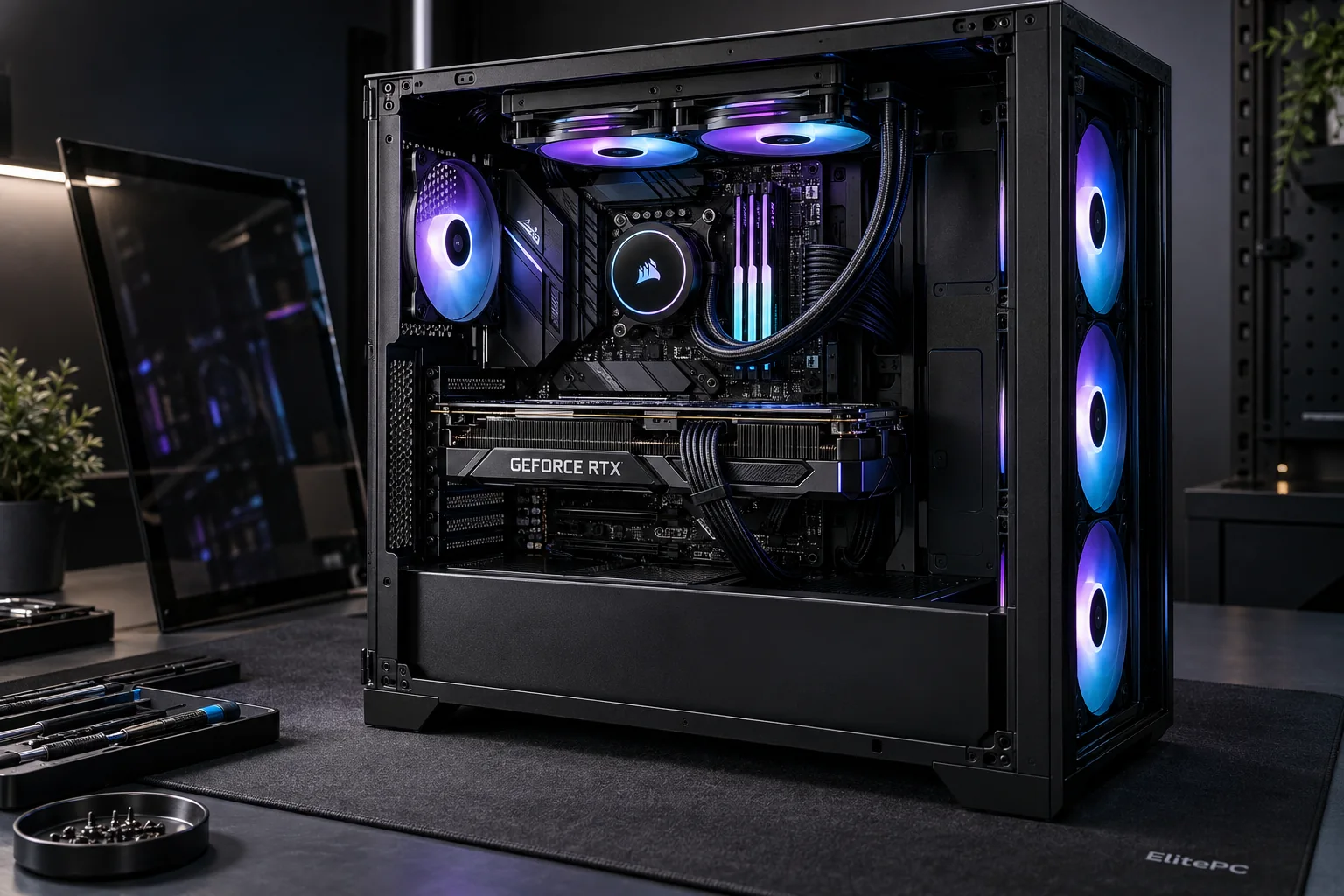
Games and work applications both help shape the hardware plan.
A balanced parts plan
Compatible PC Parts for Your Budget
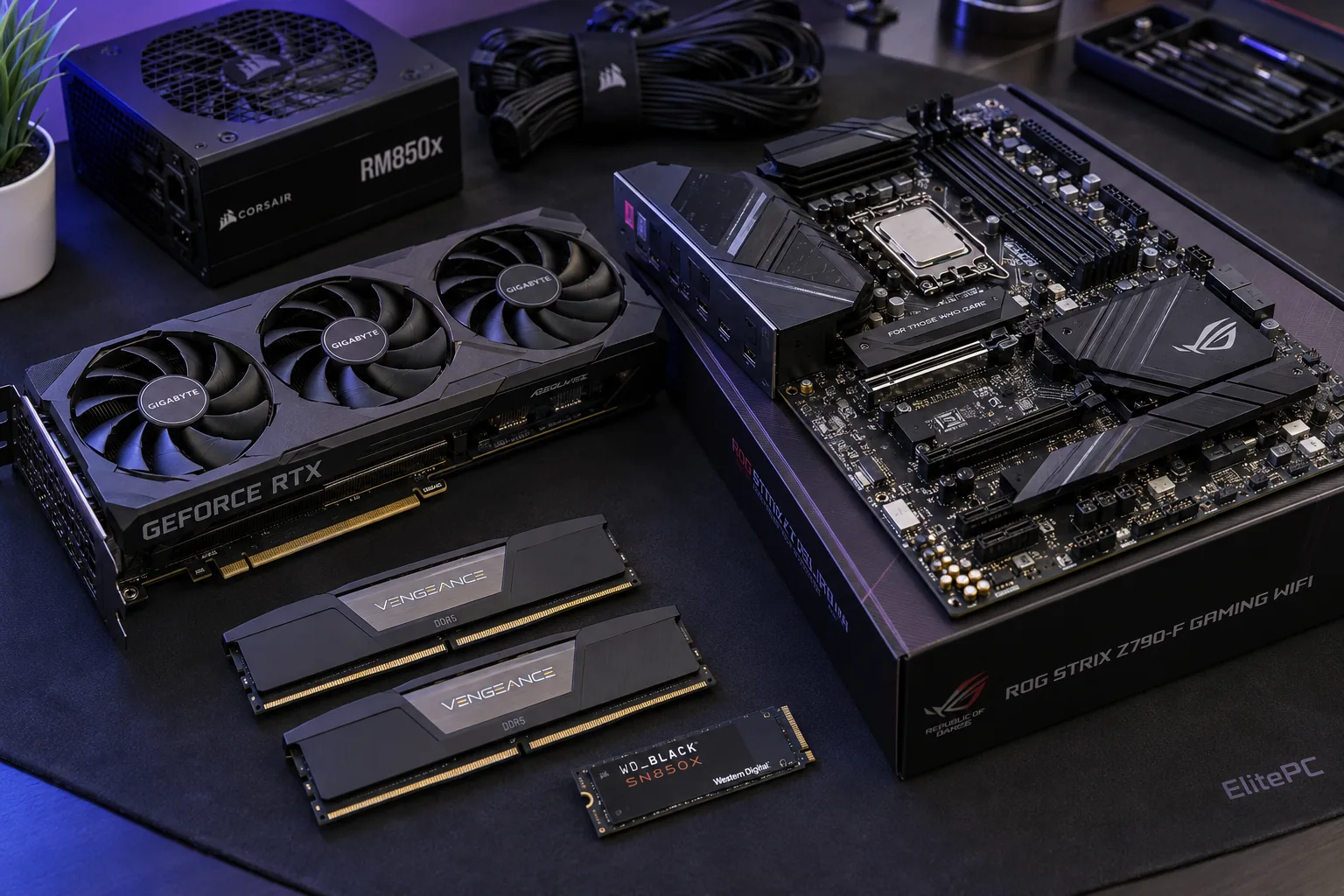
Parts chosen to suit your needs and total budget.
The parts in a custom computer build need to work together and suit the job the PC will do.
- CPU & Graphics: The processor handles application work. The graphics card draws games and can accelerate supported creative software.
- RAM & Storage: RAM holds work in progress; storage holds games, projects and files.
- Fit, Power & Cooling: The motherboard, case, power supply and cooler must support the parts and fit together. Matching the processor socket alone is not enough: the motherboard must support the exact processor and its required firmware (BIOS).
Your PC should suit your space and style, whether that means a quiet workstation or a gaming PC with RGB lighting. Case size, airflow and controls matter too.
What should the budget cover? Parts, assembly, operating-system licensing, peripherals and tax all affect the total. It helps to be clear about which of these your budget includes when comparing quotes.
A balanced budget leaves room for the connections, cooling and storage you need. Spending heavily on one part can mean compromising on the rest.
PC assembly help
PC Assembly With Parts You Already Own
Already bought your components? We can check your parts list for compatibility and talk through the assembly before you buy anything else.
Let us know whether your parts are new or used, and whether you’ve started putting the PC together.
Keep brackets, screws, cables and accessories with the parts. Missing fittings or mismatched connectors can change the work needed.
Keep modular power-supply cables with the unit they belong to. Do not reuse cables from another power supply unless the manufacturer confirms compatibility with the exact model.
We review used parts and partly assembled PCs before taking on the build. We’ll talk through testing and who handles faulty parts and related labor costs.
A few details to get started
- Parts you own and parts still needed
- New, used or already assembled
- Exact models, if available
- Missing accessories or known problems
Still working out what you need? We can help you choose the next step, even without a complete parts list.
CUSTOM PC BUILDER / PLAN • ASSEMBLE • TEST
What’s Included in a Custom PC Build
Build a custom computer around the games, apps and tasks you need it for. You buy the parts directly; ElitePC handles the assembly, setup and checks agreed in your quote.
BUILD SPEC / 01
Custom PC Planning
Custom Computers for Games, Work & Home
Tell us which games or apps you use, what displays you connect and whether you stream, create or work with large files. That guides what the PC needs.
Parts Selection & Build Budget
We balance processor, graphics, memory and storage for your workload. Consider the cost of the parts, assembly and any operating system or setup work together.
Compatibility & Future Service
We check whether the case, motherboard, power supply and cooling work together. Tell us what you want to reuse now or upgrade later so we can plan around it.
Parts You Already Own
Share the exact parts and tell us whether they’re used or already partly assembled. See our assembly options for parts you own before buying anything else.
WORKBENCH / 02
PC Assembly, Setup & Testing
Professional PC Assembly
We install the agreed components and route the cables for airflow and access when the PC needs service later.
Cooling, Airflow & Noise
We consider case airflow and noise when planning compatible fans, air cooling or a sealed AIO cooler.
Windows, Apps & File Transfer
If you need Windows installed or licensed, applications set up or files moved from another PC, ask to have that work identified in the quote.
Stability Checks & Handover
We check the assembled system with your games or work in mind and review the setup and support details with you before collection.
BUILD WITH MORE CONTROL
Parts You Can Choose, Service & Upgrade
Choosing your own parts lets you see exactly what goes into the PC and use standard, serviceable components where practical. If your existing PC only needs one or two parts, compare computer upgrade options before starting over.
From your ideas to a working PC
Custom PC Assembly, Setup & Testing
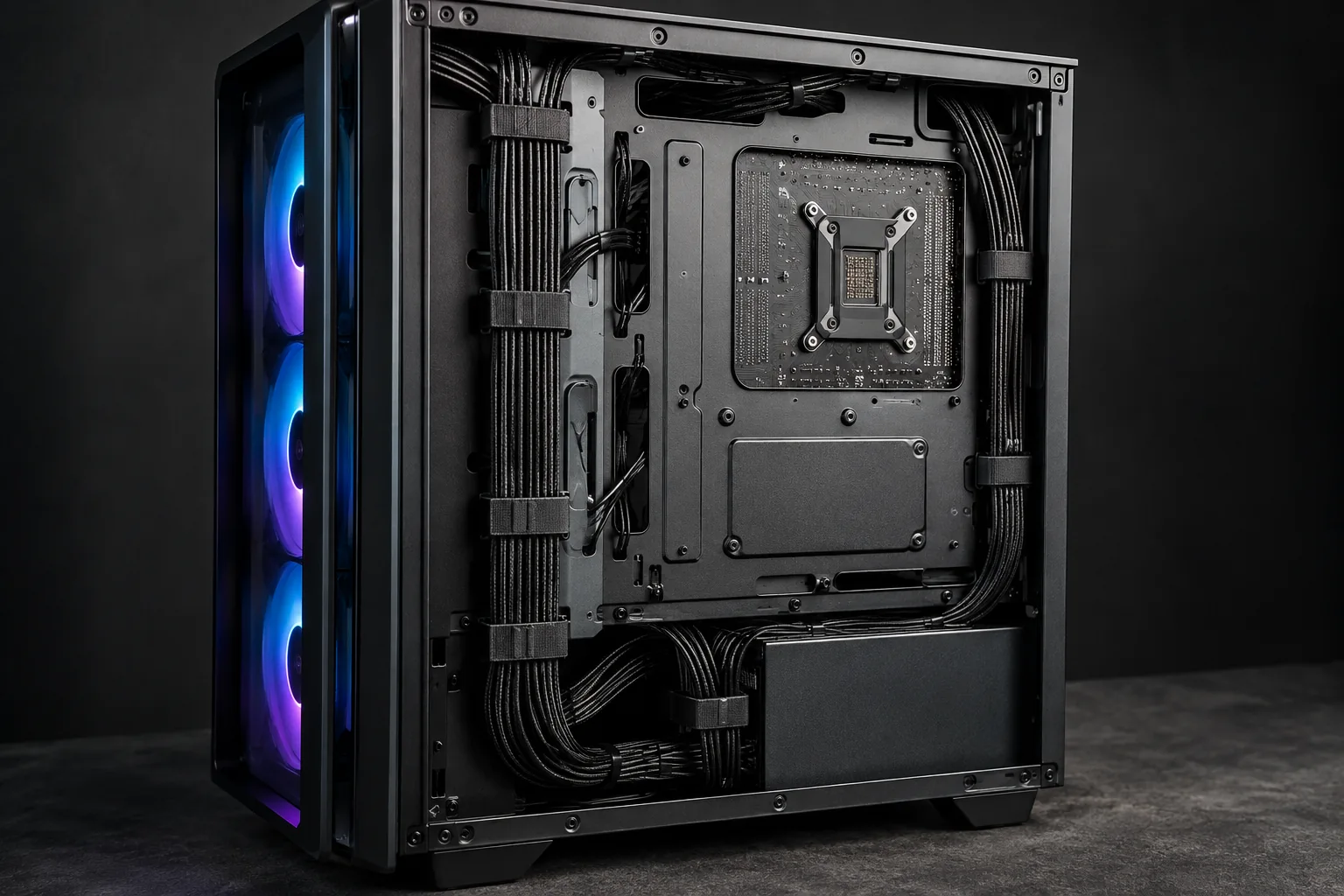
Thoughtful cable routing leaves access for service and space for airflow.
Benefits of Professional PC Assembly
The right parts are only the start. Here’s what professional assembly adds to your custom PC build.
Parts That Work Together
We check how your chosen components fit and work together before assembly.
Clean, Serviceable Wiring
We route cables to leave room for airflow and make parts easier to reach later.
Setup for How You Use It
We configure and check the agreed build with your games, work apps or everyday tasks in mind.
You supply the components, and we handle the assembly and setup we plan with you. Still choosing parts? We can help before you buy.
Planning Your PC Parts & Budget
We help match the processor, graphics card, memory, storage and supporting parts to your games, applications and budget. Before finalizing the parts list, we check whether anything you want to reuse is suitable.
Professional PC Assembly & Configuration
We assemble the components, route the cables and configure your PC for the way you’ll use it. If you need an operating-system license, applications installed or files moved from another computer, we can quote for those too.
Stability Checks for Your Games & Applications
We check the assembled PC for stability, with your games, creative applications or everyday tasks guiding the tests. Before collection, we’ll go over the setup and support details with you.
Choose what makes sense to keep
New Custom PC or Computer Upgrade?
Upgrading Your Existing Computer
If you want to keep your computer and change a few parts, start with Computer Upgrades. Compare the parts you can reuse, the motherboard’s limits and the cost of reaching your goal.
Planning a New Custom PC
If your next projects need more power or several parts won’t work together, a new build may make sense. The full cost of the computer and setup can help you weigh it against upgrading.
Repairing an Existing Computer
If your non-gaming desktop or workstation isn’t working properly, Computer Repair is a good place to start. For a gaming desktop that crashes, won’t start or loses its display, choose Gaming PC Repair. If your gaming PC works reliably but you want better performance, explore Gaming PC Performance Optimization.
For broader help with an existing gaming system, explore Gaming PC Services.
Know what’s included
Custom Computer Pricing, Setup & Support
You buy the components directly. Our quote covers the assembly and setup you choose with us, so your budget needs to allow for both the parts and our service fee. The quote also shows which setup work is included.
Have a date in mind? Parts availability, assembly, testing and setup all affect timing. Check any deposit, change or cancellation terms in your quote before going ahead.
Your quote should make parts and labor coverage, warranty and support clear, along with any software installation or file transfer you need.
Parts + assembly
The parts you provide, the assembly work and who handles faulty parts.
Software + setup
Operating-system licensing, application setup and any file transfer in your quote.
Warranty + support
Parts and labor coverage, what support includes and who to contact.
Completion + collection
Timing, collection or delivery arrangements and any separate charges.
Custom PC Build Questions
Is a Custom PC Better Than a Prebuilt Computer?
Yes. A custom PC is the better choice if you want control over parts quality and room to upgrade. We help you choose the exact motherboard, power supply and cooling for how you’ll use the computer. Some prebuilts save money on those less visible parts or use proprietary components that are harder to replace. Choosing quality, standard parts makes future repairs and upgrades easier.
Will I Be Able to Upgrade My Custom PC Later?
Upgrade options depend on the motherboard, case space, power supply, cooling and the new parts. If you have a future upgrade in mind, we can consider it when choosing today’s components. Compatibility with every future part can’t be guaranteed.
Can I Plan a Build Around a Target Frame Rate or Work Task?
Yes. Your games, resolution and display goals, or your work applications and typical projects, help us choose suitable parts. We can plan toward a target, but results will vary between games, applications and projects.
Do You Offer Custom Open-Loop Water Cooling?
No. Our desktop cooling options are compatible air coolers, sealed all-in-one (AIO) liquid coolers and case fans, not custom open-loop systems. Cooling choices still need to fit the case, components and workload.
ElitePC / Garfield, New Jersey
Discuss a Custom PC Build in Garfield
You don’t need a finished parts list to get started. Tell us what you’d like your computer to do, and we can help you choose parts and plan the build.
ElitePC helps customers in Garfield and across North Jersey, including Bergen and Passaic counties. We review each request before confirming an appointment or taking on the build.
Tell us about your plans, budget and any parts you already own.
You can ask about a build without committing to it.
What you will use it for
Your games, work applications and everyday tasks, plus what you want from your display and what your current PC struggles with.
Your budget and preferences
Your total budget and what it should cover, preferred size, noise level and style, plus any parts or peripherals you already own.
Your location and timing
Your ZIP code, any date you’re aiming for and the best way to reach you.
Please wait for confirmation before drop-off.
We’ll review your request before confirming an appointment or build. Please leave passwords and sensitive information out of the form.
Tell us what your next computer needs to do.
Start a conversation with ElitePC in Garfield.