ElitePC NJ · Garfield & North Jersey
Computer & IT Services for Home and Business
From a computer that will not start to a business technology project, find the right place to begin. ElitePC helps home users, gamers, home offices and businesses choose suitable repair, support and technology services.
- Ask for Help Without Diagnosing the Problem
- Compare Repair, Upgrade and New-Computer Options
- Support for Home, Gaming and Business Setups
Owner-operated since April 2012. About ElitePC
Service is by appointment. Submit a request before arranging a visit or drop-off.
What Do You Need Help With?
Choose the closest match. You do not need to identify the cause or know which part needs attention.
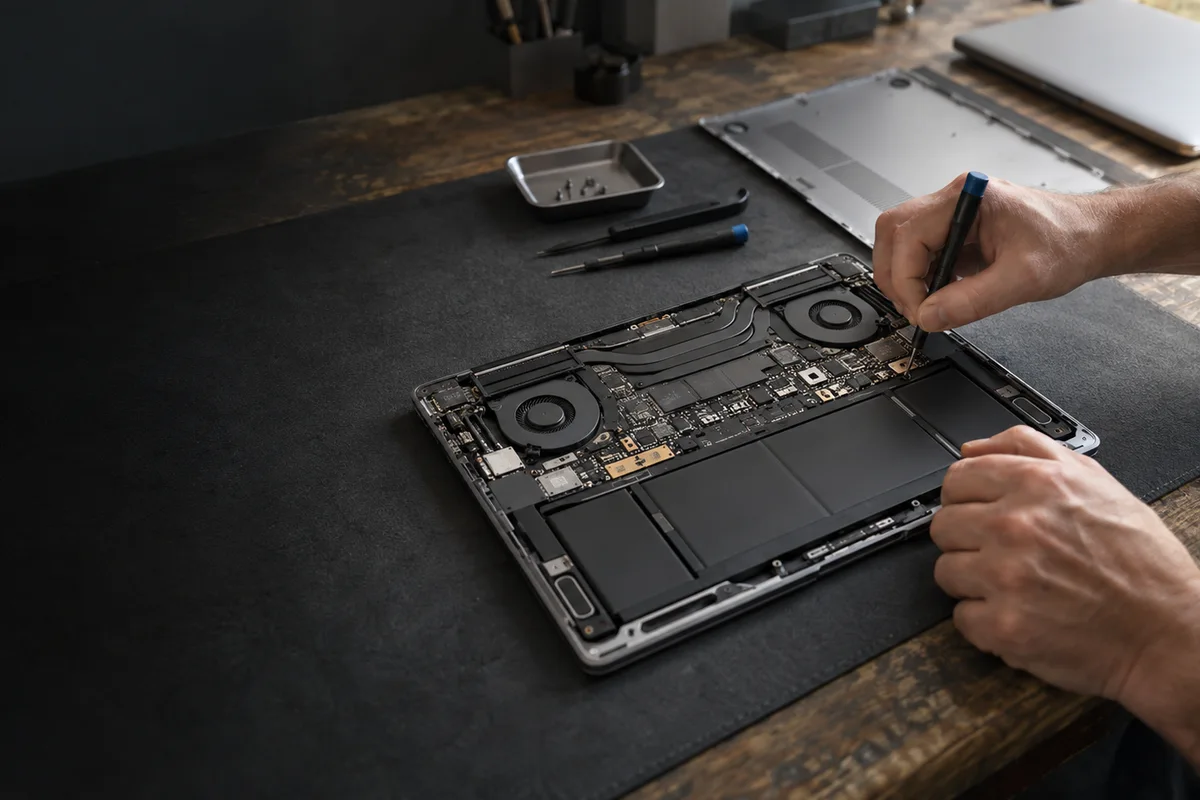
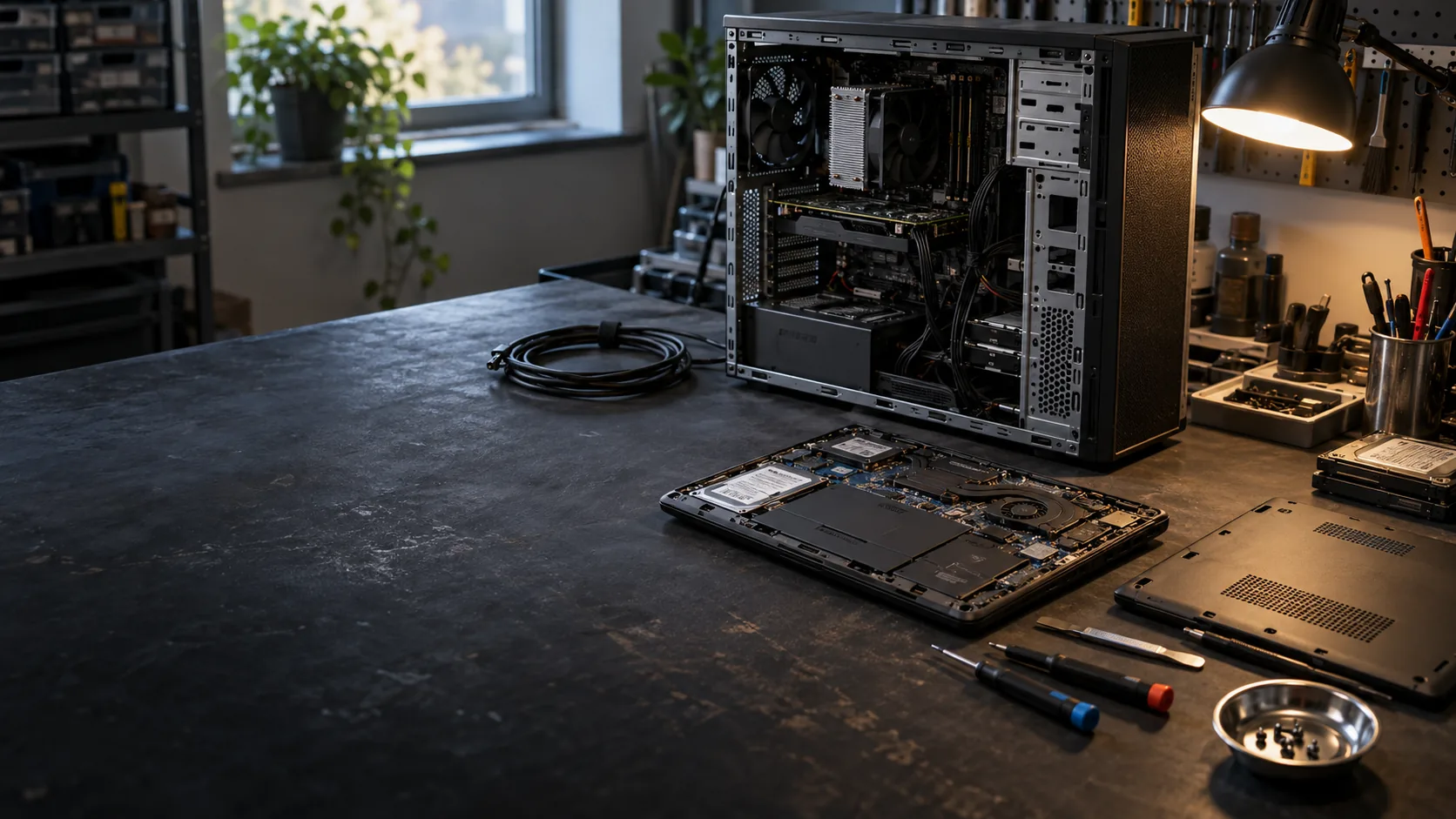
Computer Repair & Troubleshooting
For a desktop or laptop that will not start, keeps crashing, has a damaged part or no longer works reliably. Start with the problem rather than guessing which component to replace.
Explore Computer Repair
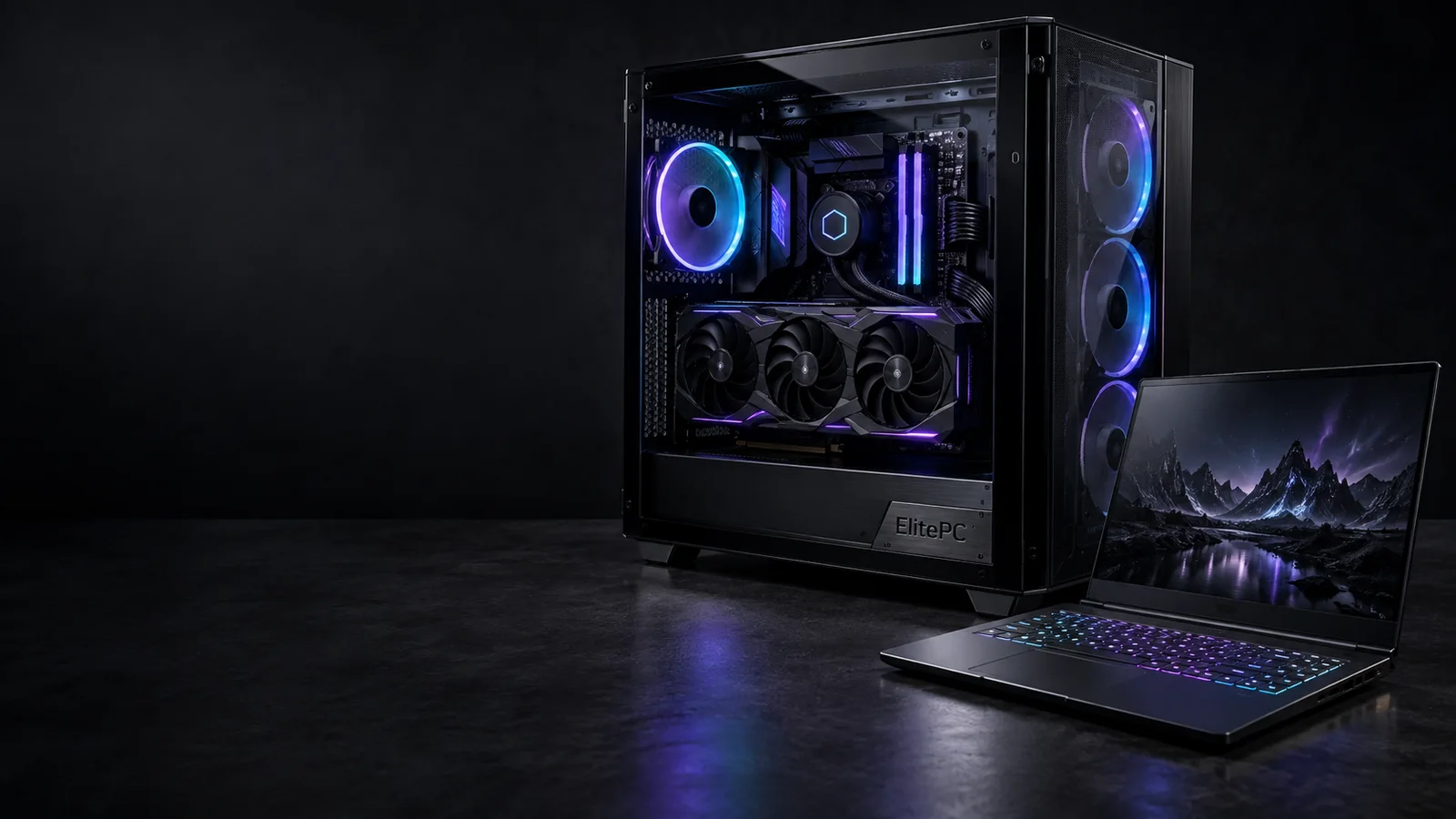
Gaming PCs & Gaming Laptops
Troubleshoot a gaming desktop or laptop, address crashes or uneven performance, or explore improvements for gaming and work.
Explore Gaming PC Services
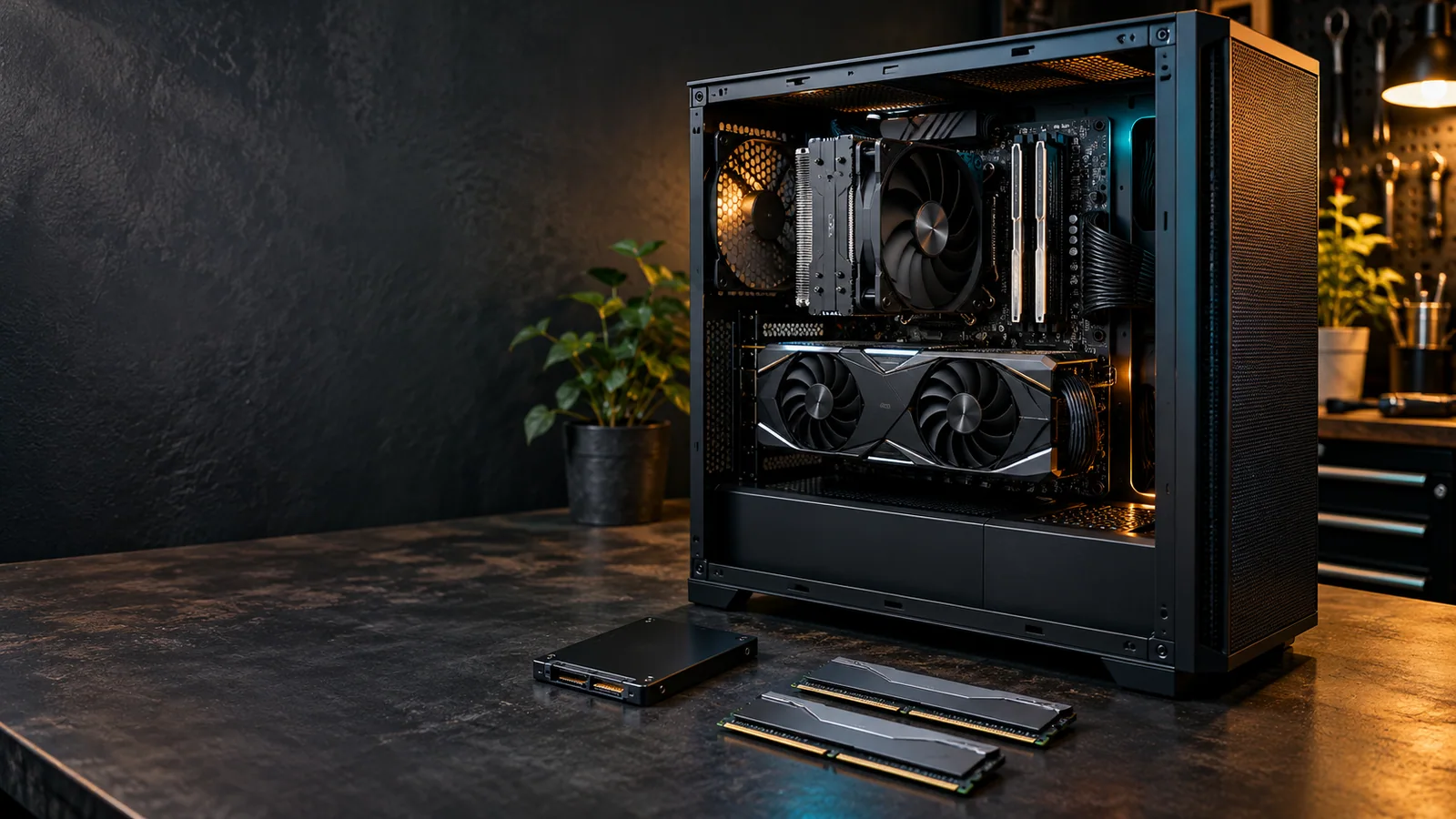
Upgrades & New Computers
For a computer you want to improve or a new build planned around your needs. Compare an upgrade with a custom computer for gaming, creative applications, professional work or everyday use.
Compare Upgrades and Custom Computers
Business IT Support
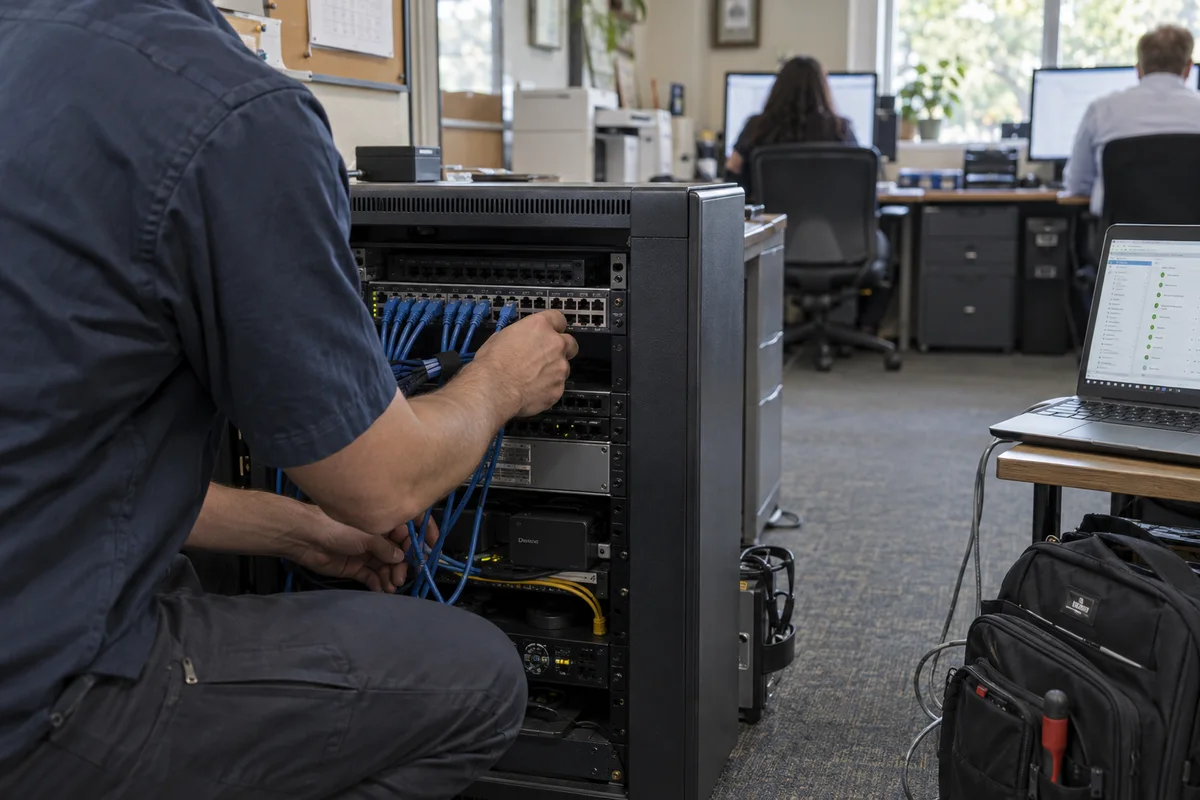
For an office computer problem, a planned technology project or ongoing IT support. Get help with business computers, accounts, networks and shared systems.
Explore Business IT Services

AI & Business Automation
Make repetitive work easier, connect the business tools you use, or get practical guidance on AI. Explore suitable tools, workflows and assistants for the task.
Explore AI and Business Automation

Websites & Search Visibility
For a new website, a redesign, hosting and maintenance, or ongoing search improvements. Help customers understand what you offer and find the right next step online.
Explore Website Design and SEO
Start With What Your Computer Is Doing
A symptom is a starting point, not a diagnosis. Repair, maintenance and upgrades solve different problems; you do not need to request all of them.
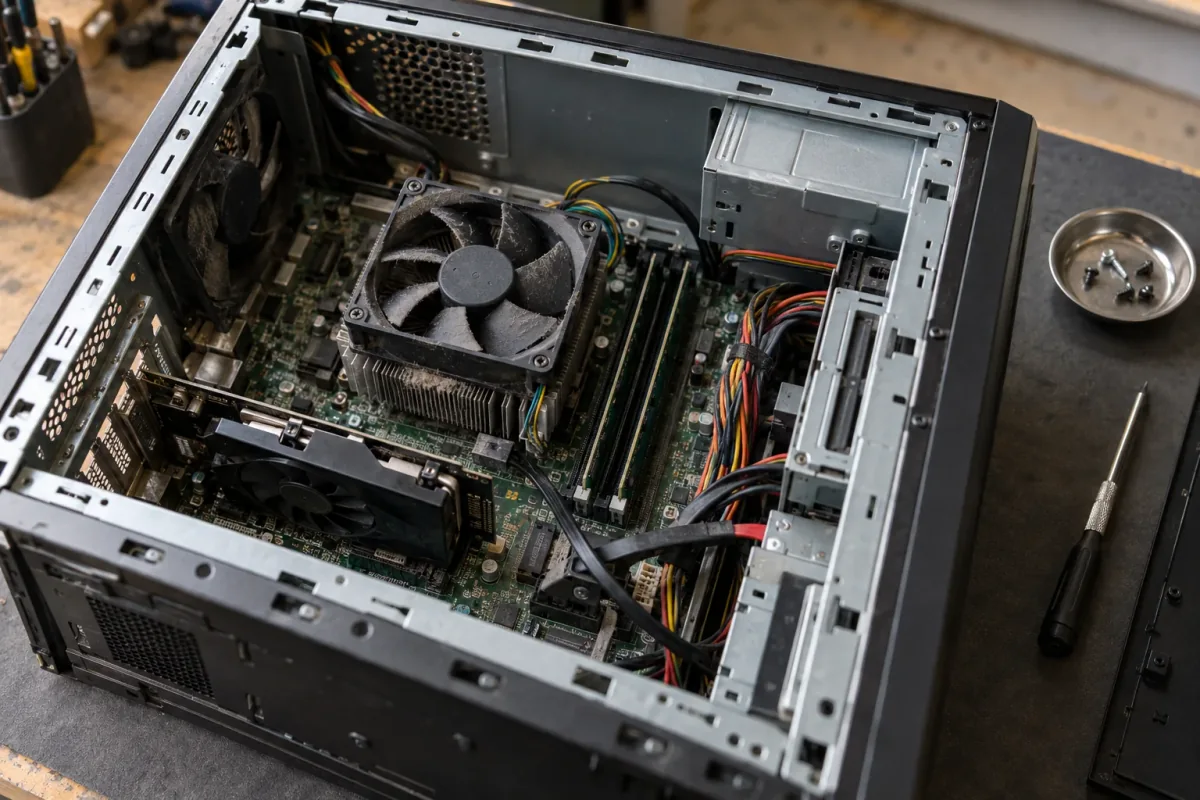
The computer’s condition and your goals help guide a repair or upgrade decision.
It Will Not Start or Keeps Failing
No power, unexpected shutdowns and crashes can have several causes. Computer Diagnostics helps identify the fault before choosing a repair or replacement. For a gaming system, use Gaming PC Repair or Gaming Laptop Repair.
It Works, but It Is Slow, Hot or Noisy
PC Tune-Up addresses everyday sluggishness on a working computer. Gaming PC Performance Optimization focuses on how a system runs games. Sustained heat, loud fans or performance that drops under load belong with Overheating Computer Repair. PC Cleaning & Dust Removal addresses dust buildup; it does not explain every slowdown or cooling fault.
A Particular Part or Device Needs Attention
Cracked screens, charging trouble, liquid damage and MacBook problems have their own service routes. For other laptop faults, including battery problems, hinges, casing, keyboards and touchpads, start with Computer Repair. Describe the symptom and include the model if you know it.
Improve Your Computer or Plan a New One
Upgrade a Suitable Existing System
Memory, storage, graphics, processor, power and cooling changes need to fit the computer you own and the work you want it to do. Explore the options before buying parts for a system with an unresolved fault.
Explore Computer Upgrades
Build Around Your Workload
A custom computer can suit gaming, creative work, professional applications or personal use. You buy the components directly; ElitePC’s assembly and setup quote is separate from the parts cost.
Explore Custom Computers
Computer Help at Home and in Your Home Office
Get a new computer ready, reconnect a printer or work through unreliable Wi-Fi. The aim is a setup that supports the things you need to do, whether that is everyday use or working from home.
Set Up a New Computer
Plan the move from your old machine, the applications and accounts you use, and the peripherals you need to connect.
New Computer Setup
Connect a Printer
Get help installing a printer or reconnecting one that no longer appears on your computer, over USB or a network. This service covers setup and connectivity, not mechanical printer repairs.
Printer Installation & Connectivity
Sort Out Wi-Fi and Network Connections
Describe where the connection drops, which devices are affected and whether you need setup, coverage troubleshooting or help with network settings and access.
Network Setup & Troubleshooting
Working from home does not automatically mean you need managed IT. If the laptop, account or network belongs to your employer, involve the responsible IT contact before arranging changes. Tell ElitePC which parts of the setup you own or are authorized to manage.
Backups, Lost Files or a Move to Another Computer?
The right service depends on whether the files are still available, a usable backup exists, and whether you are keeping the computer or moving to another one.
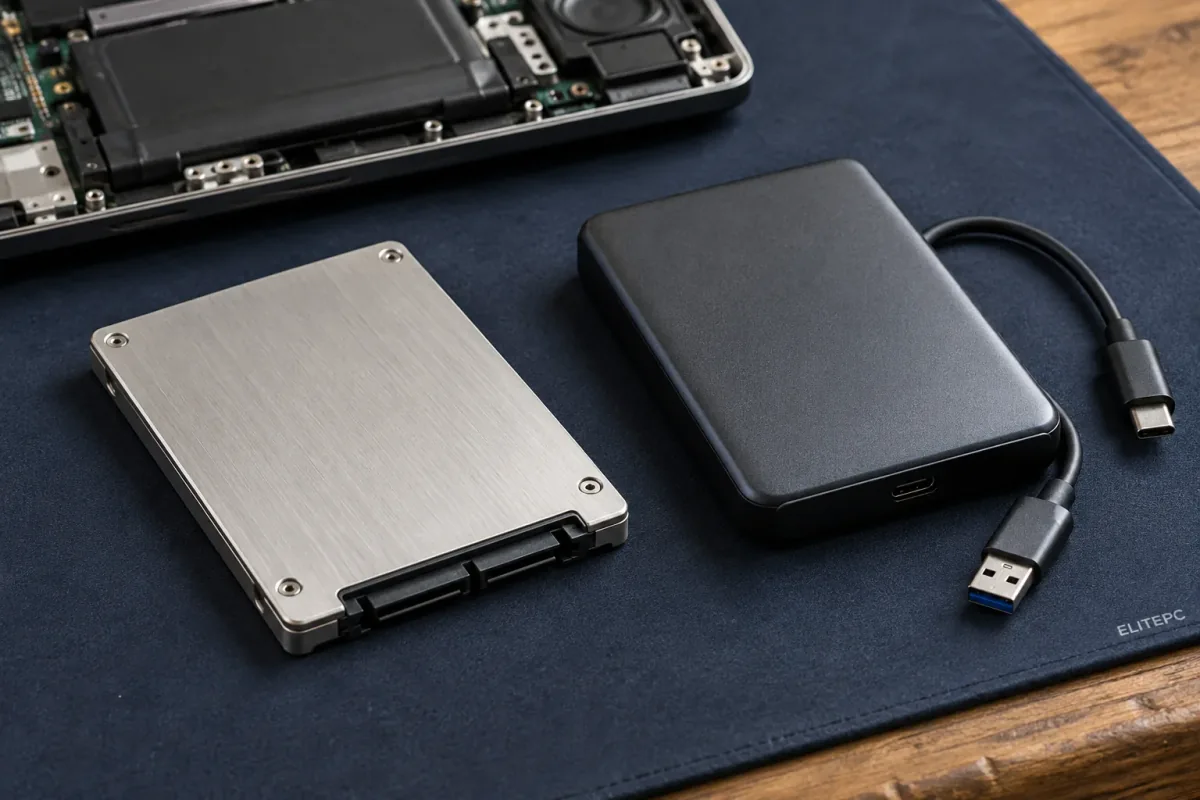
Backup, recovery, cloning and moving computers are different tasks.
On a small screen, scroll across to see every column.
| Your Situation | The Useful Distinction | Where to Start |
|---|---|---|
| You want to protect files before a problem | Set up a backup and check that files can be restored. Ongoing monitoring is not included in a one-time setup and must be arranged separately. | Backup Setup & Restore Assurance |
| You have a usable backup to restore | Restoring an existing copy is different from trying to recover missing data without one. | Backup and Restore Services |
| Files are missing or inaccessible | Discuss limited file retrieval or recovery before a reset, reinstall or work that could overwrite files. Suitability depends on the storage and its condition. | Data Recovery |
| You are replacing healthy storage in the same PC | Cloning can move the system and data to suitable replacement storage. It is different from recovery of a failing drive. | SSD Upgrade With Cloning |
| You are moving to a different computer | Plan files, applications, accounts and peripherals for the new machine. | New Computer Setup |
A computer that will not start does not necessarily have a failed drive; retrieving files may not require repairing the whole computer. Tell ElitePC when the files are your priority. ElitePC does not provide cleanroom or advanced recovery in-house; for an advanced case, you choose an independent specialist directly. A one-time backup setup does not include ongoing monitoring; business monitoring and restore verification follow the agreed support arrangement.
Choose the Right Kind of Business Help
Fix a Problem, Plan a Project or Arrange Ongoing IT
Email trouble, shared-file access and an office move need different kinds of help. A specific problem can start with Small Business IT Support. Managed IT Services covers ongoing support and maintenance. Business Support Agreements define the coverage, responsibilities and terms you agree to.
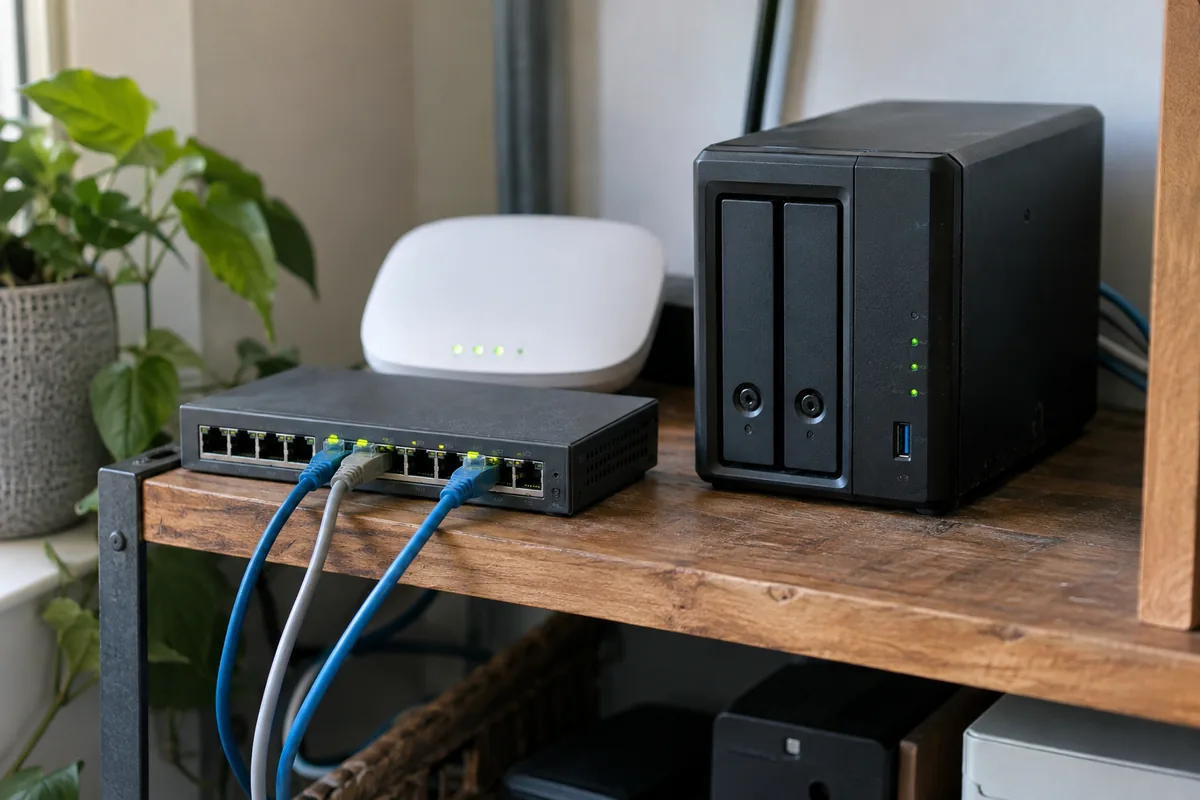
Business connections and shared storage support different parts of a working office.
Business service links:
- Microsoft 365 Support for accounts, email and administration, including migration planning.
- Network Setup & Troubleshooting for business connections and network problems.
- Server, NAS & Shared-File Support for supported systems and access to shared storage. Advanced RAID recovery is outside this service.
- Business Cybersecurity for practical safeguards around business accounts, endpoints and access.
- Business IT Consultation and Office IT Relocation for a defined decision or move.
Improve a Workflow or Your Online Presence
AI & Business Automation covers practical AI guidance, training and reviewing repetitive business workflows. Explore workflow and CRM automation, customer chat and internal assistants. The task, tools and access determine what is suitable. Voice receptionist work remains under development.
Website Design & SEO covers websites, hosting, maintenance and ongoing search visibility, including AI-powered search. Helping customers find your business is a different task from automating what happens inside it.
Commercial & Industrial Electronics
ElitePC works with your equipment technician on removed boards and internal electronics from selected high-value commercial and industrial equipment. The technician handles removal, reinstallation and machine checks. Suitability depends on the fault and replacement options. Complete-machine and consumer-appliance repairs are outside this service.
Drop-Off, On-Site or Remote Help
The right arrangement depends on the issue, equipment, location and access needed. Some work needs a hands-on assessment; other problems may be suitable for on-site or remote help.
Drop-Off by Appointment
Hands-on assessment and repair may need the computer in Garfield. Agree the day and time before bringing equipment.
Contact & Appointment Details
Help at Your Location
On-site support can suit equipment and connections that need to be checked where you use them.
On-Site Computer Support
Help Through a Remote Connection
Some software and account issues can be reviewed remotely when the computer, internet connection and authorized access allow it.
Remote Computer Support
Based in Garfield, ElitePC serves households and businesses across Bergen County, Passaic County and North Jersey. Share your location and issue so a suitable service arrangement can be discussed. A request is not a confirmed appointment.
Questions to Help You Choose a Service
Do I Need to Choose Every Service My Computer Might Need?
No. Describe the problem and what you want to accomplish. You do not need to order diagnostics, cleaning, thermal paste and replacement parts as separate jobs just because several might be relevant. The technician reviews the situation and recommends a next step.
My Gaming PC Is Also My Work Computer. Which Route Should I Use?
Use Gaming PC Services when the gaming system itself needs repair or performance help. Include the work applications you rely on. Business IT is the better starting point when the problem involves company accounts, several staff, shared files or ongoing responsibility for business systems.
Do I Need to Know the Model or Failed Part Before Asking?
No diagnosis is needed. Give the model if you know it, describe what happens and note any recent change. If you cannot identify the service, use the appropriate “Other” or “Not Sure” option in the request form.
Should I Request Computer Repair When My Main Concern Is Lost Files?
Say that the files are the priority, whether the computer still starts and whether another usable copy exists. Data Recovery explains ElitePC’s limited recovery scope and when an independent specialist is needed. If you already have a usable backup, start with Backup and Restore. Avoid resets, reinstalls and unnecessary changes to the affected device or drive.
Is a Website Chatbot the Same as Improving Search Visibility?
No. A chatbot helps people who are already interacting with your website. Search visibility helps people discover and understand your business through search results and AI-powered answers. Use AI & Business Automation for the assistant or workflow, and Website Design & SEO for the website and search work.
Can I Buy Parts or Bring in a Monitor?
ElitePC is a service business, not a parts retail store. Monitor repair and phone or tablet sales are outside the service range. For a custom PC, you buy the components directly and arrange assembly and setup separately.
A Clearer Way to Get Help
- No Diagnosis Needed Before You Ask
Describe what happens without identifying a failed part or selecting several overlapping services.
- Compare Suitable Options
Consider repair, maintenance, an upgrade or a new computer before buying parts for an unresolved problem.
- Help With the Connected Setup
Get help with the computers, printers, Wi-Fi, files and shared business systems you use together.
- A Clear Next Step
Describe the problem, then agree on a plan and arrange an appointment with the technician.
Tell Us What You Need to Get Working
Describe the problem or project, the equipment or setup involved, and the outcome you want. Include your location and whether the request concerns home use or a business. The technician reviews your request before a plan and appointment are agreed.
Do not include passwords, recovery keys or sensitive files in the initial request.