ElitePC NJ / Gaming desktop repair
Gaming PC Repair in North Jersey
Won’t turn on. Crashes mid-game. Screen gone black.
Get gaming computer repair help in Garfield for custom-built and prebuilt desktops. Tell us what happens, and we’ll help you work out the next step.
- Startup & No-Display Problems
- Crashes & Restarts While Gaming
- Hardware, Cooling & Software Troubleshooting
Service by confirmed appointment.
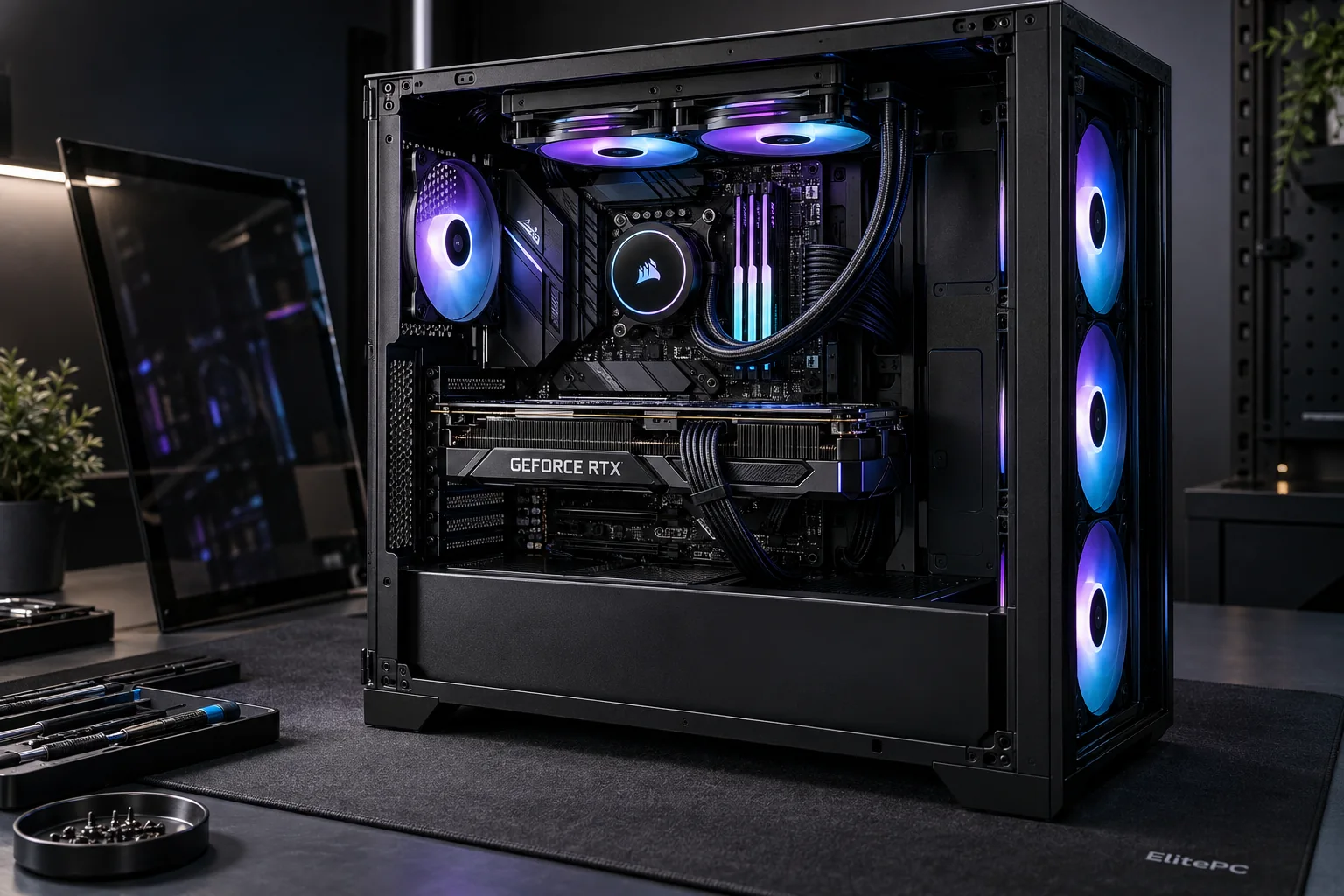
Gaming PC repair starts with the system and the symptoms.
Using a gaming laptop? Repair a gaming laptop
Can’t use your PC? Send a request from another device
/ Recognize the problem
Gaming PC Won’t Start, Crashes or Has No Display?
Not sure why your gaming PC stopped working? Start with the symptoms below. You don’t need to buy replacement parts or identify the fault before asking for help.
Power + startup
No Power or Failed Startup
No response to the power button, lights and fans that stop again, and a PC that stays on without reaching Windows are different startup problems. Each calls for a different starting point.
Tell us whether there is no power, no picture, or a startup message.
Gaming load
Crashes & Restarts While Gaming
A game closing, a whole-system freeze and an unexpected restart are different faults. The game, time before failure and recent hardware, driver or settings changes help guide the checks.
Repeated crashes and hard freezes need troubleshooting before performance tuning, even if your FPS is also low.
Display loss
Black Screens & No Display
A screen that goes black only in games is different from no display at startup. Whether the PC and sound keep running helps narrow down the cause; a missing picture does not identify the failed part.
The display, connection, software, power and graphics hardware may all be relevant.
Different stages. Different clues.
01
Power response
Does anything turn on?
02
Startup checks
Does the PC pass its initial checks (POST)?
03
Windows boot
Does the operating system load?
Describe where it stops. You do not need to open the case or diagnose it yourself.
DESKTOP REPAIR / FROM FAULT TO FIX
What Gaming PC Repair Includes
We repair custom-built and prebuilt gaming desktops. We identify the fault first, explain your options and check the original problem again after the agreed repair where possible.
01 / FIND THE FAULT
Gaming PC Diagnostics
No Power, No Startup or Won’t Boot
We distinguish a PC with no power from one that can’t complete its startup checks or load Windows, so you know what needs testing.
Game Crashes, Freezes & Restarts
We check what happens under the affected game or workload and what changed, then narrow down power, memory, heat or software faults.
Black Screens & Graphics Faults
We check the monitor connection, display output, graphics card and drivers. A blank screen doesn’t automatically mean the card has failed.
Memory & Storage Faults
We test unstable memory or a drive that stops loading. If a part has failed, we discuss compatible RAM or SSD replacement options.
02 / CHOOSE THE FIX
Hardware, Cooling & Software Repair
Power Supply Replacement
If we confirm a faulty PSU, we can install a compatible replacement power supply matched to the case, components and connectors.
Motherboard Replacement
Depending on the fault, we can recommend a compatible desktop board replacement.
Cooling, Fans & Airflow
We check blocked vents, fan faults and cooler performance. Overheating repair can include cleaning or replacing faulty cooling hardware.
Windows, Drivers & Game Errors
We troubleshoot Windows startup failures, driver conflicts and settings tied to game crashes. We explain the options before reinstalling anything that could affect your files.
Graphics Card Replacement
When testing confirms a failed card, we can fit and check a compatible replacement graphics card.
Before you buy parts: start with computer diagnostics. If a failed drive contains files you need, tell us before repair work starts.
/ Investigate the conditions
Diagnosing Gaming PC Crashes Under Load
Your PC may work normally until you start a game. The extra load can expose power, cooling or stability problems. Drivers, game software and settings can cause crashes too. When and how it crashes helps us narrow down the cause.
Benefits of Gaming PC Fault Assessment
A focused gaming PC diagnosis helps you:
- Separate hardware, cooling and software causes.
- Compare repair or replacement options before buying parts.
- Understand what is known when a fault comes and goes.
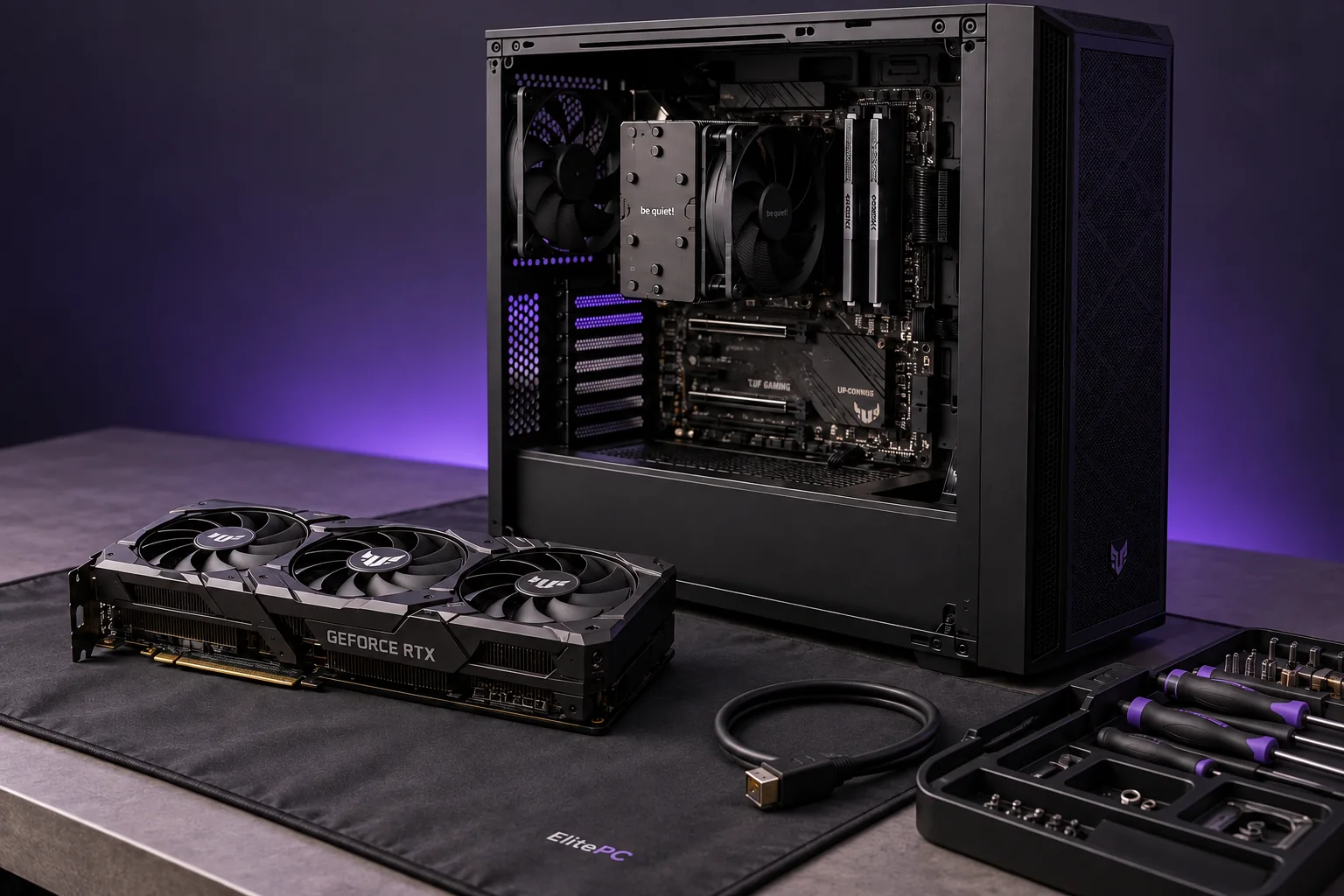
Hardware checks should follow the fault you describe.
Understanding When Your PC Fails
The failure pattern guides the diagnosis. A startup fault, a game crash and a problem after a driver or hardware change can call for different checks.
Testing the Relevant Hardware & Software
The symptoms guide the checks. Relevant hardware may include the processor (CPU), graphics card (GPU), memory (RAM), power supply (PSU) and motherboard.
Drivers, display connections and temperatures under load can also matter.
Your Gaming PC Repair Options
We’ll explain what the checks reveal and discuss the next step: a replacement part, cooling repair, software fix or further testing.
Gaming PC Diagnostics Before Repair
Many gaming PC faults need assessment before the right repair can be confirmed. You don’t need to diagnose the problem yourself. See Computer Diagnostics for current diagnostic-service details, pricing and policy.
A fault that comes and goes may not appear during testing. Tell us when it happens at home. A normal test does not necessarily mean the fault is resolved.
/ Understand the system
Custom-Built & Prebuilt Gaming PC Repair
You can start the conversation even if you didn’t build the PC and don’t know every part inside it.
Custom-Built Gaming PC Repairs
A PC built by you, a friend or a previous owner may have modifications or earlier repair attempts that affect the next repair. Those details help a gaming PC technician assess the options.
A complete parts list is optional. The system details help us check compatibility before recommending work.
Prebuilt Gaming PC Repairs
Prebuilt gaming PCs can use model-specific cases, motherboards and power connections. The model and available parts affect repair choices, even when the computer looks like a standard desktop.
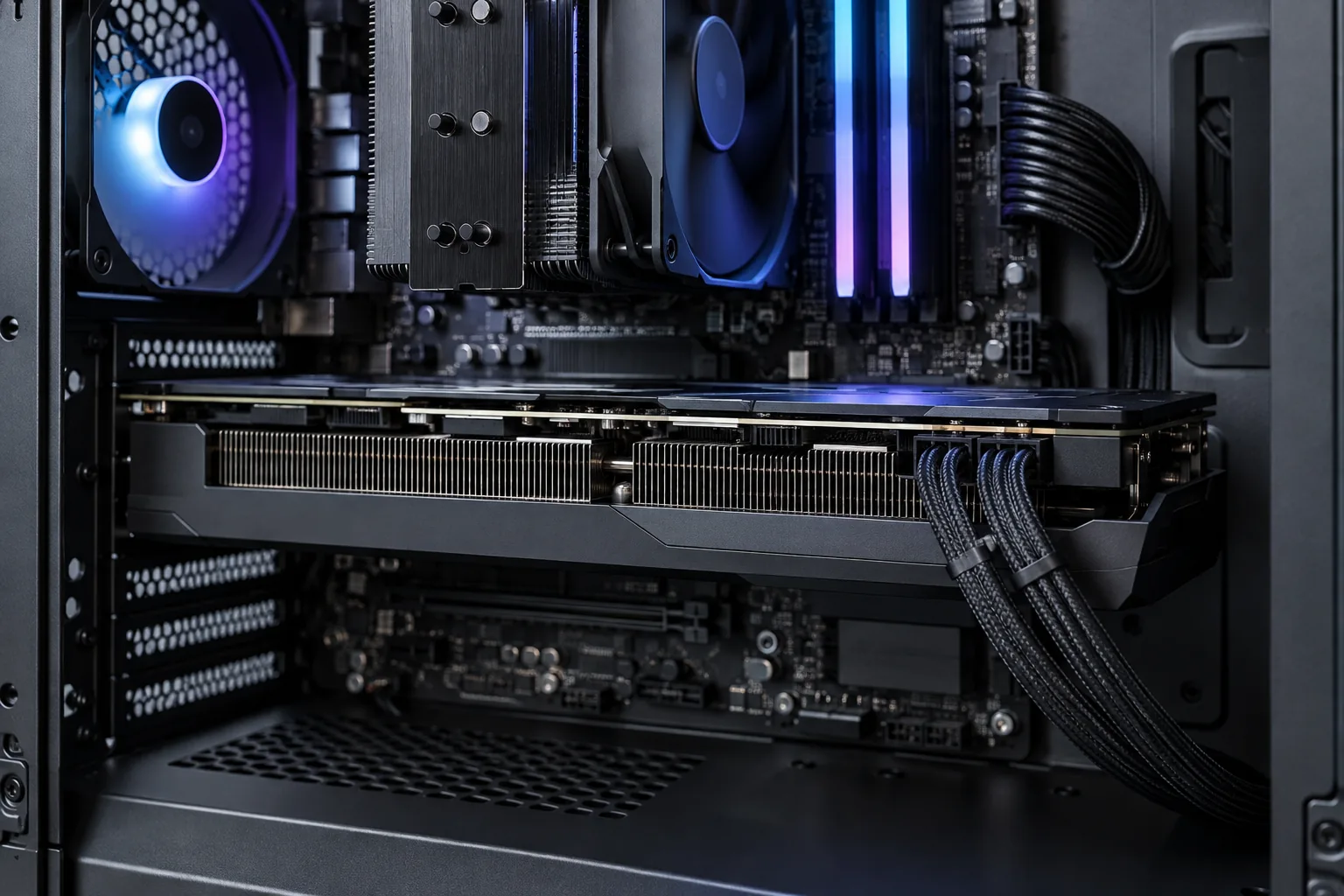
Part fit, power connections and cooling affect repair options.
Model / case
Graphics / memory
Power / recent changes
/ Discuss the repair
Gaming PC Hardware, Cooling & Software Repairs
Graphics Card Diagnosis or Replacement?
A black screen does not automatically mean the graphics card is broken.
We diagnose the cause first. A cooling fault may need thermal service; a faulty card may need replacement.
A missing picture can involve
Monitor + cable
Drivers + software
Graphics hardware
Power + system stability
These checks help narrow down the cause before recommending parts.
Repair / replacement
Failed Parts & Compatible Replacements
Once the problem is confirmed, replacement options depend on compatibility with your PC and available parts. For graphics-card replacement, explore Graphics Card Upgrades. For planned hardware improvements, see Computer Upgrades.
Thermal service
Overheating & Cooling Problems
Temperature warnings, shutdowns or a cooling fault may call for Overheating Repair. GPU Overheating Repair covers graphics-card heat problems. A black screen on its own does not establish overheating.
Fault-specific assessment
Driver, Software & Configuration Problems
Drivers, game software and settings can affect stability. Mention any changes made just before the crashes started. That history helps decide whether a software fix is worth investigating before replacing hardware.
Performance service
Low FPS on a Working Gaming PC
For low FPS or choppy gameplay, explore Gaming PC Performance Optimization. Tell us if it also crashes, freezes or has startup trouble so those faults can be assessed first.
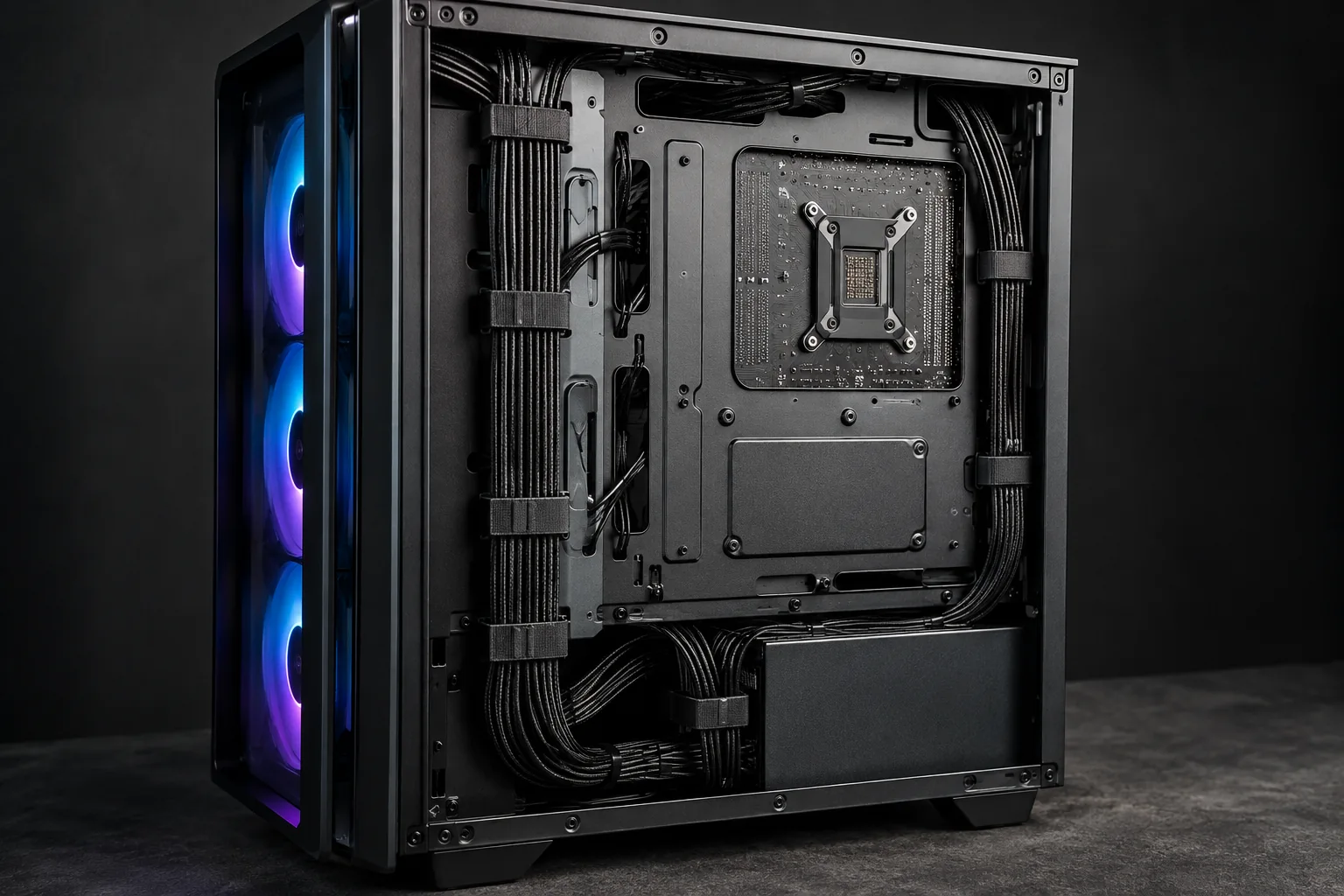
Cable routing and case airflow matter when investigating cooling problems.
Need a broader starting point? Explore Gaming PC Services.
Gaming PC Repair Questions
What If My PC Crashes in Only One Game?
A crash in one game doesn’t necessarily mean a part is broken. The game, settings, drivers or system stability could be involved. Tell us which game crashes and whether it closes, freezes the PC or causes a restart. Mention any recent changes too.
Is It Worth Repairing My Gaming PC or Should I Replace It?
Repair may be worth it if the rest of your PC meets your gaming and work needs and compatible parts are available. Compare the repair cost with the full cost of a suitable replacement, especially if several parts need work or the PC no longer meets your needs. Explore Computer Upgrades for planned improvements or Custom Computers for a new system.
Will Gaming PC Repair Erase My Files?
Not every repair requires erasing files. The risk depends on the fault and the work involved; some Windows recovery or reinstallation options remove personal files. Mention important data and your backup status before you approve the work. Keep passwords, recovery keys and sensitive files out of the initial service request.
What Affects Gaming PC Repair Cost and Timing?
The fault, the investigation needed and any compatible replacement parts affect cost and timing. A software fix and a failed-part replacement involve different work. An intermittent crash may need further investigation, and parts availability can affect completion.
/ Tell us what happened
Request Gaming PC Repair in Garfield
Tell us what your gaming PC is doing and when the problem happens. We’ll use those details to discuss the next step.
ElitePC serves gaming desktop customers in Garfield and North Jersey, including Bergen and Passaic counties. Requests are reviewed before an appointment or work is confirmed.
Submit a service request with the details you know so we can discuss the repair and appointment arrangements.
If the affected PC is unusable, use another device to send your request.
Your system, if known
Custom-built or prebuilt; brand/model, CPU, graphics card, RAM and power supply details if available. It is fine not to know them.
What happens and when
Whether it starts, the symptom, games or workloads that trigger it, and any error message or useful photo you already have.
Recent changes and how to reach you
Parts, drivers, settings or previous repair attempts; your service ZIP code and contact preference. Keep passwords and sensitive information out of the request.
Wait for confirmation before drop-off.
We’ll confirm your appointment and any accessories needed for testing before you bring the desktop in.
Start with the symptom.
We’ll take the request from there.
You can ask for help without a complete parts list or benchmark.