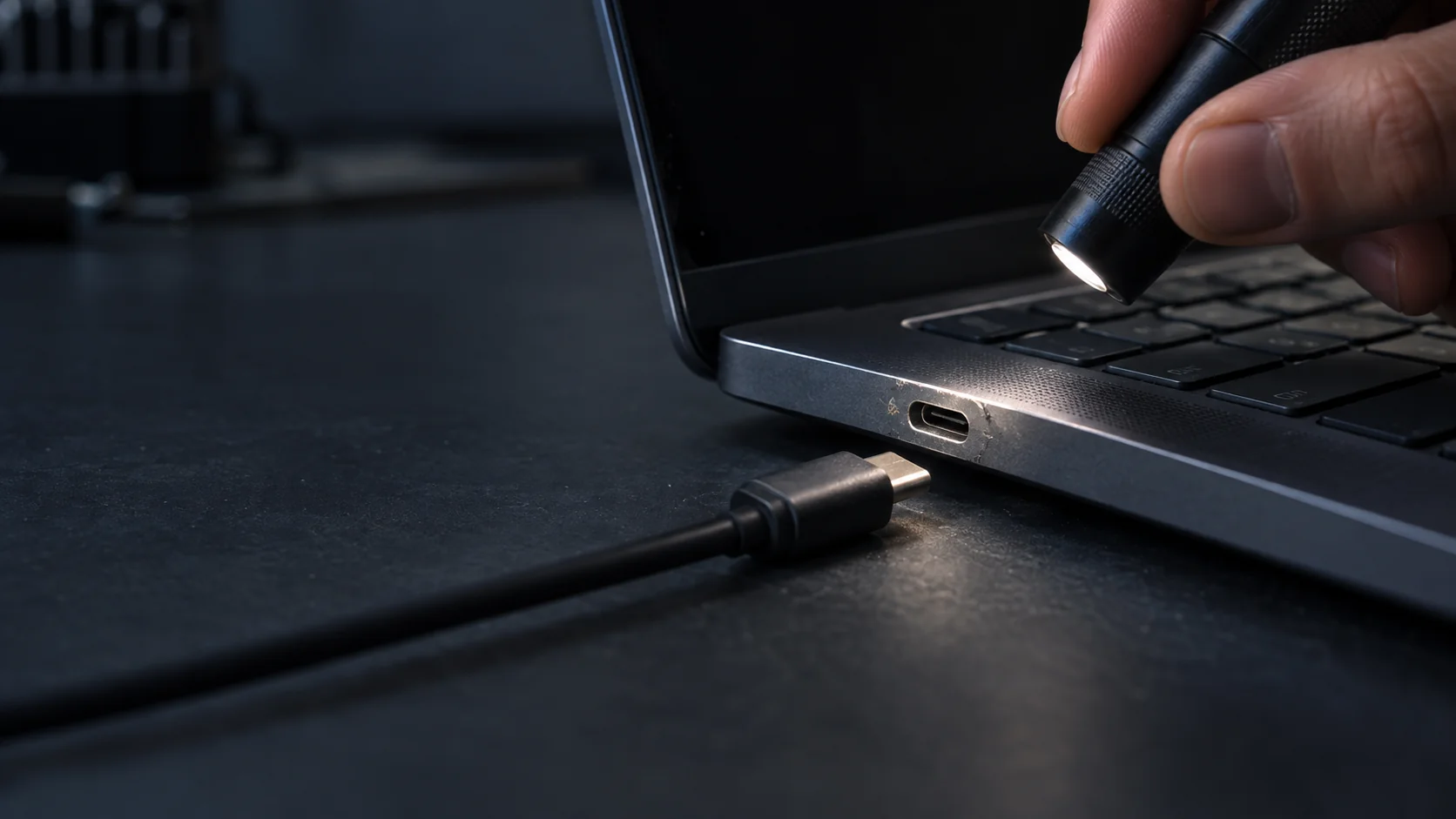
ElitePC NJ · Laptop repair · North Jersey
Laptop Charging Port, DC Jack & USB-C Repair
Loose charging connection or a laptop that will not charge? ElitePC NJ repairs DC jacks, USB-C ports and charging circuits in-house. We assess the charging fault before recommending parts or repair.
- DC jack and USB-C port repair
- Power Delivery and charging-circuit repair
- Assessment before parts are replaced
Based in Garfield. Serving North Jersey by appointment.
For everyday and gaming laptops used at home, school or work.
USB-C charging depends on the laptop, port, charger and cable working together.
Loose Plug, Damaged Port or No Charge?
A loose plug, damaged socket or intermittent charge can disrupt an otherwise useful laptop. You do not need to know which part failed to request help.
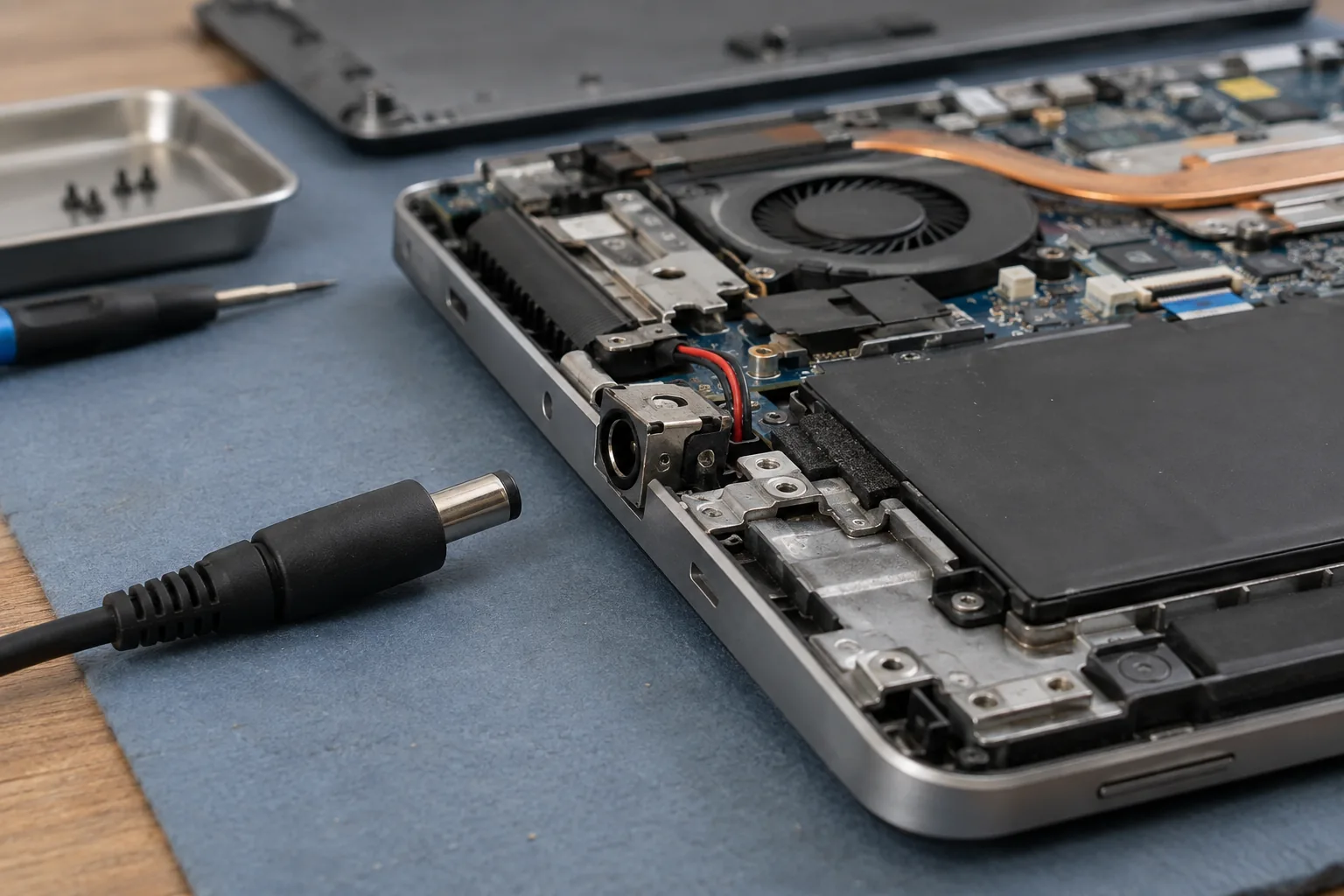
A round charging plug connects to the laptop’s DC jack. You do not need to open your laptop to request help.
The Plug Feels Loose
A plug that slips, will not seat securely or only works at an angle may have a damaged connection. Avoid forcing or repeatedly wiggling it to keep the laptop charging.
Charging Stops or Never Starts
Charging may cut in and out, switch between battery and external power, or show an adapter warning. A “plugged in, not charging” message can have several causes, even when the socket looks sound.
The Connection Looks Damaged
A bent plug, pushed-in socket or cracked case can affect the repair needed. A drop, pulled cable or spill may also damage the connection or nearby parts.
Stop Using an Unsafe Connection
Stop using and charging the laptop if its charging connection is damaged or unusually hot, there is a burning smell, or the battery appears swollen. Disconnect power only if safe, and contact ElitePC before bringing it in. Do not force the plug, switch ports to work around the problem or open the laptop.
Do not press, puncture or remove a swollen battery, or touch hot, leaking or smoking parts. If there is active smoke or flame, leave the area and call emergency services. Do not handle the laptop.
Is It the Port, Charger, Battery or Circuit?
Charging problems can start at the adapter, cable, socket, battery or the electronics inside the laptop. We assess that charging path so the repair addresses the cause, rather than replacing a port that may still work.
Four Parts of the Charging Path
Charger and Cable
Supply power that meets the laptop’s requirements.
Charging Socket
Connects the charger to the laptop, both physically and electrically.
Charging Controls
Manage incoming power and battery charging.
Battery
Stores power, with its own condition and charging limits.
These parts work together. Similar charging symptoms can have different causes.
DC Jacks and Barrel-Style Chargers
A DC jack, also called a power jack, is the socket that receives power from the laptop’s adapter. Many use a round barrel plug. A worn plug, damaged socket or loose mounting point can interrupt power. Some laptops also need to recognize the correct adapter before charging normally.
USB-C Charging and Power Delivery
USB-C describes the connector shape, but not every USB-C port accepts charging. USB Power Delivery (PD) lets compatible equipment agree on the power to supply. The laptop, charger, cable and chosen port must all support the charging requirements.
Battery condition, charge settings and model-specific firmware behavior can also affect charging. The exact warning or battery message helps us understand the problem.
For broader no-start or unexplained power problems, see computer diagnostics. For sustained laptop heat or fan problems, see overheating repair. A damaged or unusually hot charging connection belongs with charging repair.
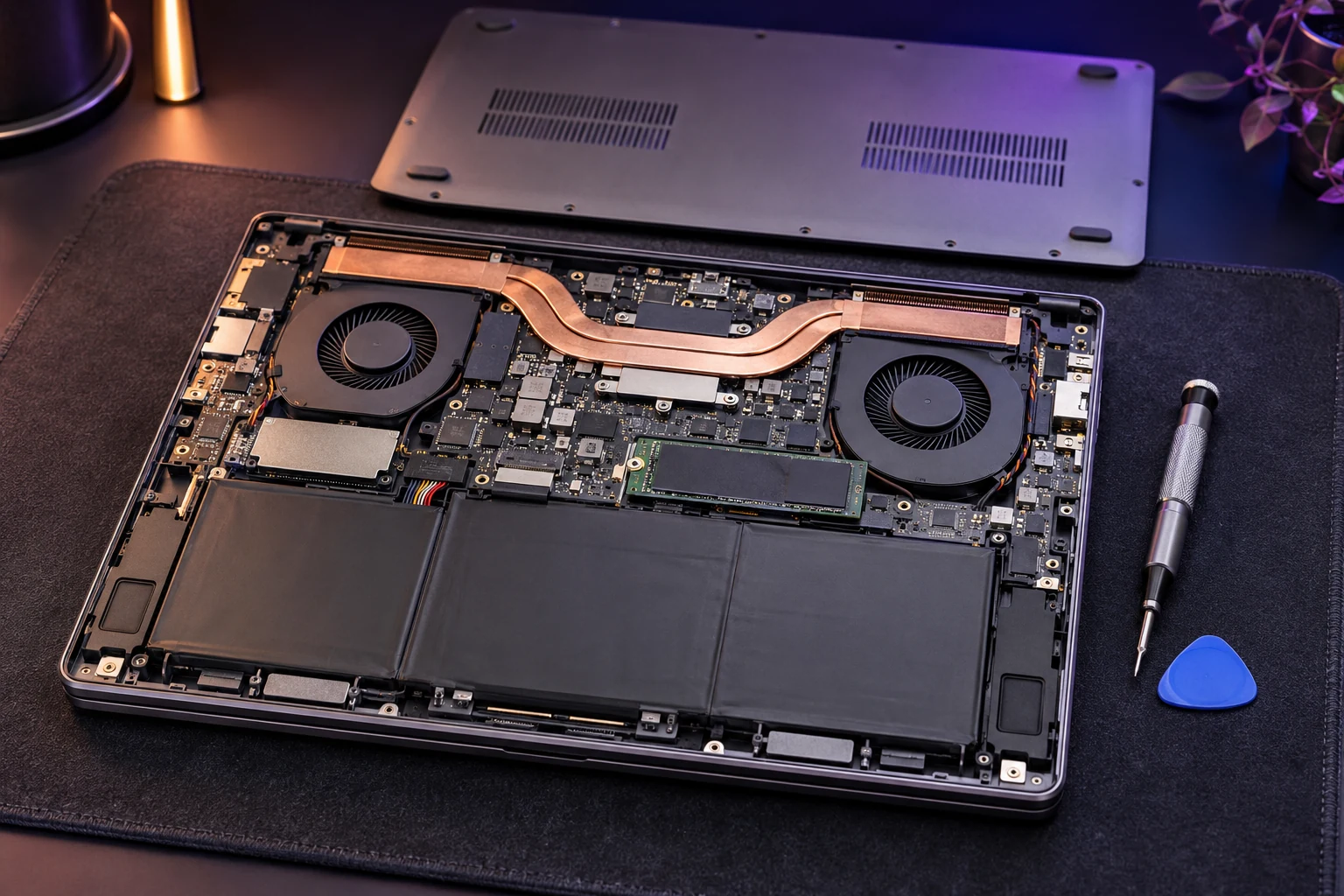
What We Check When a Laptop Will Not Charge
A loose connector is one possible cause. We look at the connection and the charging path before recommending a repair.
Charging fault assessment
Investigate whether the fault involves the port, DC jack or internal circuitry.
Port and DC jack repair
Repair or replace the damaged connector when it is the source of the fault.
Internal charging components
Check for board-level problems when the port alone does not explain the symptoms.
Debris and port condition
Look for obstructions, contamination and wear that can affect the connection.
Charging checks and care advice
Test charging after the repair and explain how to reduce strain on the connector.
In-House DC Jack, USB-C & Charging-Circuit Repair
ElitePC repairs charging ports and the circuitry behind them in-house. Your laptop’s construction and the damage found determine whether it needs a replaceable jack, a soldered connector or charging-circuit work.
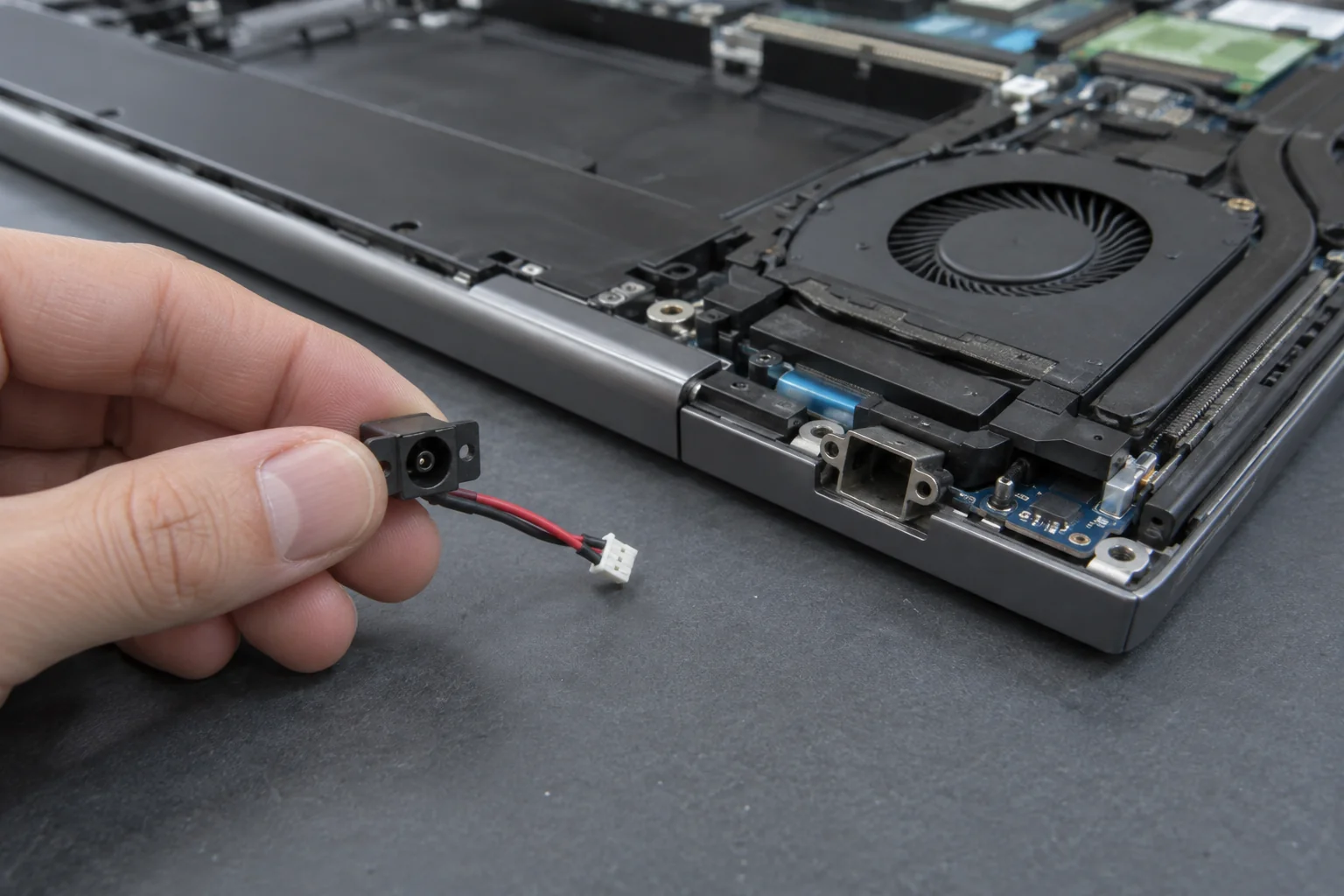
A replaceable DC jack with a short wiring harness. Other laptop charging connectors are soldered to a board.
Replaceable Jack Assembly
Some power jacks connect by a short cable or sit on a small board. When the fault is limited to that assembly, a compatible replacement may restore the connection without work on the main board.
Soldered Connector
Some DC jacks and USB-C ports are soldered to a board. We assess the connector, its mounting points and the surrounding board to establish whether a targeted repair is possible.
Power Delivery or Charging Circuit
A sound-looking socket can still have a fault in the electronics that manage charging. ElitePC handles USB-C Power Delivery and charging-circuit repairs in-house, with repair options depending on the fault and board condition.
When a Targeted Repair Is Possible
A broken charging port does not automatically mean you need a new motherboard. A jack or connector repair may be enough when damage is limited to that connection. More extensive board damage can change the repair options and cost.
Other Laptop Problems Can Be Assessed Too
Charging-circuit work is part of this service even when the fault is on the board. For wider board faults, see motherboard repair. Additional gaming-specific problems are covered under gaming laptop repair.
Getting Back to Reliable Charging
A Secure Connection
The aim is a connection that works without holding the plug at an angle or applying pressure to the socket.
Correct Power and Charging
The result should be charging that works with a suitable power supply, including adapter recognition where your model requires it.
Separate Battery Concerns
A connector repair does not restore a worn battery’s runtime or resolve every power fault. Battery condition and any other issues may need separate attention.
The checks depend on your laptop model and the work involved. A stable charging connection and battery health are separate parts of the picture.
How Much Does Charging Port Repair Cost?
The repair price depends on your laptop model, the compatible part, access and labor, and any damage to the connector, case or board. Replacing a separate jack assembly and repairing a damaged USB-C charging circuit can involve very different work.
Assessment establishes which repair is needed, so the complete quote reflects your laptop rather than a generic port-replacement price.
Your Charging Repair Quote
We explain the fault found, the proposed repair and the complete quote before work starts. You decide whether to go ahead. We’ll discuss any additional work with you and get your okay first.
The quote is also the time to discuss the checks relevant to your laptop and the warranty terms for the work and part.
When Will It Be Ready?
Turnaround depends on the part your laptop needs and where it is ordered from. A job-specific estimate can be discussed once the model, repair and parts requirements are known.
Is Charging Repair Worth It?
Repair can make sense when the laptop still meets your needs. The useful comparison is the complete quote against the laptop’s condition, battery wear, other faults and the cost of a suitable replacement. There is no fixed age or price cutoff that fits every case.
What Warranty Applies?
Warranty is case-specific. The terms for the proposed work and part, including any limitations, can be discussed when you review your charging repair quote.
Charging Repair Questions
Does “Plugged In, Not Charging” Mean the Port Is Broken?
No. The message can relate to an unsuitable charger or cable, battery condition, charge settings or a fault in the charging path. It does not identify a failed port by itself.
Why Does My Phone Charger Fit but Fail to Charge My Laptop?
The plug fitting is only one requirement. Your charger and cable must supply the power the laptop needs, and the port must support charging. An unsuitable supply may charge slowly or not at all, even when the port is working.
Why Does Charging Stop Below 100%?
Some laptops deliberately limit charging through a battery-health setting or smart-charging feature. This varies by model. A new charge limit, adapter warning or sudden loss of runtime is useful information for the assessment.
Can I Charge Through Another USB-C Port?
Only if your model supports charging through that port and continued use is safe. A second port is not a workaround for connection damage, unusual heat or battery swelling. If you are unsure, contact ElitePC before trying it.
Does a Soldered USB-C Port Mean I Need a New Motherboard?
Not automatically. ElitePC repairs soldered connectors and charging circuits in-house. The connector, surrounding board damage and any wider fault determine what is feasible. Component repair is not always possible or less expensive than replacement.
Garfield · Bergen County · Passaic County
Request Laptop Charging Repair in North Jersey
ElitePC NJ is based in Garfield and serves Bergen County, Passaic County and North Jersey by appointment. Send your model and charging symptoms, and we can arrange the next step.
You can ask about your charging problem before booking an appointment or approving a repair.
We can confirm which charger and cable to bring for your assessment. Contact ElitePC before transporting a laptop with a heat or battery warning.
For broader Apple laptop concerns, see MacBook repair. If the display is also damaged, see laptop screen repair.
Tell Us About Your Charging Problem
- Laptop brand and exact model, if known.
- Whether it uses a round charging plug or USB-C, if you know.
- What happens when connected, the exact warning and when it started.
- Any pulled cable, drop, spill, damage, unusual heat, burning smell or swelling.
Back up important files before service only if you can do so safely. Do not turn on or keep using an unsafe laptop to make a backup. Tell us if important files are not backed up.
You do not need to identify the failed part or open the laptop. Please keep passwords, recovery keys, financial details and private files out of the initial request.