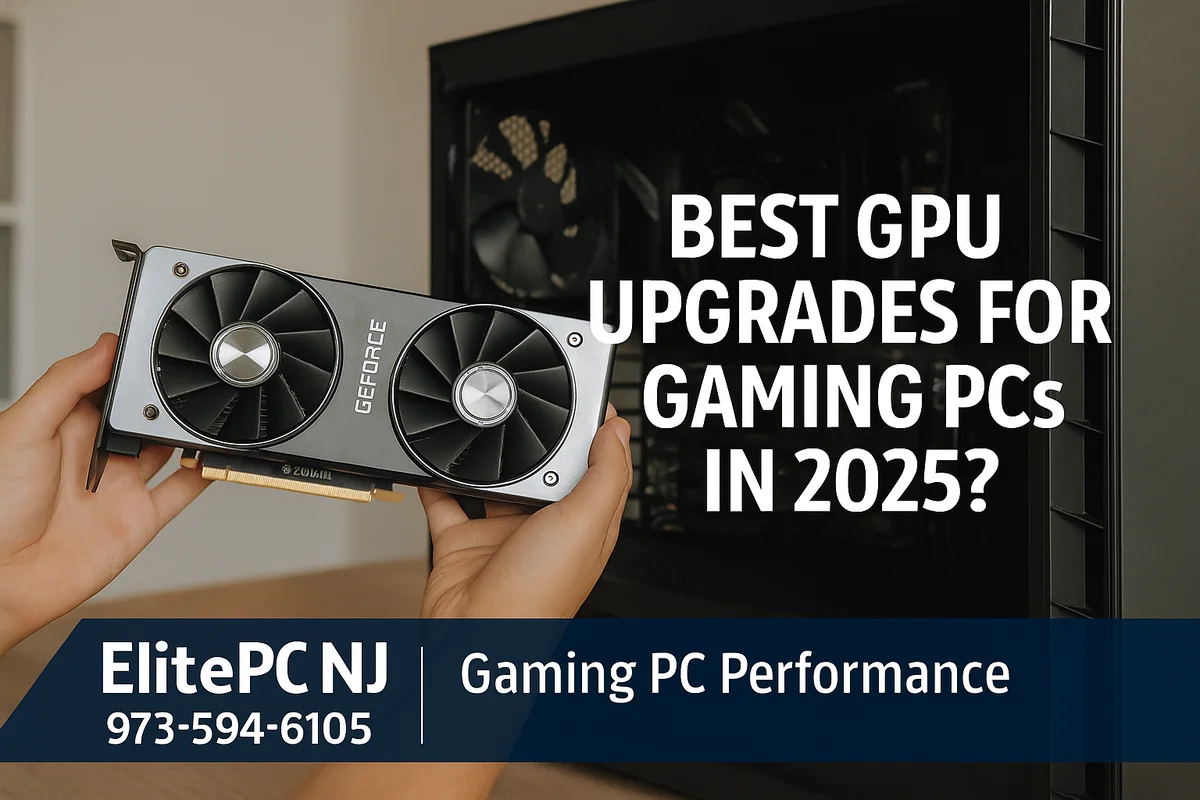
Best GPU Upgrades for Gaming PCs in 2025: A Complete Performance Guide
In 2025, GPU performance has taken a massive leap forward. With new architecture improvements, better ray tracing capabilities, and major efficiency gains, upgrading your graphics card is still the single biggest performance boost you can give your gaming PC.
Whether you're building a new system or upgrading an older one, understanding the GPU landscape in 2025 will help you get the best FPS, best value, and best thermals for your setup.
If you're upgrading or building a PC and want professional help with cable management, thermal paste application, BIOS optimization, and driver setup, check out our Gaming PC Repair Services.
Top Gaming GPU Options in 2025
Choosing the right GPU depends on your game library, resolution, refresh rate, and CPU pairing. Here's a breakdown by category.
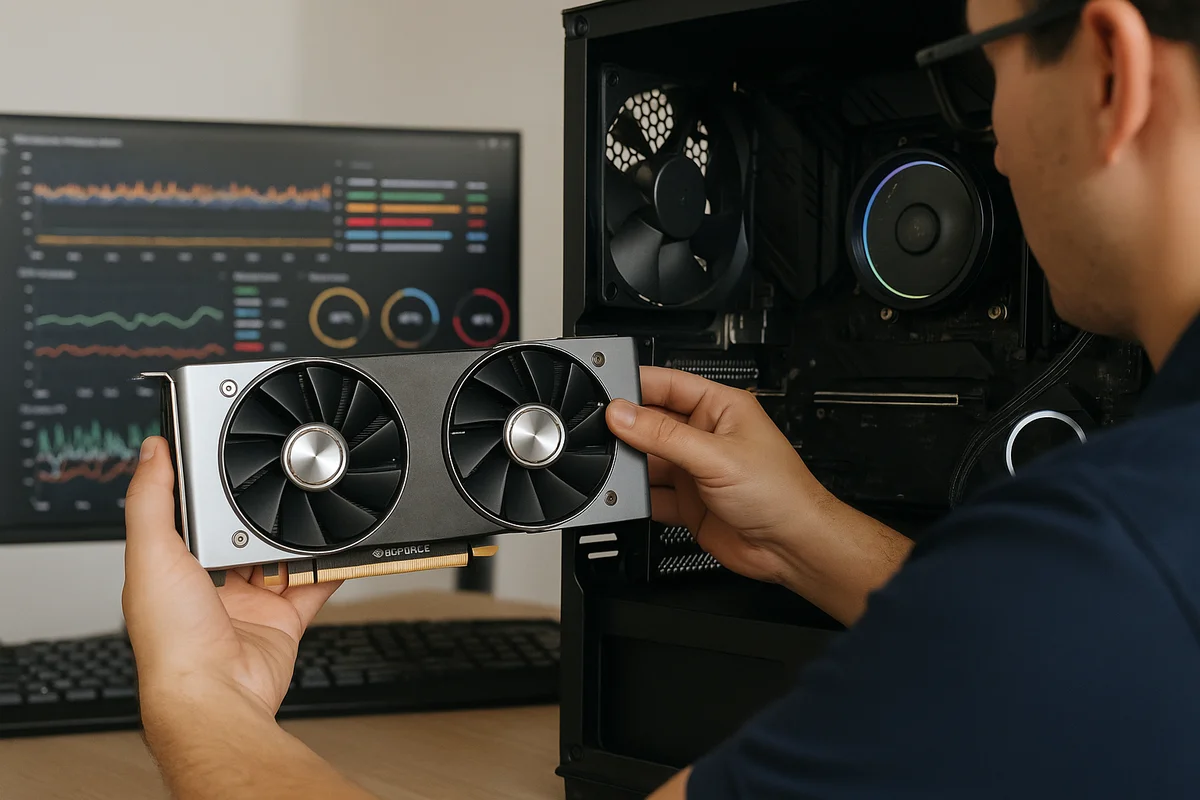
🏆 1. Best High-End GPU: NVIDIA GeForce RTX 5090
If you want the absolute best consumer GPU on the market right now, the RTX 5090 is it. With massive next-gen core counts, top-tier ray-tracing performance, and 32 GB of GDDR7 VRAM, it is designed for true 4K/144 Hz and even early 8K gaming.
- Unmatched 4K performance with headroom for future AAA titles
- DLSS 4 + advanced AI frame generation
- 32 GB VRAM ensures long-term performance & stability
2. Best Upper Mid-Range GPU: NVIDIA GeForce RTX 5070 Ti
The RTX 5070 Ti is the ideal performance “sweet spot” for most high-end gamers. It delivers excellent 1440p ultra gaming and very capable 4K performance thanks to DLSS 4, strong ray tracing output, and improved efficiency. This is the best mix of price and longevity for serious gaming builds.
- Perfect for 1440p high refresh or balanced 4K
- DLSS 4 dramatically boosts FPS in demanding titles
- Outstanding value for long-term gaming performance
3. Best Lower Mid-Range GPU: AMD Radeon RX 9070 XT
The RX 9070 XT is AMD’s strongest value-focused performance GPU. It offers excellent rasterized gaming performance, strong 1440p results, and competitive 4K capability with generous VRAM and efficient architecture.
- Fantastic 1440p performance with high settings
- High VRAM capacity for modern textures and open-world games
- Excellent price-to-performance for AAA titles
4. Best Upper-Budget GPU: NVIDIA GeForce RTX 5060 Ti (16 GB)
The RTX 5060 Ti (16 GB) is the perfect solution for budget-conscious gamers who still want impressive performance and future-proof VRAM capacity. It handles 1080p and 1440p extremely well, with DLSS 4 helping to maintain smooth frame rates in the latest games.
- Strong 1080p and 1440p performance
- 16 GB VRAM ensures long-term compatibility with modern games
- DLSS 4 allows excellent performance even in heavy titles
5. Best Entry-Level GPU: NVIDIA GeForce RTX 5060
The RTX 5060 is the most practical entry-level GPU for 2025. It offers excellent 1080p performance, low power draw, and access to NVIDIA’s newest AI-powered technologies, making it an ideal starter GPU for gamers on a budget.
- Great 1080p performance with modern AAA games
- DLSS 4 support extends the life of the card
- Low power consumption and cooler operation
🏆 Best Value GPU for 2025: NVIDIA GeForce RTX 5070 Ti 🏆
The RTX 5070 Ti delivers the best overall value of any GPU in 2025. It combines excellent 1440p and strong 4K performance with industry-leading ray tracing, DLSS 4 frame generation, and exceptional efficiency. For gamers who want long-term performance without paying flagship prices, the 5070 Ti is the clear winner.
- Outstanding 1440p and competitive 4K performance
- DLSS 4 provides major FPS gains in demanding titles
- Strong longevity and efficiency for future AAA games
- The best mix of performance, modern features, and affordability
How to Know When It's Time to Upgrade Your GPU
If you’re unsure whether your current graphics card is holding your system back, here are clear signs it's time to upgrade:
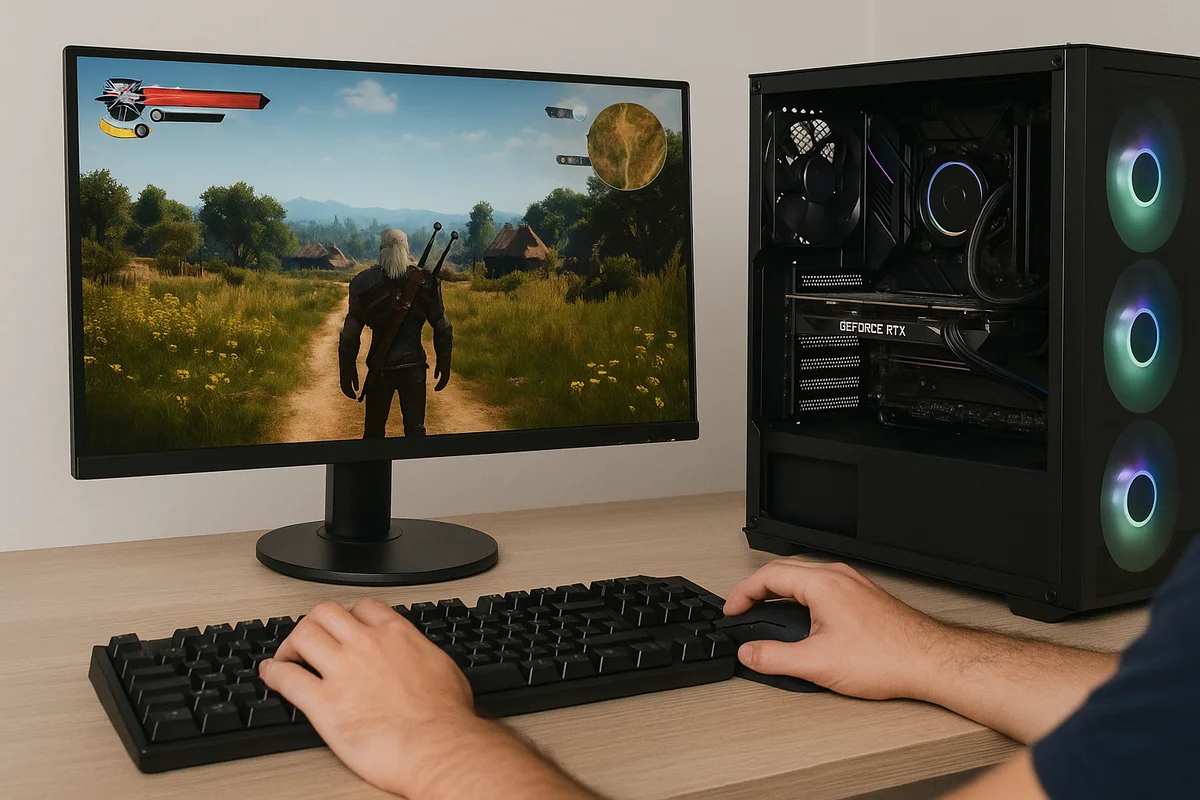
- Your FPS drops in newer titles, even at low settings.
- Your GPU usage is at 99% while CPU usage is low.
- You can't run modern games with ray tracing or AI-powered upscaling.
- VR performance is stuttery or unstable.
- Your GPU is running too hot (85°C+) under load.
If your system is showing these symptoms, we can help you diagnose the bottleneck. Visit our Computer Repair page for more details.
Will Upgrading Your GPU Fix Thermal & FPS Issues?
In many cases, yes — but not always. Some systems suffer from:
- Poor airflow
- Old or dried thermal paste
- Incorrect BIOS settings
- Weak power supplies
- CPU bottlenecks
If you want professional help optimizing your build, check out our custom PC services here: Custom Computer Builds.
ElitePC NJ Can Install & Optimize Your New GPU
Whether you're upgrading a prebuilt or finishing a custom build, proper GPU installation matters. We can:
- Install and cable-manage your new GPU
- Apply premium thermal paste
- Update BIOS, chipset, and GPU drivers
- Run stress tests and thermal benchmarks
- Optimize airflow and fan curves
- Click here for more information about our service: GPU Upgrades
Need help with your build or upgrade? Contact us here:
- Contact ElitePC NJ
- Phone: 973-594-6105
- Gaming PC Repair Services