GARFIELD, NJ · SERVING NORTH JERSEY
Graphics card upgrade & installation service.
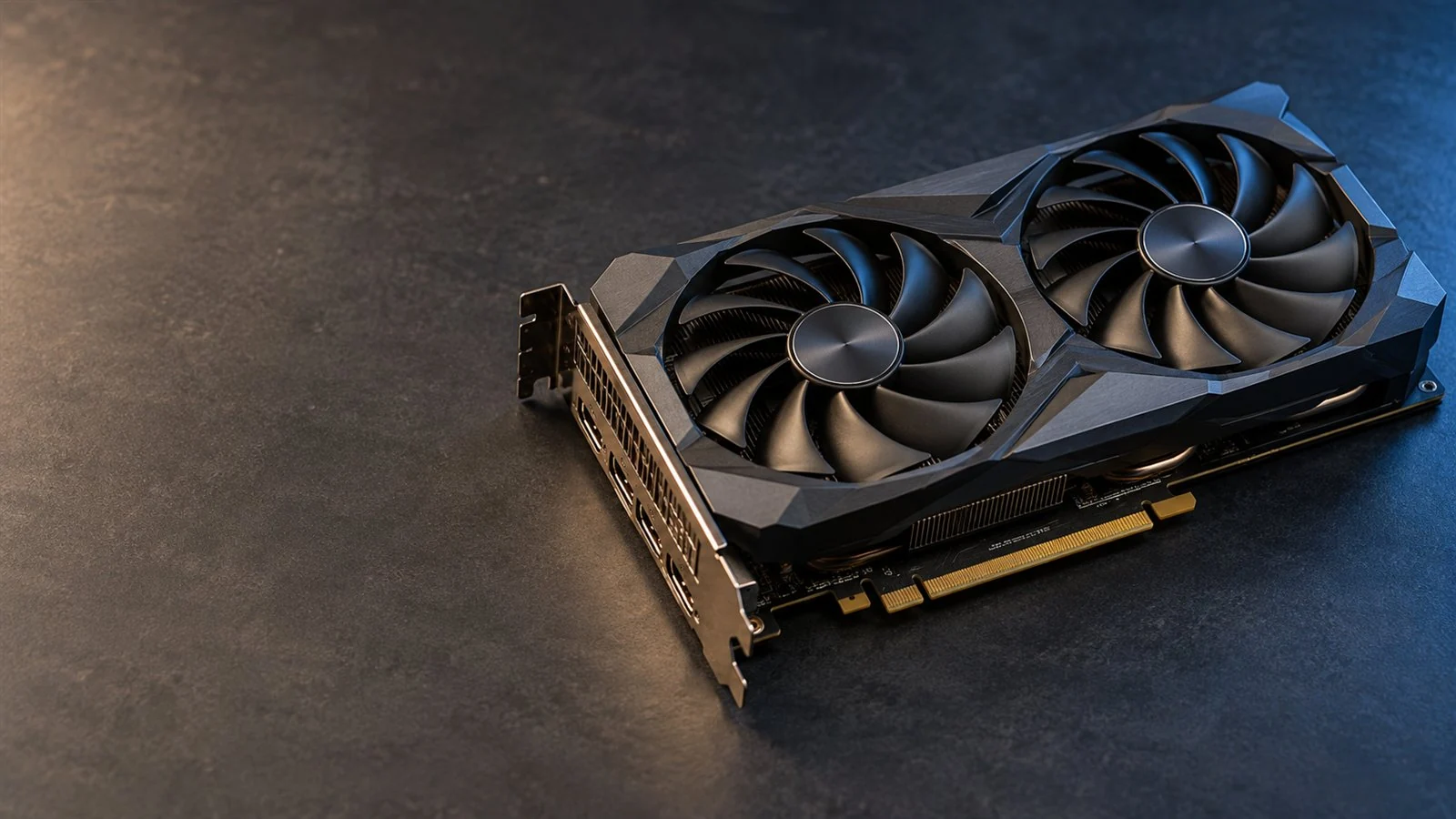
Get graphics that suit the games, creative work and displays you use. We check your desktop, help you choose a compatible GPU and handle installation, drivers and testing.
GPU, case & power compatibility
Graphics drivers & display setup
Temperature & stability checks
For compatible desktops and assessed graphics card replacements.
GAMES · CREATIVE WORK · DISPLAYS
Benefits of a graphics card upgrade.
A useful GPU upgrade starts with what you want to see or do better. We consider your applications, monitor resolution and refresh rate, rather than choosing by model number alone.
Smoother gameplay & higher frame rates
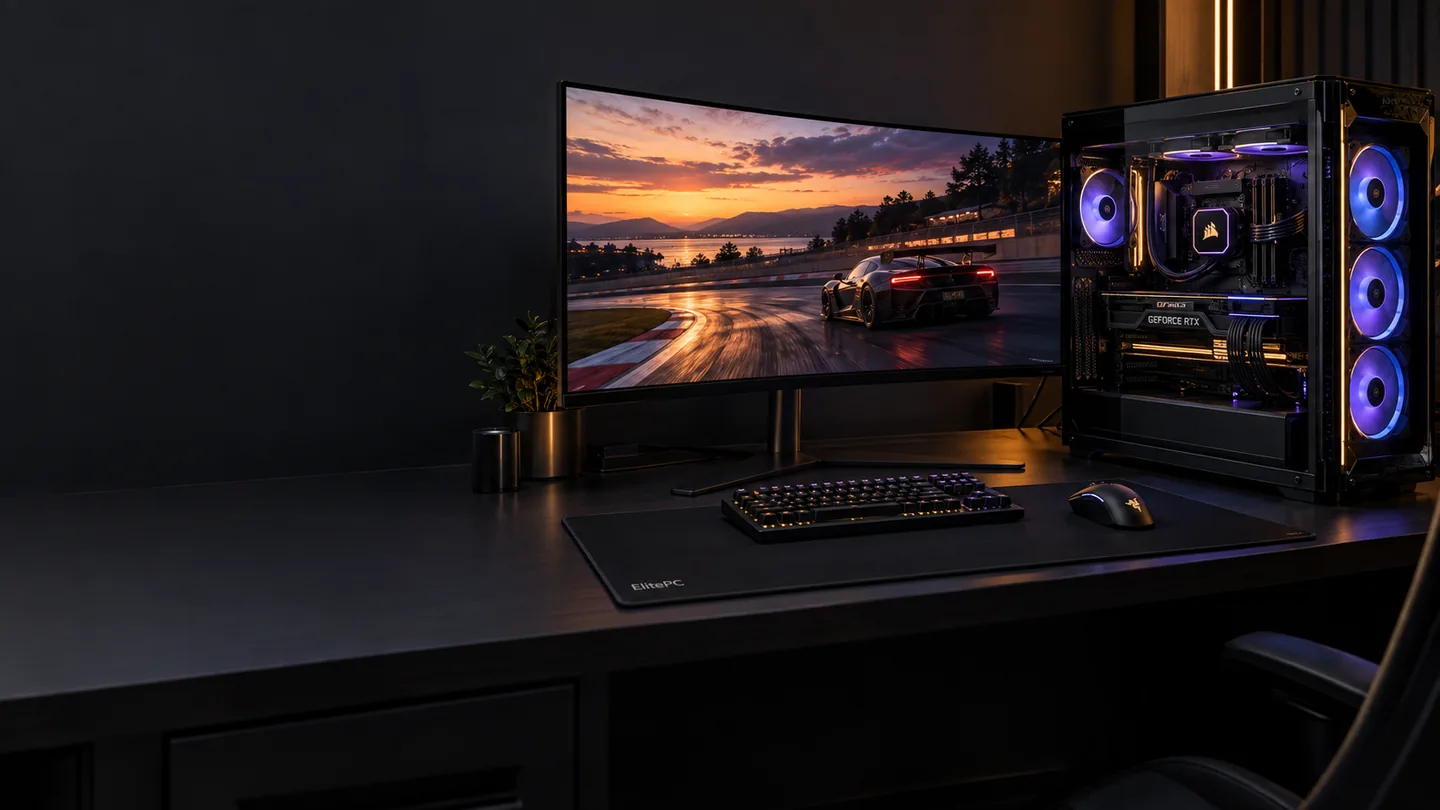
A suitable card can deliver more frames and smoother play when the GPU is limiting your game. It can also support richer effects or higher settings. The result depends on the game, resolution, settings and the CPU and other hardware alongside it.
Faster GPU-accelerated creative work
Suitable graphics hardware can help with supported video effects, 3D rendering and design tasks. We check how your software actually uses the GPU.
Memory for graphics-heavy projects
VRAM holds graphics data on the card. We consider project and game needs; more VRAM alone does not guarantee a faster result.
The monitor setup you need
We check the number of displays, the required ports and their resolution and refresh support. An extra screen may not need an expensive gaming card.
A USEFUL GPU UPGRADE STARTS WITH THE WHOLE PC
GPU upgrade, power changes or settings optimization?
We look at what is limiting the game or application and the work needed to support a different card. The useful plan may be a GPU installation, an associated hardware change or better use of the system you own.
A compatible GPU on its own.
When graphics performance is the main limit and the existing case, power and cooling are suitable, we can plan the card installation, drivers and display setup around the rest of your PC.
GPU plus power or airflow work.
A larger or more demanding card may need a suitable PSU, different supported connections or airflow changes. We explain that whole job before purchase. More watts alone do not increase frame rates.
Another limit, or a settings change.
A CPU or memory limit can remain after a new GPU. For a working gaming PC, gaming performance optimization can help review game, display and system settings before deciding whether hardware needs changing.
DIAGNOSIS BEFORE A PARTS PURCHASE
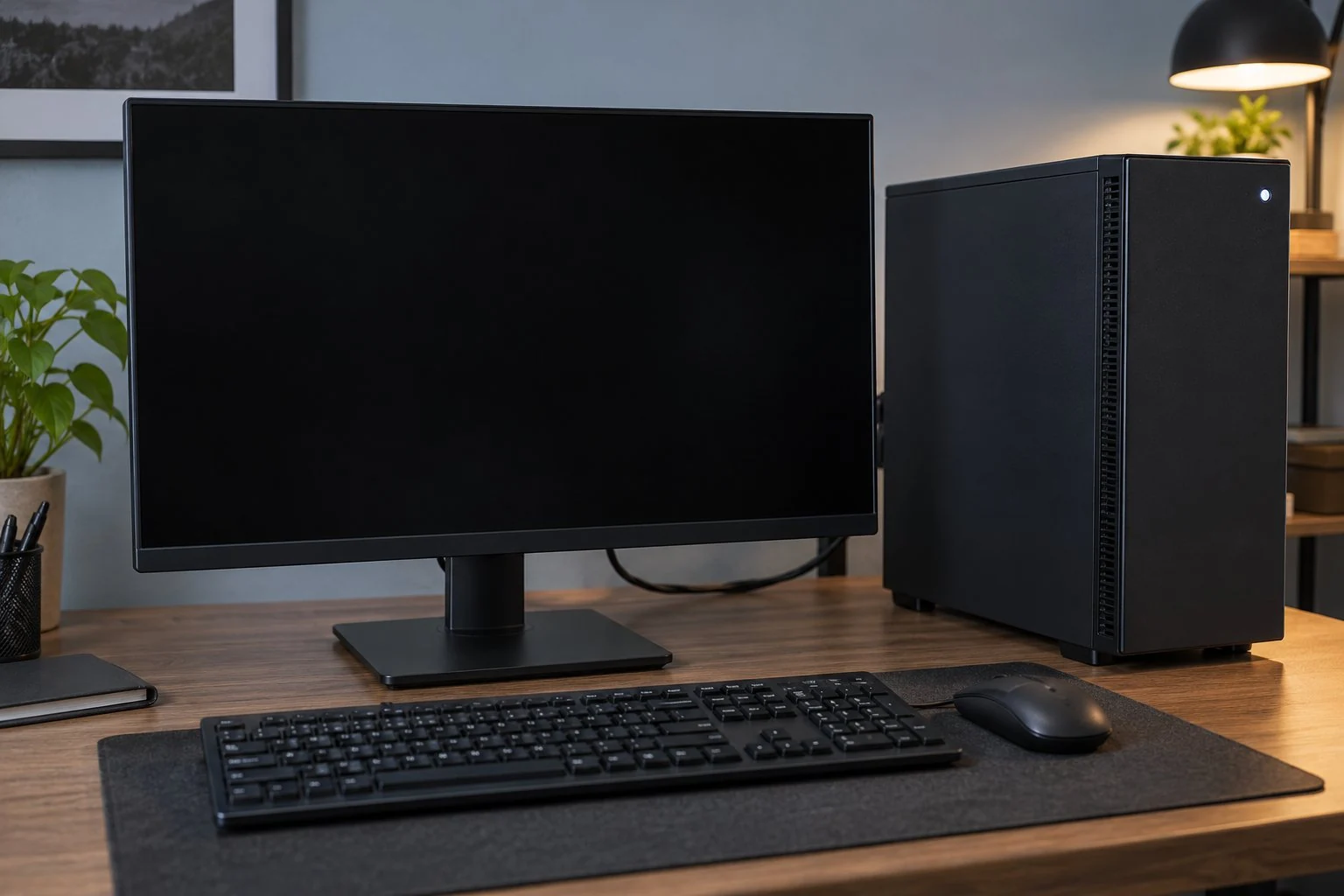
A black screen doesn't prove the GPU has failed.
No display, visual artifacts or crashes can have several causes. We assess the fault before recommending a graphics card replacement.
Display and connection issues
The monitor, selected input, video cable or connection can interrupt the picture.
Power or startup problems
A power supply, memory or motherboard fault can stop the PC from starting normally.
Drivers and software
A black screen after Windows starts can involve graphics drivers or software, as well as hardware.
Already diagnosed? We can review a compatible replacement or upgrade around your PC and budget. For wider gaming-system faults, see Gaming PC Repair.
Heat is a separate question. A hot or throttling card may need GPU thermal service. Card installation does not include electrical or VRAM board repair.
CHECK THE WHOLE SYSTEM
GPU compatibility: power, connectors & case fit.
We match the exact graphics card to your computer before a new part becomes an expensive mismatch.
Power supply and cables
We check the PSU model, whole-system requirements and the card's required connections. Wattage alone is not enough; modular PSU cables are not universally interchangeable.
Card size and available space
Length, height, thickness and the motherboard slot all matter. We allow for nearby fans, radiators and the clearance needed around power connectors and cables.
Airflow and the rest of your PC
The card needs suitable cooling and a balanced system. CPU or memory limits can remain after a graphics upgrade.
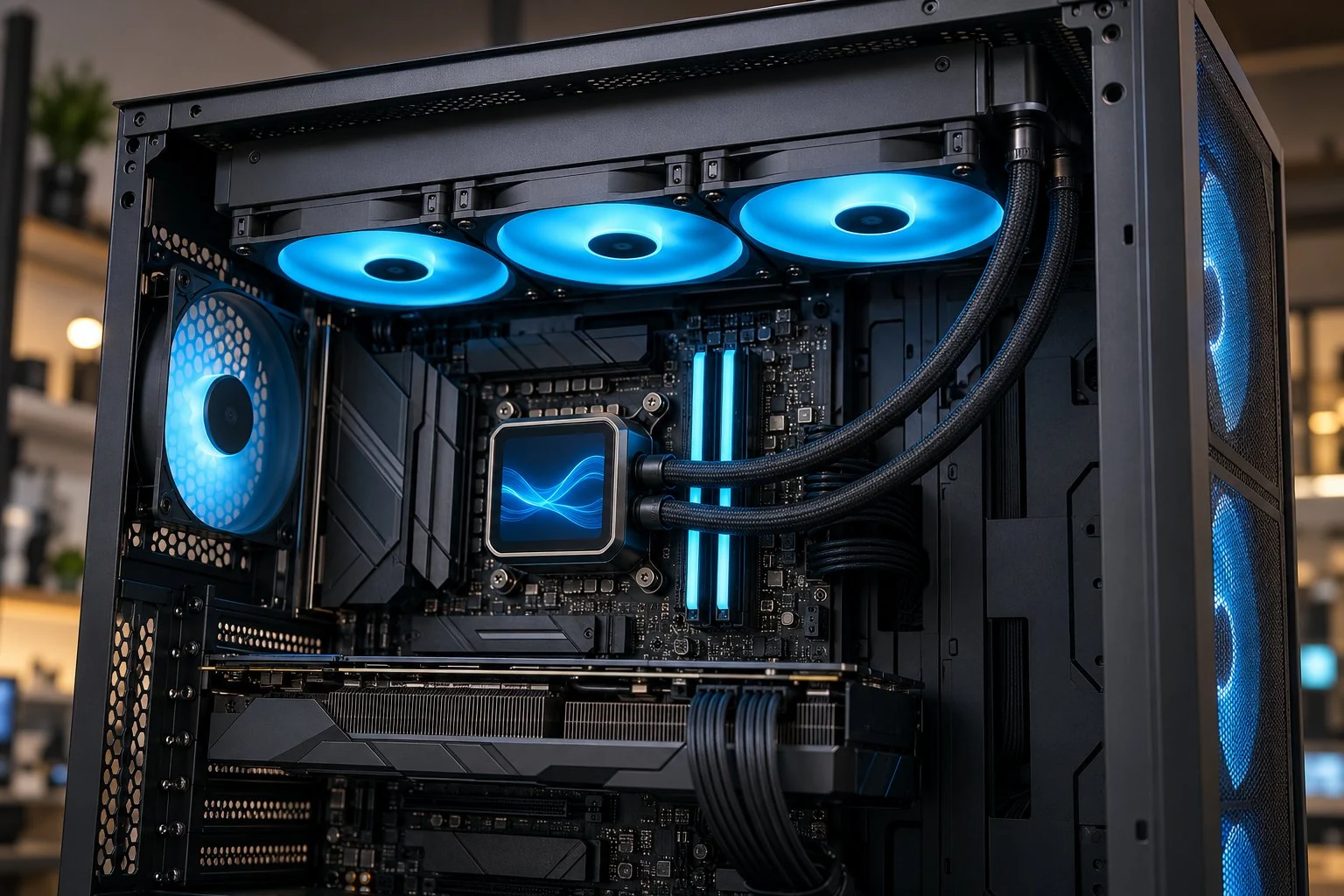
Compact and prebuilt PCs can limit retail-card choices. We check the actual model and explain any required case, cooling or power changes before you proceed.
If a different supply is needed, we discuss PSU installation or replacement as part of the whole job. An adapter is not proof of compatibility.
PROFESSIONAL GRAPHICS CARD INSTALLATION
GPU installation, drivers & performance checks.
We install the compatible card and check the system against the goal that brought you in. Starting up is one check, not the whole result.
Secure fit and connections
We fit the card, connect suitable power cables and check mounting, clearance and cable routing.
Graphics drivers and displays
We review the appropriate driver and confirm the intended monitors, ports and display settings work.
Temperature, stability and real use
We check the system and a relevant game or application. Comparable settings help explain the result and any remaining limits.
We explain the checks and changes made. Overclocking, firmware flashing or broader Windows work are separate questions, rather than automatic parts of every graphics card installation.
BEFORE YOUR GPU UPGRADE
Graphics card upgrade questions, answered.
Have a card in mind? Tell us the model and what you want it to improve.
Can a laptop graphics card be upgraded?
Laptop graphics are often integrated or soldered to the motherboard. A desktop card installation is not a laptop GPU swap offer. Send the exact model for review; specialized modular or external options need separate checks. For laptop faults, see Gaming Laptop Repair.
Can you install a graphics card I already own?
Send the exact card and PC models, whether the card is new or used, and any PSU details you already have. We review suitability and condition before confirming acceptance. You do not need to buy parts or dismantle the PC to inquire.
Will a GPU upgrade also add system RAM?
No. VRAM is graphics memory on the card; system RAM is working memory used by the computer. We consider both when looking at your workload, but a new graphics card does not increase system RAM.
What does the graphics card quote cover?
We discuss the card, installation, graphics drivers, display setup, testing and any required power or cooling changes. Parts availability and the agreed work affect timing. Any separate Windows, application or data work is discussed before you proceed.
Will a graphics card upgrade affect my files or Windows?
Your personal files are stored on drives, which are not being replaced as part of a graphics card change. We generally focus on the appropriate graphics driver and display setup; a new GPU does not automatically call for a Windows reinstall. We review existing Windows faults or separate software/data work first. Keep a current backup of important files before hardware service.
ELITEPC NJ · GARFIELD
Request a graphics card upgrade in North Jersey.
Tell us the games, applications or monitor setup you want to improve. We can review a planned GPU upgrade, a compatible installation or replacement after diagnosis.
Service is by appointment. A request does not confirm a visit or acceptance of work; we'll contact you first.
HELPFUL DETAILS TO SEND
Graphics card upgrade details.
Current and proposed graphics card, if known
PC or case model and any known PSU details
Games, applications, monitors and symptoms
Owned parts, whole-job budget and ZIP code
Unknown specifications are fine. You don't need to open the computer or power supply to request help.