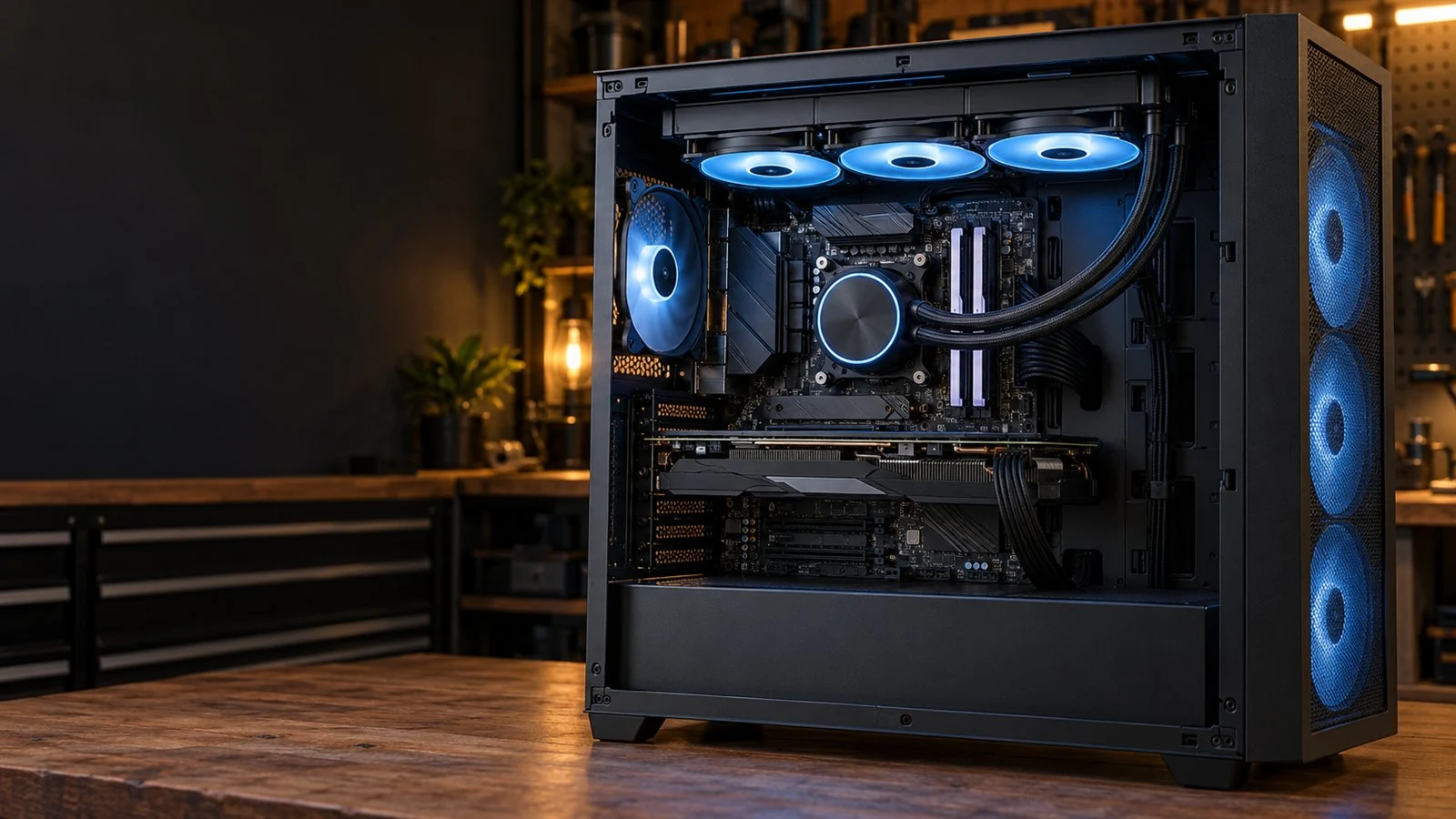
DESKTOP COOLING SERVICE · GARFIELD, NJ · NORTH JERSEY
PC Cooling Upgrades &
AIO Liquid Cooler Installation
Too much heat, too much fan noise or a cooler that is no longer keeping up? ElitePC NJ installs CPU air coolers, sealed AIO liquid coolers and case fans for desktop PCs, with practical advice on the right upgrade.
AIO liquid cooler replacement & installation
CPU cooling for overheating & throttling
Case fans, airflow & quieter operation
Desktop air coolers, sealed AIOs and case fans. Laptop cooling upgrades and custom water loops are not part of this service.
Desktop Cooling Service
PC Cooling Upgrades for Heat, Noise & Performance
The right CPU cooler and case airflow help your desktop keep up through long gaming sessions, rendering and everyday work.
- Recover CPU performance held back by excessive heat.
- Reduce avoidable fan noise from worn fans or restricted airflow.
- Provide the cooling and mounting needed for a CPU upgrade.
Recover Performance Lost to Heat
Thermal throttling is when a processor slows down to control heat. Fixing ineffective cooling can make games steadier and demanding work more consistent.
Signs Your Desktop Cooling Needs Attention
- Slowing or stuttering after the PC warms up
- Fans constantly racing, rattling or grinding
- Excessive heat or shutdowns under load
- Cooling that struggles after a CPU upgrade
Not sure whether you need new parts? Overheating PC Repair can find out whether the answer is cleaning, a repair or a cooler upgrade.
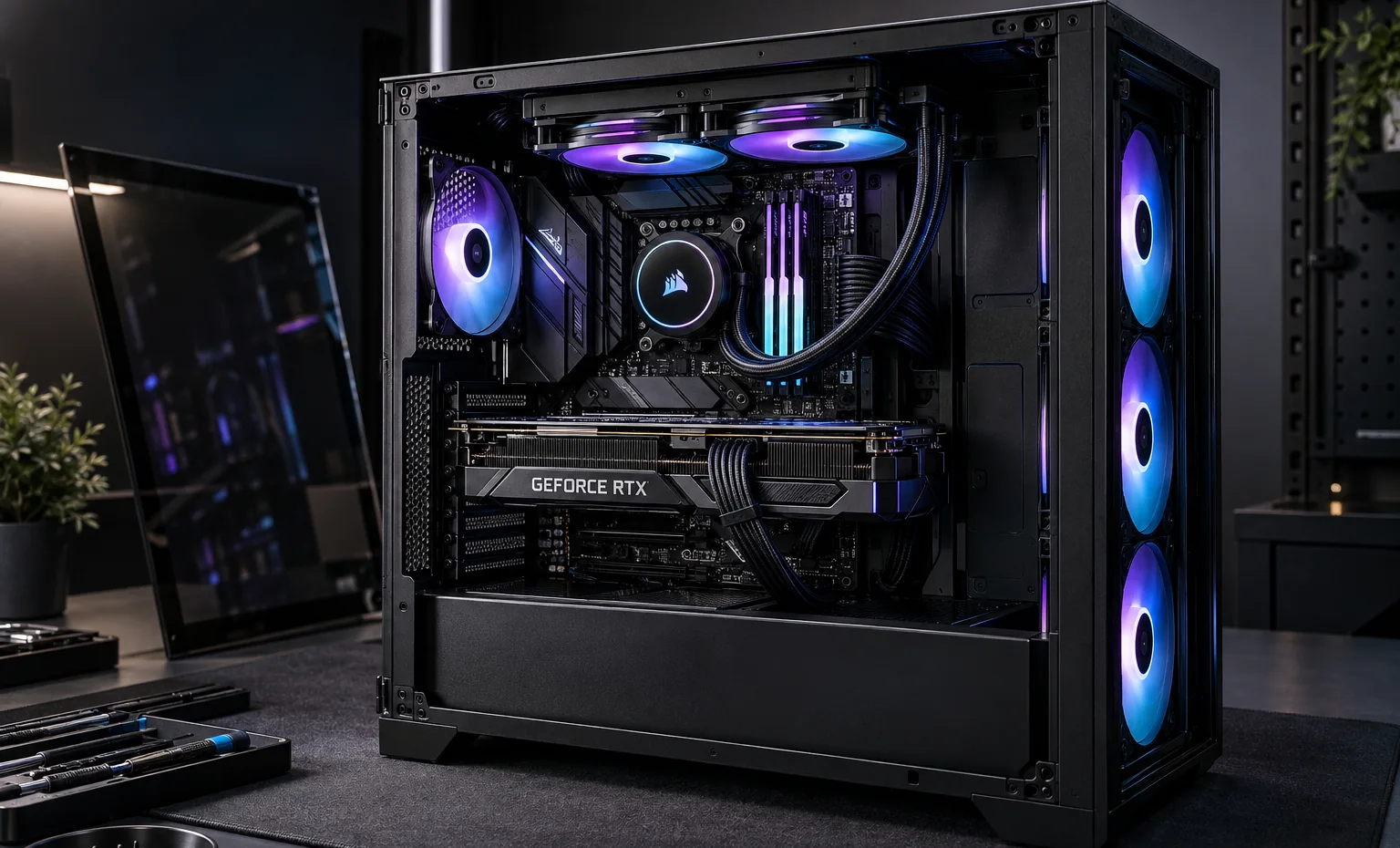
CPU cooling and case airflow work together to carry heat out of a desktop.
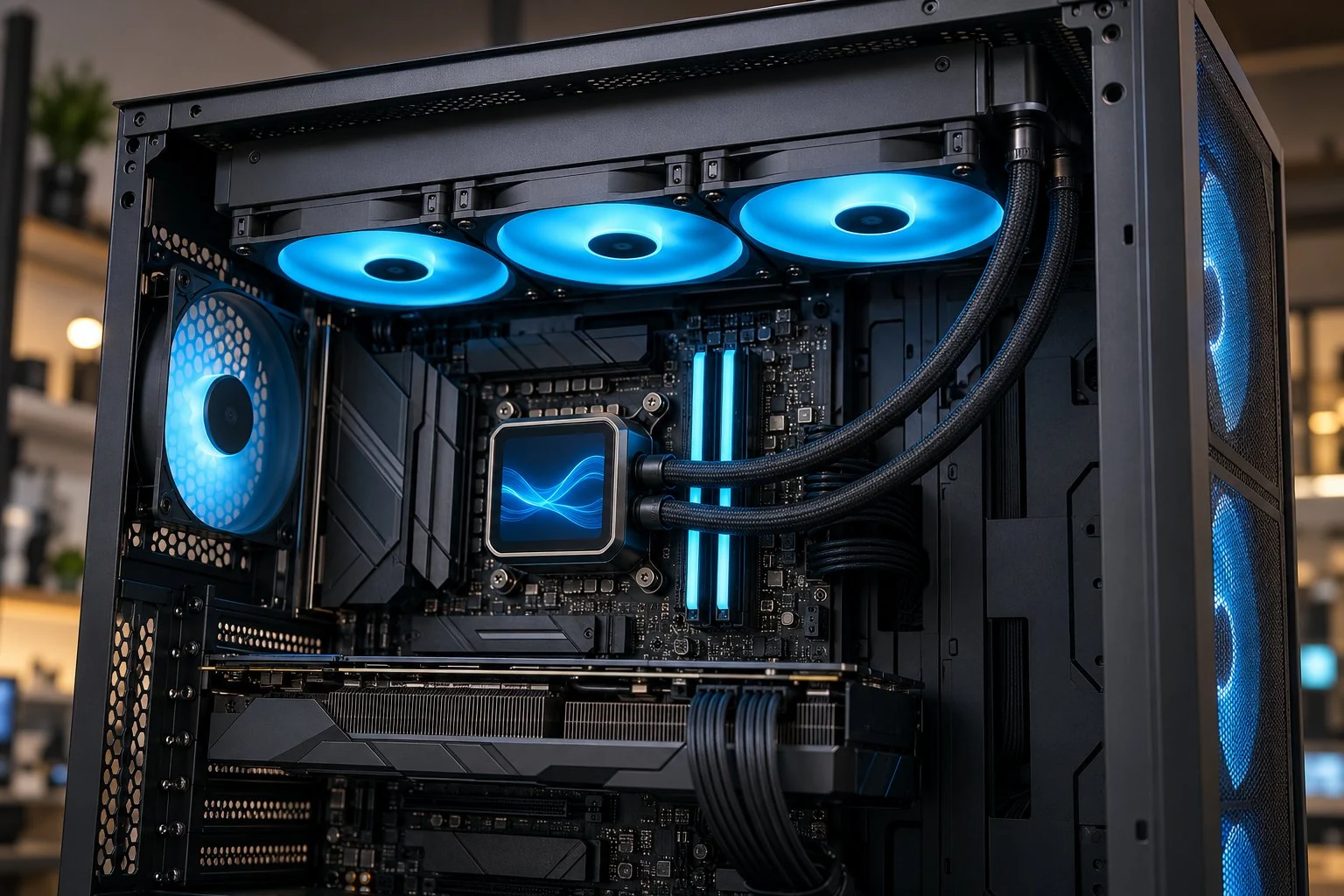
A 360mm AIO uses three radiator fans and needs room for the radiator and hoses.
Sealed AIO Cooling
AIO Liquid Cooler Installation & Replacement
A sealed all-in-one liquid cooler combines a CPU block, pump, hoses and radiator. We install the complete cooler, route its hoses and connect the pump and radiator fans for your desktop.
Replace an AIO That Is No Longer Cooling
Working lights and spinning radiator fans do not always mean the pump is doing its job. We find the problem before recommending replacement; a fan, connection or controller issue may be repairable on its own.
360mm & 240mm AIO Options
We generally prefer a 360mm AIO when the case and workload make it a good fit. A 240mm model is still a valid option, particularly where space is tighter. Radiator thickness, fan space and hose routing all matter.
The installation includes the CPU block, radiator, thermal compound and supported pump, fan and display connections. This is sealed AIO service, not custom-loop work or internal pump rebuilding.
CPU Air Cooling
CPU Air Cooler Upgrades & AIO-to-Air Replacement
A good tower air cooler is a practical choice for many gaming and everyday desktops. It can replace an undersized stock cooler or an aging AIO without adding a pump or liquid circuit.
A Simpler Cooling Setup
A capable dual-tower cooler can handle many processors well, with fans that can usually be replaced without replacing the heatsink. We choose around your CPU, noise preference and case space.
Plan Cooling With Your CPU Upgrade
A new processor may need more cooling or a different mounting kit. We can handle the cooler alongside your CPU upgrade, including cooler height, RAM clearance and the right mounting hardware.
If the existing cooler is capable but badly mounted, correcting the contact may be the better answer than buying a bigger one.
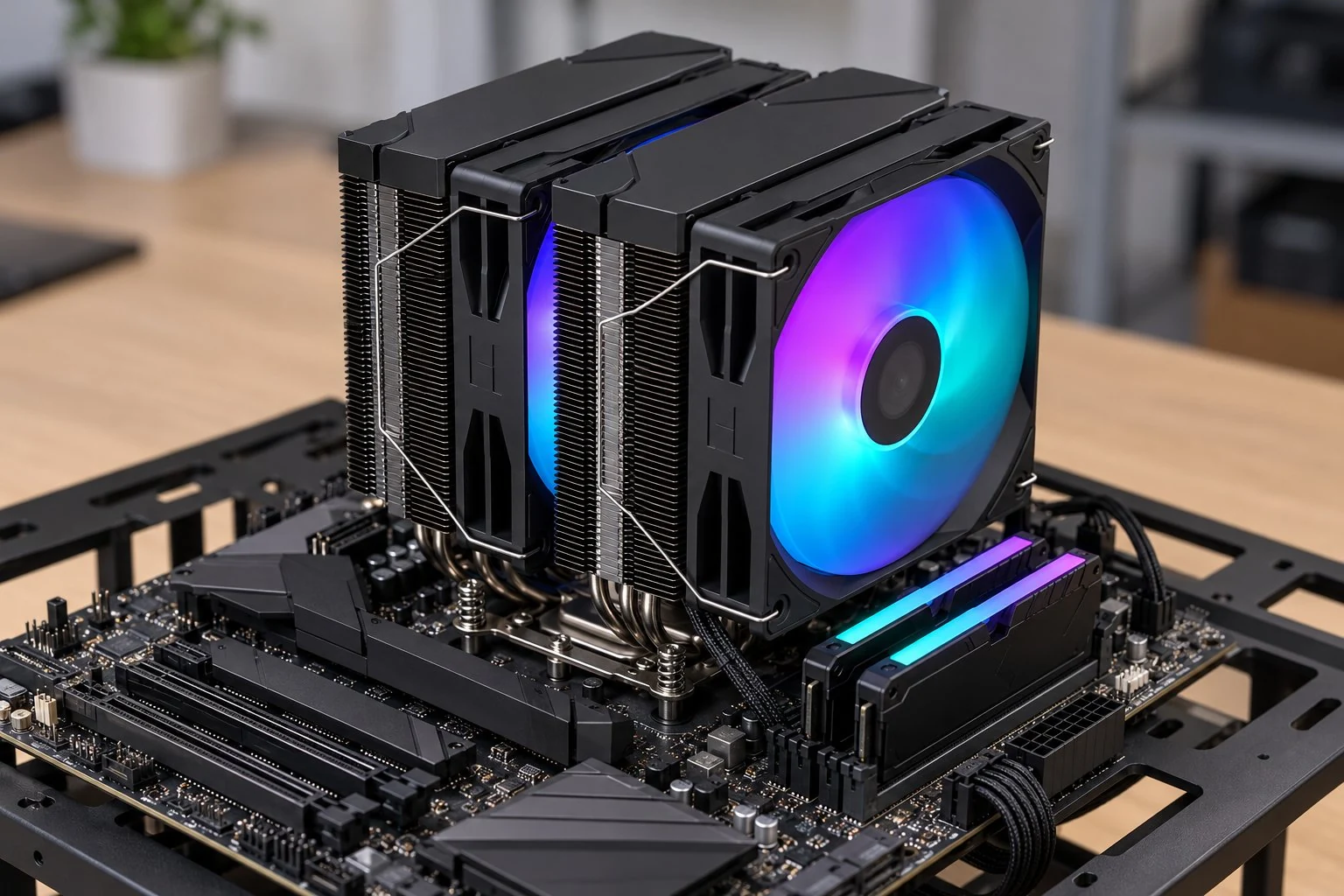
Dual-tower CPU air cooling shown on a motherboard test-bench setup.
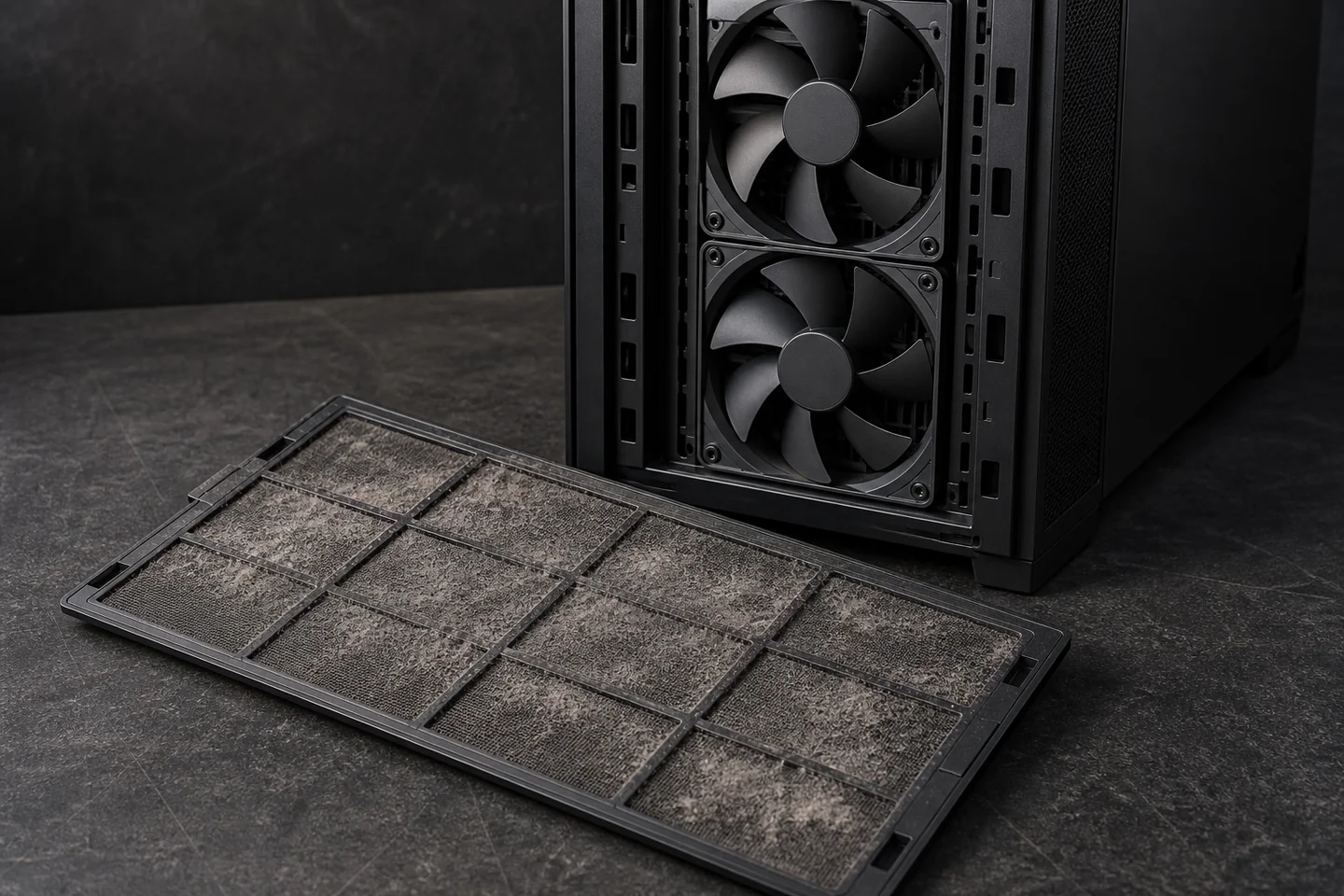
A clogged intake filter can restrict airflow even while the case fans are running.
Desktop Case Airflow
Case Fan Upgrades, Airflow & Quieter Operation
The CPU cooler needs fresh air, and heat from the graphics card needs a way out. We add or replace case fans and improve the air path through your desktop.
Intake, Exhaust & Fan Placement
Fan direction and placement should work with the case, CPU cooler and radiator. More fans help only when they improve airflow; a blocked filter can hold back otherwise working fans.
Less Unnecessary Fan Noise
A worn fan, loose mounting and an aggressive fan-speed setting need different fixes. We address the cause and set supported fan controls around your hardware.
Dusty filters and cooling fins may need PC cleaning and dust removal first. If the graphics card itself is running hot, GPU thermal service checks the card's own cooling.
Air or Liquid Cooling
Air Cooling vs. AIO: Which Fits Your Desktop?
Both can cool a desktop well. The better choice depends on your processor, workload, case space, noise goals and how much upkeep you want.
Air cooling: a heatsink and replaceable fans, with no pump.
Air Cooling: Simple Long-Term Upkeep
A good air cooler can meet the needs of many gaming and everyday PCs. There is no pump to wear out, and a failed fan can usually be replaced separately.
It still needs dust care and good thermal contact. Cooler height and RAM clearance can limit the fit. Plain, RGB and display-equipped designs are available.
AIO cooling: a CPU block connected to a separate radiator.
AIO Cooling: Headroom for Demanding Loads
A capable 360mm AIO can offer more cooling headroom for demanding sustained CPU work. It needs radiator space and adds a pump, so liquid cooling is not automatically quieter or better for every PC.
In our repair experience, AIO problems often appear around five years of use. Some last considerably longer; that is a useful wear consideration, not a fixed replacement deadline.
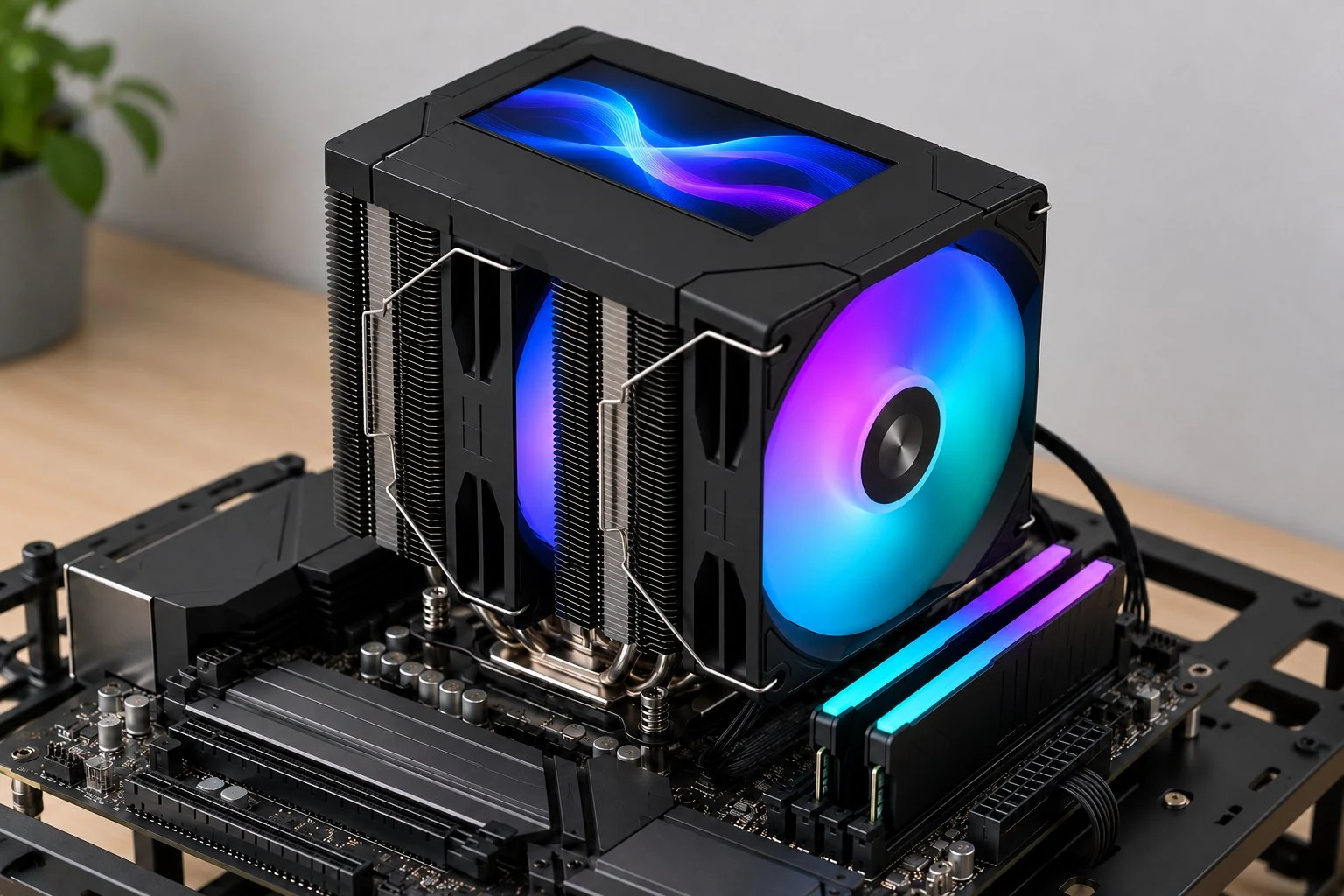
RGB air cooling with a display integrated into the cooler's top cover.
Cooling Style Options
RGB Cooling Fans & LCD Cooler Displays
Cooling can look the way you want, too. Choose coordinated RGB fans, an understated unlit build or a cooler with an integrated display.
Coordinated Lighting & Fan Control
We help set up compatible RGB or ARGB lighting and supported fan-speed controls. Lighting and fan speed are separate systems, and mixed brands may not share every effect or one control app.
Optional Cooler Displays
Some air coolers and AIOs offer a display for a chosen image or supported system information. We can help with the options and connections supported by your cooler.
Lighting and screens add customization, not cooling performance. A well-chosen unlit cooler is just as valid.
CPU Cooler Installation, From Fit to Final Checks
You do not need to choose the cooler first. Tell us what you want to improve and we'll help with parts, installation and the setup afterward.
A Cooler That Fits Your PC
We check the CPU mount, case and RAM clearance, radiator space and power connections. Compact and prebuilt desktops can have fewer options, so ask before buying parts.
Careful Mounting & Connections
The work includes preparing the CPU contact surface, applying thermal compound, fitting the cooler and connecting supported pump, fan and lighting controls.
Cooling Checks Under Real Use
We check temperatures, fan or pump operation and noise. For a heat-related slowdown, we revisit a comparable workload and look for recurring throttling.
Started overheating after a build or cooler change? Tell us what changed. Thermal paste service or a mounting repair may be enough; unexplained shutdowns may need computer diagnostics. Planning a complete system? See our custom PC service.
PC Cooling & AIO Installation Questions
Can Fixing CPU Overheating Make My PC Faster?
Yes, if heat is forcing the processor to slow down. Restoring effective cooling can recover that lost performance. A healthy, well-cooled PC will not automatically gain FPS from a new cooler.
Does a Hot CPU Always Need a New Cooler?
No. Dust, poor cooler contact, mounting, fan controls or a failed component can cause similar symptoms. We find the cause before recommending parts.
Can You Install a Cooler or Fans I Already Bought?
Send the cooler or fan models and your desktop or case details. We can check the fit, mounting hardware and connections. Mention any problems that started after a recent installation.
Can You Replace My AIO With a CPU Air Cooler?
Yes, when an air cooler can meet the processor's needs and fit the case. We account for cooler height, RAM clearance and mounting support. Plain, RGB and display-equipped choices are available.
What Maintenance Does a Sealed AIO Need?
Its radiator, fans and filters still need dust care. A sealed AIO is not a custom loop to routinely drain or refill. If you suspect a leak, switch off the desktop and contact us before using it again.
How Much Does a Cooling Upgrade or AIO Installation Cost?
The cooler, fans, controllers, case access and any existing fault affect the price. Tell us your hardware, symptoms and budget so we can discuss parts and installation before you commit. You do not need to buy parts first.
ElitePC NJ / North Jersey
Request Desktop Cooling Help in Garfield, NJ
Tell us when your PC runs hot, slows down or becomes noisy, or what hardware you plan to upgrade. We can help with a practical repair, cooler replacement or airflow improvement.
Service is by appointment. We'll contact you to discuss the work and arrange the next step.
What to Send With Your Request
- Desktop, case and CPU models, if known
- Current cooler, fans or already-owned parts
- What triggers the heat, slowdown or noise
- Your budget and cooling or appearance priorities
Not sure of the specifications? Tell us what you know. You do not need to open the PC, run new tests or buy parts to ask for help.