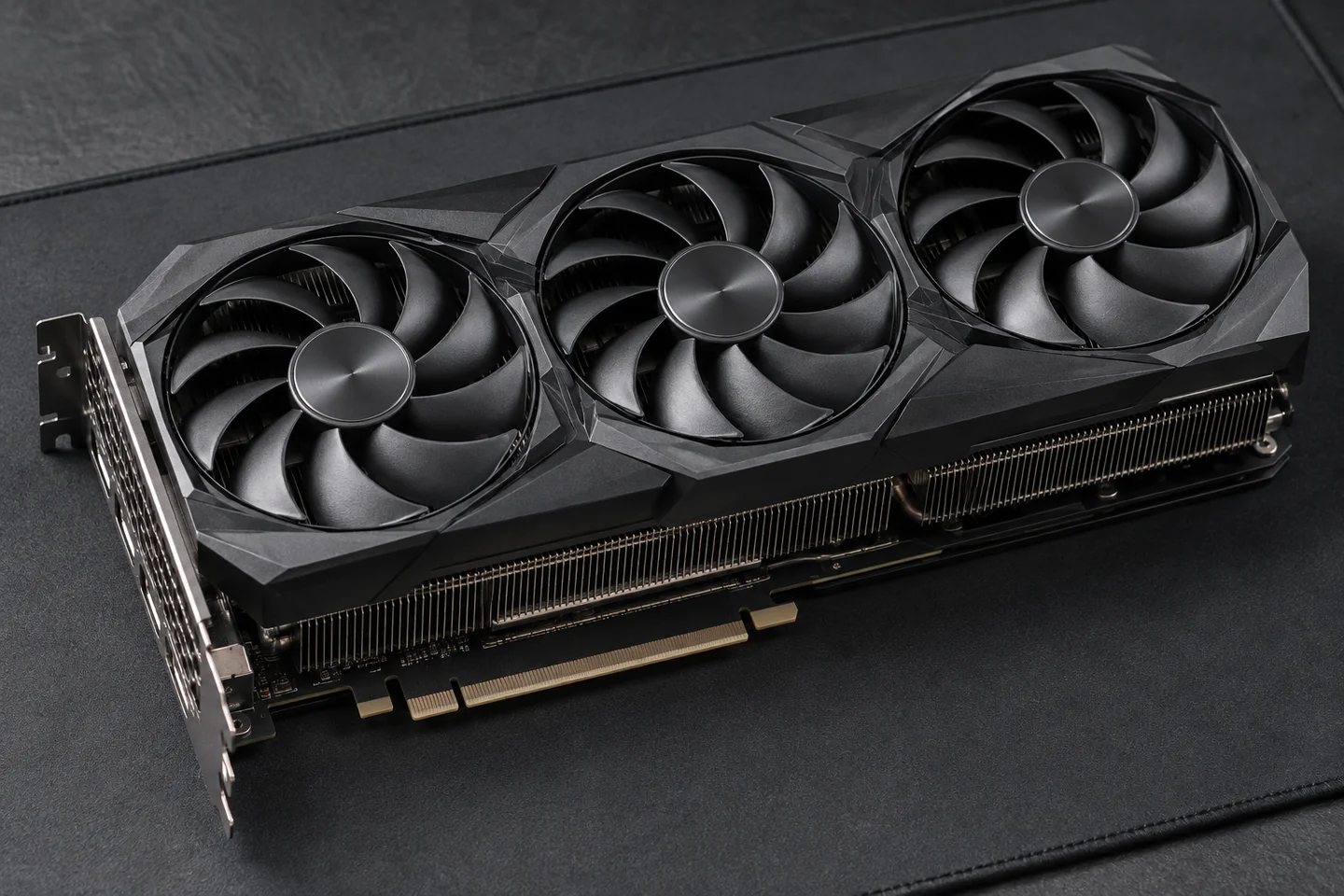
Graphics-Card Cooling
GPU Overheating Repair
Hot graphics card, loud fans or performance dropping during games or rendering? ElitePC NJ diagnoses cooling problems and provides the thermal service your card needs.
- GPU Cleaning & Repasting
- Thermal Pad Replacement When Needed
- Temperature & Cooling Checks
Service By Appointment
ElitePC NJ · Garfield, New Jersey
Gaming desktops · Workstation graphics
GPU Thermal Service
GPU Cleaning & Repasting
Heat, fan noise and slowdowns often share a cooling problem. We find the cause and recommend the right repair for your card.
Heatsink & Fan Cleaning
We remove dust from accessible fans and heatsink fins so air can move through the cooler. PC and GPU dust cleaning also helps with routine buildup and maintenance.
Fan Noise & Fan Behavior
We investigate excessive fan noise and cooling fans that do not respond properly under load. Fans may become louder during demanding work, while some cards intentionally stop them at idle or light load. The card’s fan mode and response matter more than whether a fan is spinning at one moment.
Paste & Cooler Contact
GPU repasting involves removing the cooler to replace old compound at the graphics chip. We also address cooler contact and thermal pads when those are part of the cooling problem.
Airflow Around the Graphics Card
A clean graphics card can still run hot when the case traps warm air or its vents are obstructed. Room conditions and case airflow matter alongside the GPU’s own cooler.
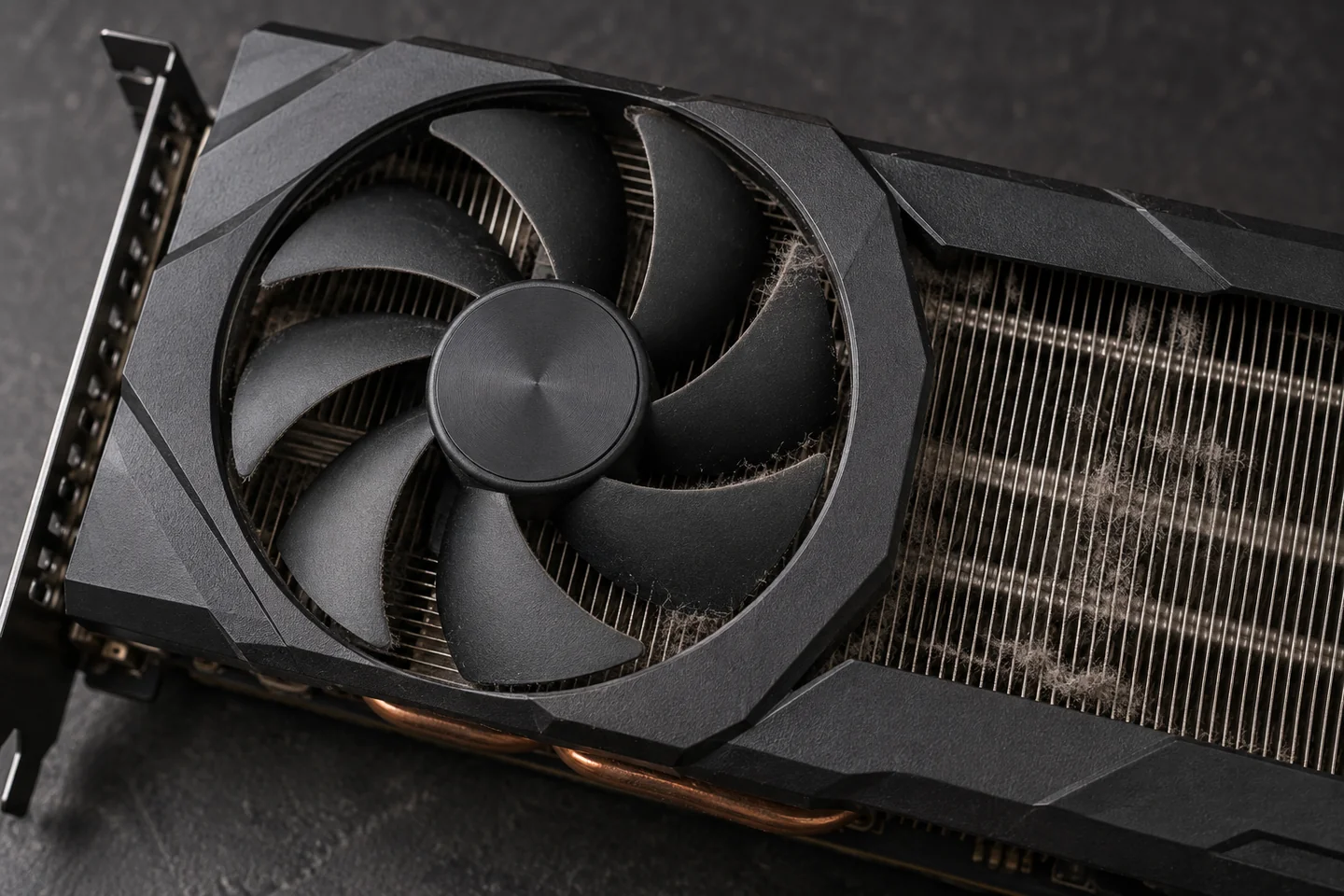
Dust between heatsink fins can restrict the airflow your GPU needs.
Benefits of GPU Thermal Service
When poor cooling is the cause, thermal service can:
- Recover performance lost to thermal throttling
- Reduce excessive fan noise caused by poor cooling
- Avoid replacing a card that only needs thermal service
Temperatures Explained
GPU Heat & Hotspot Diagnosis
GPU Temperature
The general GPU reading shows how the chip is handling its workload. We use it to investigate heat that builds during games, rendering or other demanding tasks.
Hotspot Temperature
The GPU hotspot, sometimes labeled GPU junction, is the highest temperature reported by sensors on the graphics chip. It helps us investigate uneven heat transfer and possible cooler-contact problems. It is separate from a graphics-memory temperature reading.
Memory Temperature
On cards that report it, graphics-memory (VRAM) temperature helps us assess memory cooling separately from the main GPU reading. Not every card or monitoring tool exposes this sensor.
Sensors and temperature limits vary by model. There is no universal safe gap between readings, and a high hotspot does not automatically mean the pads need replacing. Interpret the readings alongside the workload, room temperature, fan response and any changed settings.
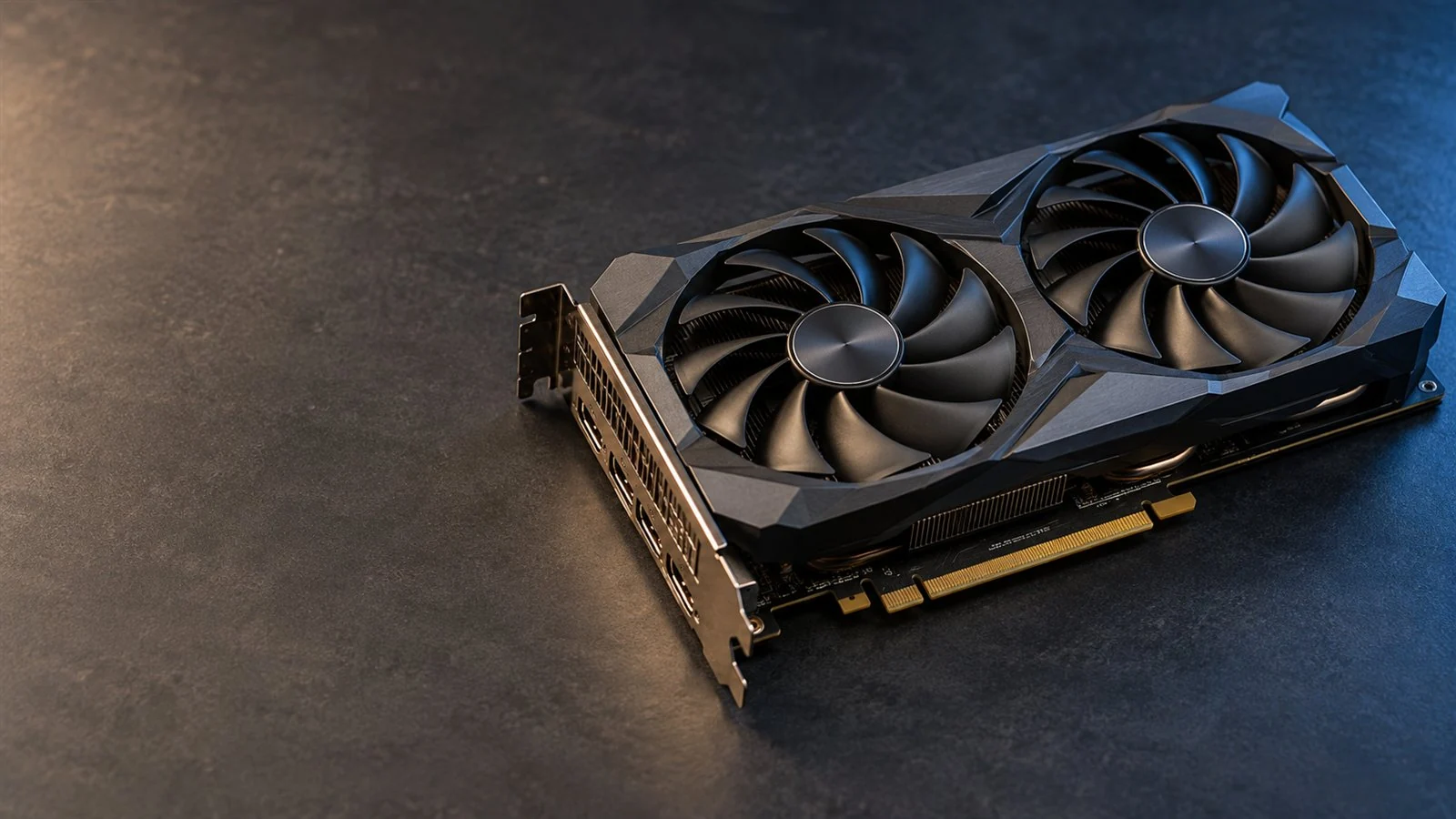
GPU fans and heatsink fins work together to carry heat away from the card.
Throttling & Low FPS
Thermal throttling means the GPU slows down to manage heat. We identify whether cooling is limiting your performance or whether low FPS points to a different hardware or software problem. Lower clock speeds alone do not prove overheating: power limits and the workload also affect GPU speed.
Black Screens & Artifacts
Crashes, black screens and visual glitches can involve drivers, power, graphics memory or failed electronics. Gaming PC Repair and Computer Diagnostics cover faults beyond cooling.
Cooler Contact
GPU Paste & Thermal Pads
The interface between the GPU chip and its cooler can use paste or a compatible phase-change material. Thicker gap pads serve different contact points. We select thermal materials for the card and cooler design so the fit and heat transfer work together.
The Right Thickness & Fit
Thermal pads must reach the correct contact points and compress properly. Thickness and softness both matter. A pad that is too thick or too firm can interfere with GPU-to-cooler contact instead of improving cooling.
Thermal Pad Replacement
We replace the materials the card needs. Some designs require new pads after cooler removal, even when the old ones look intact.
Matched to Your Graphics Card
Cards with the same RTX or Radeon GPU can use different boards and coolers. We choose materials for your exact card and account for any previous paste or pad changes.
ElitePC does not use liquid metal or electrically conductive thermal compounds and strongly recommends against them. Tell us if your card has factory-applied or aftermarket liquid metal so we can review whether we can service it. Liquid-metal conversion is not included.
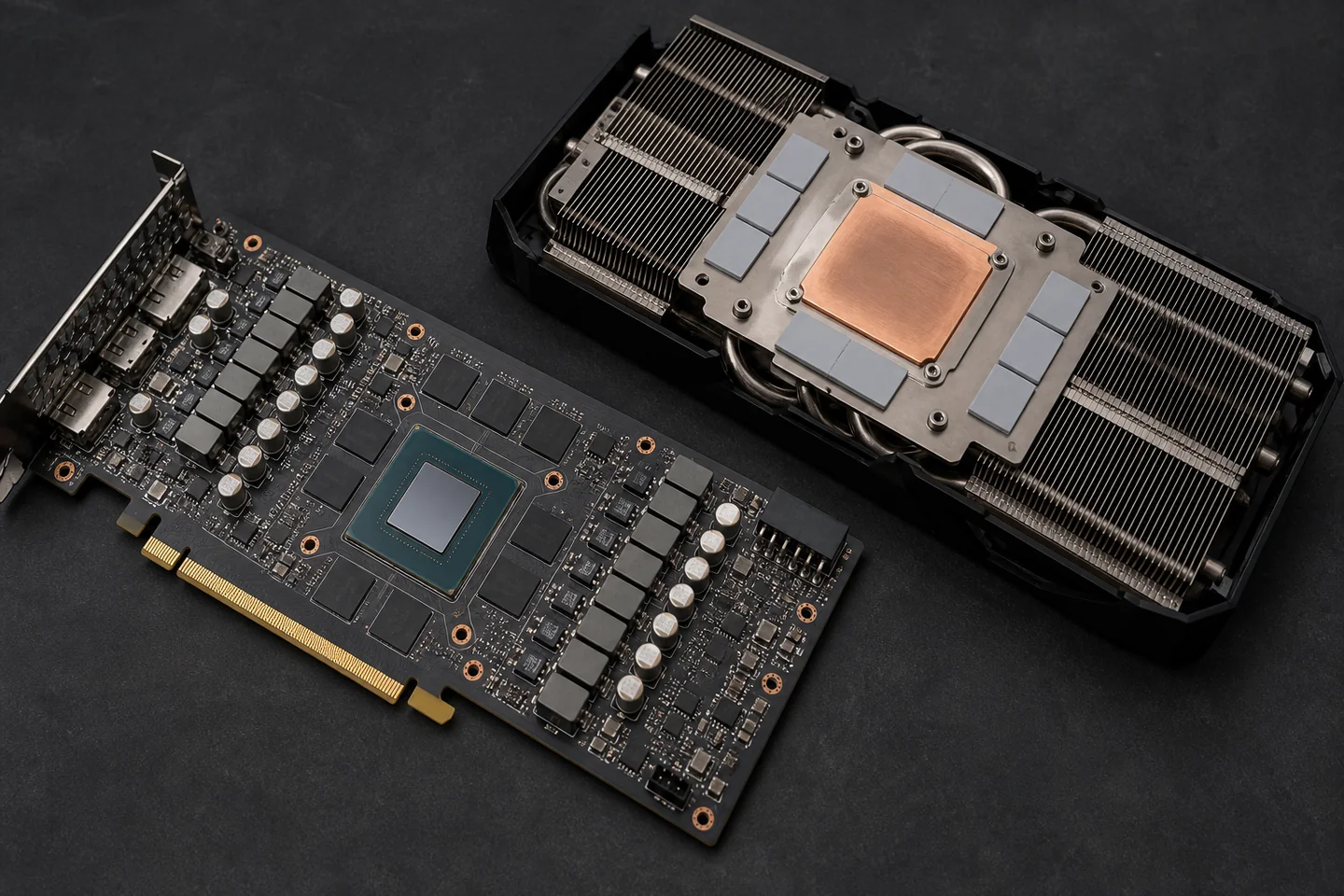
The GPU-chip interface and thicker gap pads at nearby components do different jobs.
After Thermal Service
GPU Cooling Checks After Repair
Gaming & Rendering
We put the card back to work with a relevant game or rendering task to see how it handles sustained load.
Cooling & Stability
We check that the cooling work addresses the heat-related slowdowns, excessive fan noise or instability that brought you in.
Clear Repair Results
We explain how your graphics card behaves after service and whether anything else needs attention.
Before-and-after temperatures are most useful when the workload, settings and room conditions are comparable. A changed test setup can change the numbers; the original symptoms and stability still matter.
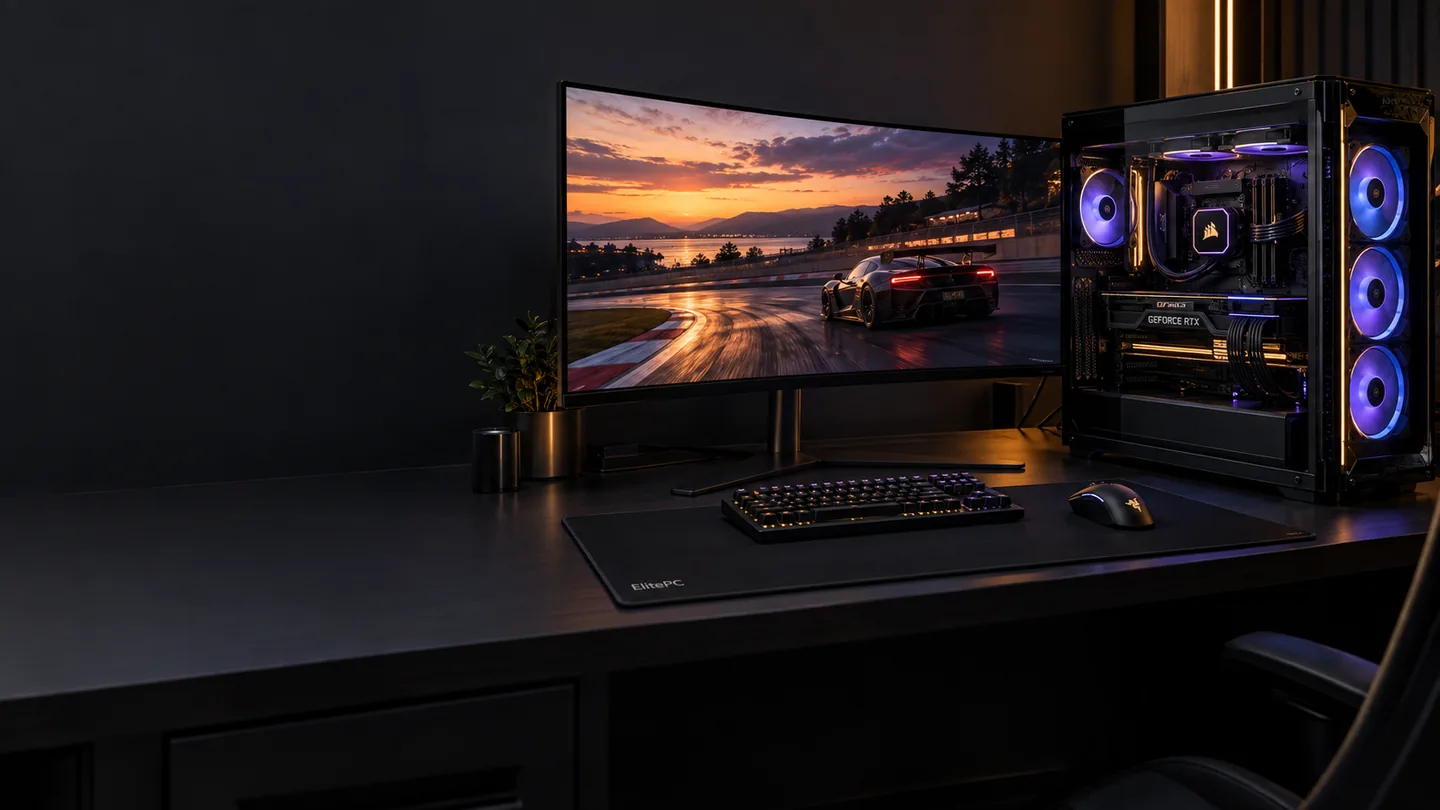
Cooling checks focus on the games and demanding workloads you use.
Repair Choices
GPU Repair or Replacement?
Electrical & Memory Faults
Cleaning and repasting cannot fix failed electronics, faulty graphics memory or every power problem. This service does not include board-level or component-level electrical GPU repair.
Warranty & Repair Value
Consider the manufacturer's warranty and support options before having the card taken apart. Access, parts availability and service cost help decide whether cooling work makes sense for its value.
Liquid damage and previous modifications can change the repair options. When thermal repair is unsuitable, Graphics Card Upgrades can help with replacement choices.
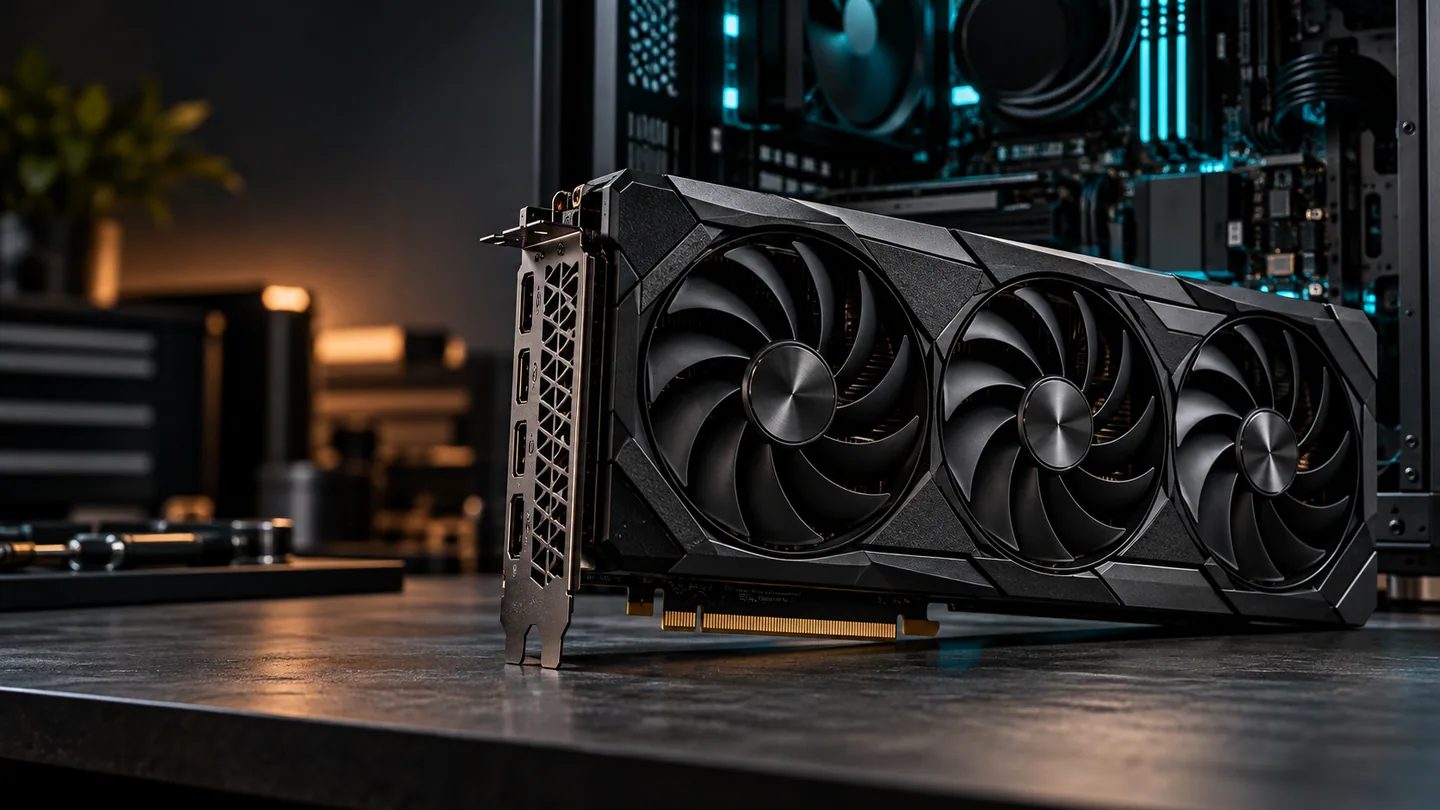
Compare practical repair options before investing in a replacement card.
Whole-PC & Laptop Cooling
Several components running hot? Start with Computer Overheating Repair. Laptop graphics often share cooling with the CPU; Gaming Laptop Repair covers those systems.
Before You Book
GPU Cooling Questions, Answered
Different Contact Points, Different Materials
GPU-chip contact
Cooler
Thin interface
GPU chip
Component gap
Cooler
Thicker gap pad
Memory / other components
Layout varies by card. Not to scale.
Why Is My GPU Still Hot After Cleaning or Repasting?
Recent maintenance does not rule out a cooling problem. Restricted case airflow, fan behavior, cooler contact or unsuitable thermal materials may still be involved. Tell us what changed and whether the original symptoms improved, stayed the same or became worse. If the card now crashes or shows no picture, it needs diagnosis rather than an automatic second repaste.
Does a High Hotspot Reading Mean I Need New Thermal Pads?
Not by itself. The GPU hotspot and graphics-memory temperature describe different areas. A high hotspot can prompt a closer look at the chip-to-cooler contact, but it does not identify the repair on its own. The exact card, available readings and condition of the thermal contacts determine whether paste, pads or another cooling issue needs attention.
Can PTM Replace the Thermal Pads on My GPU?
PTM phase-change material, such as PTM7950, can suit the thin interface between a compatible GPU chip and its cooler. It softens as it warms to conform to those surfaces. It is not a substitute for the thicker gap pads used at memory and other components. Ask about PTM for your exact card; cooler design and contact pressure matter.
How Much Does GPU Thermal Service Cost?
The cost depends on the exact graphics card, access to its cooler and the work needed. Dust cleaning, repasting and thermal-pad work have different scopes, and parts availability or previous modifications can affect the options. Send the maker, model and symptoms so we can discuss the appropriate next step.
Can I Ask for Help Without Temperature Readings?
Yes. Describe what happens during normal use, which game or workload brings it on, and any recent changes. Existing readings are useful if you have them, but you do not need to install monitoring tools, run a new stress test or take the card apart to contact us.
Should I Bring the Whole PC or Just the Graphics Card?
You do not need to remove the graphics card to ask for help. Tell us whether it is still installed or already separate, along with the model and symptoms. We will confirm what to bring before an appointment. Please wait for confirmation before traveling or arranging a drop-off.
GPU Cooling Help
GPU Overheating Repair in Garfield
Tell us your graphics-card model and what happens during games or work. We can help you choose the next step.
Based in Garfield, ElitePC NJ serves Bergen County, Passaic County and North Jersey by appointment.
We'll confirm what to bring before your appointment.
Helpful Card Details
- Graphics-card maker and model, if known
- The games or workloads that cause trouble
- Heat, fan noise, crashes or other symptoms
- Previous paste, pad, fan or cooler changes
- Any temperature readings you already have, with the sensor name if known
- Whether the card is still installed, plus any changed fan, power or clock settings
Share what you already know; no disassembly or new stress test is needed.