ElitePC NJ · Home, home office & business
Printer Installation & Setup in North Jersey
Get the printer connected to the devices you use.
Get your printer ready for everyday use without struggling through the setup yourself. ElitePC installs printers, connects them to computers and Wi-Fi, and troubleshoots printing problems for homes, home offices and businesses across North Jersey.
Based in Garfield · Serving North Jersey · By appointment
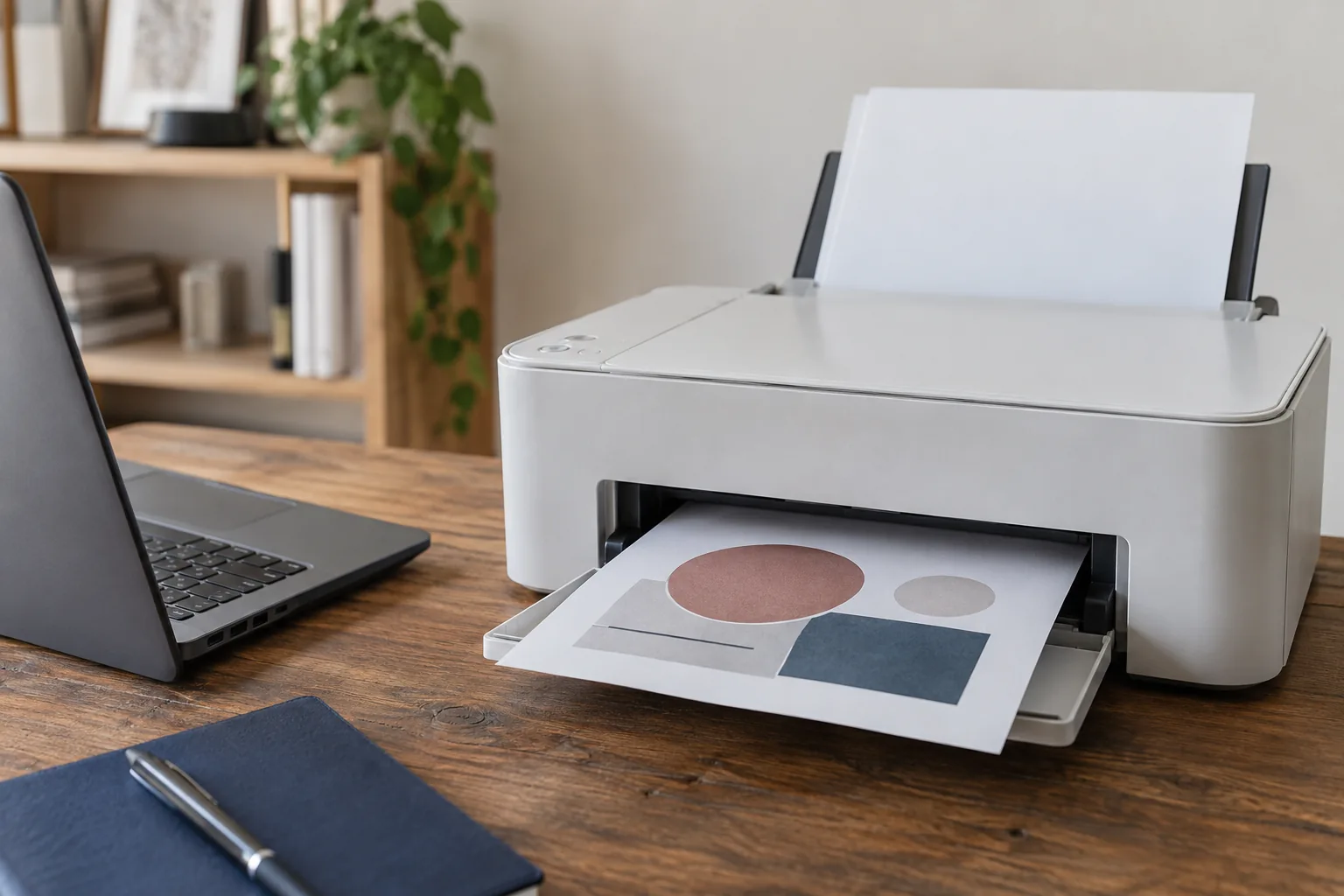
Printer setup that ends with a print from the device you actually use.
New printers and connection problems
Printer setup for your home or business
New printer installation
Start using your new printer with help from first setup to the first printed page. ElitePC helps prepare the printer, connect it to your computer or network and configure the software your devices need. We work around your printer model and the way you want to use it.
Whether you need one home computer connected or access from several office devices, we explain the setup and confirm what is included. You do not need to know which cable, driver or wireless setting to choose.
Reconnect an existing printer
A new router, replacement computer or software change can leave a working printer disconnected. ElitePC checks the connection and device settings, identifies what changed and helps restore printing without assuming you need a new printer.
Our service focuses on installation, software and connectivity. Mechanical faults, damaged parts and printer consumables are outside this setup service.
Less setup hassle. More pages ready.
Printer Installation That Keeps Documents Moving
A printer should support your day, not become a project of its own. ElitePC connects the device, configures its software and checks the setup for everyday use.
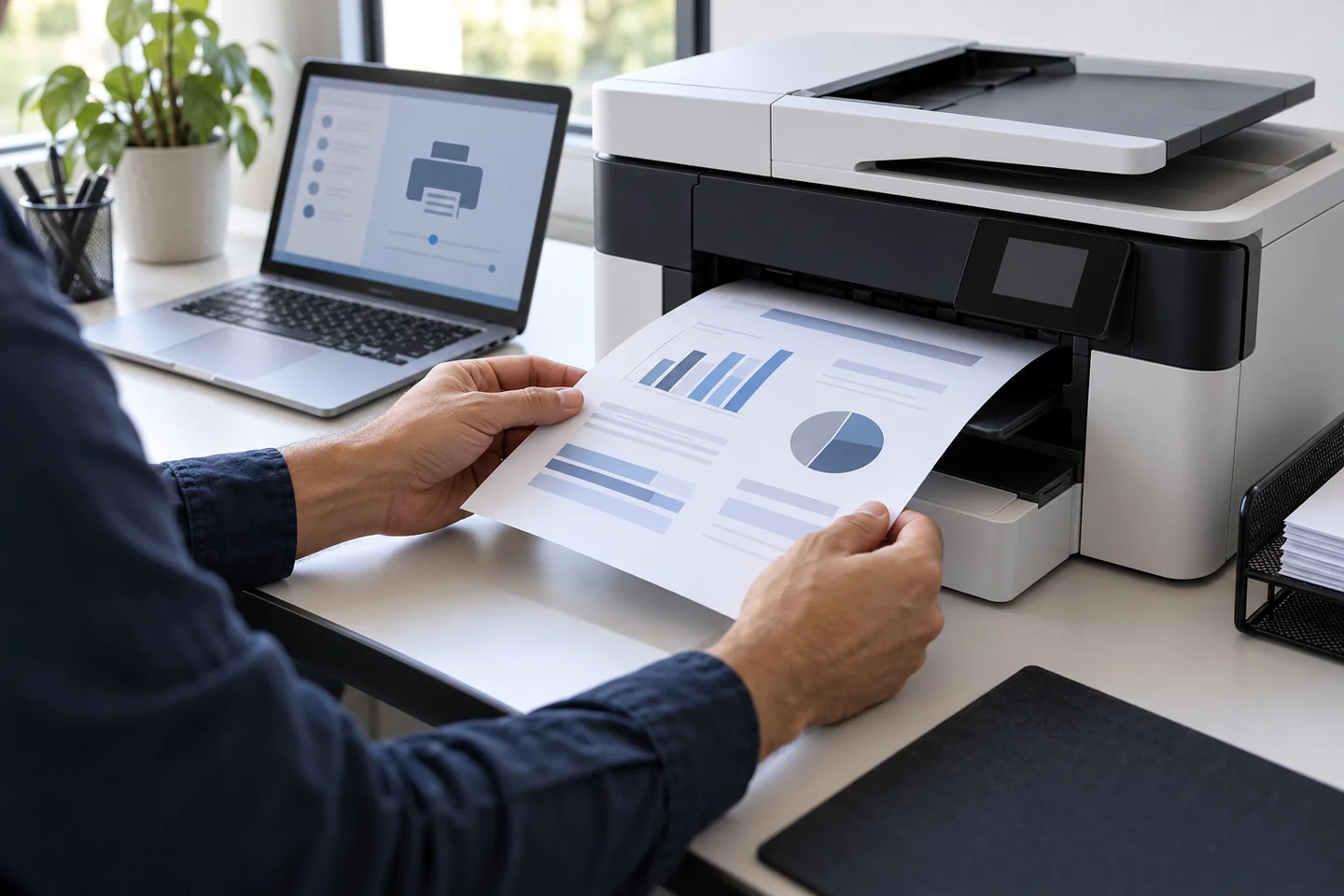
Home · Home office · Small business
From setup to test page.
Ready for everyday printing.
✓
Put your printer to work.
Get help with first setup or reconnecting an existing printer, without assuming a connection problem needs new equipment.
✓
Print from the devices you use.
Connect compatible computers and devices through the wired or wireless setup that fits your space.
✓
Leave driver confusion behind.
Get the right printer software installed and configured instead of guessing which download or setting you need.
✓
Make shared printing simpler.
Set up network access so supported devices can reach the printer without an improvised workaround.
✓
See the setup put to the test.
Check printer operation and address setup problems before they become part of your daily routine.
Practical printer setup for everyday work.
ElitePC · North Jersey
The right connection for your setup
Wireless, USB and network printer installation
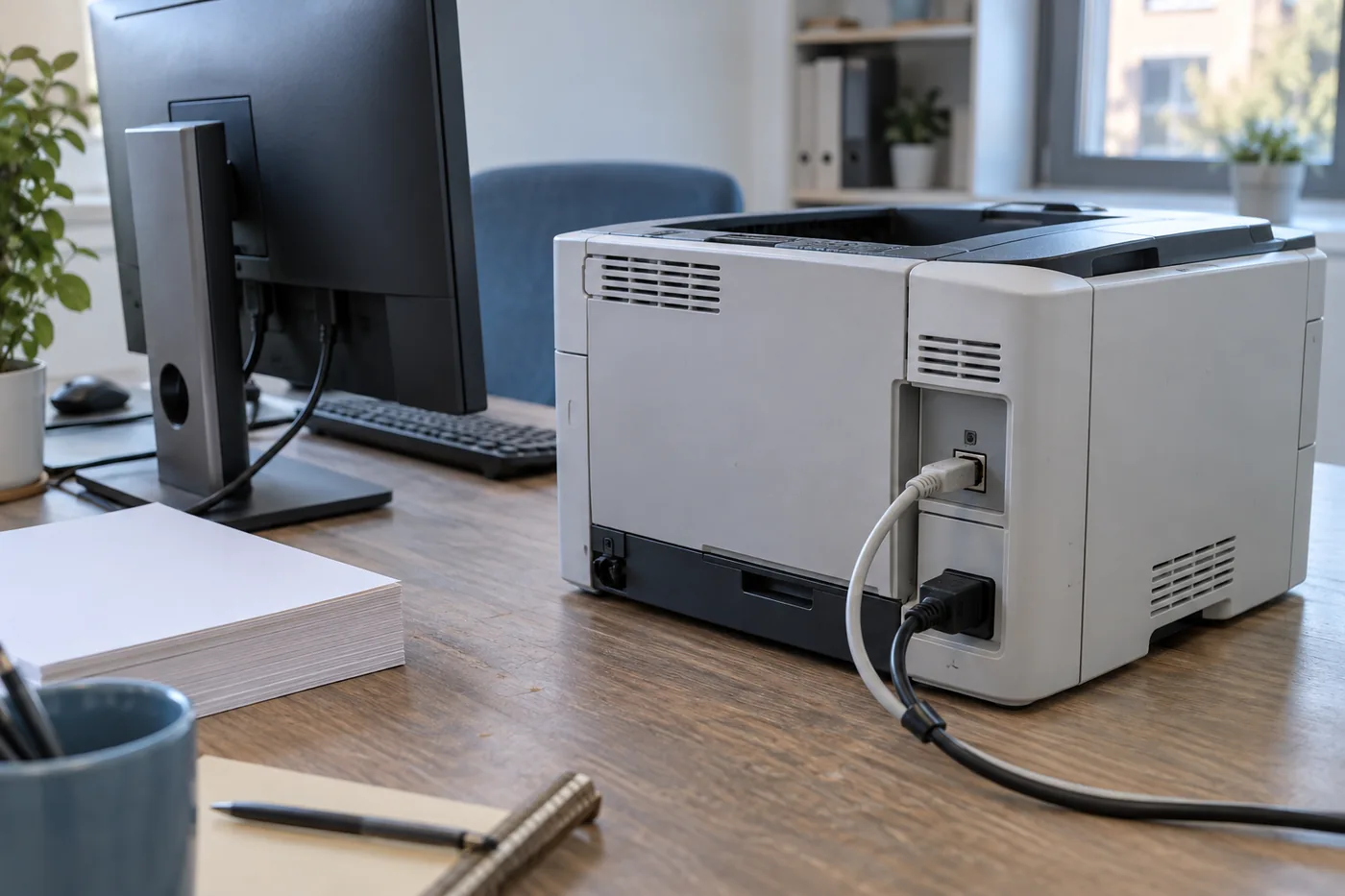
A direct USB connection can be a practical choice for printing from one computer.
USB printer setup
Connect a supported printer directly to your computer. ElitePC checks compatibility, sets up the printer on the computer and tests the connection so you can print without managing network settings.
Wired network printer setup
Make a compatible Ethernet printer available on your local network. We connect the printer, configure access on the agreed computers and check that those devices can send a print job.
Wi-Fi printer setup
Print without a USB cable between your computer and printer. ElitePC connects compatible printers to your local Wi-Fi and sets up the devices that need access, including reconnecting printers after a router or network change.
Printer setup for Windows, Mac, phones and tablets
Use the printer from the devices you rely on. ElitePC helps configure compatible Windows PCs, Macs and mobile devices, using built-in printing features such as AirPrint or manufacturer software where appropriate. We check compatibility before recommending the setup.
Need scanning as well as printing? We can include supported scanning functions in the agreed work. For employer-managed devices, we coordinate any required changes with your authorized IT contact.
Get help when printing stops
Printer offline and connection troubleshooting
Printer stopped working after a router change
We help reconnect the printer to the new network and correct outdated printer connections on your computer. The aim is to get your existing equipment working together again, not leave you repeating the wireless setup.
Printer works on one computer but not another
ElitePC checks the affected computer, printer settings and print queue to find why one device cannot print. We resolve suitable software and connection problems and test the result from that device.
We also check how the printer is shared, whether it connects directly to the network or depends on another computer being available.
Printer is missing even though the internet works
A working internet connection does not always mean your computer can reach the printer. We investigate device discovery, network separation and connection settings while keeping the security boundaries your home or business needs.
Ready for everyday printing
Printer setup tested from your devices
ElitePC checks more than whether the printer turns on. We test the agreed printing tasks from your computers or devices and explain any remaining issue.
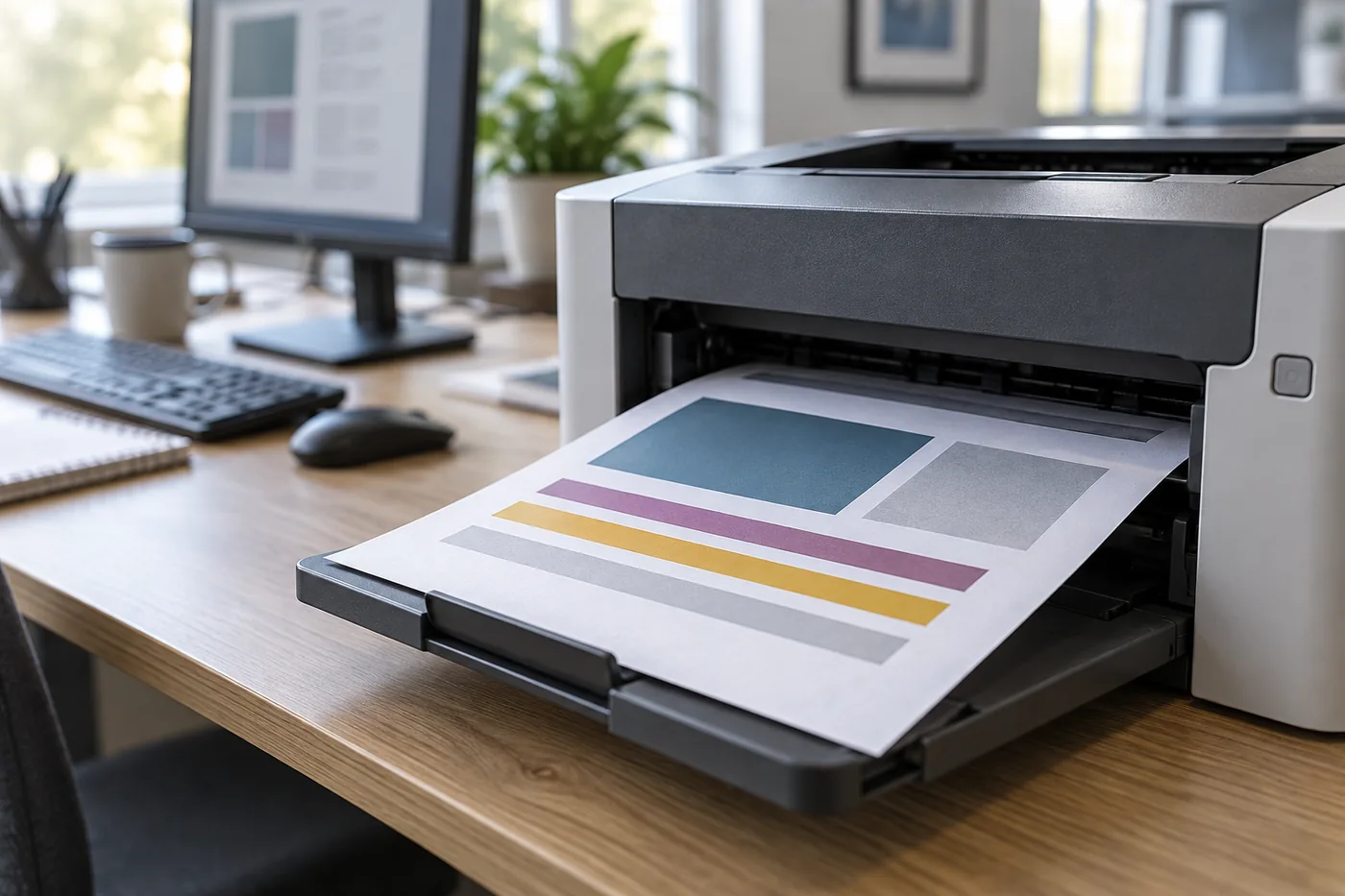
A successful setup connects the device, the application and the printed page.
CHECK 01 · AT THE PRINTER
Check the printer itself
We use an appropriate printer test to help distinguish a connection problem from a fault at the printer. If the equipment itself needs attention outside our setup service, we explain the finding rather than keep changing computer settings.
CHECK 02 · FROM YOUR DEVICE
Print from the computer you use
We send a non-sensitive sample document from the agreed computer or application, check the selected printer and review the output. This confirms the connection in everyday use, not just the printer's own test page.
When scanning is included, we check the supported scanning task too. You get a clear explanation of the setup, the devices tested and any additional work needed.
Talk to ElitePC
Request local printer installation or connection help
Tell us whether you have a new printer to install or an existing one that will not print. Include the model, the devices you use and your town or ZIP code if you know them. A short description is enough to get started; we will help work out the technical details.
Based in Garfield, ElitePC serves homes, home offices and businesses across Bergen County, Passaic County and North Jersey. We confirm the devices, setup work and charges before proceeding.
On-site help suits equipment preparation and physical connections. Suitable software and connection settings may be handled remotely when the equipment is ready and authorized access is available. Service is by appointment. Please keep passwords and private documents out of your initial message.