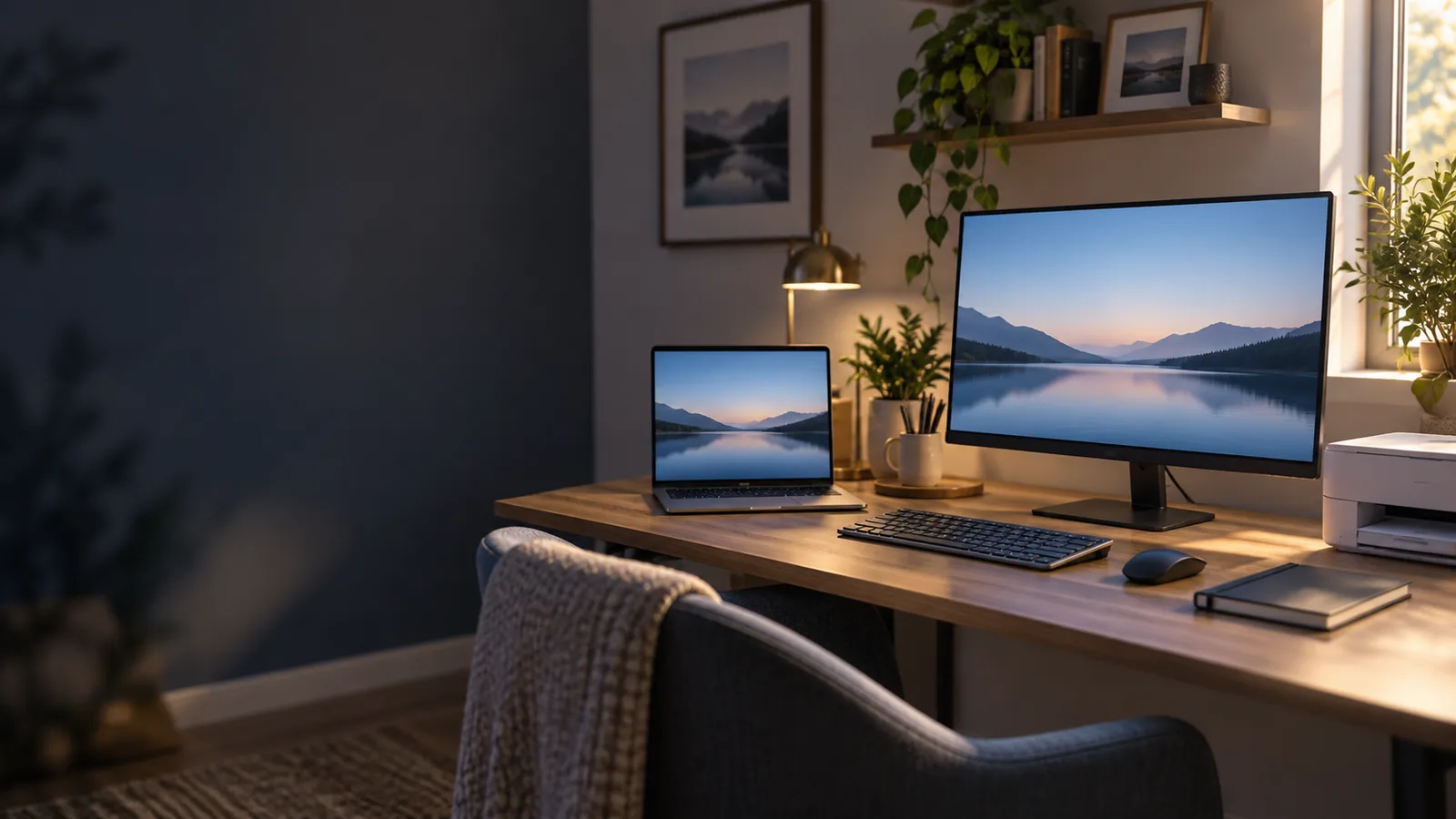
New Computer Setup in North Jersey
New Computer Setup & Data Transfer
Start using your new computer without taking on the setup yourself. ElitePC NJ prepares desktops and laptops for home or work, from your accounts and programs to the files you want to keep.
We can help whether you bought the computer elsewhere or chose a custom build.
- Get your everyday programs set up
- Bring the files you want to keep
- Connect your printers, screens and other equipment
- Know what is ready and what still needs attention
A setup built around the computer and equipment you use.
A New Computer, Set Up for the Way You Use It
From email and video calls to work files and printing, we help get your new computer ready for everyday use.
A fresh start
Setup Without a Transfer
We prepare the accounts, compatible programs, updates and equipment included in your setup. If you are starting fresh, you do not need an old computer or files to transfer.
A change of computer
Setup With a File Transfer
We help bring selected files to the new computer and set up the programs, accounts and devices you still use.
Programs and settings need their own setup. Copying documents alone will not recreate your old computer.
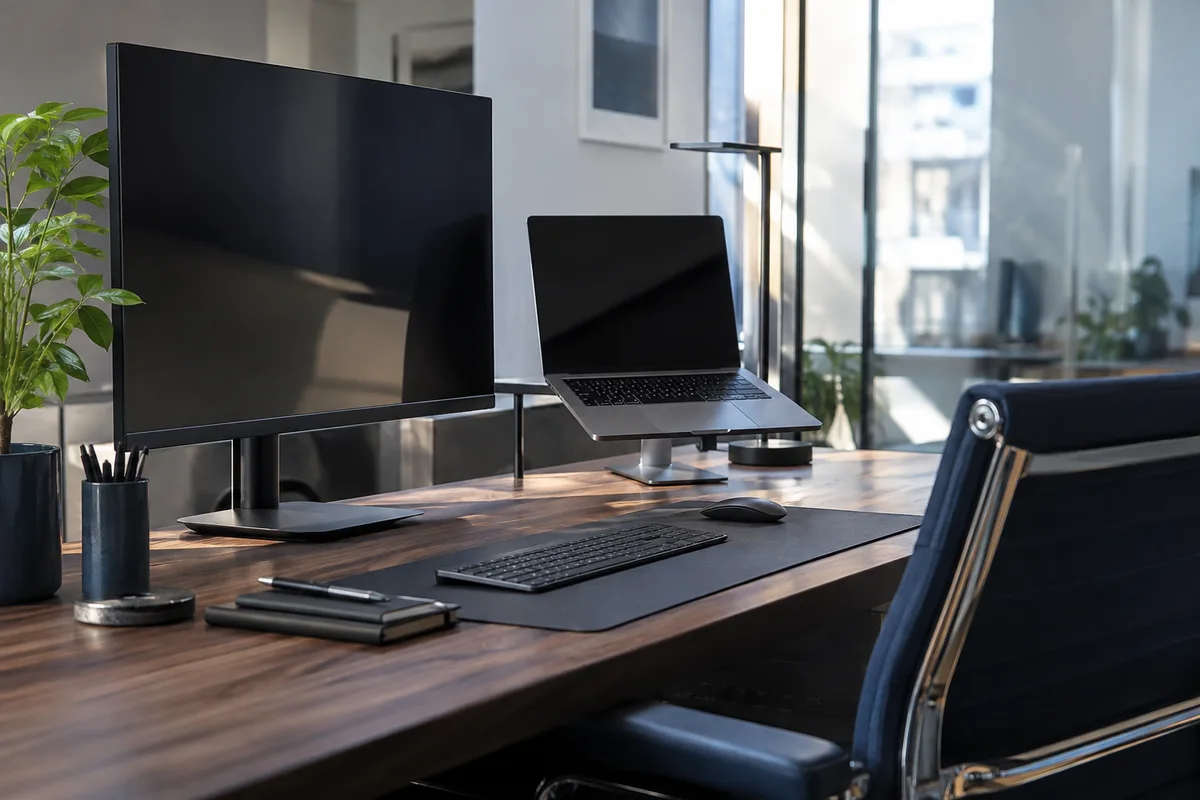
Familiar files, programs and equipment on your new computer.
Help for Home and Work Computers
New computer setup is usually done on-site, where we can connect your computer to the Wi-Fi, printer and other equipment you actually use. See On-Site Computer Support for home and office visits.
Get help setting up a home computer or an individual work computer. For employer-owned devices, we work within the owner’s permission and IT policies.
For a larger business rollout or ongoing IT support, explore Business IT Services.
Setup Already Included in Your Custom Build?
If your custom build already includes configuration, you do not pay a second setup charge for that same work. Extra file transfers or equipment setup are discussed separately.
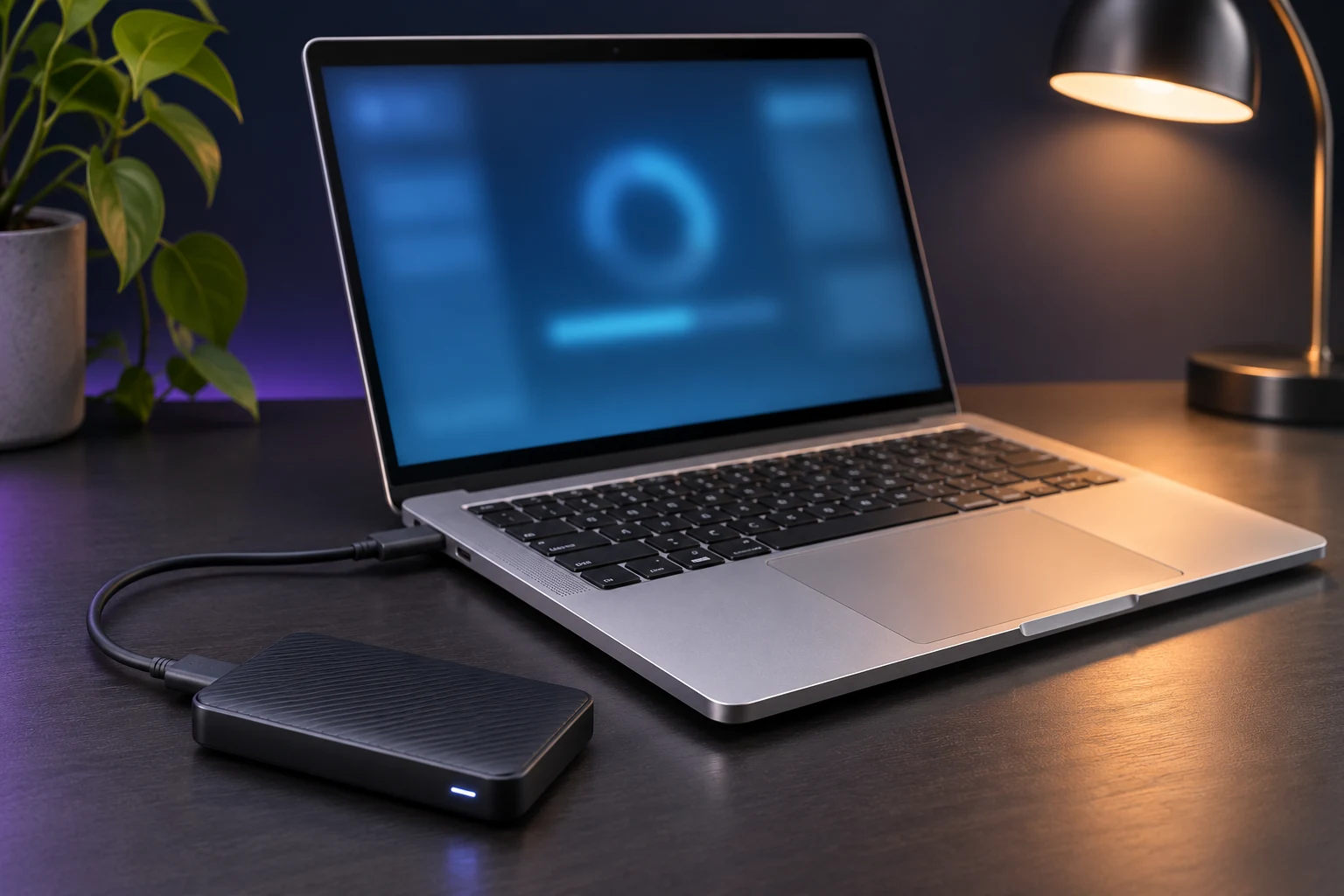
A Setup Built Around Your Everyday Needs
Choose the help you need, from familiar settings and software to moving selected files from your old machine.
Personalized settings
Set display, power and everyday preferences to suit the way you work.
Software installation
Install compatible productivity tools and applications using valid licenses.
Selected file transfers
Move the documents, photos and important files you want to keep.
Printers and peripherals
Connect supported printers, scanners, displays and external drives.
Security configuration
Review firewall settings, updates and appropriate encryption options.
What Can Move to Your New Computer?
Your files, familiar programs and everyday equipment are the starting point. We help bring them together on the new computer and explain anything that needs a different setup.
Your Documents and Photos
We help move the documents, photos and work files you want to keep, including files on extra drives or in less familiar folders. We help choose which versions to keep and where to put them, within the space available.
Your Cloud Files
We reconnect your OneDrive or other cloud files and help make online-only files available offline when you need them. We check which folders are synced or backed up and whether those backups are usable. Syncing alone does not guarantee that lost files can be recovered.
Your Programs and Licenses
We install compatible everyday and specialist programs using licenses valid for your new computer, available installers and any required sign-ins. If an older program cannot run on the new operating system or needs help from its provider, we explain the next step.
Your Windows Settings
We help restore supported settings from Windows Backup for a personal Microsoft account, then check what carried across. A restored app shortcut does not mean the program is installed. Work and school accounts follow your organization’s setup options.
Email and Browser Data
We set up email and bring across bookmarks, browser profiles, saved preferences and email archives. That includes items stored online or only on your old computer. Saved passwords may need to be entered again.
Printers, Scanners and Displays
We connect the supported printers, scanners and displays you choose for your setup, with the drivers and network connections they need.
Security and Backup Choices
We explain the update, security and backup choices in your setup, including any gaps and who manages the accounts, subscriptions and recovery details. Ongoing services and extra recommended work are separate. Setup cannot guarantee security or continuing backup coverage.
If the Old Computer Will Not Start
We may still be able to transfer files from a computer that will not start. We check the drive’s condition and whether its files are readable. We also need permission and access to any encrypted files. Repairing the whole computer may not be necessary.
Missing or inaccessible files need a Data Recovery assessment. Our recovery service has limits, and success is not guaranteed. Failed-drive and advanced recovery are not part of computer setup.
Keeping the same computer and replacing only its drive? See SSD Upgrades With Drive Cloning.
Your Setup, Checked and Explained
We check your new setup and explain anything that still needs attention. A walkthrough can also be included, so you know where to find your files and how to use the changes.
- We check that you can sign in and know who controls your accounts.
- We open a sample of important files and check that the programs included in your setup will open. Any skipped or unreadable files and license problems are explained.
- We test the email, browser, printing, scanning and display tasks covered by your setup.
- We explain the update, security and backup choices in your setup, along with related subscriptions and recovery details.
For a printer problem on its own, see Printer Installation & Setup. Network problems or issues that need the software provider’s help may require separate work.
A walkthrough helps you get started. It does not include unlimited training or ongoing support.
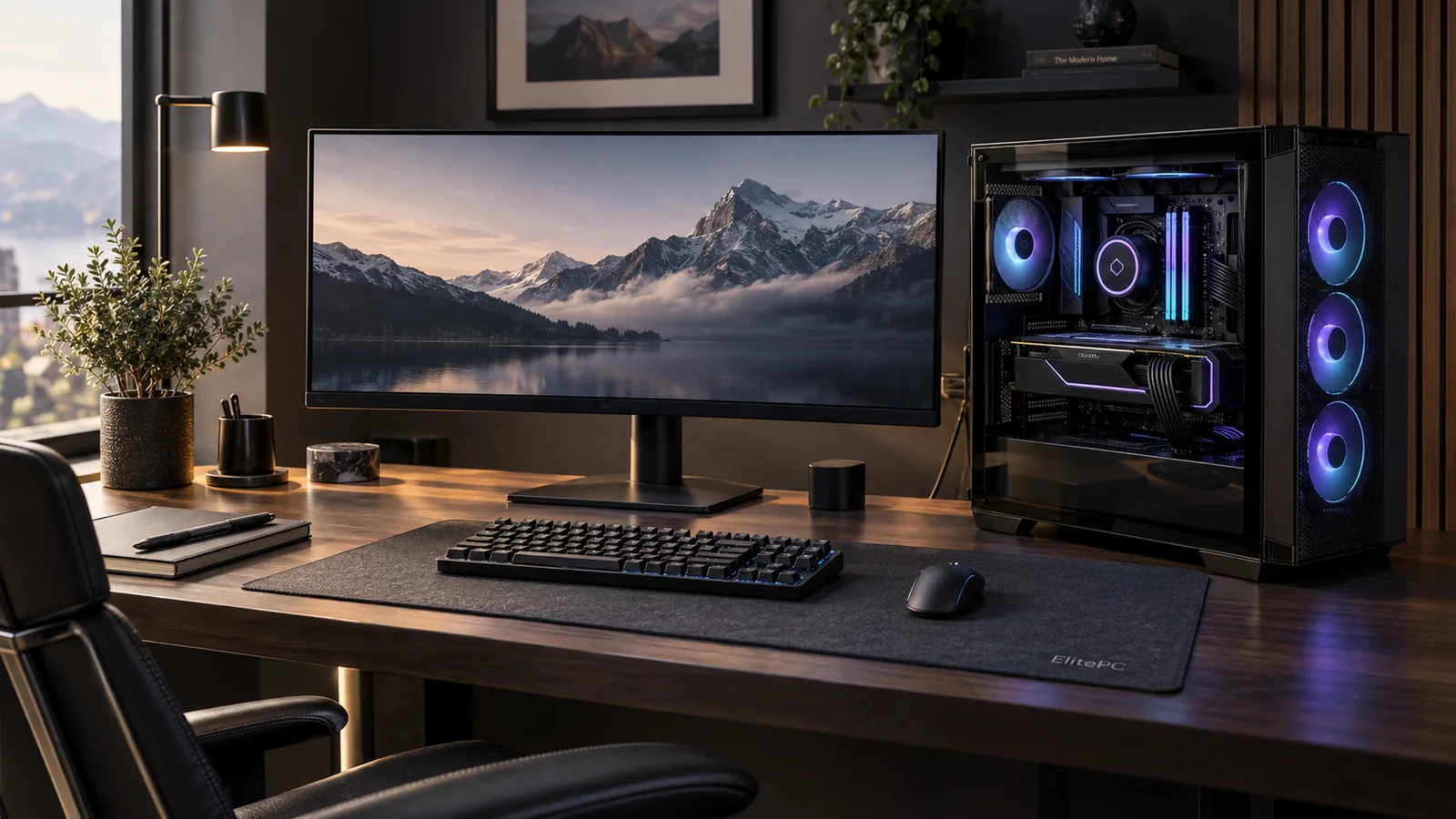
A clear start with your new computer.
Keep your old computer and its files until the transfer has been checked. What to keep, erase or recycle is a separate decision. Do not erase your only copy before setup.
New Computer Setup Questions
Do I Need Both Computers for a Transfer?
Not always. A usable external backup or accessible cloud files may contain everything you want to move. We can explain whether both computers are needed for your transfer.
The files must be readable somewhere. If you are starting fresh without a transfer, you do not need an old computer.
What If the New Computer Has Less Storage?
We help choose what to keep on the computer and what could stay in the cloud or on an external drive. Files you need offline must fit in the available space.
Extra storage purchases or account-plan changes need your separate approval.
Can You Set Up an Employer-Managed Computer?
We can help with individual work computers when the owner allows the changes and the setup fits your employer’s IT policies. Administrator access and software licenses can affect what we can do.
For company-wide Microsoft 365 email, accounts or licenses, ask about Microsoft 365 support. For a larger rollout or ongoing business IT help, see Business IT Services.
Can Setup Be Done at Home or Remotely?
Some setup work can be done remotely. Other jobs need hands-on access in the workshop or at your location. The right option depends on internet access, physical connections and whether the computers needed for the job are available.
Remote Support and On-Site Support explain those options. We can help you choose a practical option before you arrange service.
What Affects the Price and Timing?
The price and timing depend on how many computers and people need setup, how much data is moving and where it is stored. Programs, licenses, connected equipment, travel and extra troubleshooting can also affect the quote.
Before you decide to go ahead, we explain the work and checks, the cost and timing, where it will happen and what support is included.
Let Us Get Your New Computer Ready
Tell us what you would like to do on your new computer, what equipment you have and whether you want to bring files across.
ElitePC NJ is based in Garfield and serves Bergen County, Passaic County and North Jersey by appointment. You can ask about your setup before booking an appointment or approving any work.
Tell Us About Your Setup
- Your old and new computer models, if known, and whether the old one starts.
- The files and programs that matter to you, where your files are stored and any backups.
- Printers, scanners, displays and other equipment you want to use.
- Whether this is a personal or work computer, who can approve changes, your preferred date and ZIP code.
Please leave passwords, sign-in codes, license keys, recovery keys and private files out of your request. We can discuss any account access needed for the setup separately.