ElitePC NJ · Home & business
Backup Setup & Restore Services in North Jersey
Protect the files you need. Get help bringing them back.
Family photos, important documents and business files deserve more than a backup you hope is working. ElitePC sets up backups, tests restores and helps recover files from usable backup copies. Get one-time help for your home or business, or ongoing backup monitoring for your business.
Based in Garfield · Serving North Jersey · By appointment
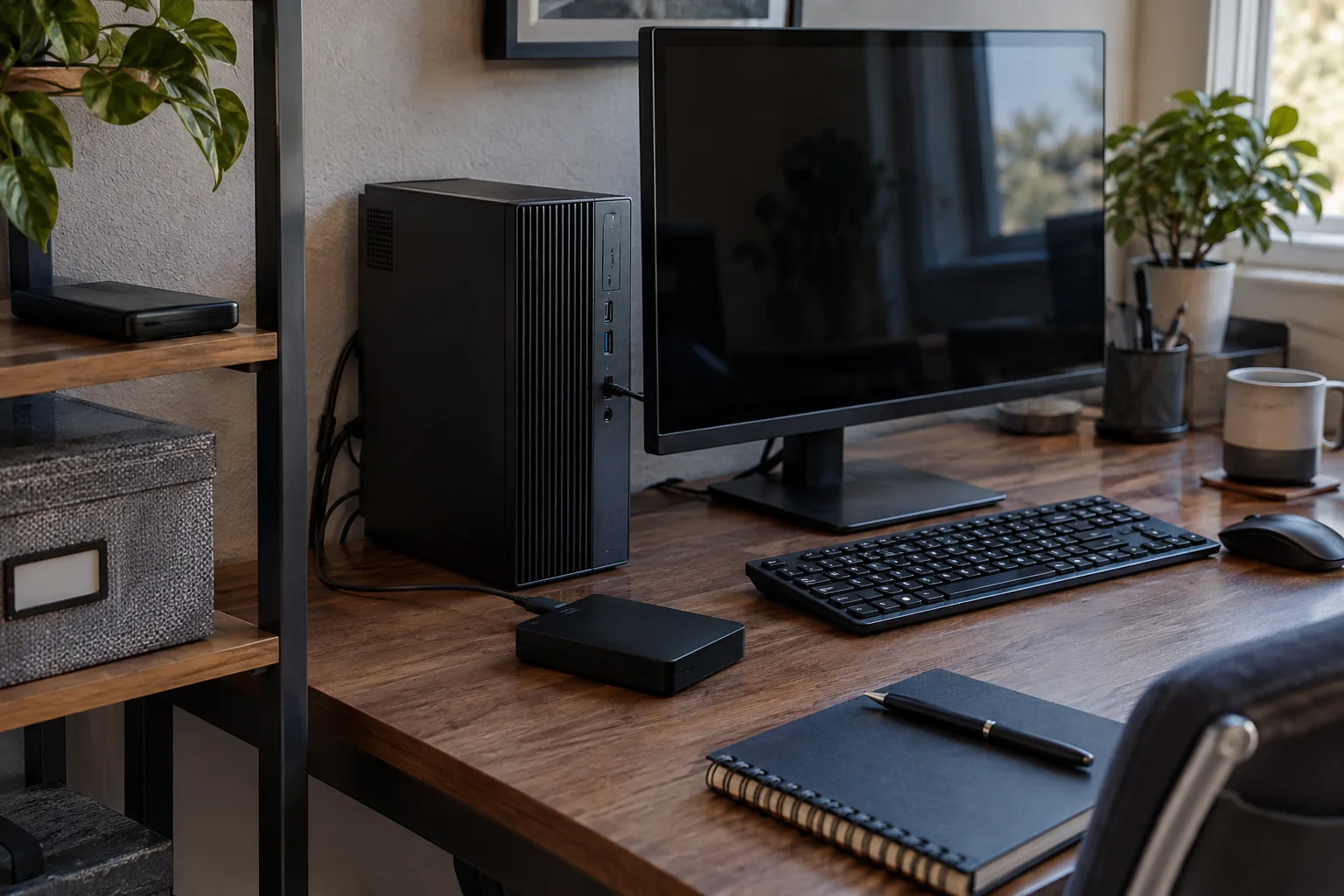
Backup setup and restore help for the files that matter at home and at work.
Practical help from setup to restore
Computer backup services for home and business
Whether you have never set up a backup or no longer trust the one you have, ElitePC can help. We review your important files and existing copies, set up a suitable backup approach and test an agreed restore. You get help with the technical work and a clear explanation of what your backup covers.
One-time backup setup and review
Protect home photos and documents or the files your small business relies on. We can review an existing backup, configure a new setup and show you how to recognize problems. Before handoff, we explain what was backed up, what was tested and how to keep the setup in use.
Ongoing business backup monitoring
Keep backup checks from becoming another task your team has to remember. ElitePC offers ongoing monitoring and restore verification through a business support agreement, with the covered systems, checks and follow-up responsibilities defined for your business.
Restore files from an existing backup
Deleted a folder, replaced a computer or need an earlier copy of a document? ElitePC helps find and restore the information available in a usable backup. If there is no usable copy or the original storage is failing, we can assess the next step through our Data Recovery service.
Protect important files. Prepare for recovery.
Reliable Backups and Practical File Recovery
A backup should do more than finish a progress bar. Get practical protection, a tested restore and a clearer path back to the files that matter.
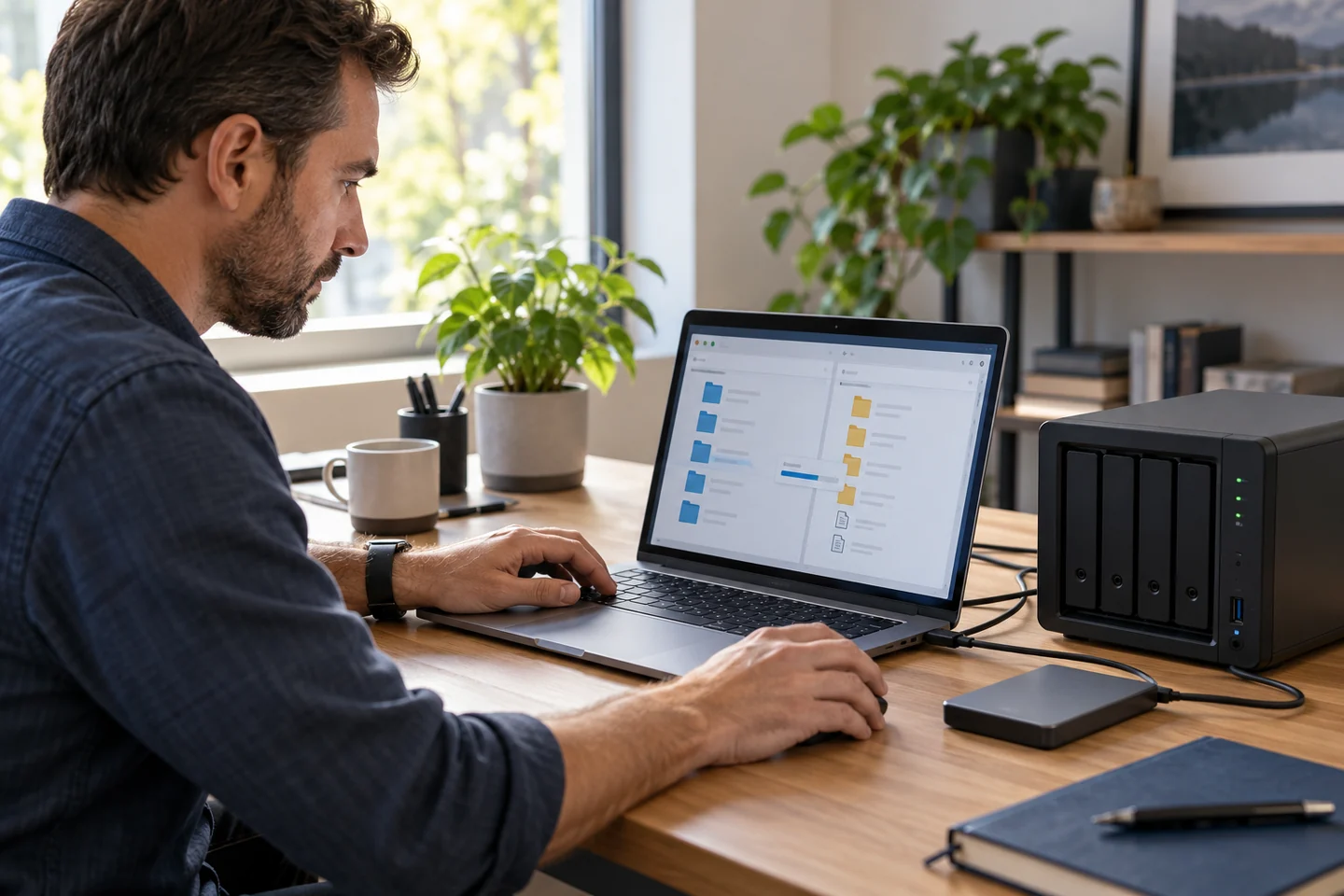
Protect the original. Check the copy.
✓
Know what is actually protected.
We identify the files, folders and devices your backup needs to cover, so important work is not left outside the plan.
✓
Find gaps before you need a restore.
An agreed restore test checks that selected files can be recovered and opened, not just that a backup task completed.
✓
Keep a better path back to earlier work.
We review available versions and storage needs so you understand which copies can help after a deletion or unwanted change.
✓
Choose storage that fits your life or business.
Get help balancing local and cloud copies around your equipment, connection and the information you need to protect.
✓
Take backup checks off the business to-do list.
Ongoing business support can include scheduled checks and follow-up under an agreement, instead of relying on someone to remember.
A backup that fits your needs
External drive and cloud backup setup
The right backup starts with the information you need to protect. ElitePC reviews your computers, folders, storage needs and how often files change, then helps set up an appropriate local backup, cloud backup or combination. We explain the options without leaving you to choose software and configure it alone.
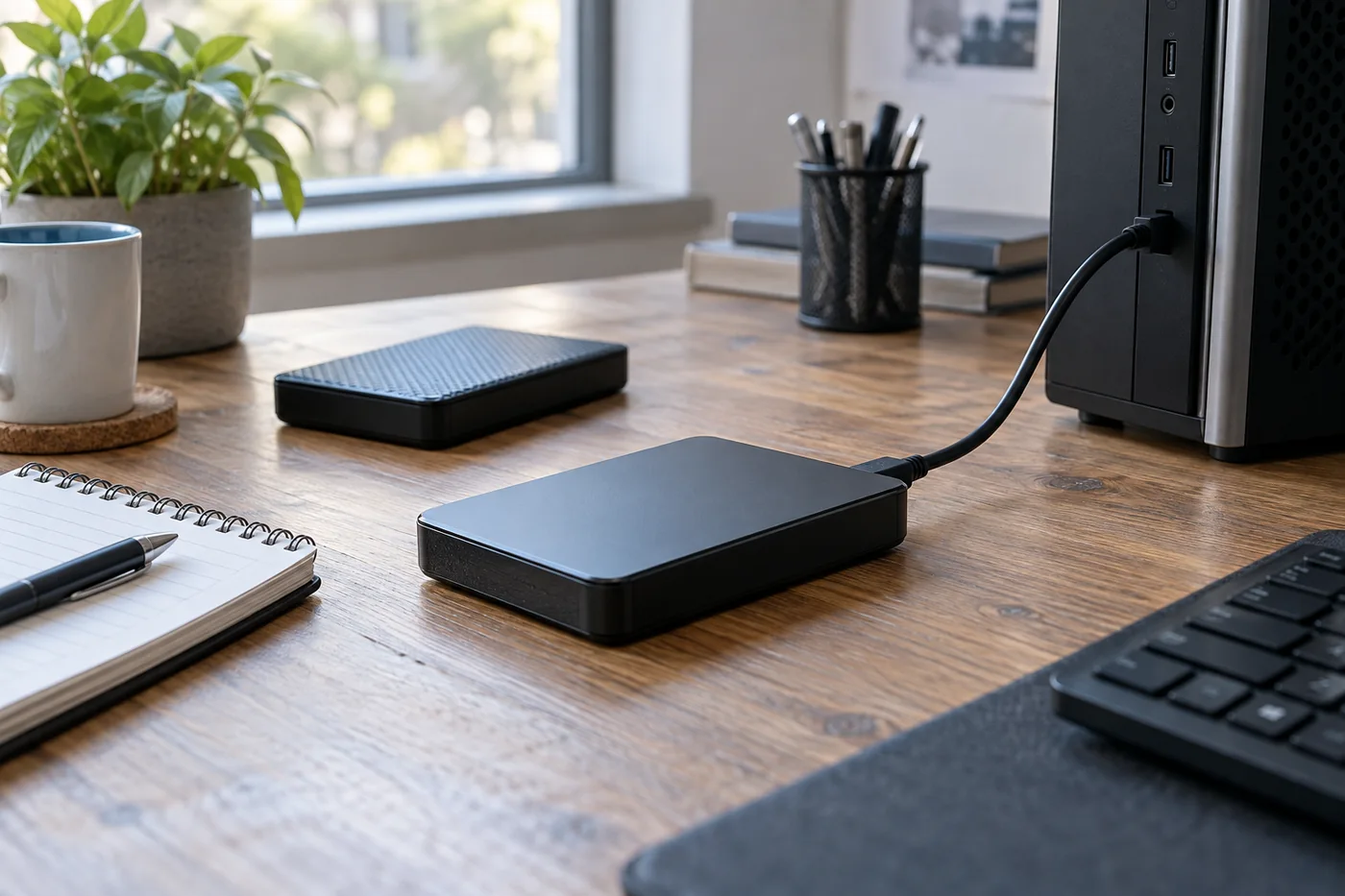
Local backup storage keeps a separate copy of the files selected for protection.
Choose local storage, cloud storage or both
We help choose where your backup lives and how you will access it when needed.
The files you want to protect
We identify the folders and devices your backup needs to cover.
Local backup
External drive or separate storage
Keep a copy close at hand for convenient file restores. We help with storage selection and setup, including capacity, connections and where the backup device is kept.
Cloud backup
A copy stored away from your premises
Keep a copy off-site rather than alongside the original computer. We help assess the service, storage and connection needs, including upload time and access for restores.
For some setups, combining local and cloud backups provides a more useful choice of copies.
We also consider what could affect both the original and its backup. Separate locations, offline copies or protected access can reduce exposure to particular risks. Our recommendations reflect your equipment and needs, with any storage purchases or subscriptions explained before you commit.
Not sure whether your files are already backed up?
A synced folder is not always the backup you expect. ElitePC reviews what your existing setup includes, whether deletions are copied across devices and which earlier versions remain available. That helps uncover gaps before you need a file back.
Moving a healthy drive to a new SSD is a different job from keeping ongoing backup copies. We also help assess backup needs for files stored on a local server or NAS, so important shared folders are part of the discussion.
Find out whether your backup works
Backup testing and file restore help

A practical restore test checks whether the selected files can be opened and used.
A backup completion message is a useful starting point, but a restore test goes further. ElitePC retrieves selected files from the backup, restores them to a safe location and checks that they open as expected. If the test reveals a problem, we explain what failed and the work needed next.
Test the files and versions you actually need
We define the test around your setup, from a sample document to an agreed folder or workload. A successful sample restore confirms that sample, not every file or a whole computer. Applications and broader system recovery need a separate assessment of their requirements.
How we approach an agreed restore test
Select the files
We identify the files, folders and backup date or version needed for the test.
Restore a separate copy
We use a safe destination and do not overwrite working files without your approval.
Check the restored files
We open the selected files with the appropriate application to check they are usable.
Explain the outcome
We record the result, any problems found and the next steps for your backup.
Keep your business backups in view
Business backup monitoring and ongoing support
A missed backup or full storage account can leave a business relying on an outdated copy. ElitePC provides ongoing backup checks and restore verification under a support agreement, helping identify problems and keep the next step clear. We define the monitoring and review schedule around the systems covered.
Choose one-time help or ongoing business care to match the support you need.
| Service | One-time help | Ongoing business care |
|---|---|---|
| Initial work | We complete the agreed setup or review and explain the results. | We identify the covered systems and establish the agreed backup checks. |
| Regular checks | We explain how to review backup status after handoff. | ElitePC reviews the covered backups on the schedule in your agreement. |
| Backup problems | Contact us for further help if a warning or failed backup appears. | We review agreed alerts, missed runs, backup age and storage issues. |
| New devices or files | We can provide further setup when your needs change. | We review coverage changes and explain any additional work or cost. |
Backup history, storage and account access
Need an older version rather than the latest copy? We help review how much backup history your setup retains and what storage it requires. We also clarify account ownership, subscription costs and secure access, so the right person can reach the backup when it is needed.
Help with failed backups and changing equipment
When a covered backup reports a problem, we review it and help identify the next action under your agreement. As computers or folders change, we help review the backup coverage too. Review times, escalation and any additional work are defined in the agreement; one-time setup does not include ongoing monitoring.
Clear costs before the work begins
Backup setup and support costs
Your quote depends on the devices and files involved, the storage destination and the setup or restore work needed. Reviewing an existing backup, configuring new storage and testing a business workload can involve different levels of work. We explain the approach and charges for your situation.
We distinguish one-time setup or restore work from ongoing support, software and storage subscriptions. You will know which charges apply before proceeding, and additional work requires your approval.
Get the right help for missing data
Backup restoration or data recovery?
If the files you need are in a usable backup, ElitePC can help restore that copy. When the backup is missing or unusable, or the original drive is failing, our Data Recovery assessment is the better starting point. We help identify the right route rather than treat damaged storage as a routine backup job.
For businesses planning around an outage, we can also discuss the wider technology decisions involved. Restoring files is only one part of getting a business working again; applications, equipment and other dependencies need separate planning.
Local help with your backups
Arrange backup setup or restore help in North Jersey
Tell us what you want to protect or get back, whether it is for home or business, and any backup you already have. We will help work out the details and recommend the next step, whether that is a new setup, a restore or ongoing business backup care.
Based in Garfield, ElitePC serves Bergen County, Passaic County and North Jersey. Suitable backup settings and restore tasks may be handled remotely with authorized access and a working connection. Equipment setup or physical problems may call for on-site help.
You do not need to know the software, storage size or cause of a problem to get started. A short description is enough for us to begin the conversation.
Service is by appointment, with work and charges confirmed before proceeding. Please keep passwords, recovery keys and private files out of your initial message.