ElitePC NJ · Business technology
Server, NAS & Shared-File Support for Small Businesses
Get help with the shared files your business depends on.
ElitePC helps small businesses troubleshoot server and NAS access, set up shared storage and plan the next step for aging equipment. Get help when staff cannot open shared folders, mapped drives disappear or storage warnings need attention, with support matched to your system and the work involved.
Based in Garfield · Serving North Jersey · By appointment
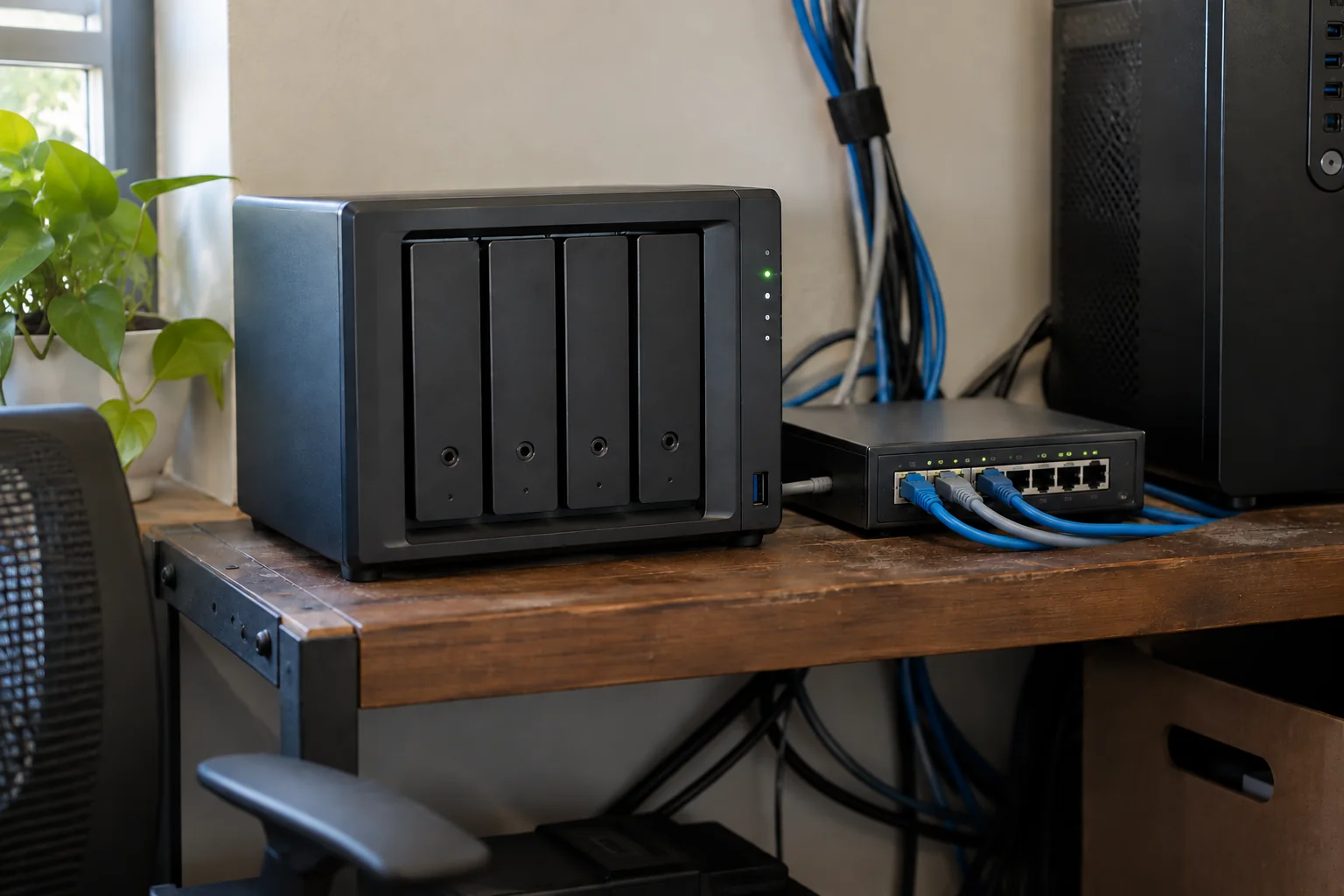
Practical support for the shared storage your team uses every day.
Shared storage for your business
Small-business file server and NAS support
Give your team a clear place to turn when shared-file problems interrupt work. ElitePC provides practical support for local file servers and network-attached storage, or NAS, used by small businesses. We help with the system behind the shared folders and drive letters staff rely on.
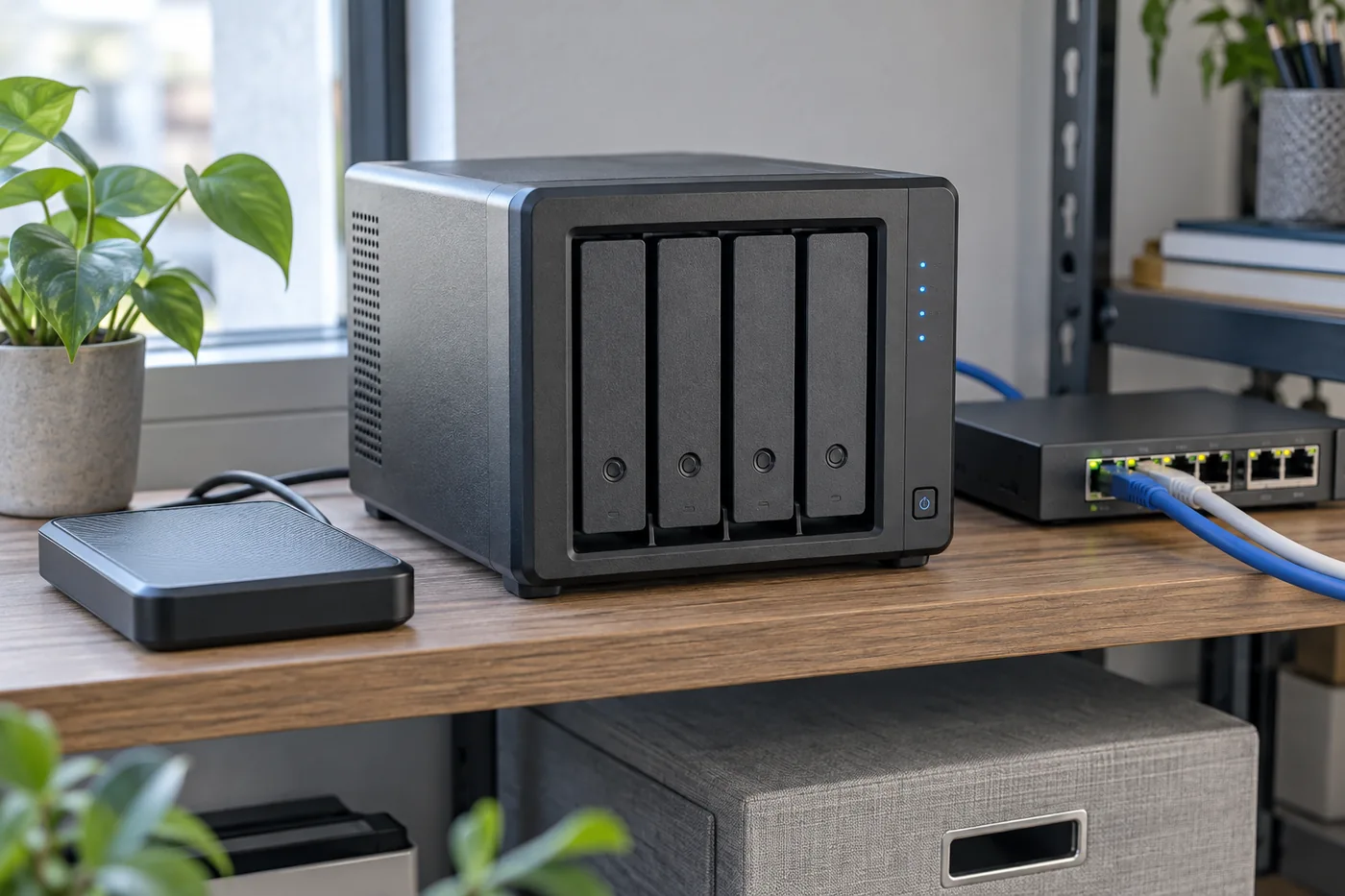
Connect your team to the business files it needs.
From an inaccessible folder to a new shared-storage setup, we investigate the problem and explain the work needed. We confirm the equipment and task before accepting the job, so you know whether your system fits our small-business support service.
Reliable access to shared files.
Reliable Server & NAS Support for Shared Business Files
Your team should be using its files, not chasing missing drives and permission errors. Get shared storage that is easier to access, manage and plan around.
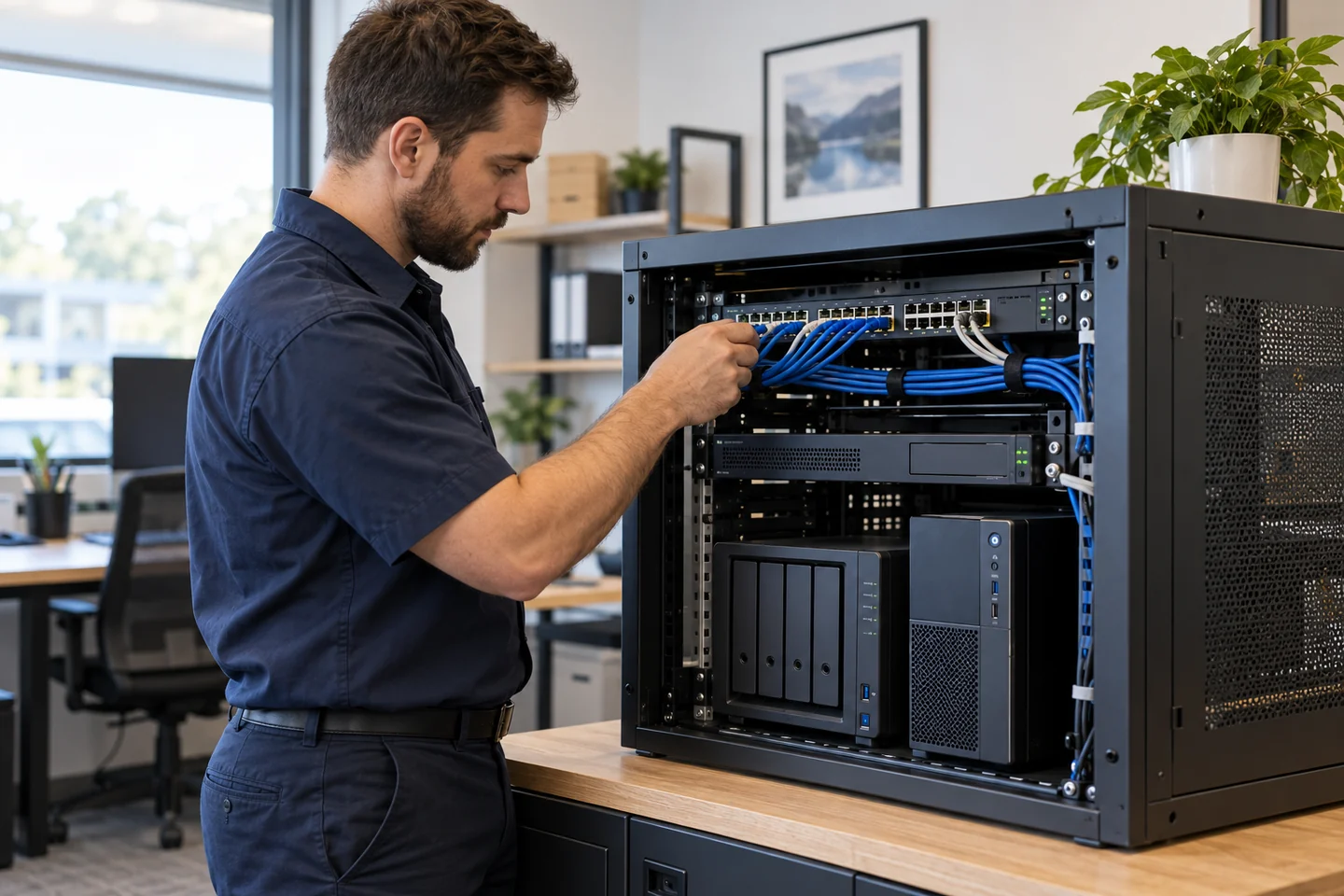
Shared storage. Clear access. Practical support.
✓
Get back to the files that keep work moving.
We trace missing mapped drives and inaccessible folders through the computer, network and storage system to find the cause.
✓
Give the right people the right access.
Approved permissions are matched to staff needs, without opening every folder to everyone as a shortcut.
✓
Make shared storage easier to use.
A planned NAS or file-share setup gives your team clear folder locations and connections tested around agreed tasks.
✓
Make the next hardware decision with confidence.
We assess capacity, system condition and application needs before recommending whether to retain, replace or move suitable files.
✓
Keep daily storage and backup protection distinct.
We review how shared files are protected so multiple disks or a working folder do not create false confidence about recovery.
Get shared files working for your team
Shared-folder and mapped-drive troubleshooting
A missing mapped drive or inaccessible shared folder can stop a person or an entire office from working. ElitePC investigates access problems across the affected computers and shared-storage system, checking what has changed and where the connection is failing.
NAS connections, sign-in and folder permissions
We check whether the computer can reach the storage, whether the share is available and whether the intended user has the right access. Approved permission changes are tested with the appropriate users, rather than giving everyone full control as a shortcut.
If the cause is the office connection, ElitePC also provides network troubleshooting. For files held in SharePoint or OneDrive rather than local storage, our Microsoft 365 service covers account and sharing access.
Set up shared storage around your office
NAS setup and business file sharing
Create a shared-storage setup that fits how your team works. ElitePC helps plan and configure suitable NAS and local file-share systems, with attention to capacity, network connections, useful shared folders and appropriate access. We include backup planning in the discussion so everyday storage and data protection are considered together.
After setup, we test the agreed users and tasks, explain where the shares are located and hand over the configuration changes and remaining needs. Your business gets an understandable setup, not just another device to figure out.
Shared-folder permissions and business ownership
We help define which staff should read or change each shared resource and make approved access changes accordingly. Your business keeps control of its accounts and administration, with credentials handled through a secure access process.
Storage health and data protection
Server and NAS storage warnings and backups
Get help assessing storage warnings, limited capacity or concerns about an aging device before making changes. ElitePC reviews the reported issue, the information involved and the known backup position to identify the appropriate next step. A folder still opening does not mean a warning should be ignored.
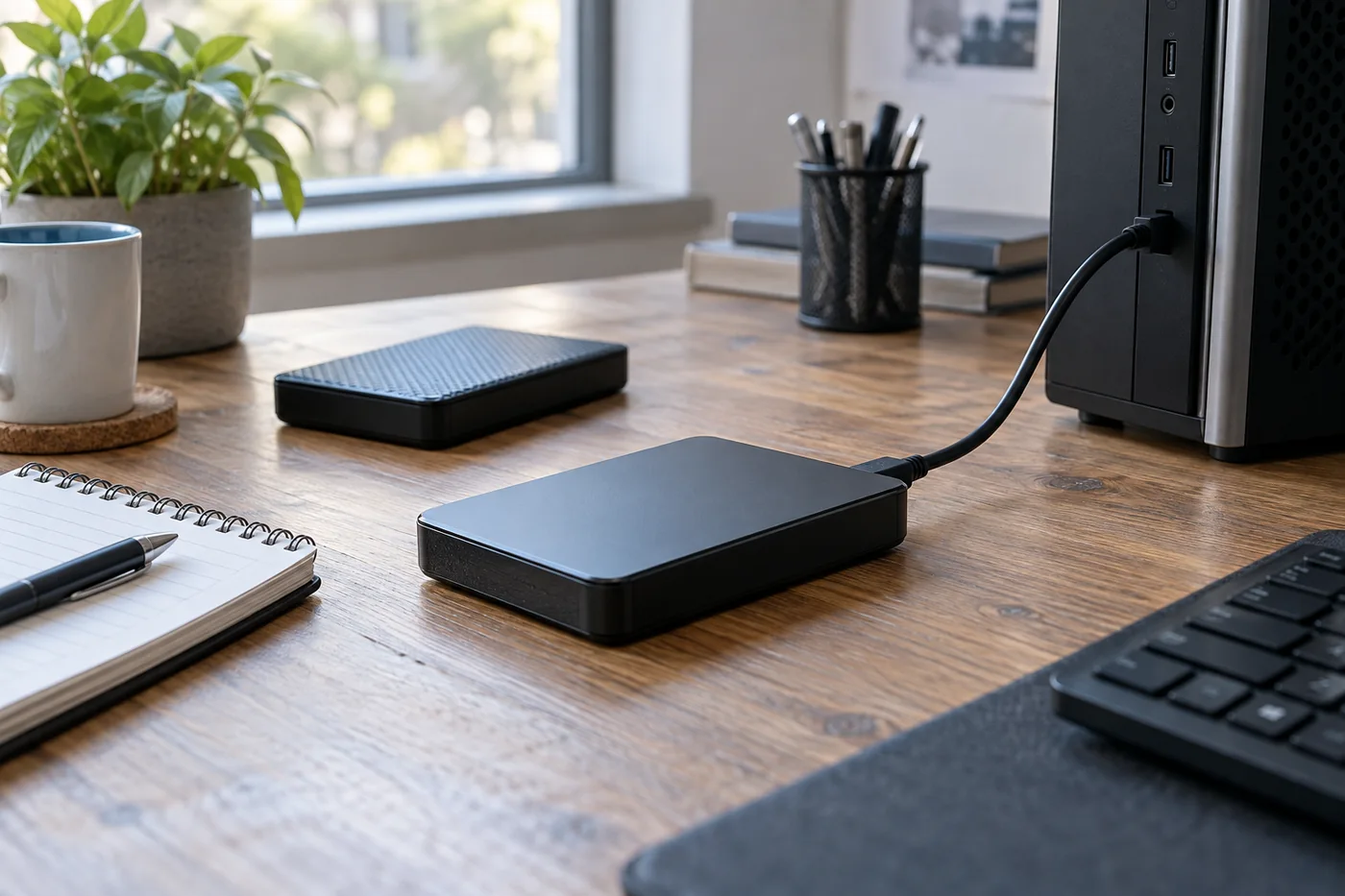
Support for working storage, with a separate plan for its backup.
Several disks in a NAS are not a substitute for a separate backup. ElitePC can review how your shared files are protected and discuss backup setup or restore testing, rather than assume disk redundancy or snapshots cover every kind of loss.
Lost files and failing NAS storage
Missing data or a failing device may need recovery assessment instead of routine configuration work. Avoid resetting the NAS or starting a rebuild before the situation is assessed. We help identify whether restoration from a usable backup or a recovery assessment is the appropriate route; advanced RAID recovery is not part of our in-house service.
Plan the next step for your storage
File server and NAS replacement planning
An aging server does not automatically need a like-for-like replacement. ElitePC helps evaluate the current system, capacity, application needs and backup readiness so you can decide what to keep, replace or move. The aim is a practical storage decision based on your business, not a hardware purchase made before the requirements are understood.
Compare the options against your files, applications and working requirements.
Retain
Review your existing server or NAS
We assess whether the current system remains suitable, considering capacity, condition, supportability and the applications your staff use.
Replace
Plan replacement NAS or file storage
We review suitable storage requirements, data and permissions, backup readiness and the changeover work involved before you commit.
Move suitable files
Assess cloud file collaboration
We assess whether cloud access fits your files and applications, including permissions, licenses and business ownership.
SharePoint or OneDrive instead of a file server?
Cloud collaboration can suit documents your team needs to share, but some applications depend on local paths or particular access patterns. ElitePC helps assess those dependencies before recommending a move. Any migration is scoped separately, with the file organization, permissions and changeover requirements considered first.
Local help, delivered to fit the work
Remote and on-site server and NAS support
Account, mapped-drive and configuration problems may be suitable for remote support when the system is reachable and authorized access is available. Initial setup, physical connections, power or hardware concerns may need a visit or a different service route. We match the approach to your equipment and the issue.
We arrange an appropriate access method rather than ask you to expose NAS administration to the internet. Tell us your business location and the problem, and we will discuss the practical support option.
Ongoing server and NAS support
Arrange ongoing maintenance and support for the shared storage your business depends on. ElitePC can help define backup, update and access responsibilities as part of an agreed support arrangement. For one-time work, we provide a handover of changes, checks and remaining issues.
Get help with your shared storage
Request server and NAS support in North Jersey
Need a shared drive restored to use, a NAS set up or advice on replacing business storage? Tell us what is happening, which system is involved if you know, and where your business is located. You do not need to diagnose the fault or prepare a full technical inventory first.
Based in Garfield, ElitePC supports small businesses across Bergen County, Passaic County and North Jersey. We discuss the work around your equipment, users, access requirements and the condition of the system.
We confirm the included work and charges before proceeding, including any hardware, subscriptions or separately scoped replacement work. If a different specialist is needed, we explain that before accepting the task.
Service is by appointment. Please keep passwords, recovery keys and private files out of your initial message.