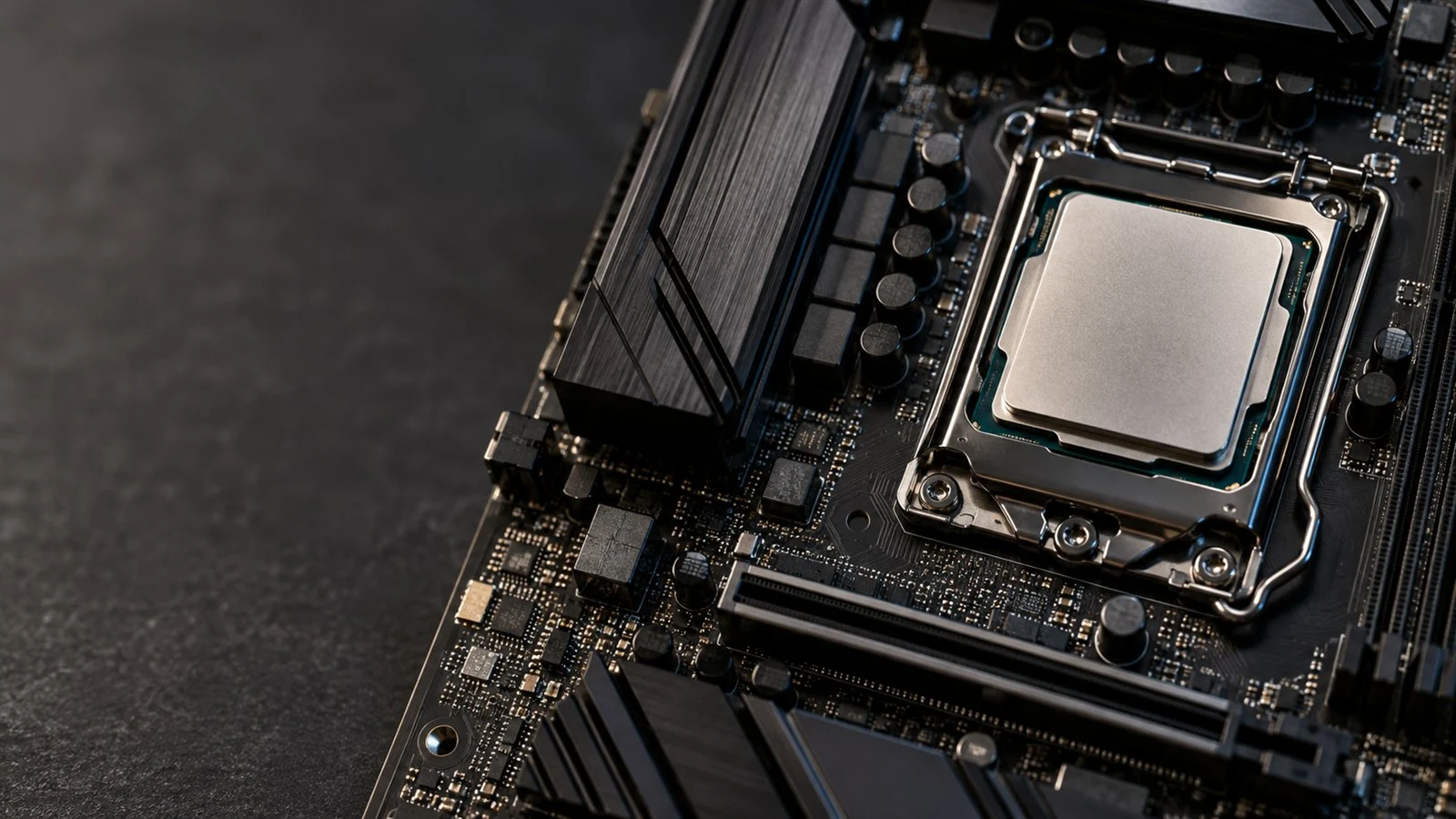
GARFIELD, NJ · SERVING NORTH JERSEY
CPU upgrade &
replacement service.
More processing power for the games and applications you use. We help you choose a compatible processor, install it carefully and check how the system runs.
CPU & motherboard compatibility checks
Professional processor installation
Cooling & stability testing
Upgrading for speed or replacing a diagnosed faulty CPU? Start here.
WHY UPGRADE YOUR PROCESSOR?
Benefits of a CPU upgrade.
When the processor is holding you back, the right CPU upgrade can make demanding work feel less demanding. We look at your games and applications before recommending a change.
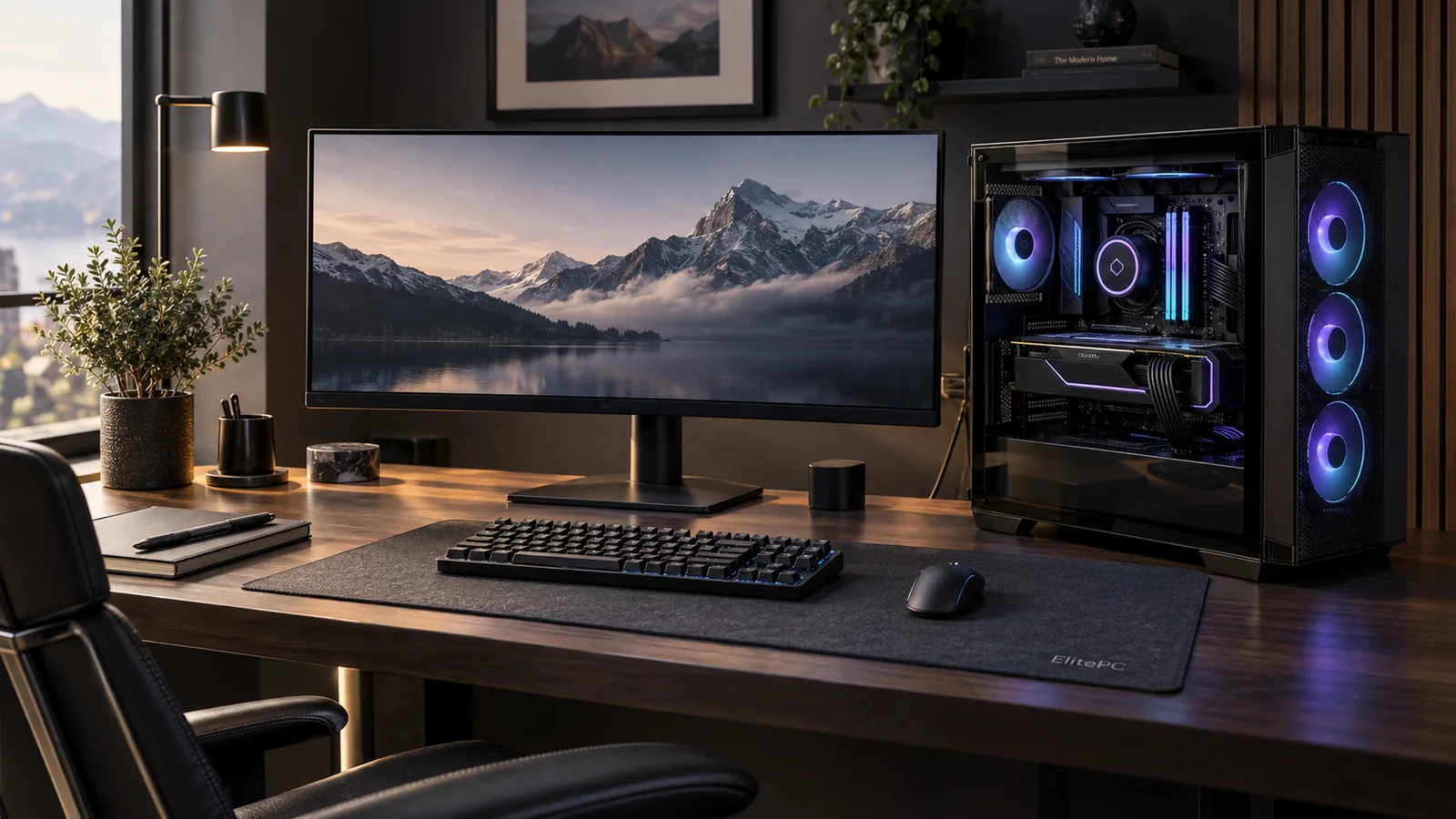
Spend less time on CPU-heavy work
CPU-based video exports, 3D rendering, code compilation and large calculations can benefit when the processor is the limiting part. We check the slow stage in your actual software; some effects or export modes rely more on graphics hardware.
Keep busy workflows moving
Editing while encoding, working across demanding applications or running a simulation can compete for processor time. A suitable CPU can add headroom, while we also check that memory capacity is not the reason the workflow stalls.
Get more from CPU-limited games
Simulation-heavy games, busy strategy scenes and high-refresh play can put different demands on the CPU. An upgrade can help when processor performance limits the result; your graphics card, game settings and display still affect what you see.
Build on the PC you already like
A supported processor on the existing motherboard may let you keep much of the system. We compare that option with the cost and useful benefit of a broader platform change.
UPGRADE THE PART THAT LIMITS YOUR WORK
Is a CPU upgrade the right performance improvement?
Tell us the task that feels slow, not only the processor you want to buy. We look at the application, game and rest of the computer before recommending a change.
CPU-heavy work or CPU-limited gaming.
A slow processor-based render, compile or calculation is a different problem from waiting for a game to load. We review how the software uses the CPU and whether a supported processor offers a worthwhile step for that task.
Graphics, memory or storage limits.
If the graphics card is the main limit at your chosen resolution and settings, a CPU alone may not improve the game much. Memory pressure or slow drive access can also make a PC feel sluggish. We can compare a more useful component change.
Heat or settings before new hardware.
A working gaming PC may benefit from gaming performance optimization to review settings and configuration. If heat is forcing the processor to slow down, overheating repair can address that lost performance before buying a CPU.
THE RIGHT PROCESSOR FOR YOUR PC
CPU and motherboard compatibility.
What CPU can you upgrade to? We check more than whether it fits the socket.
Motherboard model & CPU support
The board or prebuilt PC model, chipset and manufacturer's CPU support list establish the options.
BIOS support for the new CPU
BIOS is the motherboard's startup software. We check CPU support and discuss any needed update before work.
CPU cooling, power and memory
We check cooler mounting, clearance and cooling capacity, together with the power supply and required connections. A platform change may also need a different memory generation.
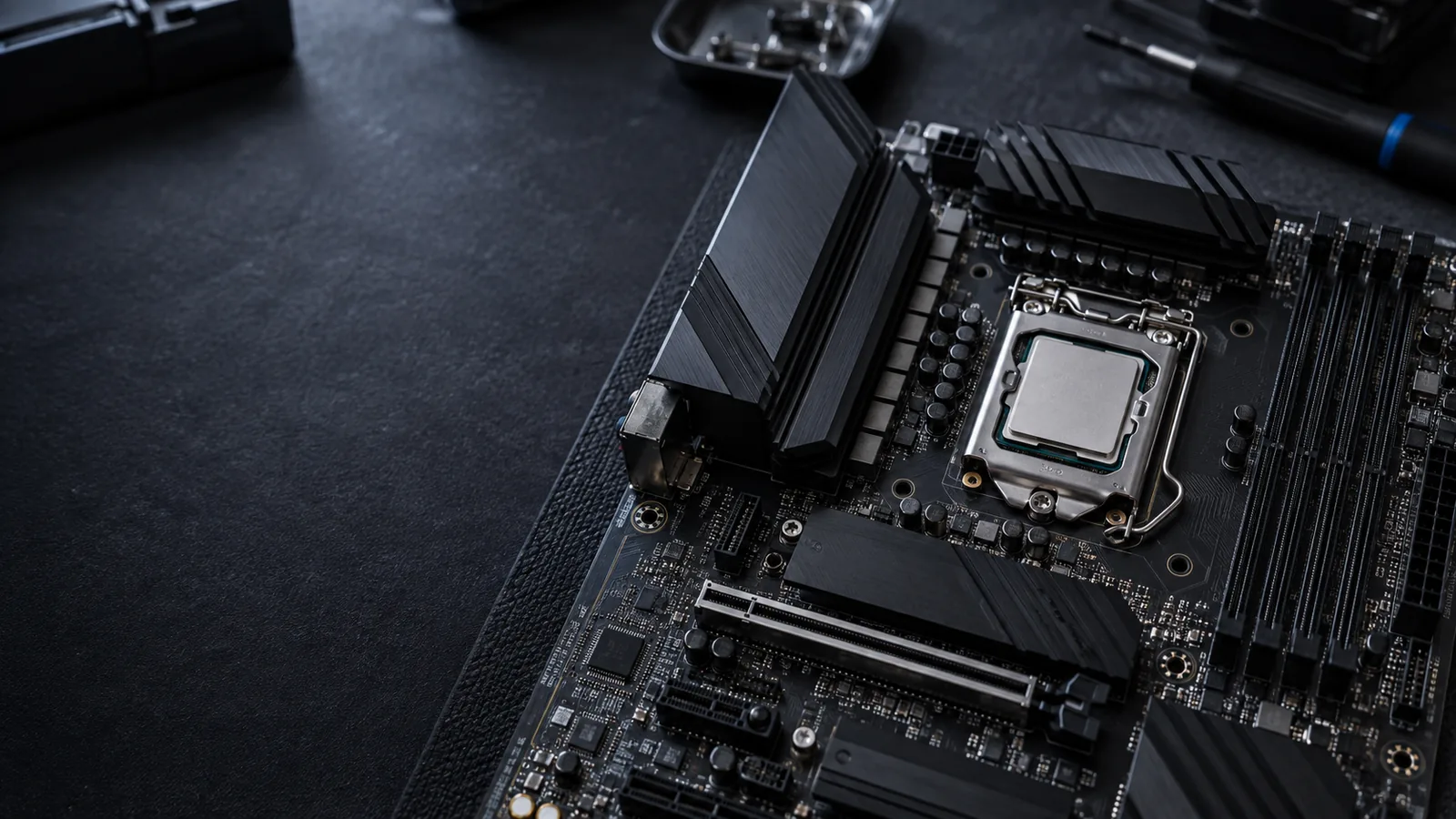
SUPPORTED PROCESSOR · EXISTING BOARD
CPU upgrade on your current motherboard.
If the exact board and BIOS support the new processor, a CPU swap may let you retain the motherboard, RAM, graphics card and drives. We still check cooler support, power needs and any required firmware work; “same socket” is not the complete answer.
A DIFFERENT PROCESSOR PLATFORM
CPU, motherboard & RAM platform upgrade.
When the processor you need requires another platform, we plan the motherboard change and compatible RAM together. The cooler or mounting kit may change too. We check which other parts can stay and compare the whole cost with the improvement you need.
Desktop, prebuilt or laptop?
Prebuilt PCs can have model-specific limits. Many laptop CPUs are soldered in place, so a processor swap is often unavailable. Send the exact model and we'll review the options.
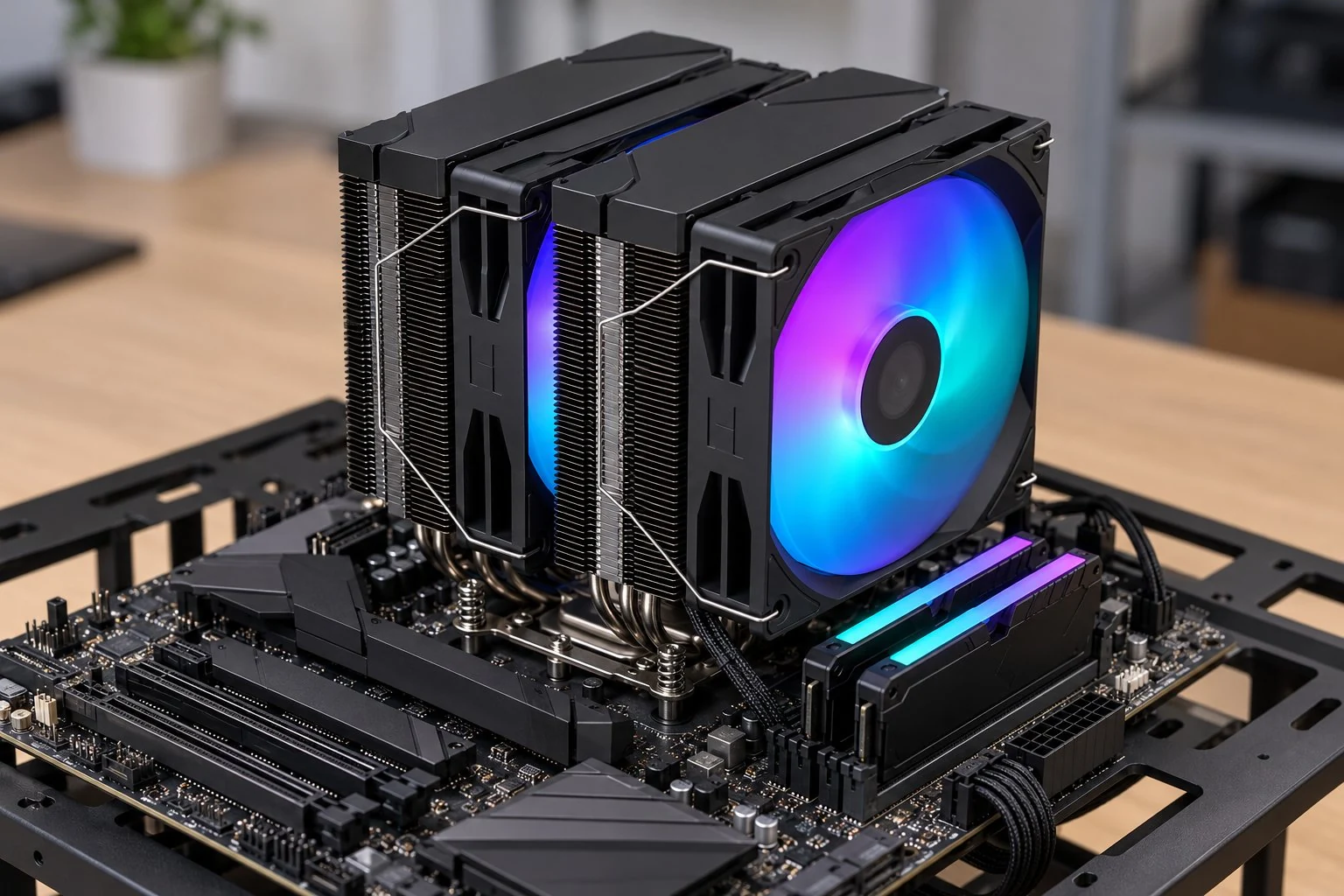
CPU INSTALLATION & TESTING
CPU installation, cooling & stability testing.
We handle the processor and the details around it, from choosing the upgrade to checking the finished system.
Understand what needs improving
We review your current PC, the slow task and any faults before recommending a CPU.
Plan the CPU and related hardware
CPU, labor and any cooling, BIOS, motherboard or memory work are discussed before you proceed.
Install the CPU and fit the cooler
We seat the processor, fit the cooler and check that the system recognizes the new hardware.
Check temperatures and stability
We test the system and assess relevant performance, then explain the results and any remaining limits.
PC WON'T START AFTER AN UPGRADE?
Let's find the cause first. Start with computer diagnostics
BEFORE YOUR CPU UPGRADE
CPU upgrade questions, answered.
Have a different question?
Can I keep my motherboard, RAM and cooler?
A supported CPU on your current board may let other parts stay. A platform change can require a motherboard, RAM and cooler. Compare the two upgrade paths above.
Can you install a CPU I've already bought?
Send us the exact processor and your PC or motherboard model before arranging a visit. We need to review compatibility and the part's condition before confirming whether we can install it.
What happens to my files and Windows?
A CPU swap doesn't replace your storage. A motherboard change can affect drivers, settings and Windows activation. We'll discuss any setup or migration work separately. Keep a current backup of important files before hardware work.
How much will a CPU upgrade cost?
It depends on the processor, installation and any related cooling or platform changes. Share your goals and budget so we can discuss the whole job. Parts availability and the agreed work also affect timing.
Will a new processor fix every slowdown?
No. Low memory, slow storage, graphics limits or overheating can remain after a CPU upgrade. If heat is the problem, overheating PC repair may be the right starting point. We help identify the limitation first.
LET'S LOOK AT YOUR NEXT UPGRADE
Request a CPU upgrade in North Jersey.
Request a CPU upgrade assessment with ElitePC NJ in Garfield. Tell us what feels slow, what you use the computer for and any processor you have in mind.
Service is by appointment. Send a request and we'll contact you before any visit or work is confirmed.
HELPFUL DETAILS TO INCLUDE
Start with what you know.
Current CPU and PC or motherboard model
Games, applications or tasks to improve
A desired CPU or parts you already own
Your budget and service ZIP code
Not sure of the specifications? That's fine. You don't need to open the PC or buy parts to ask for help.