GARFIELD, NJ · SERVING NORTH JERSEY
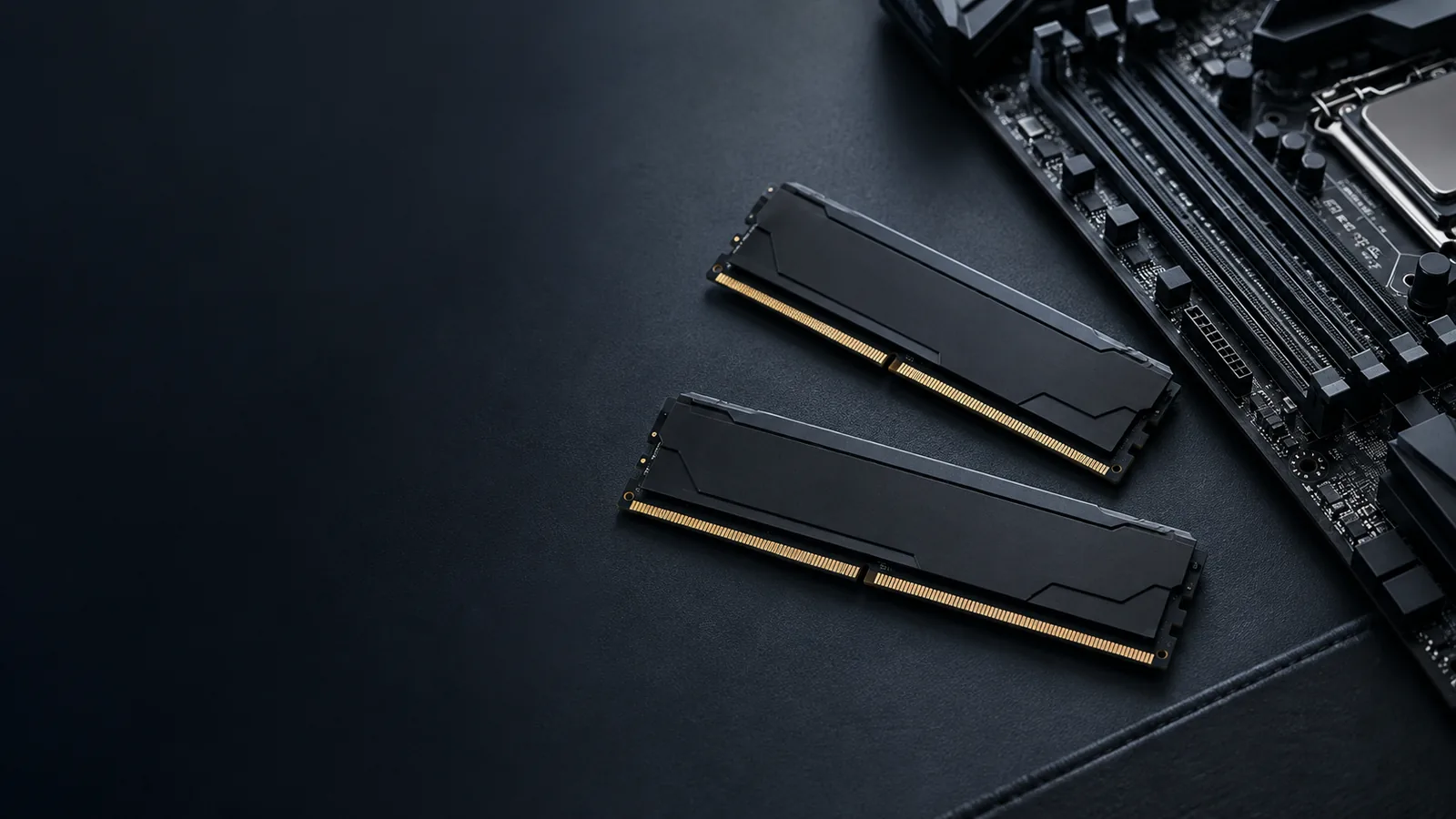
RAM upgrade service for desktops & laptops.
Give your active applications the memory they need. We check whether more RAM will help, select compatible modules and handle installation and testing.
Memory capacity & compatibility checks
Desktop & compatible laptop installation
Recognition & stability testing
Not every slowdown needs more RAM. We help identify the useful change.
BROWSER TABS · WORK · CREATIVE PROJECTS
Benefits of a RAM upgrade.
Extra memory helps most when your active work needs more capacity than the computer has. We look at what runs together, rather than recommending more RAM just because a larger number is available.
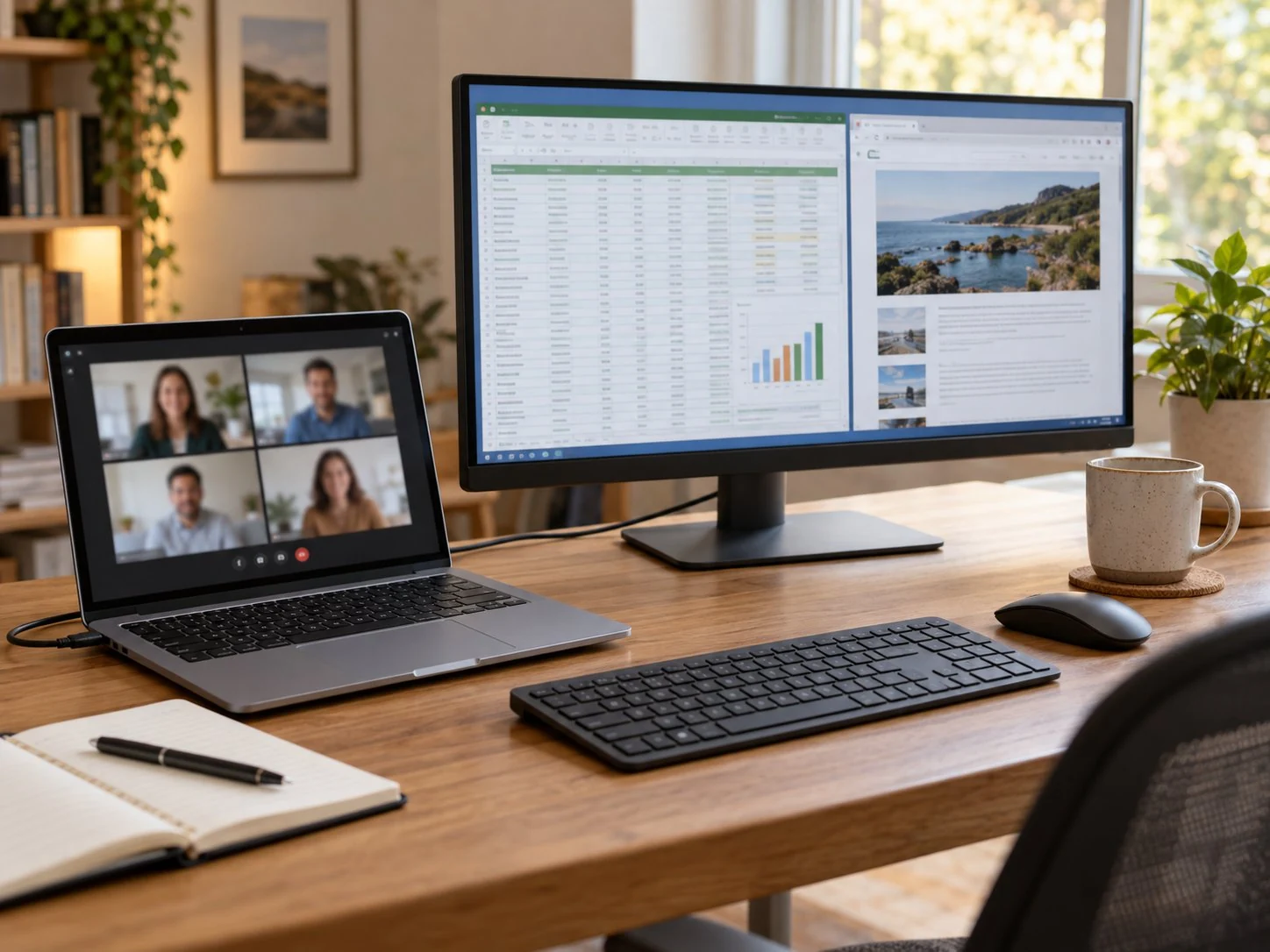
Keep more applications in use
More working memory can help you move between a browser, spreadsheet and video call when the current capacity is stretched.
Handle larger creative projects
Photo, design and editing projects can need substantial memory. We consider your applications and typical file sizes.
Make room for games and companion apps
A game, voice chat and other open applications share system memory. Extra capacity can help when their combined demand is the limit.
RAM for a changing workload
A supported memory upgrade can be a practical way to meet a real new workload without replacing the whole PC.
TWO DIFFERENT KINDS OF SPACE
RAM or storage? Choose the upgrade that helps.
RAM is working space for the applications you have open. An SSD or drive holds your saved files. We help you tell which limit you are running into.
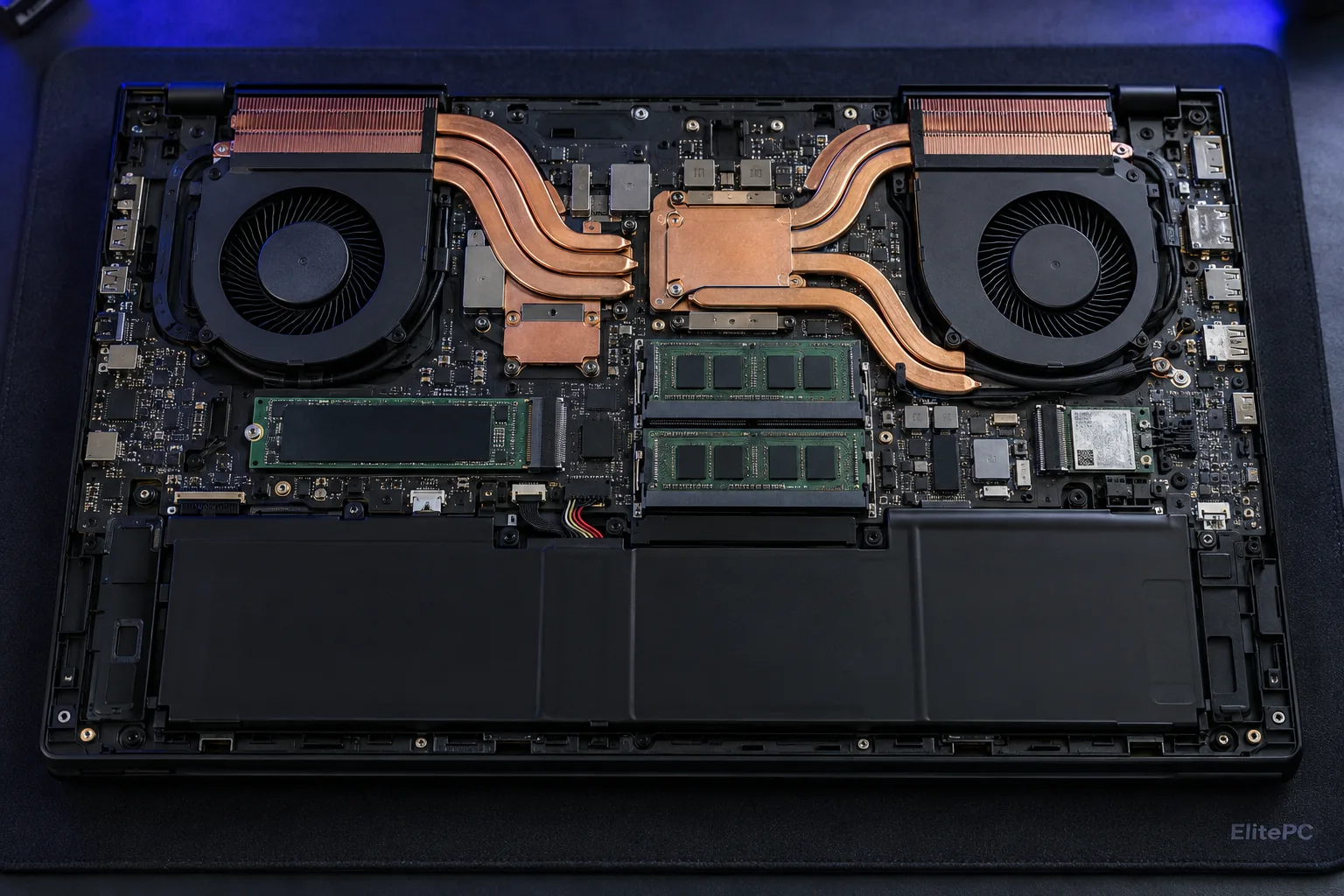
RAM · ACTIVE WORKSPACE
RAM for active applications.
Memory holds the data your active programs are working with. More capacity may help when those tasks no longer fit comfortably.
SSD OR DRIVE · SAVED STORAGE
Storage for saved files.
Storage holds your documents, photos, applications and operating system. Adding RAM doesn't create more room for saved files.
When active work exceeds available memory, the computer may rely more on storage for working data. That can slow switching between applications. A single memory-use percentage does not prove the cause.
For saved-file space or drive performance, see SSD upgrades with cloning. Software maintenance may need a PC tune-up. More RAM doesn't fix internet lag, heat or every slowdown.
Signs your computer may need more RAM
These patterns are worth checking for memory pressure. We review your workload and actual memory use before recommending parts; storage, software and heat can produce similar slowdowns.
How much RAM does your computer need?
Comparing 16 GB and 32 GB? We start with your applications' requirements and what you actually run together:
We check current memory use and supported capacity before choosing a configuration. If your tasks already fit in RAM, adding more may make little noticeable difference.
Capacity
How much active work the memory can hold. Choose around real needs, including planned workload changes.
Speed
How quickly memory transfers data. An advertised kit speed isn't a promise your computer can run it at that setting.
Configuration
Which modules and slots work together. The right arrangement depends on the exact system.
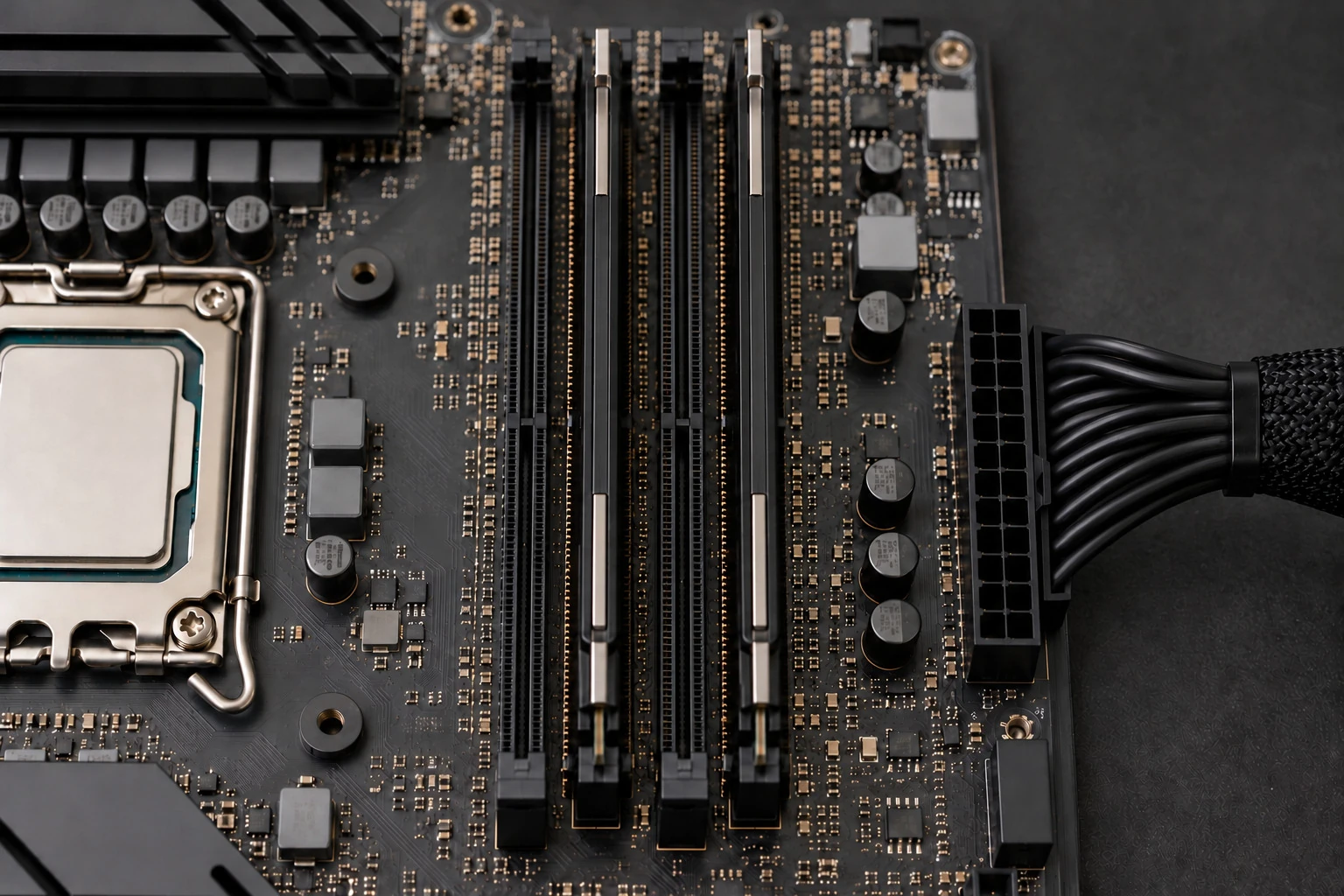
MEMORY THAT SUITS YOUR SYSTEM
Compatible RAM for your desktop or laptop.
We check the exact PC or motherboard documentation before choosing modules. Similar labels alone don't establish compatibility.
Generation and module type
DDR4 and DDR5 are not interchangeable. The system decides the generation and format, such as full-size DIMMs or smaller SO-DIMMs.
Supported capacity and slots
We check memory limits, usable slots and the supported layout. The operating system can also limit usable capacity.
Memory channels & matched modules
We select modules intended to work together and suit the system. Mixing kits can be unreliable even when capacity and speed labels look the same.
On systems with dual-channel memory, a supported arrangement lets the processor access memory through both channels. We follow the exact model's recommended slots and module layout; total GB alone does not describe that configuration.
MODEL CHECK BEFORE MEMORY PURCHASE
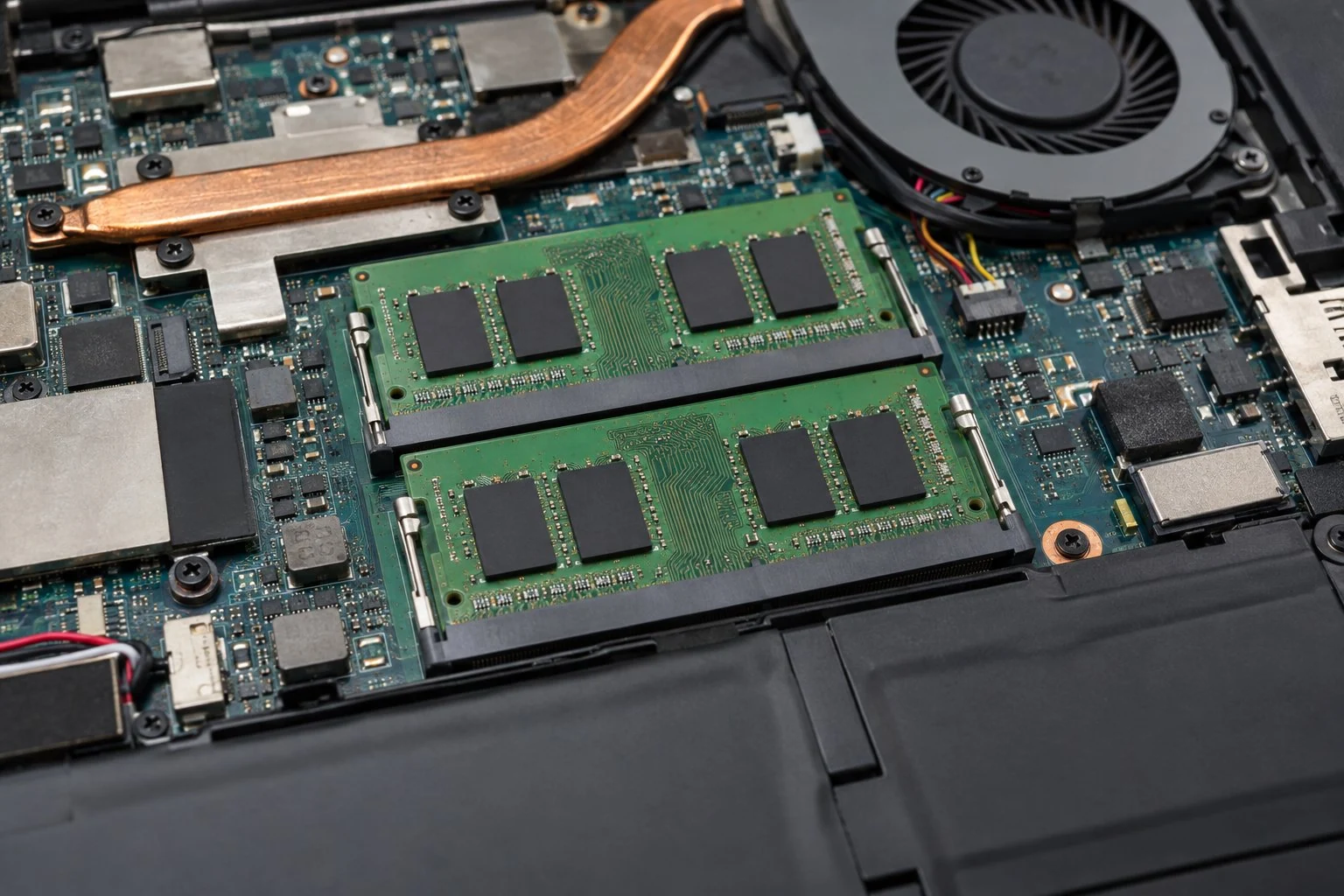
Laptop RAM upgrades depend on the model.
Laptops and compact prebuilts vary. We check what is replaceable and what the manufacturer supports.
PROFESSIONAL COMPUTER MEMORY INSTALLATION
RAM installation, recognition & stability testing.
We fit the accepted modules, check that the expected memory is usable and revisit the work that prompted the upgrade.
Fit the correct memory
We install compatible modules in the positions specified for your system and check their seating.
Confirm recognized capacity
We check memory recognition in firmware and the operating system, and explain any difference in usable capacity.
Check stability and your applications
Memory checks and relevant multitasking help assess the finished upgrade. Starting up alone doesn't establish that everything works under use.
Crashing or not starting? Diagnose the fault first.
Crashes and no-boot symptoms do not prove the RAM is faulty. If the problem is unexplained, or the PC stopped starting after a memory change, request computer diagnostics before buying more modules.
BEFORE YOUR MEMORY UPGRADE
RAM upgrade questions, answered.
Start with the computer model and the work you want to improve. Unknown specifications are fine.
Can I upgrade RAM if every slot is full?
Possibly. Supported larger-capacity modules may replace the existing ones. We check the total limit, individual module limits and the recommended configuration before deciding whether replacement is worthwhile.
Can you install memory I already own?
Send the exact module part numbers, computer model and whether the modules are new or used. We review compatibility and condition before accepting installation. Buying a second kit just to fill the slots may not be the right change.
Are XMP or EXPO memory profiles included?
Performance profiles change memory settings. Supported profile changes are discussed separately and need stability checks; they are not an automatic extra with every RAM installation.
Does a RAM upgrade move my files or programs?
No. RAM is working memory, not saved-file storage. A RAM change does not migrate files or reinstall programs. Keep a current backup, and discuss any separate data or software work before the job.
ELITEPC NJ · GARFIELD
Request a RAM upgrade in North Jersey.
Tell us what slows down when you work, play or switch between applications. We can review your computer's memory options and explain whether adding or replacing RAM makes sense.
Service is by appointment. A request does not confirm a visit or acceptance of work; we'll contact you first.
HELPFUL DETAILS TO SEND
RAM upgrade request details.
PC or laptop model and current RAM, if known
Applications, games and multitasking needs
Symptoms or recent changes
Owned modules, budget and service ZIP code
We discuss parts, slot access, installation and testing in the quote. There's no need to open the computer, download a scanner or buy memory to inquire.