GARFIELD, NJ · SERVING NORTH JERSEY
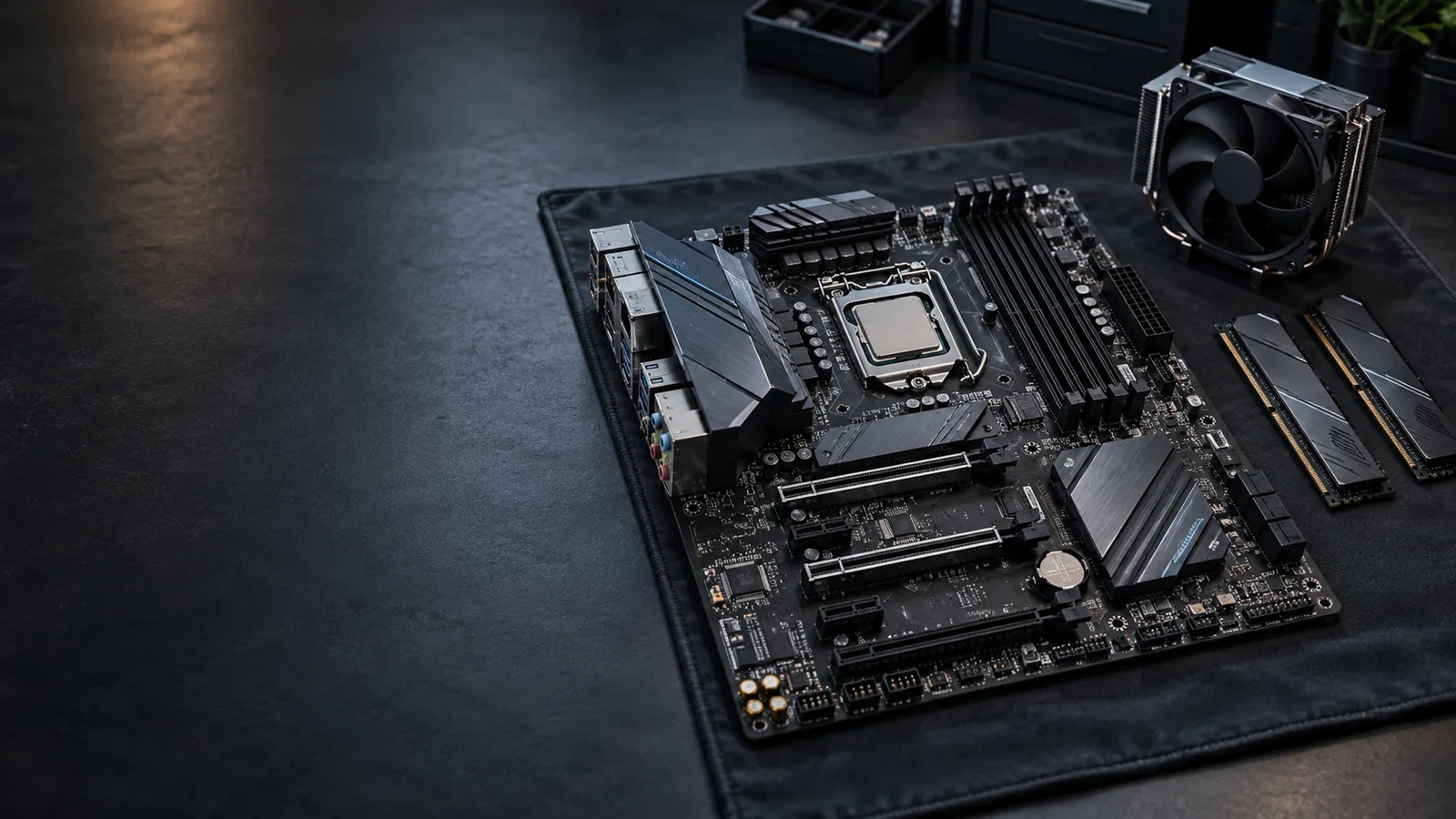
Desktop motherboard
upgrades & replacement.
Planning a new CPU platform or replacing a failed desktop board? We help choose a compatible motherboard, work out which parts can stay and handle installation, Windows setup and system checks.
CPU, motherboard & DDR memory planning
Compatible component reuse & connections
Motherboard installation, drivers & testing
For desktop computers and compatible prebuilts. Bring us an upgrade goal, an already-owned board or a system fault; you do not need to choose parts first.
A WORKING PC CAN BE READY FOR A DIFFERENT PLATFORM
CPU & motherboard platform upgrades.
We replace working desktop motherboards when a different CPU platform, memory support or connections make sense for the way you use the PC. The plan starts with your games, applications and upgrade goals.
Upgrade the platform, keep the useful parts.
A processor change can involve a new motherboard, RAM and cooler together. We plan that combination around the performance or capabilities you need, then check whether your graphics card, storage, case and other suitable parts can stay.
Sometimes your current motherboard already supports a worthwhile CPU upgrade, with appropriate firmware. We check that option before turning a smaller change into a whole platform replacement.
CPU, socket, chipset & BIOS support.
The exact motherboard must support the processor and the required BIOS version. A matching socket alone does not establish compatibility. We review the CPU and board together, including the firmware needed for startup.
DDR memory generation and capacity.
DDR4 and DDR5 modules are not interchangeable. A new platform may need different RAM, as well as a new CPU. We check the required generation, capacity and configuration before counting existing memory as reusable.
Ports, storage and expansion for your work.
USB, networking, drive connections and expansion slots vary between boards. We match them to the devices you use and the changes you plan. If a smaller component upgrade meets the goal, we can discuss that instead.
KEEP A USEFUL COMPUTER WORKING FOR YOU
Benefits of a desktop motherboard upgrade.
A motherboard change can support a new CPU and memory platform, add needed connections or restore a failed desktop. We plan the useful result and the parts you can retain together.
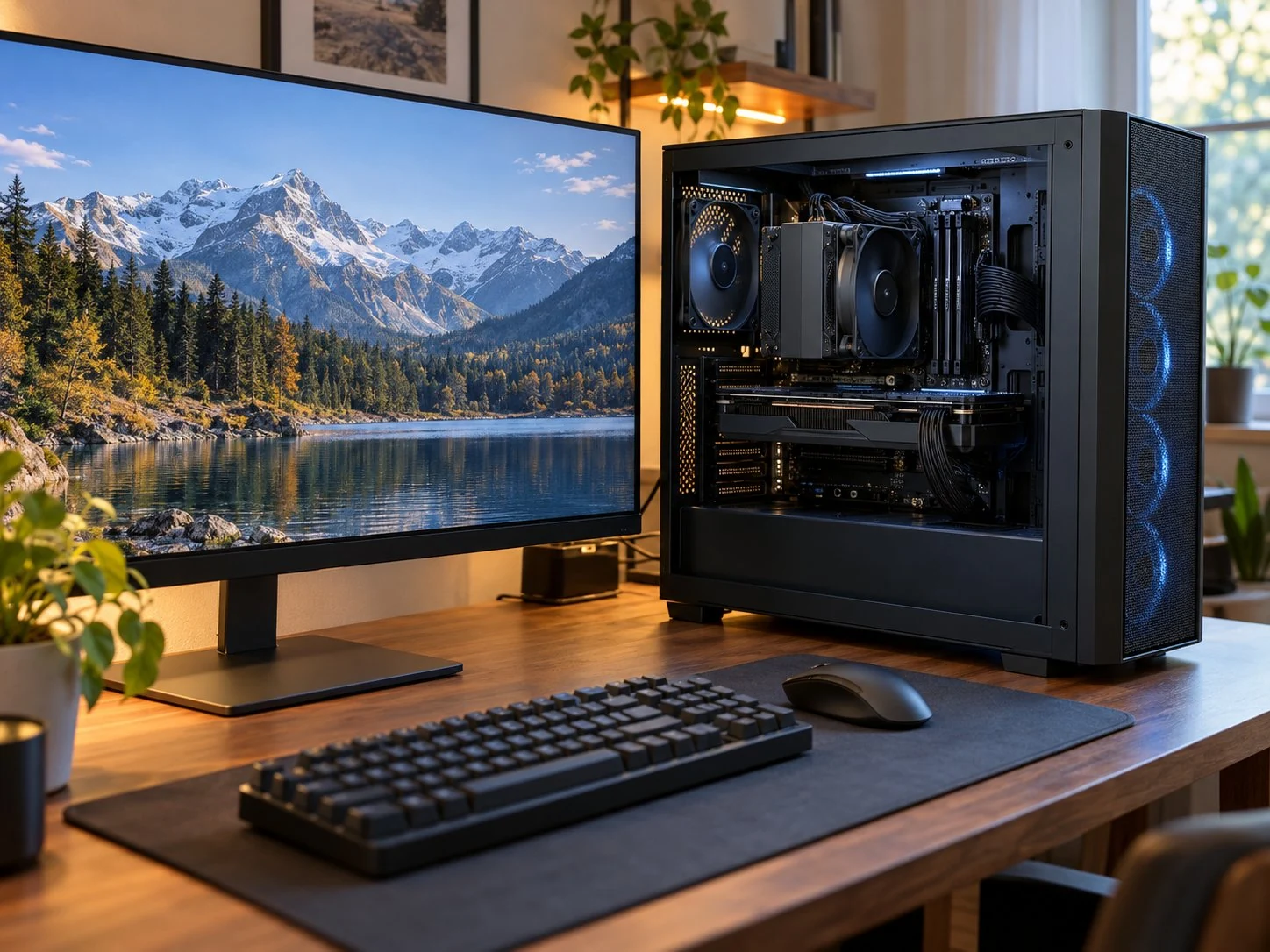
Support the CPU and RAM you need
A suitable platform can support the processor and memory your games or applications need. We explain the linked changes and whole-job cost before you buy a board.
Keep suitable components
Your CPU or RAM may stay with a compatible board choice. We also check the graphics card, drives, case, cooler and power supply, then separate reusable parts from required changes.
Choose the connections you need
USB, storage, networking and expansion options vary by board. We consider the actual features your devices and plans require.
Get your PC working after motherboard failure.
A compatible replacement can be the practical route when the motherboard is the problem. We identify the fault before recommending the part.
REUSABLE PARTS · REQUIRED CHANGES
Motherboard compatibility: what can stay?
We check the exact board and desktop, not just the socket. That includes the parts around the new platform, so a low-priced motherboard does not become an unexpected rebuild.
CPU, chipset & BIOS support
The processor must be supported by the board and its startup firmware. A matching socket alone is not enough. See CPU upgrade options when the processor also needs changing.
RAM generation & capacity
We check supported DDR generation, capacity and module configuration. A different platform may need new memory rather than the RAM you already own.
Case, cooler & power connections
Board form factor, mounting, front-panel connections and cooler brackets matter. We also check the power supply and required connections, including the demands of other upgraded parts.
Storage, ports & expansion
We review drive connections, boot support and the ports or slots your devices need. A narrower storage change may call for an SSD upgrade instead.
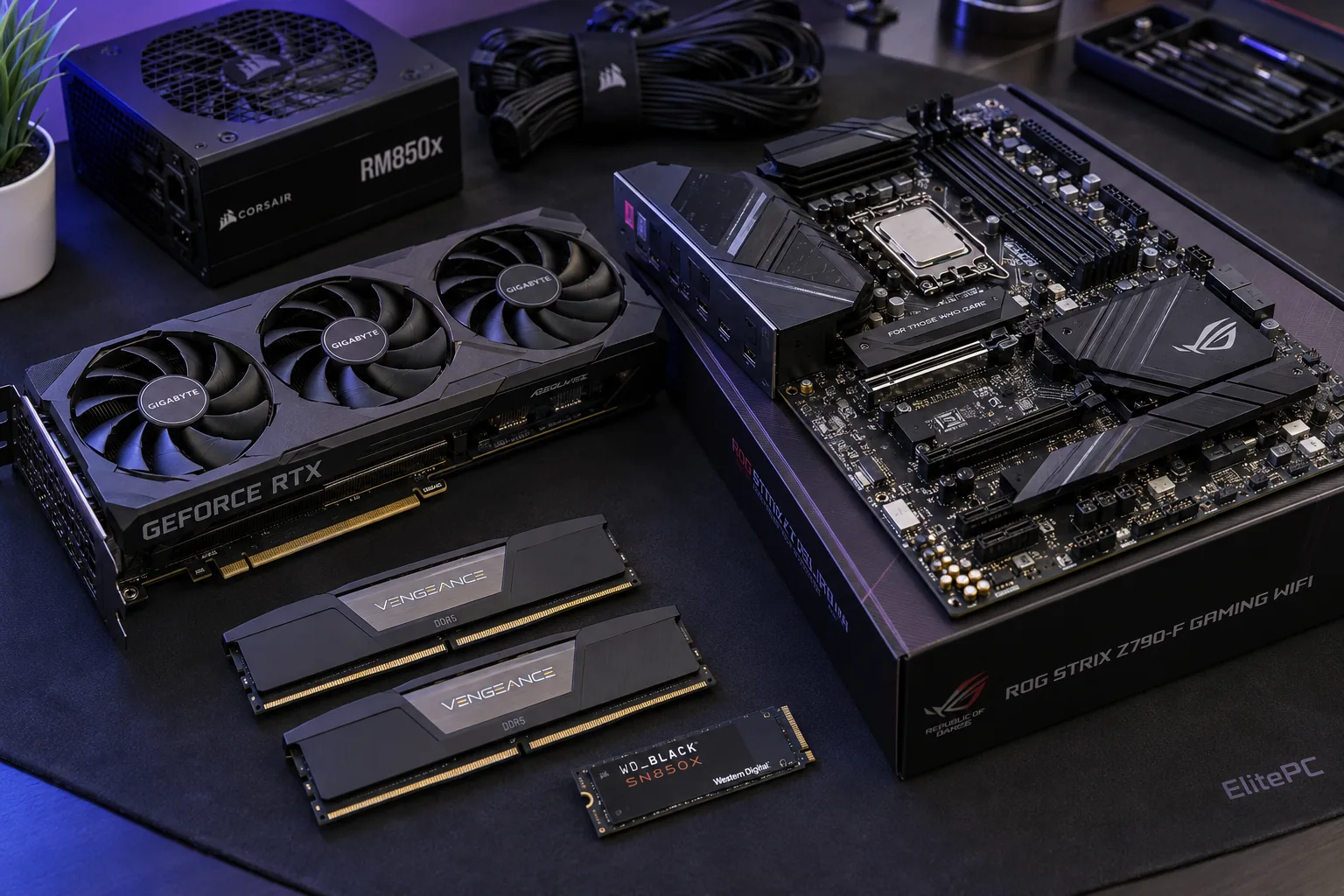
Desktop and prebuilt motherboard options.
A supported replacement may retain much of the existing hardware. Prebuilt cases, power connections and front panels can be model-specific, so a retail board is not always a direct swap.
CPU cooling for the new platform.
Your existing cooler needs the right mounting hardware, clearance and cooling capability for the new CPU. If the current PC also runs hot, we can review overheating and cooling issues alongside the hardware change.
A DISTINCT SERVICE FOR AN ASSESSED BOARD FAULT
Replacing a failed desktop motherboard.
No power, no display, restarts or unstable operation can involve the power supply, memory or other parts. We diagnose unexplained faults before recommending a replacement board.
REPLACE THE DESKTOP BOARD
A compatible replacement for the failed board.
We remove the assessed faulty motherboard and fit a suitable replacement, retaining compatible components where practical. If an equivalent board is unavailable or poor value, we discuss a platform change or a different whole-system plan.
COMPARE THE WHOLE JOB
Desktop replacement versus board-level repair.
Replacing a desktop motherboard is often more economical than repairing its circuitry. The fault, available parts and total cost still guide the decision; a suitable exception can be considered rather than assuming every desktop board is unrepairable.
Not sure which part has failed?
Start with computer diagnostics. We can establish the cause before you buy a replacement motherboard.
Need laptop motherboard repair or replacement?
Ask through our existing motherboard repair service about your laptop model and whether board-level repair or whole-board replacement makes sense. Our component-level repair work generally concerns laptops; this page covers desktop motherboard upgrades and installation.
PLAN THE SOFTWARE AS WELL AS THE HARDWARE
Windows, drivers & your existing files.
Replacing a motherboard does not itself erase a separate drive. We plan startup, drivers, Windows activation and access to your important applications and files, including any setup changes needed for a different platform.
Windows activation after a board change.
A motherboard change can require reactivation. We review whether your existing license can be reused and help with any required activation setup.
BitLocker and encrypted-drive access.
A board change can prompt BitLocker recovery. We plan authorized access before work; keep passwords and recovery keys out of the public request form.
Drivers, applications and your backup.
We discuss your priority programs and current backup, install appropriate drivers and check important applications. Any separate reinstall or licensing work is explained before you proceed.
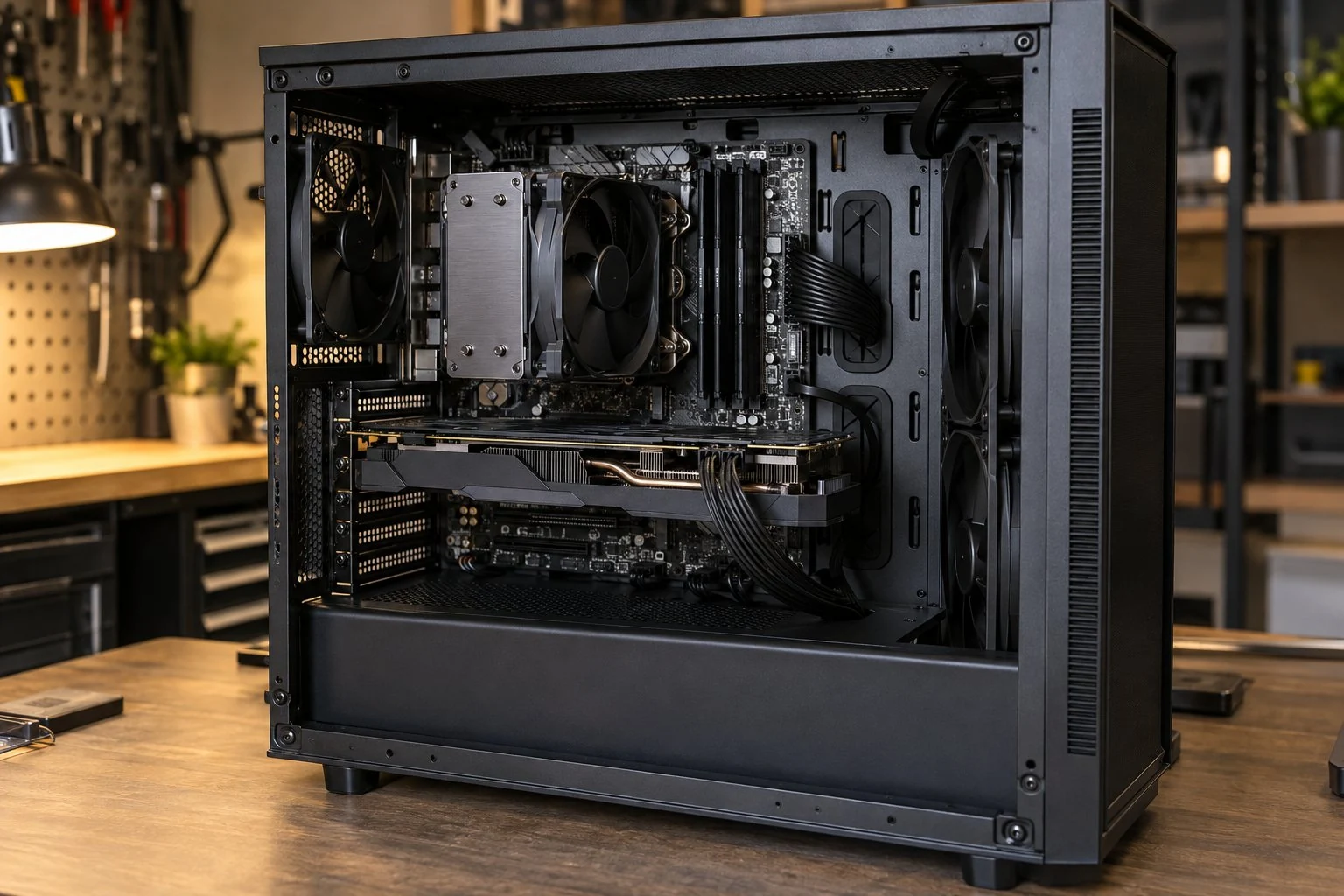
PROFESSIONAL MOTHERBOARD INSTALLATION
Desktop motherboard installation & system testing.
We handle the board and the details around it, with a clear parts, setup and data-access plan before installation.
Confirm the board and reusable parts.
Review the intended CPU/platform change or assessed fault, compatible components, budget and the setup you want to keep.
Fit the motherboard and hardware.
Install the board and suitable retained parts, with correct mounting, cooler fit and cable connections.
Configure drivers and connected devices.
Set up appropriate drivers and any agreed firmware changes, then check storage and device detection.
Check startup, functions and applications.
Check relevant stability, ports, network, audio and priority applications. We explain Windows activation status, results and anything still needing attention.
COMPARE THE WHOLE CHANGE
Motherboard upgrade or a new desktop?
We compare the total cost and useful result of a motherboard replacement, a CPU/RAM platform change and a replacement computer. A working board may still be worth changing, while a failed board does not automatically justify rebuilding everything.
Motherboard and installation costs.
The board, installation and any CPU, RAM, cooler, power or agreed Windows changes all contribute. We explain the proposed board’s availability and condition with the quote, including any already-owned parts you want fitted.
What your current computer still offers.
Its condition, useful performance, supported operating-system options and the parts you can keep matter more than age alone.
Capabilities rather than a promised speed boost.
A motherboard alone does not automatically increase FPS or processing speed. The value comes from getting the PC working again or supporting the hardware and connections you need.
ELITEPC NJ · GARFIELD
Request a desktop motherboard upgrade or replacement.
Tell us which CPU, applications or connections you want to support, or what stopped working. We can review the platform change, the parts you want to keep and the next useful step.
Service is by appointment. A request does not confirm a visit or authorize work; we'll contact you first.
HELPFUL DETAILS TO SEND
Your desktop motherboard plan.
Computer or motherboard model and revision, if known
Desired CPU/platform, needed ports or fault symptoms
CPU, RAM, GPU, drives and applications you hope to keep
Already-owned board, budget and service ZIP code
Already have a board? Send its model, revision and condition for review. Unknown specifications are fine; no disassembly or part purchase is needed to inquire.