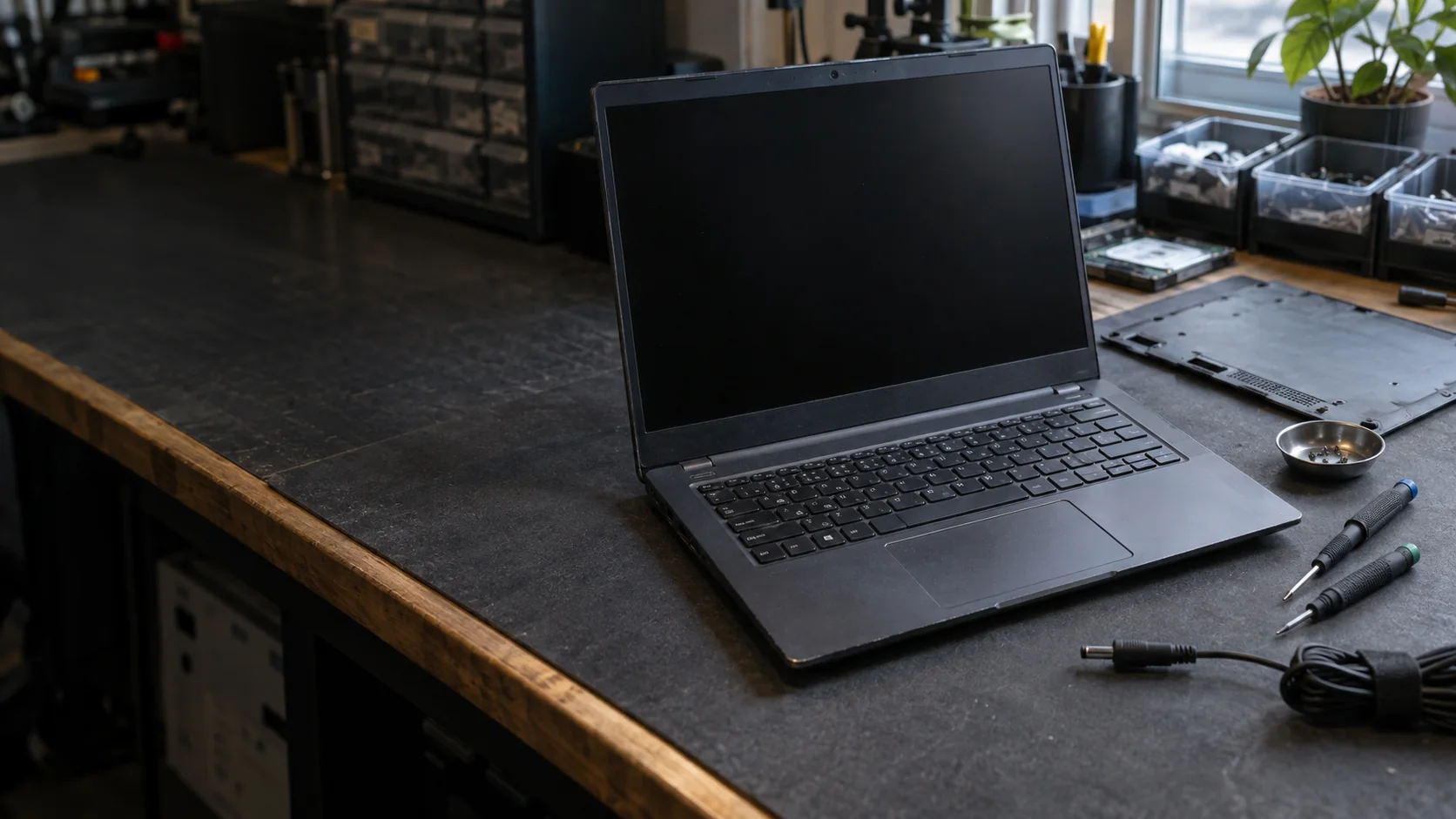
ElitePC NJ · Everyday laptop repair
Laptop Repair in Garfield, NJ
Battery, hinge, keyboard or startup trouble? ElitePC NJ repairs laptops for home, school and work. We help you understand what needs fixing, what the repair involves and whether it makes sense for your laptop.
- Battery, hinge, casing and keyboard repairs
- Charging, screen and startup help
- Repair options matched to your model
Service is by appointment. Dedicated help is also available for gaming laptops and MacBooks.
Repair options depend on your laptop’s model and what has failed.
Start with what you notice
Find the Right Repair for Your Laptop
For display damage, go straight to screen repair options.
Tell us what changed and what you need the laptop for. A loose hinge can damage its mounts, and a laptop that only works plugged in may have a battery or charging problem. You do not need to know which part has failed.
Charging Port Repair
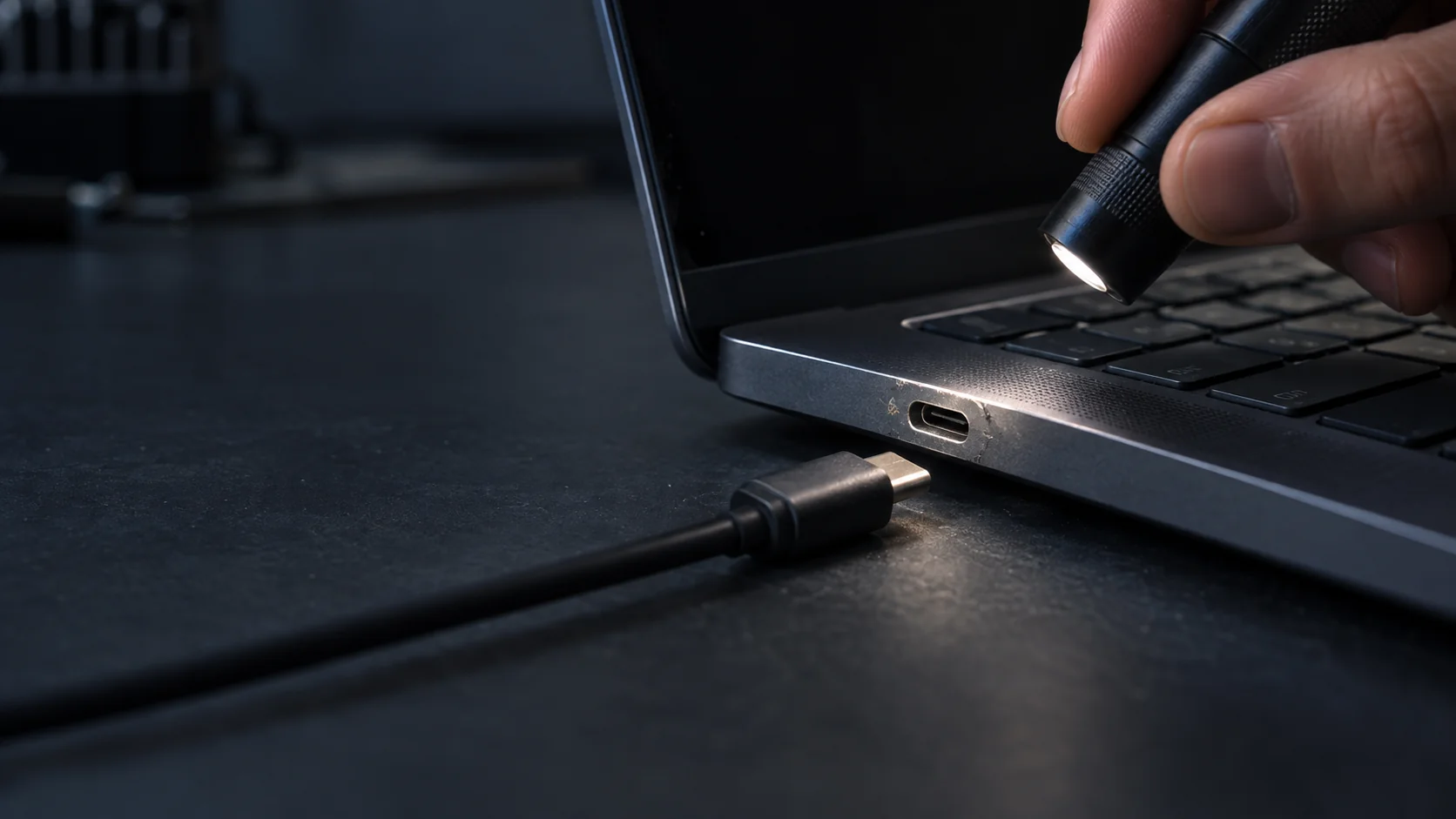
Loose plug, intermittent charging or an adapter warning? We repair charging sockets and related circuits in-house, including round DC jacks and USB-C charging ports. The charger, cable or battery can also cause charging trouble.

Laptop Screen Repair
Cracks, lines, flicker or touch trouble? See laptop screen repair for compatible displays and panel or full-assembly replacement options.
Computer Diagnostics
Several symptoms or no clear cause? Computer diagnostics helps identify the fault before you choose a repair.
Motherboard Repair
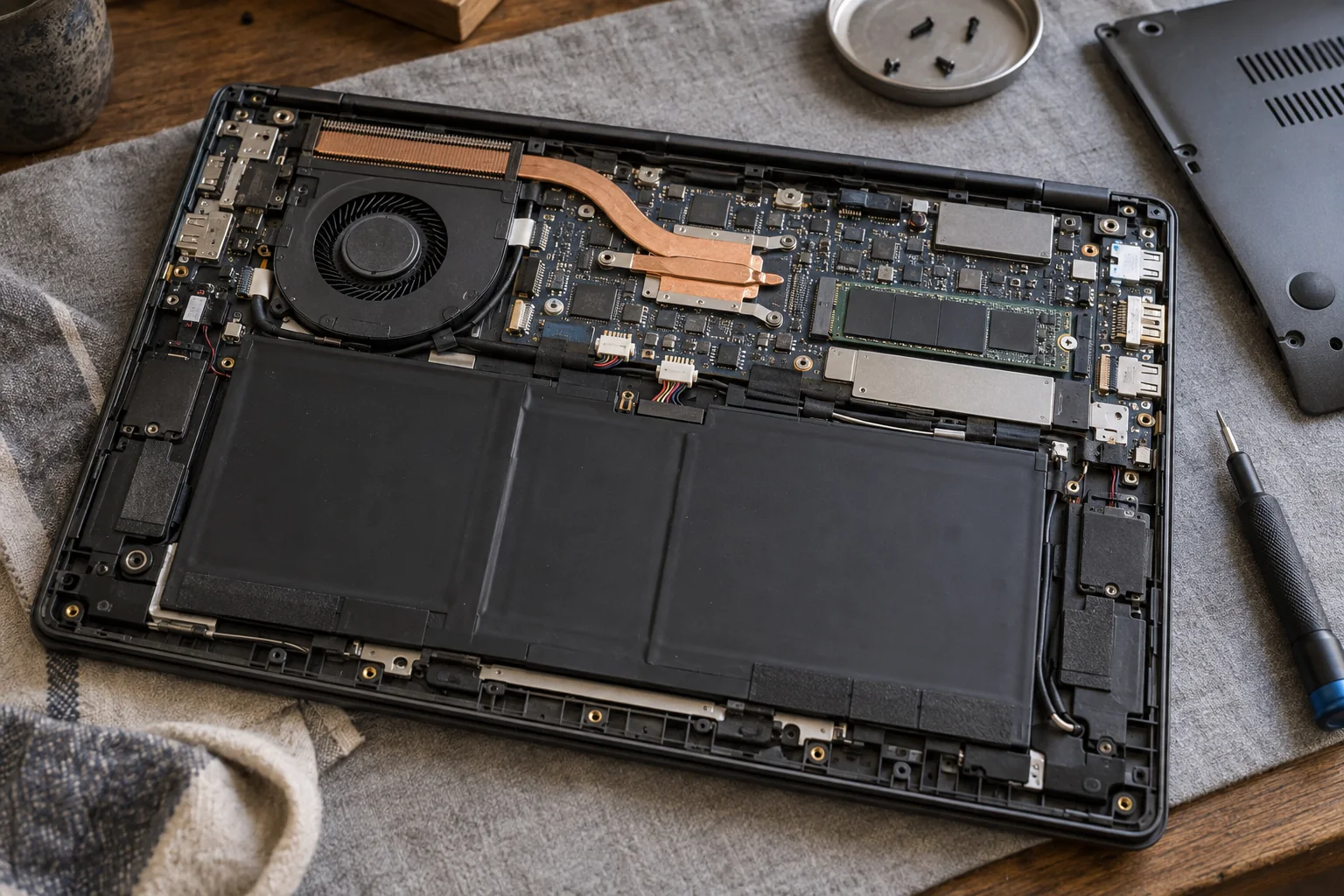
Get help after a spill or a suspected motherboard fault. We explain whether board repair or replacement is a practical option.
Understand the Repair Before You Decide
- We explain what needs fixing and what the repair involves.
- We outline whether one part can be replaced or a larger assembly is needed.
- Repair options take account of how you use the laptop.
- You can compare the full repair cost with a suitable replacement.
Battery & portability
Battery Problems and Short Runtime
Short battery life or unexpected shutdowns when unplugged can point to battery wear. If the laptop only works while plugged in, its charging system may also be involved. Finding the cause first helps avoid replacing a battery that is not the problem.
When battery wear is the cause, a compatible replacement can let you use the laptop away from an outlet again. The battery’s size, connector, electrical requirements and fit must match your model.
Charging and running on battery are the key checks after a battery repair. Battery life still depends on your laptop’s condition, workload and settings.
When the Case or Touchpad Starts to Lift
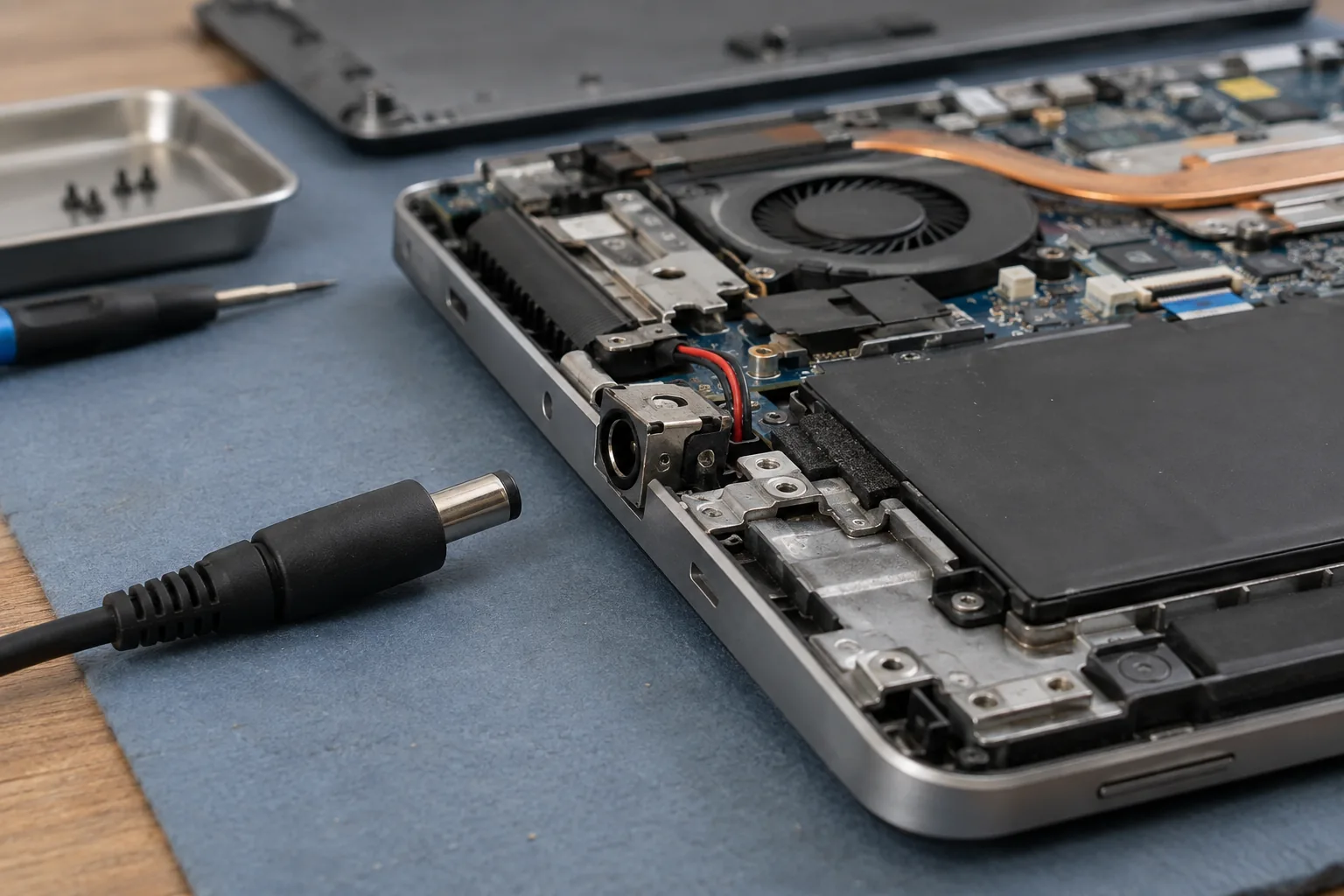
A bulging case, separating seams or a raised touchpad can indicate battery swelling. A stiff click alone does not confirm it.
If swelling is suspected, stop using and charging the laptop. Disconnect external power only if safe without touching hot, leaking or smoking parts. Do not press, puncture or remove the battery. Contact ElitePC before transport.
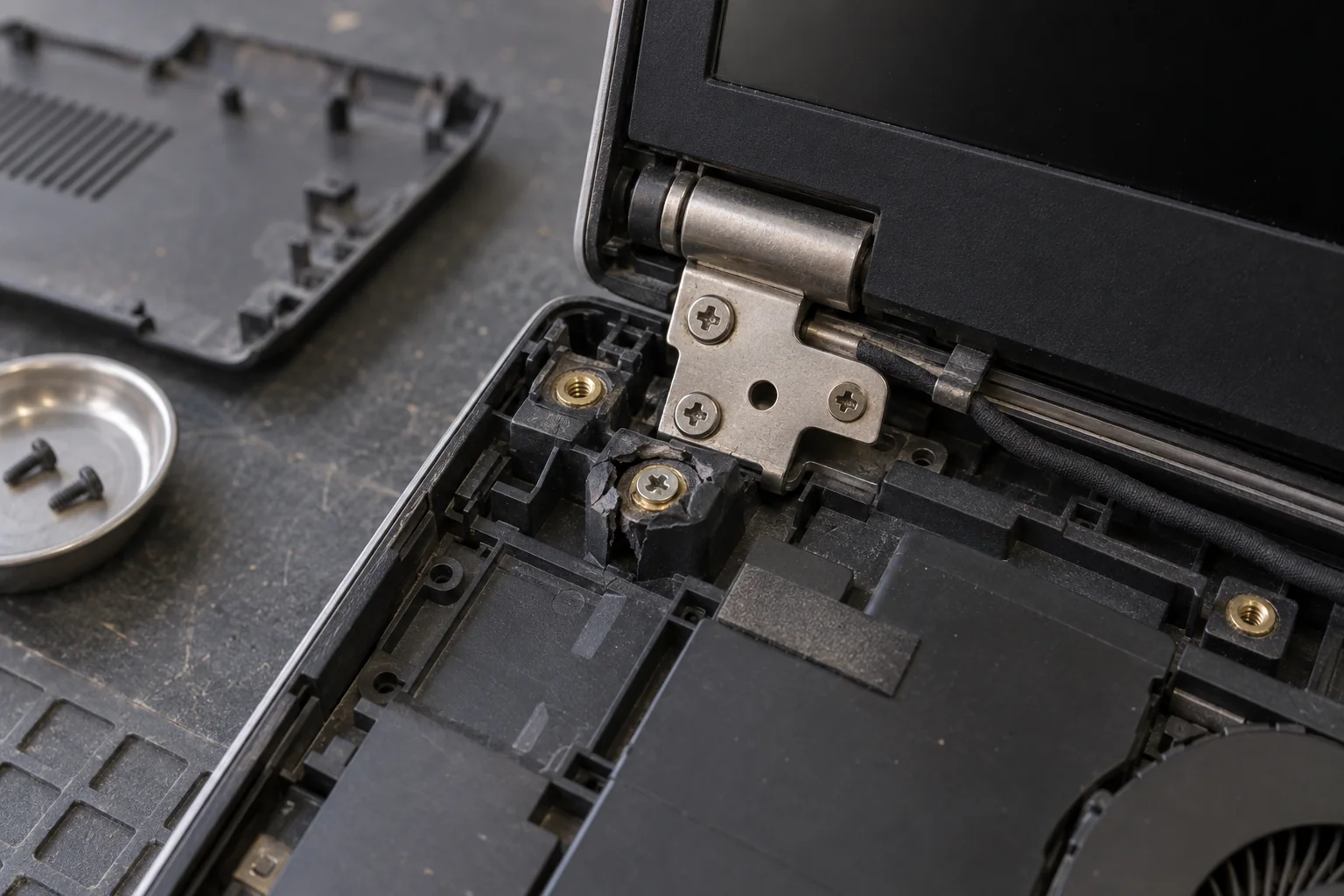
The metal hinge and the material holding it in place both matter.
The hinge is only part of the picture
Broken Hinges and Loose Lid Mounts
Related sections cover casing damage and keyboard and touchpad problems.
A stiff hinge or a corner that lifts with the lid can involve broken mounts inside the lid or base. The strain can also affect nearby casing and cables.
Tightening a screw will not rebuild a broken mount. The repair may need a hinge, housing part or larger assembly, depending on the damage and compatible parts available.
Avoid forcing the lid or opening it repeatedly to show the problem. Tell us what moves or separates, including any casing that pulls apart.
Cracked Casing and Display Damage
A cracked lid, broken bezel or damaged palm rest can affect how the laptop closes or supports its screen. Cosmetic marks may not need repair, but damage to mounts, cable routes or structural parts can.
Tell us if the screen cracked in the same impact or if the picture changes when the lid moves. We consider the screen and casing damage together so you can understand the full repair. Laptop screen repair explains whether the display itself or a larger screen assembly may need replacement.
Built-in controls
Keyboard and Touchpad Problems
An unresponsive key, a keyboard that stops working and a touchpad that will not click can have different causes. Settings, drivers, cable connections, physical damage or a spill may be involved.
Why the Exact Model Matters
Some keyboards and touchpads can be replaced on their own. Other models may need a larger section of the upper casing replaced, sometimes with the keyboard attached. The replacement must match your model, including the keyboard layout, backlighting where fitted, cables and mounting points.
Touchpad Movement and Response
We can help with a touchpad that will not move the pointer, click or respond to gestures. The cause may be a setting, driver or physical fault.
Mention a raised touchpad or separating case, which can be signs of battery pressure.
Describe the behavior, not a diagnosis
No Power, No Startup or No Picture?
A black screen can have several causes. A logo, fan noise or no response at all can help narrow down what needs attention.
No Signs of Power
No lights, fan activity or other response may point to a problem with the charger, battery, charging system or motherboard. Replacing the battery alone may not solve it.
Starts but Does Not Load Normally
A laptop that gets stuck at a logo, shows an error or keeps restarting may have a storage, software or other hardware problem. Note the last screen or message you see.
Activity but No Visible Picture
Lights or fans without a picture can point to a display problem or a startup failure. The laptop may not have finished starting, so these signs alone do not mean it needs a new screen.
Describe what you see; you do not need to diagnose the fault.
When the cause is unclear, start with computer diagnostics before choosing a charging or screen repair.
If your laptop starts but runs hot or slowly, see heat and performance advice.
Liquid Damage and Motherboard Faults
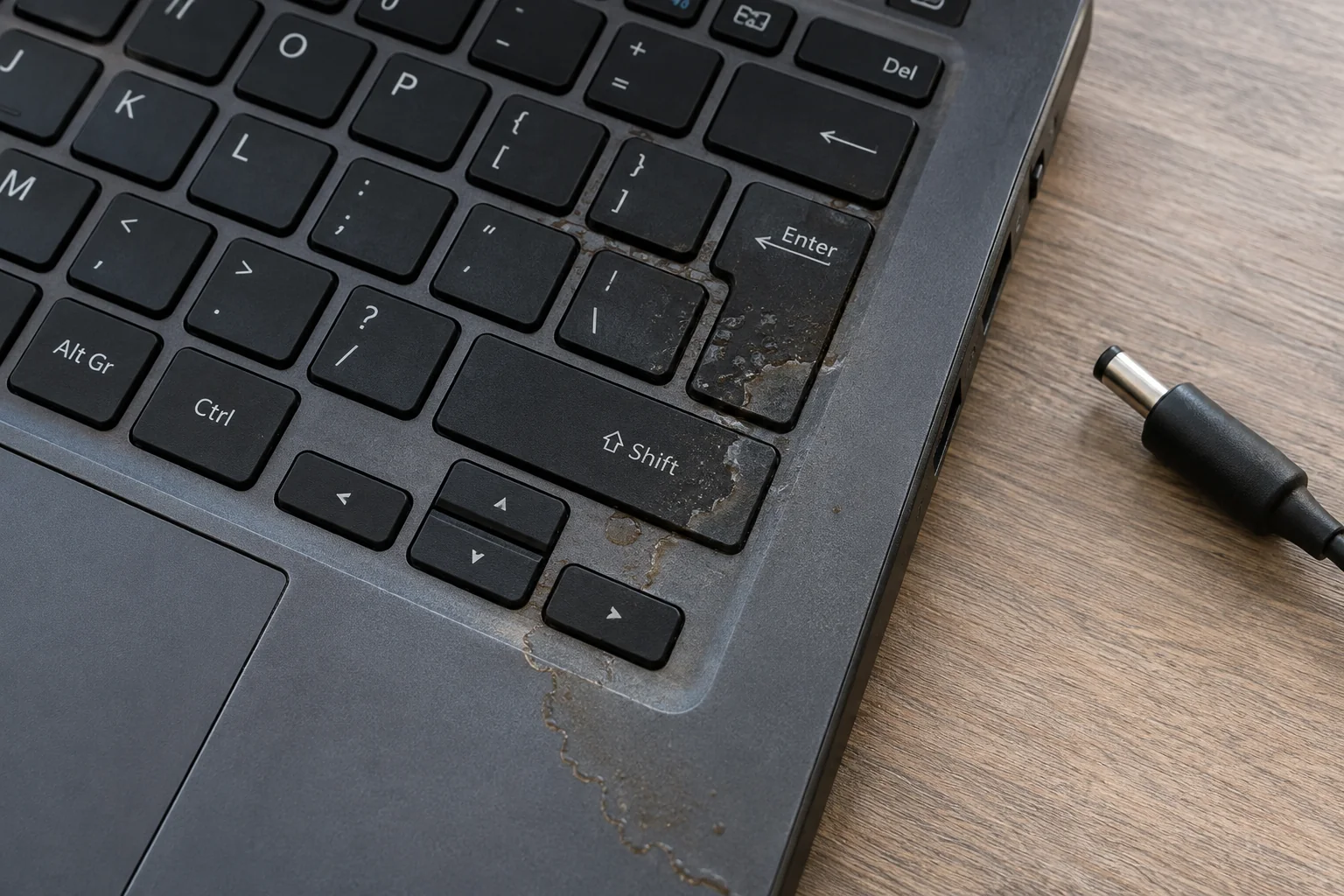
After a spill, stop using the laptop and disconnect external power only if safe. Avoid repeated power-on attempts, rice or applied heat. Contact ElitePC before bringing it in and say whether important files are backed up.
We generally handle laptop motherboard repairs in-house. Repairing a damaged circuit may avoid replacing the whole board, but the fault, damage and laptop’s overall condition determine whether it makes sense. See motherboard repair for the options.
If your files are missing or you cannot access them, tell us before approving a repair or storage replacement. Data recovery is a separate service, and some cases may need an outside specialist.
Cooling, performance & upgrades
Heat, Fan Noise and a Laptop That Feels Slow
Dust, restricted airflow or a fan problem can affect cooling. Vent placement and access vary by laptop model. Slow performance can instead come from storage, memory or software. An SSD will not fix a failing fan, and cleaning will not solve every slowdown.
For heat, unusual fan behavior or shutdowns under load, see overheating repair. If the cause is unclear, start with diagnostics before choosing a replacement part.
Can the Memory or Storage Be Upgraded?
More memory or a faster SSD can help some laptops run better, but the options depend on your model. Some parts are soldered in place, and available slots or connections can limit what can be changed. See computer upgrades for compatible options.
An SSD upgrade with cloning can move your files and working system from a suitable healthy drive to new storage. You still need a separate backup. If the drive may be failing or files will not open, tell us before trying to copy them repeatedly. Data recovery may be the first step rather than an upgrade.
The whole-laptop decision
Is Your Laptop Worth Repairing?
A laptop that still does what you need may be worth repairing. We help you compare the full repair cost with a suitable replacement, including the work of moving files and setting up applications. We consider other faults, battery wear, performance, reliability and whether the operating system is still supported.
Parts access and assembly construction vary from one laptop model to another.
One main fault
One Fault in an Otherwise Useful Laptop
A compatible battery or keyboard replacement may keep a familiar laptop useful. The repair cost and condition of the rest of the machine help determine whether it is worthwhile.
Several faults together
Weigh the Total Repair
A battery and hinge repair together may still make sense if the laptop meets your needs. We look at broken hinges, cracked casing, battery wear and slow storage together, so you can judge the total repair before spending money on individual fixes.
These examples are not repair quotes or a fixed rule.
Parts, Cost and Timing
Your repair estimate covers the parts and labor for your model and the damage found. You approve the repair before work begins. Parts availability and sourcing affect timing. Ask about the warranty for your specific repair.
Gaming Laptops and MacBooks
If your main concern is heat, power or performance while gaming, see gaming laptop repair. For everyday use, choose the repair around the problem, even if the laptop has a dedicated graphics chip. MacBook repair covers Apple-specific parts and construction.
Laptop Repair Questions
Does One Broken Key Mean Replacing the Whole Keyboard?
Not always. A loose keycap, a broken retaining mechanism and a key that does not respond can need different repairs. The damage, available parts and keyboard construction determine whether a small repair, keyboard replacement or larger assembly is needed. Do not force a loose key into place.
How Can I Find the Model if the Laptop Will Not Start?
Check an accessible exterior label, receipt or original packaging. The brand or screen size alone may not identify the parts. You do not need to open or power a damaged laptop to request help.
What if I Only Need My Files?
Tell us before authorizing repair. A working laptop and recovered files are different goals. If storage is failing or files are inaccessible, data recovery may be more appropriate than a repair or upgrade.
Will a Laptop Repair Erase My Data?
Not every repair touches storage or the operating system, but data loss cannot be ruled out. Back up important files only if the laptop is safe to use, and explain data concerns before work. Do not keep powering a damaged or swollen laptop to make a backup.
Should I Buy a Replacement Part Before the Assessment?
It is best to have the fault checked before buying a part. Similar-looking laptops can use different batteries, keyboards, screens and assemblies. We can help identify a suitable part for your model.
Your next step
Arrange Laptop Repair in Garfield
ElitePC NJ serves Garfield, Bergen County, Passaic County and North Jersey by appointment. Send us the symptoms and model number if you have it. You do not need to know which part has failed. We’ll discuss the next step and arrange a visit before you bring it in. You decide whether to go ahead with any repair.
For charging trouble, ask whether to bring the charger and cable. Contact ElitePC before transporting a laptop with suspected battery swelling or liquid damage.
What to Include
- The exact laptop model, if known.
- What changed, when it started, any error message and whether the problem comes and goes.
- Any spill, impact, previous repair or visible case damage.
- Whether important files are backed up and what you most need restored.
Do not send account passwords, recovery keys or private files in the initial request.