ElitePC NJ · Business technology
Microsoft 365 Support for North Jersey Businesses
Help with the accounts, email and shared work your business uses every day.
A staff member cannot sign in. Outlook stops working. A new employee needs access, or a departing employee’s business information needs a handoff. Tell ElitePC what needs to change in your business Microsoft 365 setup.
Based in Garfield · Serving North Jersey · By appointment

Business email, employee accounts and shared files, supported together.
Microsoft 365 for small business
Microsoft 365 account, email and file-access support
Keep everyday administration from becoming another job on your desk. ElitePC provides practical Microsoft 365 support for the accounts, mailboxes and shared information your staff rely on. Whether you still call it Office 365 or use the current name, we help with the business setup behind your daily work.
Work with a local provider that has hands-on Microsoft 365 administration experience. We help with the task at hand and explain any wider changes needed, without requiring you to diagnose the problem first.
Support for your business Microsoft 365 setup
This service focuses on organization-managed accounts and business information. If the problem turns out to be a faulty computer or office connection, ElitePC also offers computer and network support so you can reach the right next step.
Less account admin. More everyday teamwork.
Microsoft 365 Support for Easier Everyday Work
Business email, shared files and employee access should help work move forward. Get practical support that connects the account, application and permissions behind the problem, with changes guided by what your business actually needs.

Email · Employee access · Shared files
The right people connected.
Everyday work made easier.
✓
Get email and everyday work moving again.
We investigate Outlook, sign-in and mailbox problems across the application and account settings instead of leaving staff to repeat the same failed steps.
✓
Make employee changes easier to manage.
Help new starters and existing staff get the approved accounts, licenses and permissions they need for their roles.
✓
Keep business information accounted for.
Handle departing-user access separately from the authorized handover of email and files, with retention needs reviewed before account or license changes.
✓
Help the right people reach the right files.
Resolve Teams, SharePoint and OneDrive access issues with attention to the intended audience rather than opening information more widely than needed.
✓
Take account administration off your plate.
Get help with agreed user, license and service changes while your business keeps control of its Microsoft 365 environment and decisions.
Hands-on Microsoft 365 help for North Jersey businesses.
New starters, role changes and departures
Microsoft 365 user accounts and employee access
Give employees access to the email and files they need for their work. ElitePC helps set up and adjust business account access, shared-mailbox permissions and access to Teams, SharePoint and OneDrive. We review the account and license requirements and make the changes your business authorizes.

The right account access for each person and role.
Employee offboarding and business information handover
When someone leaves, ElitePC helps with authorized access removal and the handover of business email and files. We treat these as separate needs, so protecting the account does not get confused with deciding who should receive the information.
Before account deletion or license changes, we review the relevant information and retention requirements with the responsible administrator. The work follows your actual subscription and setup rather than assumptions about how long everything will remain recoverable.
Account changes handled from the approved request through to handover.
Confirm the change
We establish the users, services and access your business needs.
Protect business information
We separate access changes from the email and file handover.
Update the account
We make the approved changes using appropriate permissions.
Check the result
We verify the intended access and explain any next steps.
Email that supports your working day
Outlook and shared-mailbox support
Outlook sign-in and business email troubleshooting
Get help when Outlook will not connect, an employee cannot sign in or business email stops working as expected. ElitePC checks the affected application, account and mailbox settings to identify where the problem sits. If the issue belongs with Microsoft or your subscription provider, we explain that next step rather than make unnecessary changes to your setup.
Shared-mailbox setup and access support
Help your team use shared business email through their own accounts. ElitePC assists with shared-mailbox access and permissions, including who can open the mailbox or send from its address. We troubleshoot access problems without relying on everyone sharing one password.
We review the users and features involved so licensing requirements are clear before changes are made.
Shared files and collaboration
Teams, SharePoint and OneDrive support

Help your team reach the business files it needs.
File-access support across the resource, account and sharing settings.
Locate the business files
Check account access
Resolve sharing permissions
Get help with shared folders that will not open, missing access to team files or sharing links that do not work for the intended person. ElitePC investigates where the information is held and how accounts, permissions and synchronization affect access.
We make approved access changes and check them with the appropriate users. The aim is to help people reach the files they need without opening private business information to a wider audience.
Microsoft 365 permissions for connected tools
Automation and internal assistants depend on the information they can access. ElitePC can help review the underlying Microsoft 365 account and resource permissions before you connect tools to business files. The integration itself is a separate project.
Workflow automation
Internal AI assistants
Practical administration support
Microsoft 365 administration for small businesses
Take account administration off the list of jobs you have to untangle yourself. ElitePC helps with agreed user, license and service changes while your business retains control of its Microsoft 365 environment. We work through the authorized administrator and coordinate access responsibilities with an existing provider where needed.
Account changes, license reviews and handover
Get help reviewing license assignments, making approved administration changes and checking the resulting access. We use permissions appropriate to the work, rather than assume every task needs permanent top-level access.
You receive a clear explanation of what changed, what was checked and any remaining issue. License reviews focus on the subscriptions and features your staff actually need; they do not assume savings before your setup has been assessed.
Need continuing administration rather than a one-time task? We can discuss an ongoing support arrangement for the responsibilities you want help managing.
Microsoft and subscription-provider support
ElitePC provides independent assistance. Microsoft service incidents and some subscription issues need the platform provider or subscription seller. We identify when that route is needed and clarify any provider coordination included in our work.
For wider account protection, explore our business cybersecurity service. Larger platform changes and migrations are scoped separately from everyday support.
Plan your next platform change
Microsoft 365 email and file migration planning
Thinking about moving business email or shared files to Microsoft 365? ElitePC helps assess your current setup, the information involved and the work needed for a practical changeover. Migration work requires its own assessment and agreement, so you can understand the project before committing.
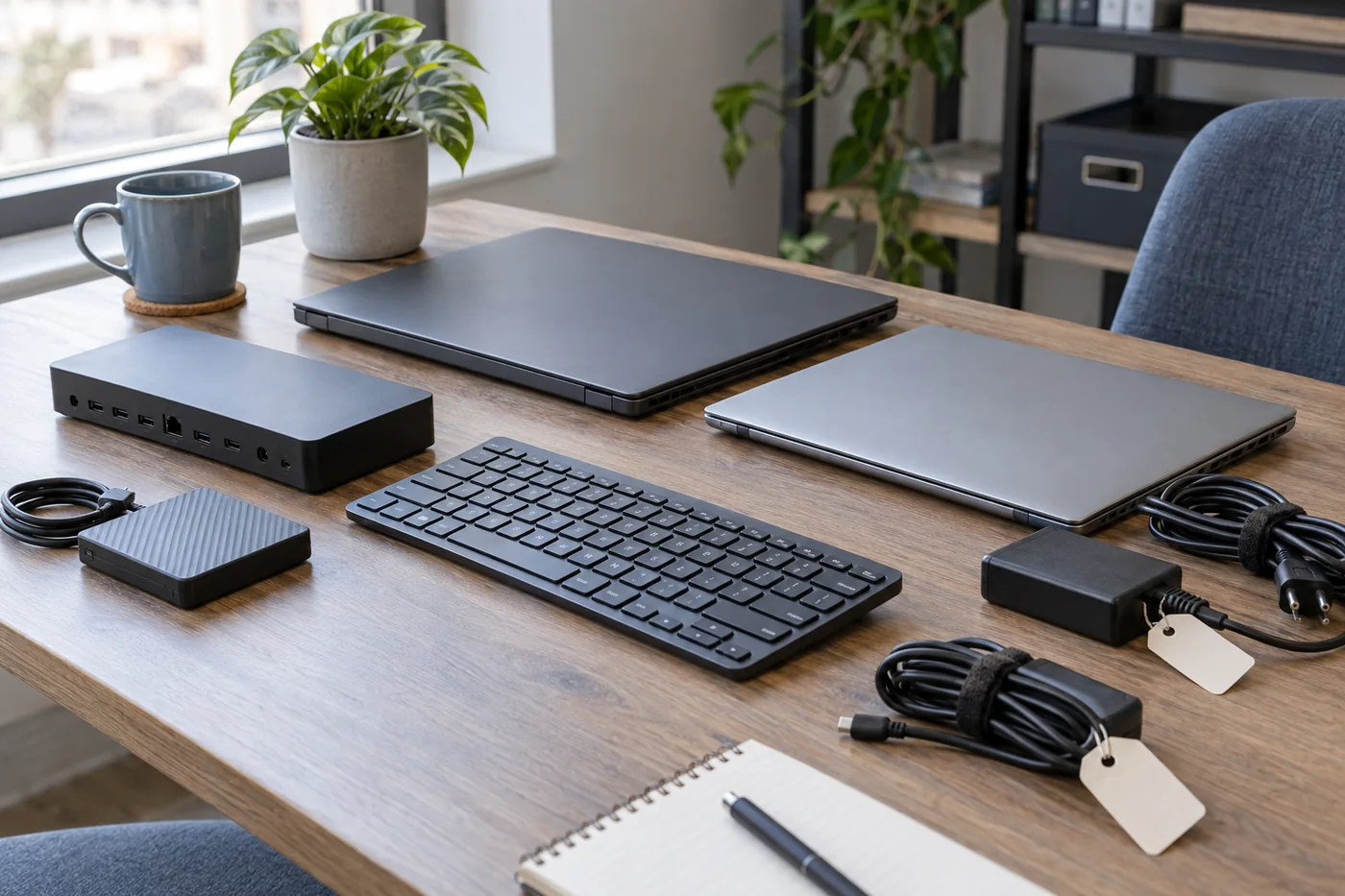
Plan the move around your people, applications and business information.
Email and shared-file migration assessment
We review the current email service, mailboxes, shared addresses and files to establish what needs to move. Archives, contacts, calendars and applications that use business email also matter. For shared storage, the assessment covers the folders, users and permissions that need attention.
Different transfer methods cover different information. We identify those gaps during planning, along with the domain access needed to keep your business email address, rather than assume that transferring a mailbox moves everything.
Migration preparation and changeover planning
A workable move needs the right destination accounts, licenses and administrative access. We help identify those requirements, including who manages the domain records used to direct business email.
Planning also covers file organization, source protection, representative testing and where staff should work during the changeover. We assess the data volume, connection and application dependencies so the proposed schedule reflects your setup.
A migration plan covers preparation, changeover and the checks afterward.
1 · Assess the existing setup
Identify mailboxes, files, users and connected applications.
2 · Prepare the destination
Plan accounts, licenses, permissions and representative checks.
3 · Plan the changeover
Set the sequence for mail routing, files and staff access.
4 · Plan the handover
Set out the checks, staff guidance and support needed after the move.
Email and file checks after the move
ElitePC helps plan how your team will move into the new setup, including what happens if a transfer or access check uncovers a problem. We identify the source information and fallback decisions that need to remain available through the changeover.
We help define checks around the work your staff actually do: sending and receiving email, opening shared mailboxes and reaching the right files. That gives your business a practical way to review the agreed migration work and identify missing items or access problems.
Our planning covers the handover as well as the switch: who will administer Microsoft 365, what staff need to know and when the old service can end. We also identify the backup and ongoing-support responsibilities that need their own arrangements.
Microsoft 365 migration scope and cost
The starting provider, user count, information volume, archives, file permissions and connected applications shape the work. We distinguish service work from licenses, subscriptions and any transfer tools when discussing the proposed project.
Tell us what you use now, roughly how many people need to move and your preferred timing. We can help you work through the requirements without expecting a complete technical inventory at the first conversation.
Local help for your Microsoft 365 setup
Request Microsoft 365 support in North Jersey
Need an Outlook problem investigated, employee access changed or shared files working for the right people? Tell us what your business needs and roughly how many users are involved. A short description is enough to start.
Based in Garfield, ElitePC supports businesses across Bergen County, Passaic County and North Jersey. Suitable account and software work can be handled remotely when a working connection and authorized access are available; we will discuss any visit or other support route needed.
Service is by appointment. We confirm the work and charges before proceeding. Please keep passwords, verification codes and private documents out of your request.