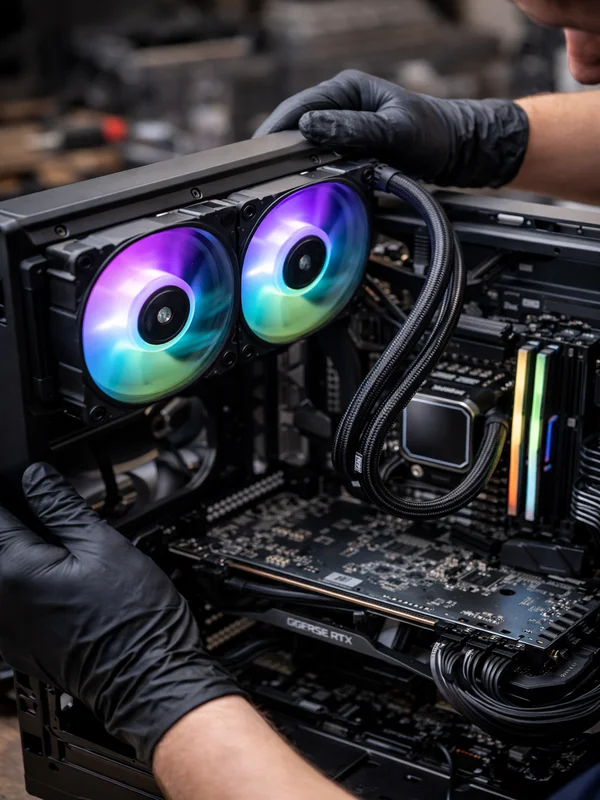
PC Cleaning & Dust Removal Service
Professional Internal Computer Cleaning for Desktops, Laptops & Gaming PCs in North JerseyDust buildup inside a computer can choke airflow, make fans run constantly, raise CPU and GPU temperatures, and slowly reduce performance over time. ElitePC NJ provides professional PC cleaning and dust removal for desktops, gaming PCs, and laptops by safely cleaning fans, heatsinks, vents, filters, and internal airflow paths before heat and debris lead to bigger hardware problems.
PC Cleaning & Dust Removal Service in North Jersey
Professional Internal Computer Cleaning
Safe dust removal for desktops, laptops, and high-performance gaming systems
Dust is one of the most common causes of rising temperatures, loud fans, restricted airflow, and premature hardware wear. Our PC cleaning service focuses on safely removing heavy internal buildup from the parts that matter most, including CPU coolers, graphics cards, case fans, vents, and filters, so your system can breathe properly again.
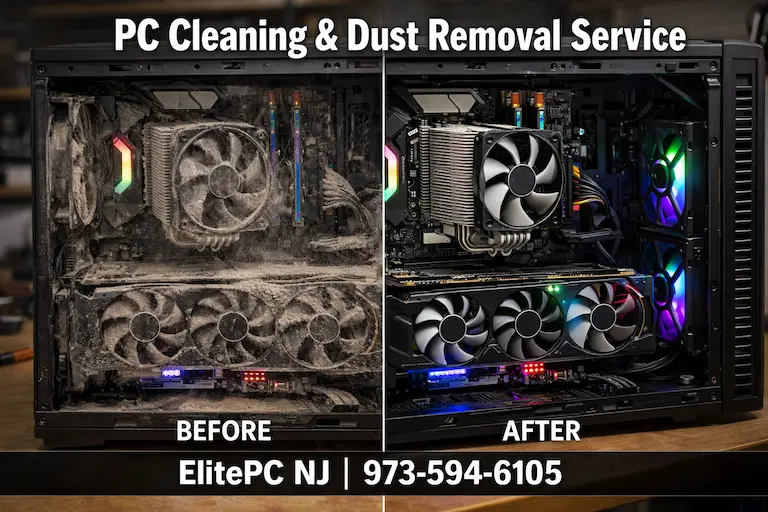
Dust Removal That Helps Prevent Bigger Repairs
Cleaning service that supports better airflow, cooler temperatures, and more reliable operation
Professional internal cleaning is often the first step before more invasive repairs are even needed. If a system is still unstable after cleaning, we can also recommend related services like computer diagnostic service, gaming PC repair, or on-site computer service when appropriate. We provide PC cleaning for home users, gamers, and workstations throughout Garfield and the surrounding North Jersey area.
Why Professional PC Cleaning Matters
Restores Airflow
Dust packed into heatsinks, filters, and fan blades reduces the amount of air moving through the system. Cleaning those airflow paths helps components cool more efficiently.
Helps Prevent Overheating
Heat buildup often starts with neglected dust accumulation. Internal cleaning can help reduce temperatures before the system starts throttling, crashing, or shutting down.
Improves Fan Behavior
When a system is clogged with dust, fans often ramp up constantly and make far more noise than normal. Cleaning can help restore quieter, smoother operation.
Protects Expensive Components
GPUs, CPUs, SSDs, and laptop cooling systems all suffer when heat and debris are ignored for too long. Routine cleaning helps protect the hardware you already paid for.
Supports Long-Term Reliability
Dust removal is a simple maintenance service that can extend the useful life of a computer and reduce the chance of bigger repair bills later.
What Our PC Cleaning & Dust Removal Service Includes
Full Internal Dust Removal
We safely remove dust buildup from inside desktop and laptop systems, including case interiors, vents, fan housings, and internal airflow paths.
CPU Heatsink & Fan Cleaning
Dust packed into CPU cooler fins can trap heat where it matters most. We clean heatsinks and fan assemblies so the processor cooling system can work properly again.
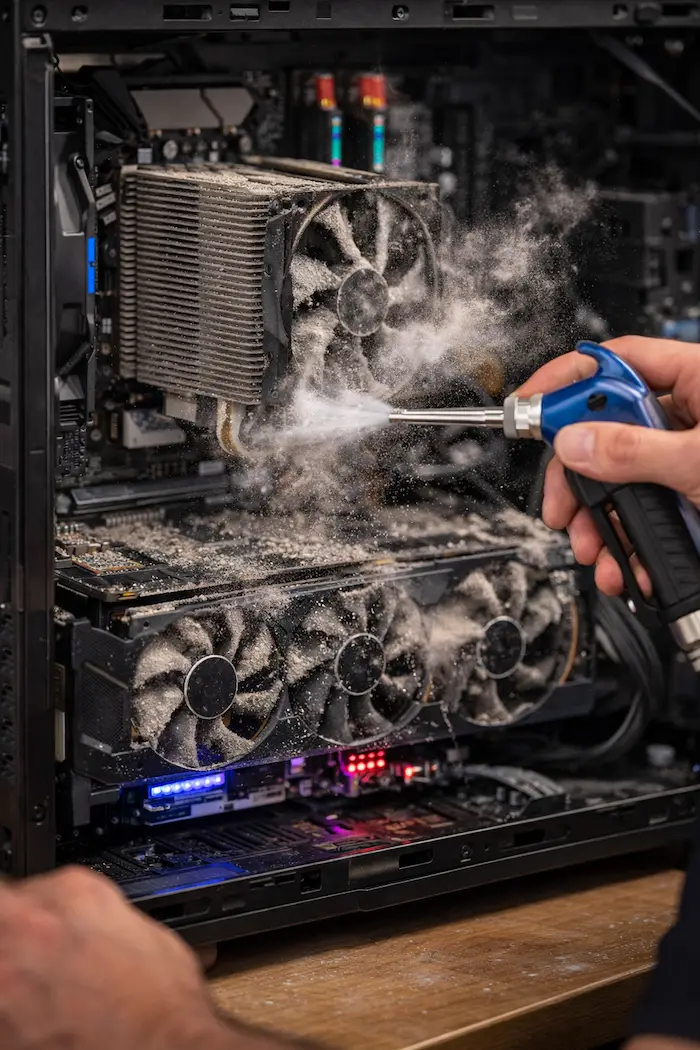
GPU & Case Fan Cleaning
Gaming PCs often collect heavy debris around graphics card fans and high-airflow case fans. We clean those areas carefully to improve cooling performance and reduce noise.
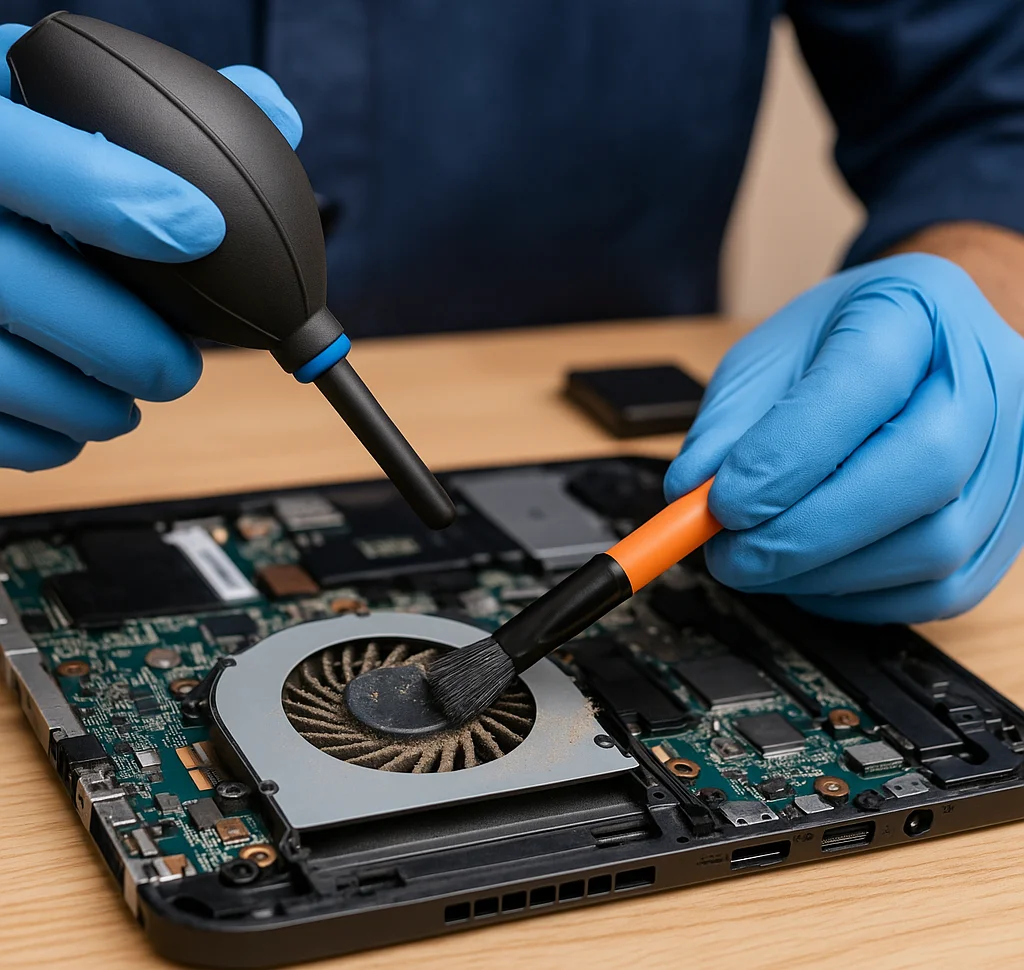
Laptop Vent & Cooling Channel Cleaning
Laptops are especially vulnerable to blocked vents and compact dust-packed cooling channels. We clean buildup from the areas that commonly cause laptops to run hot.
Preventive Inspection & Maintenance
During service, we also check for signs of worn fans, airflow problems, and heat-related issues that may call for follow-up service instead of letting them go unnoticed.
Common Dust & Airflow Problems We Solve:
Loud Fans & Restricted Airflow
When fans are covered in dust or airflow is restricted, systems often get louder and hotter at the same time. We clean the buildup that commonly causes that behavior.
Dust-Caused Overheating
Dust packed into heatsinks and vents can raise temperatures enough to trigger slowdowns, crashes, and random shutdowns. Cleaning is often the first logical fix.
Gaming PC Dust Buildup
High-performance gaming systems pull in a lot of air and collect a lot of debris. We clean gaming PCs that are running hot, noisy, or less stable than they should be.
Laptop Vent & Fan Blockage
Dust buildup inside a laptop can block exhaust airflow and make tiny blower fans work overtime. Cleaning those areas can make a major difference in temperatures and noise.
Heat, Throttling & Performance Loss
Once dust buildup starts affecting cooling, performance can drop long before a full failure happens. Cleaning helps prevent the slowdowns and instability that come from trapped heat.
Why Choose ElitePC for PC Cleaning & Dust Removal?
Careful Hands-On Hardware Service
Internal cleaning should be done carefully around delicate fans, heatsinks, graphics cards, and laptop internals. We provide hands-on service with attention to the hardware, not rushed guesswork.
Maintenance That Actually Makes Sense
If cleaning is the right fix, we will tell you. If dust removal uncovers a deeper issue, we can point you toward the right next step, whether that means computer repair or a more specific hardware service.
Local North Jersey Computer Service
ElitePC NJ provides local computer maintenance and repair services in Garfield and nearby North Jersey towns, including cleaning service for home systems, gaming PCs, and many office workstations.
Frequently Asked Questions
How often should a computer be cleaned internally?
For many desktop and gaming PCs, internal cleaning every 6 to 12 months is a smart maintenance habit. Homes with pets, smoke, carpeting, or dusty environments may need service even sooner because buildup happens faster.
Can dust really make a computer slower?
Yes. Dust buildup can restrict airflow enough to raise temperatures, and when temperatures climb too high, the CPU or GPU may slow itself down to protect the hardware. That can show up as lag, stuttering, lower FPS, or sluggish overall performance.
Do gaming PCs need more frequent cleaning?
Usually, yes. Gaming PCs move more air and generate more heat than basic office computers, so they tend to pull in more dust over time. Systems with multiple intake fans, open mesh cases, or floor placement often need more frequent attention.
What parts get cleaned during a PC cleaning service?
That depends on the system, but cleaning commonly includes case fans, CPU heatsinks, GPU fans, filters, vents, and internal airflow paths. On laptops, the focus is often on the exhaust vents, blower fans, and compact cooling channels where dust tends to pack in tightly.
Do you clean laptops as well as desktops?
Yes. We clean desktops, gaming PCs, and many laptops. Laptop cleaning often requires more careful disassembly because the cooling components are compact and more sensitive than a typical desktop layout.
Schedule PC Cleaning & Dust Removal Service
If your computer is running hotter than it used to, sounding louder, or collecting visible dust around the vents, now is a good time to have it cleaned before the problem gets worse. If there are signs of instability or deeper hardware trouble, we can also recommend the right follow-up service, including data recovery when a heat-stressed system is putting important files at risk.
Reliable Computer Maintenance by ElitePC NJ
ElitePC NJ provides professional computer cleaning and dust removal to help desktops, laptops, and gaming PCs run cooler, quieter, and more reliably. It is simple preventive maintenance that can make a real difference in everyday performance and long-term hardware health.