EVERYDAY COMPUTER OPTIMIZATION
PC Tune-Up for Slow Laptops & Desktops
Get help with slow startups and sluggish apps. ElitePC NJ provides PC tune-ups in Garfield and North Jersey, focusing on software clutter and background activity on working laptops and desktops.
- Less unnecessary software running at startup
- More room for the files and apps you use
- A clearer answer before buying new parts
Reviewing apps that start with Windows.
FOR A PC THAT WORKS, BUT FEELS SLOW
PC Performance Optimization for Everyday Use
Email, browsing and office apps should not feel like a waiting game. A laptop or desktop tune-up focuses on software maintenance when the computer starts reliably but ordinary tasks drag.
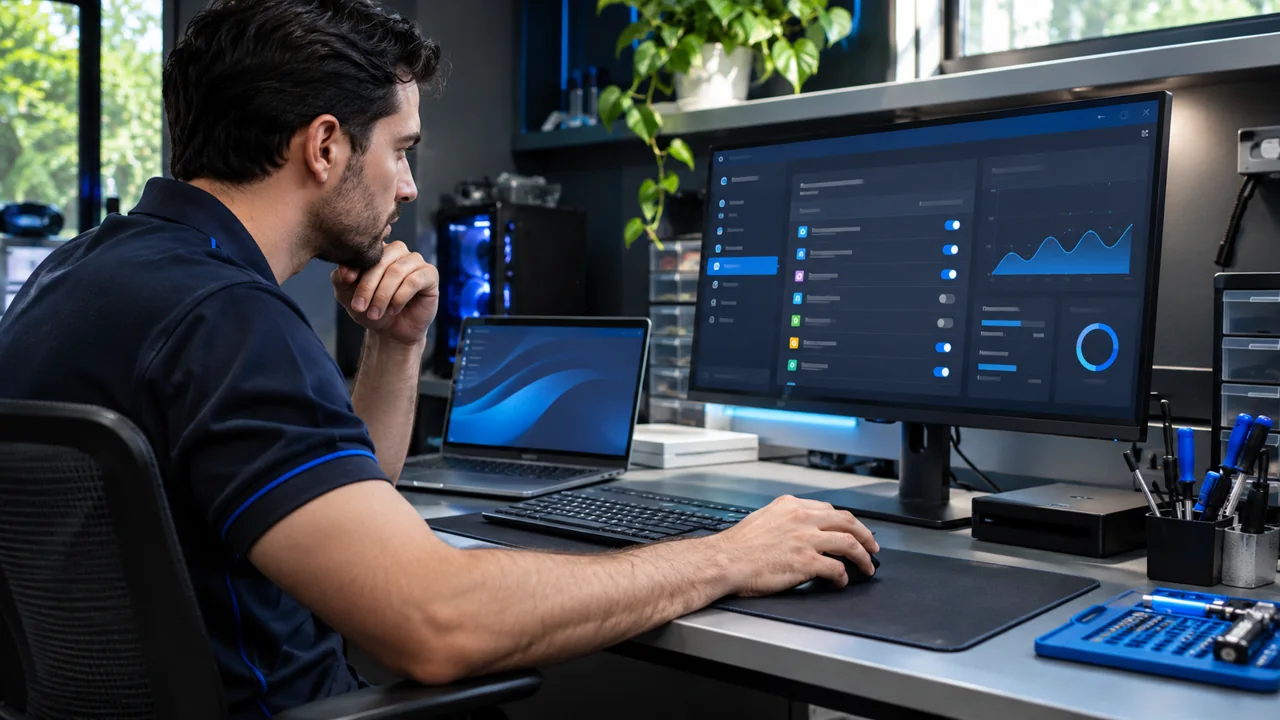
Startup apps and everyday computer performance.
Fewer Apps Competing in the Background
We review apps that start with Windows and check processor, memory and drive activity. The goal is less unnecessary background work while keeping the security, backup, accessibility and work tools you need.
More Useful Space on Your Drive
Temporary files and software you no longer need can crowd your drive. We review what can be removed, with your approval, so cleanup leaves room for the files and apps you still use.
Browser Extensions, Apps and Updates
We review browser extensions, recent software changes and relevant Windows or driver updates. Changes need to suit your computer, its supported Windows version and the apps you rely on.
When Slowness Points to Another Problem
Busy background apps, unwanted software, heat or drive trouble can all slow a PC down. The checks depend on what's happening with your computer. Repairs and malware removal are separate services.
Checking Everyday Performance After Cleanup
The goal is less waiting at sign-in, when opening or switching apps, and on familiar websites. Comparing the same tasks under similar conditions helps show what improved and what still needs attention.
What a PC Tune-Up Can Include
A quick view of the maintenance options. The work is matched to your computer and the slowdown you are experiencing.
Startup and background cleanup
Review unnecessary apps and tasks competing for system resources.
Storage and browser cleanup
Clear approved temporary files, old installers and browser clutter.
Updates and driver review
Check relevant updates and software issues affecting stability.
Security and system health
Look for unwanted software, unusual resource use and signs of storage trouble.
Performance checks and upgrade advice
Compare responsiveness and discuss whether an SSD or memory upgrade is worth considering.
YOUR FILES, APPS & STORAGE
What Happens to Your Files and Apps?
A tune-up focuses on software maintenance. We ask before removing your personal files, apps, browser data or profiles. A factory reset or Windows reinstall is a separate choice because it can affect files, programs and settings.
Cleanup or a Hardware Upgrade?
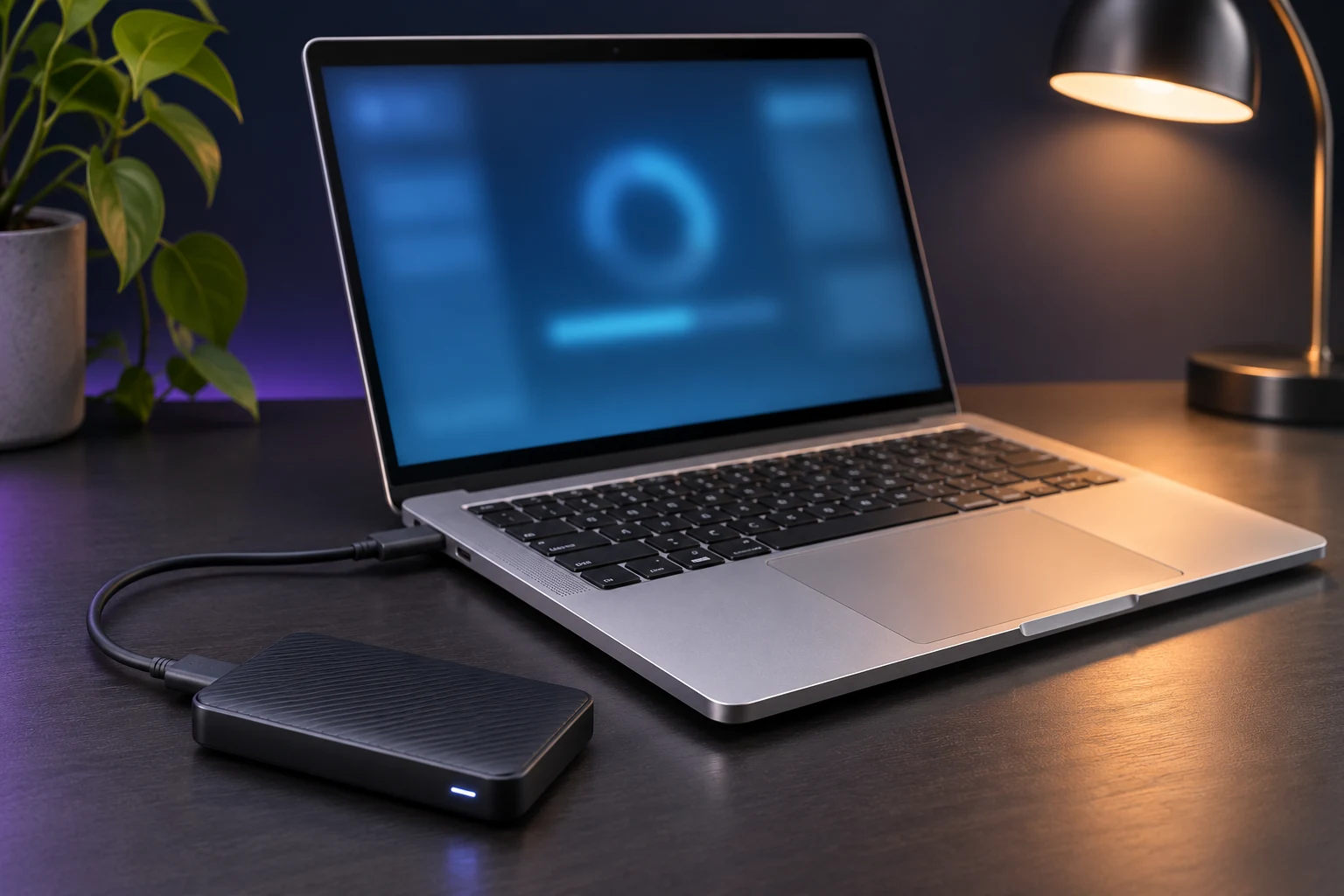
Cleanup can free drive space. It cannot add memory (RAM) or replace a slow drive. If memory, drive capacity or drive performance is the limit, Computer Upgrades may help. For a suitable drive replacement, see Solid-State Drive (SSD) Upgrade With Cloning. Hardware work is separate.
Files You Can't Open?
If a drive may be failing or important files are inaccessible, start with Data Recovery before cleanup, a reset or reinstallation.
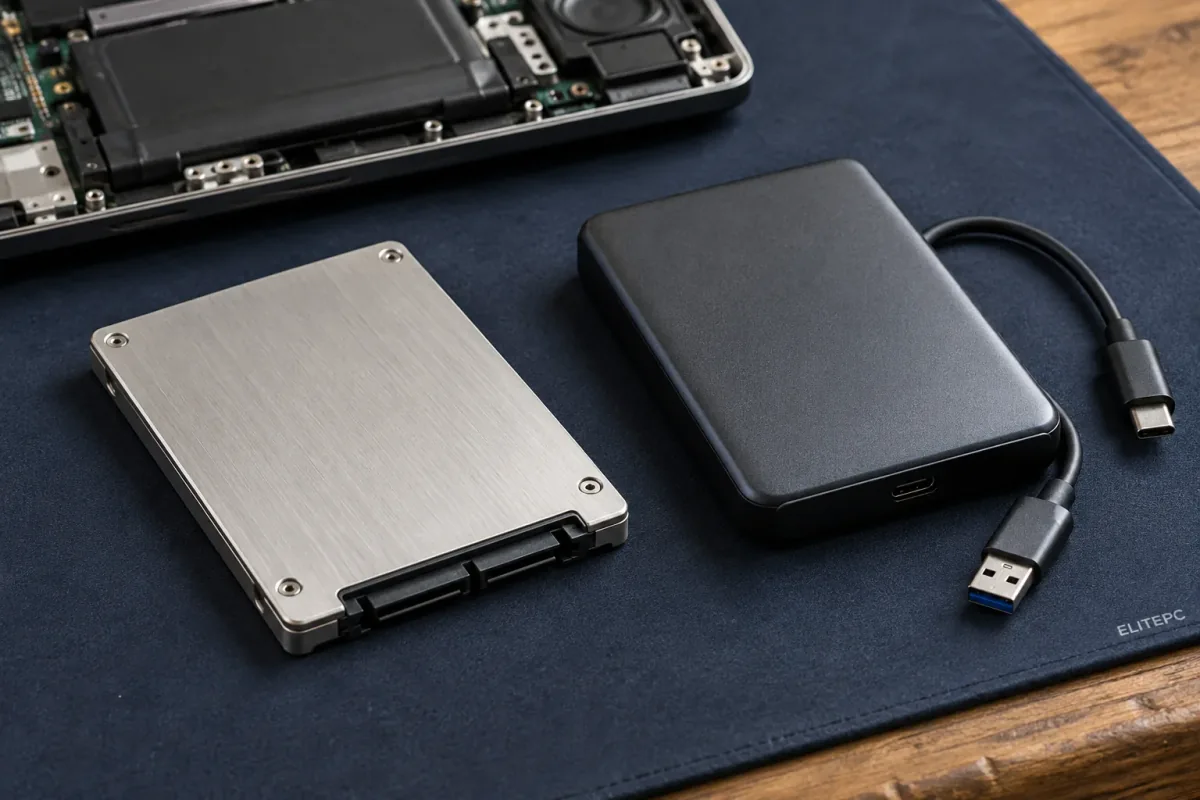
Internal storage and an external backup drive. Cleanup, upgrades and file recovery solve different problems.
When Slowdowns Need a Different Service
Crashes, overheating and returning pop-ups need a closer look. These services help you find the right next step.
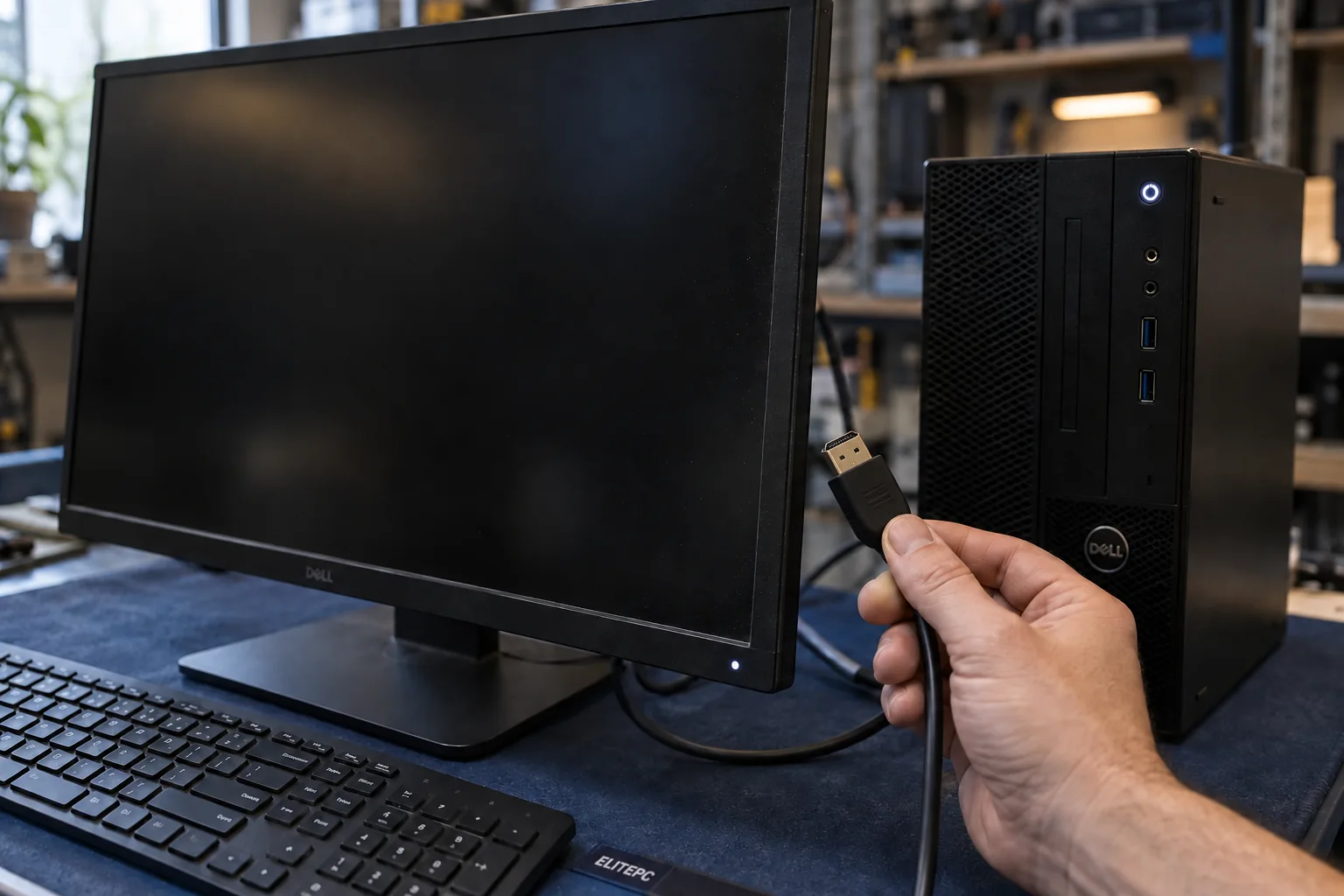
Freezing or Failing to Start
Repeated crashes, startup failures or sudden slowness with errors call for Computer Diagnostics before assuming cleanup is the answer.
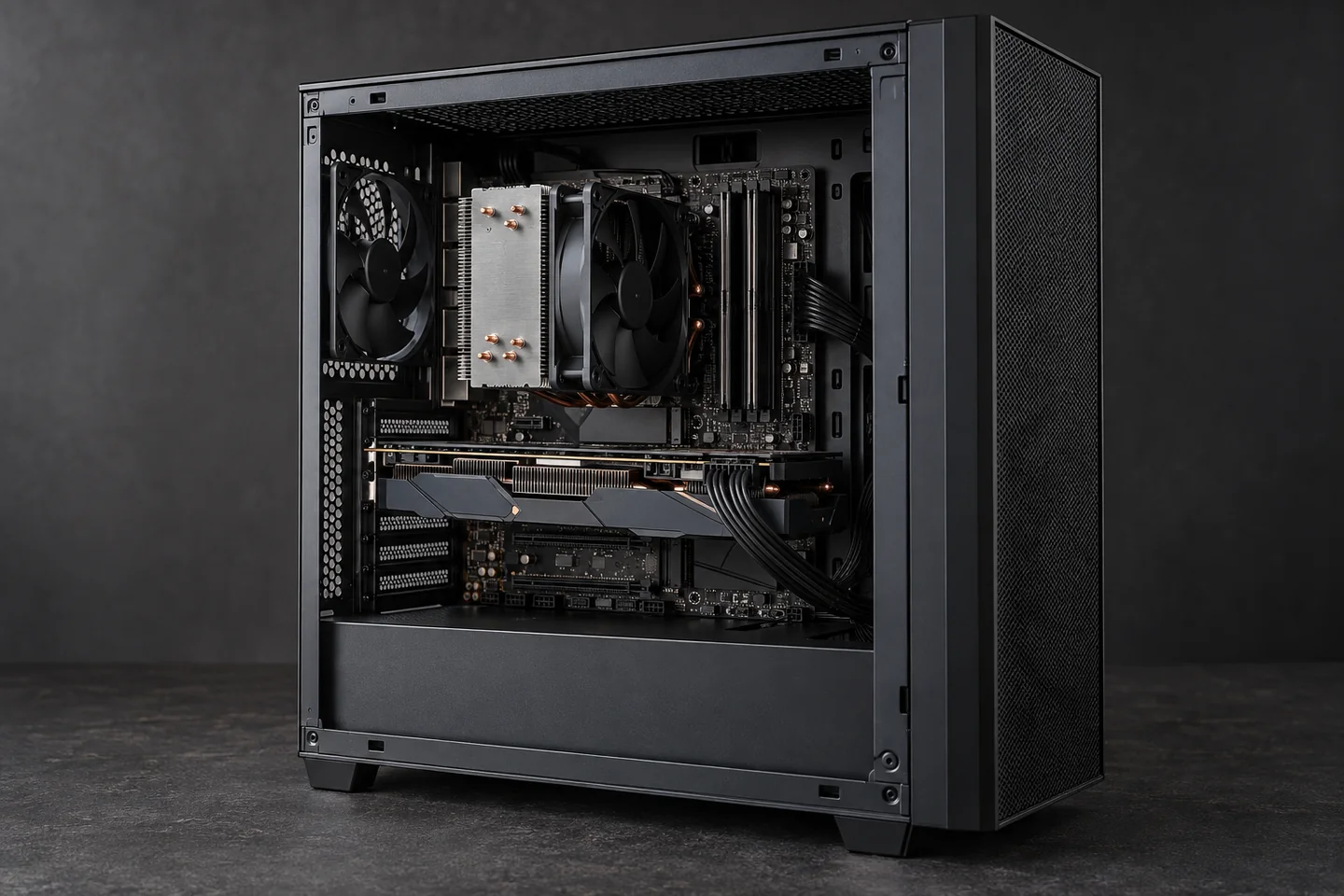
Running Hot or Getting Loud
A PC that runs hot or slows down during demanding tasks may need Overheating PC Repair. Checking temperatures alone does not repair a fan.
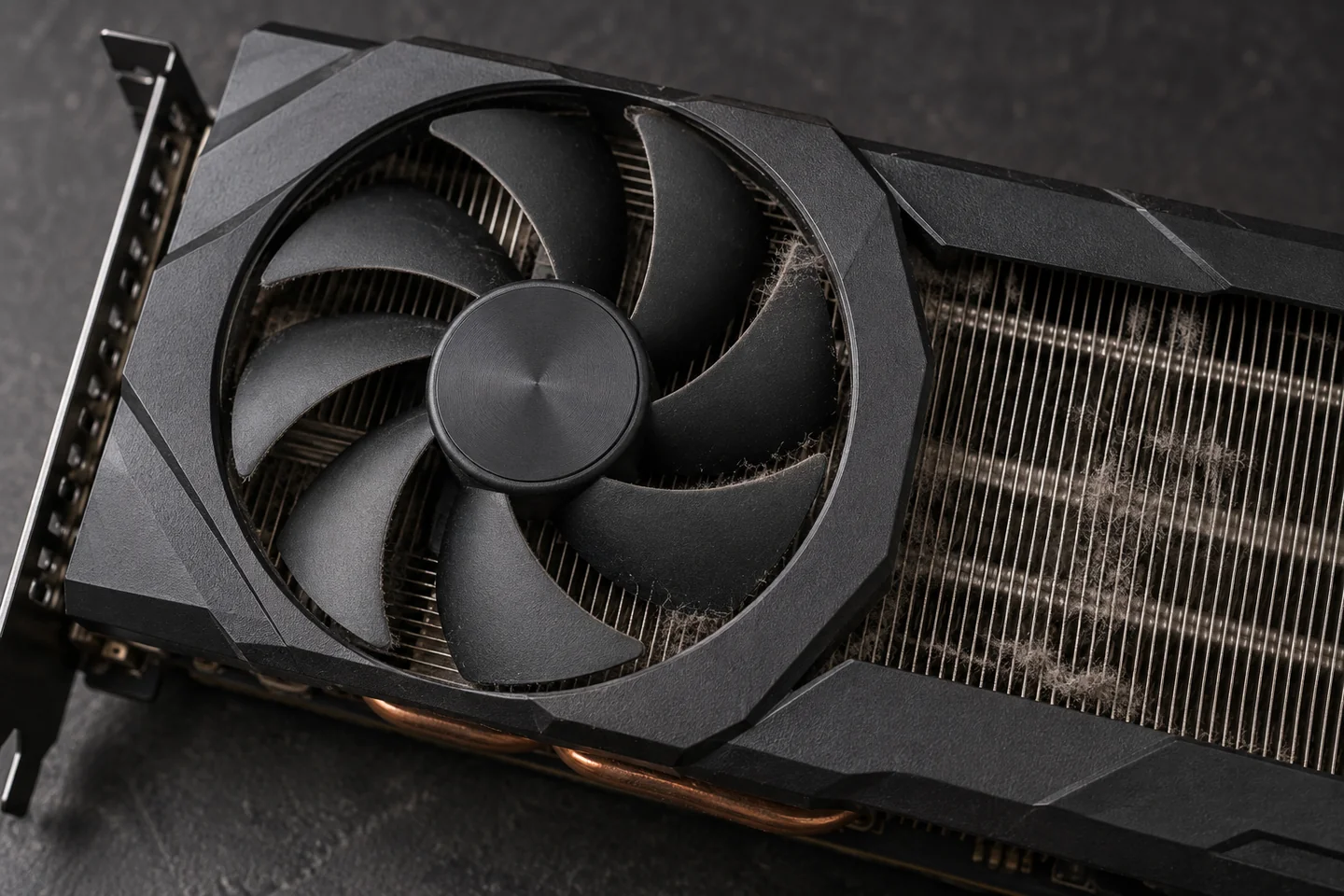
Dust Inside Your PC?
PC Cleaning & Dust Removal is a separate hands-on service. A software tune-up or temperature check does not remove dust from inside your PC.

Pop-Ups That Keep Coming Back
Unexpected pop-ups, software that keeps returning or signs of a scam may need Virus & Malware Removal rather than routine cleanup.
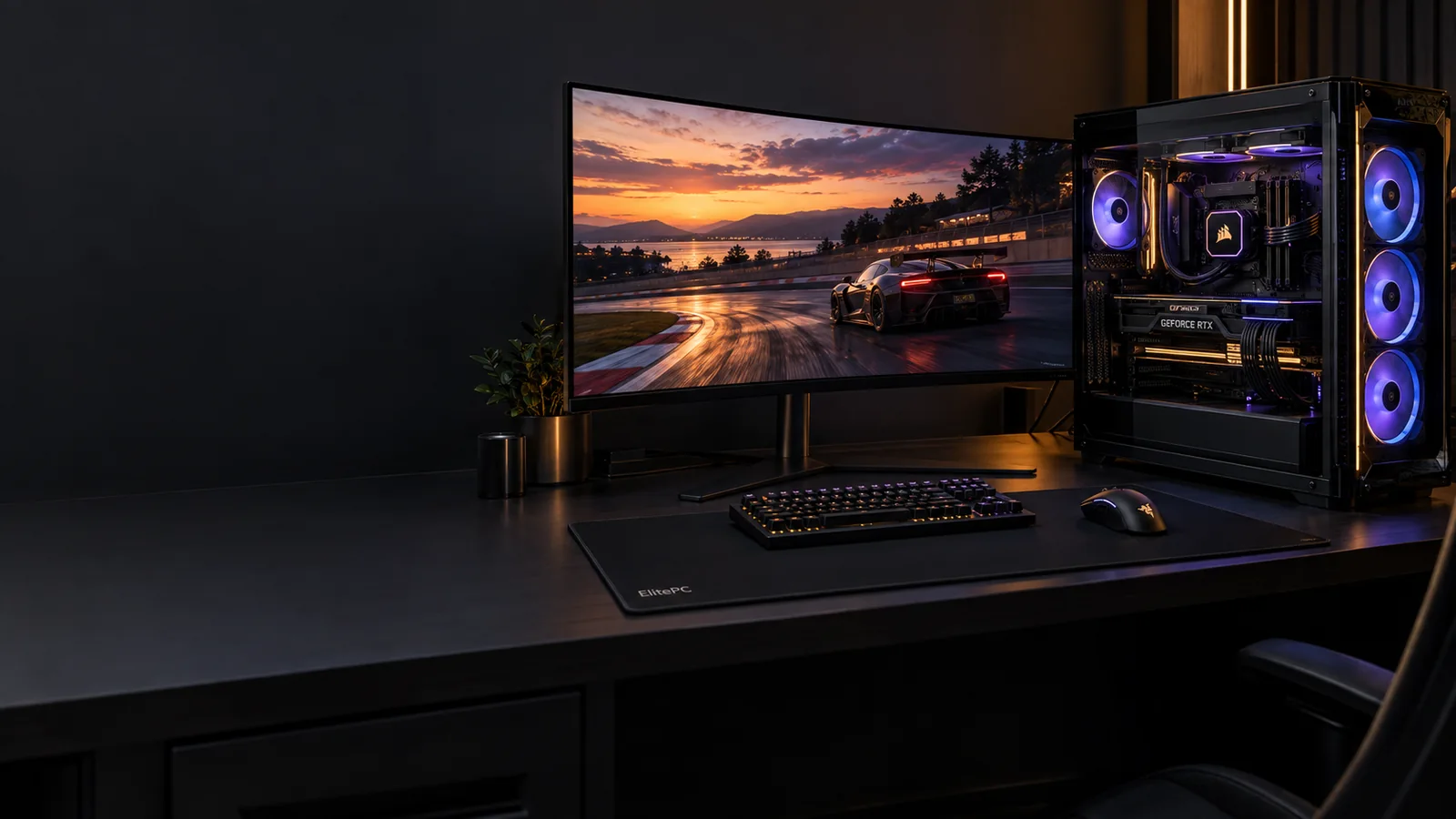
Focused on Smoother Games?
When the goal is frame rate or smoother gameplay on a working PC, Gaming Performance Optimization addresses game-specific performance rather than everyday app use.
Computer Optimization for Home and Work
From schoolwork and household admin to an individual office PC, the focus is a computer that keeps up with everyday use. For an employer-managed laptop or workstation, software changes need approval from your IT contact.
For ongoing business support, managed fleets or server maintenance, see Business IT Services.
Can Software Cleanup Be Done Remotely?
Some software work may suit Remote Support if your computer starts, connects to the internet and can be accessed safely. Hardware work and physical cleaning need hands-on service. We'll confirm which option fits when you get in touch.
Computer Performance and Maintenance Questions
Can Software Cleanup Help If I Already Have an SSD?
Yes, when software or background activity is causing the delay. An SSD does not prevent unwanted startup apps, browser extensions or app problems. A capable computer can still need software attention before another hardware purchase.
Is Browser Cleanup the Same as Malware Removal?
No. Clearing browser data does not show whether your PC has malware or someone has accessed your accounts without permission. It can sign you out or remove saved information. In Microsoft Edge, clearing synced browsing data can also affect other synced devices.
Can PC Optimization Improve My Internet Speed?
It may help a struggling browser, but it cannot increase the speed of your internet plan. If several devices are slow or the problem changes with Wi-Fi location, see Network Setup & Troubleshooting for help with the connection.
Do I Need a Tune-Up Every Six Months?
Not every computer needs the same schedule. Slowdowns, software changes and update needs are better reasons to consider a tune-up. If the same problem keeps returning, it needs a closer look rather than another cleanup.
Can Optimization Keep Unsupported Windows Secure?
No. A tune-up cannot restore security updates to an unsupported version of Windows. A separate check can show whether your PC can receive supported updates, extended security updates or a Windows upgrade.
GARFIELD & NORTH JERSEY
Tell Us What Is Slowing Your PC Down
Tell us what feels slow and when it started. You do not need to know the cause to ask for help.
ElitePC NJ is based in Garfield and serves Bergen County, Passaic County and North Jersey. Visits and drop-offs are by appointment. We confirm the work, price and arrangements with you before we start.
A Few Helpful Details
- Computer model and Windows version, if known
- What feels slow and whether it affects one app or the whole PC
- Recent changes, crashes, warnings or files you cannot open
- Important files that are not backed up
- Home or work use, and how you'd prefer to get help
Do not send passwords, recovery keys or private documents.