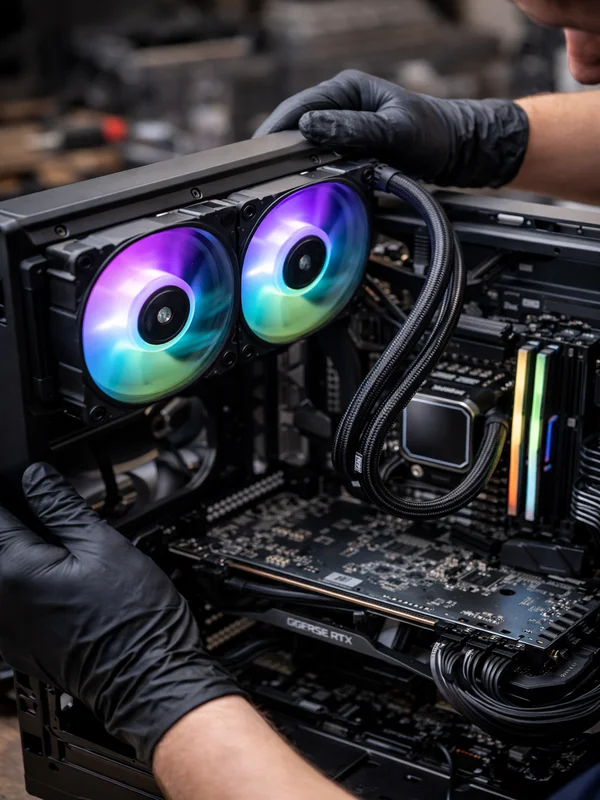
Computer Overheating Repair & Cooling System Service
Laptop, Desktop & Gaming PC Overheating Repair in North JerseyIf your computer is running hot, shutting down unexpectedly, throttling during games, or sounding like the fans never stop, ElitePC NJ can help. We diagnose and fix overheating issues in desktops, gaming PCs, and laptops by finding the real cause, whether it is dust buildup, dried thermal paste, failing fans, poor airflow, or a bad AIO liquid cooler.
Computer Overheating Repair in North Jersey
Fixing Overheating Problems the Right Way
Professional cooling diagnostics for laptops, desktops, and gaming PCs
Overheating is not just an annoyance. Excess heat can cause random shutdowns, blue screens, lag, thermal throttling, fan noise, and long-term component damage. At ElitePC NJ, we diagnose why your computer is overheating and correct the actual problem instead of guessing.
Complete Cooling Repair Service
Well-rounded solutions for all types of computer overheating issues
Our overheating repair service can include internal cleaning, heatsink cleaning, thermal paste replacement, fan testing, fan replacement, airflow correction, BIOS and fan-curve checks, and AIO liquid cooler replacement when needed. We work on home computers, gaming systems, and business workstations throughout Garfield and the surrounding North Jersey area.
Why Professional Overheating Repair Matters
Accurate Diagnosis
Overheating can come from dust, degraded thermal paste, failing fans, clogged vents, poor airflow, or a faulty liquid cooler. Proper diagnosis prevents wasted money on the wrong fix.
Lower Temperatures
Cleaning the cooling system and restoring proper heat transfer can dramatically improve CPU and GPU temperatures under load.
Better Performance
When temperatures are too high, computers slow themselves down to protect the hardware. Correcting thermal issues helps restore stable performance.
Protect Your Hardware
Excess heat can shorten the life of processors, graphics cards, SSDs, and motherboards. Cooling repairs help prevent avoidable damage.
Cleaner, Quieter Operation
When airflow is restored and failing cooling parts are addressed, many systems run quieter and more reliably.
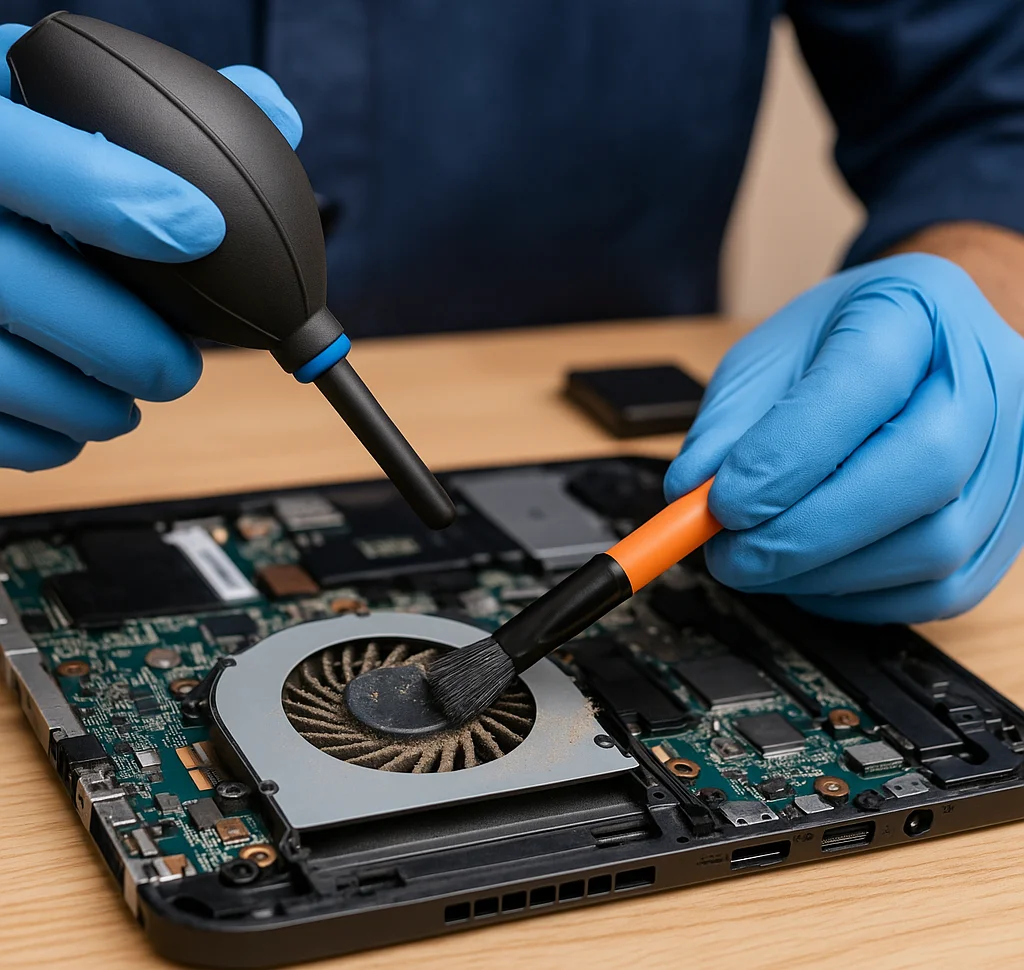
What Our Overheating Repair Service Includes
Internal Dust & Heatsink Cleaning
We remove heavy dust buildup from fans, vents, radiators, filters, and heatsinks so hot air can escape properly again.
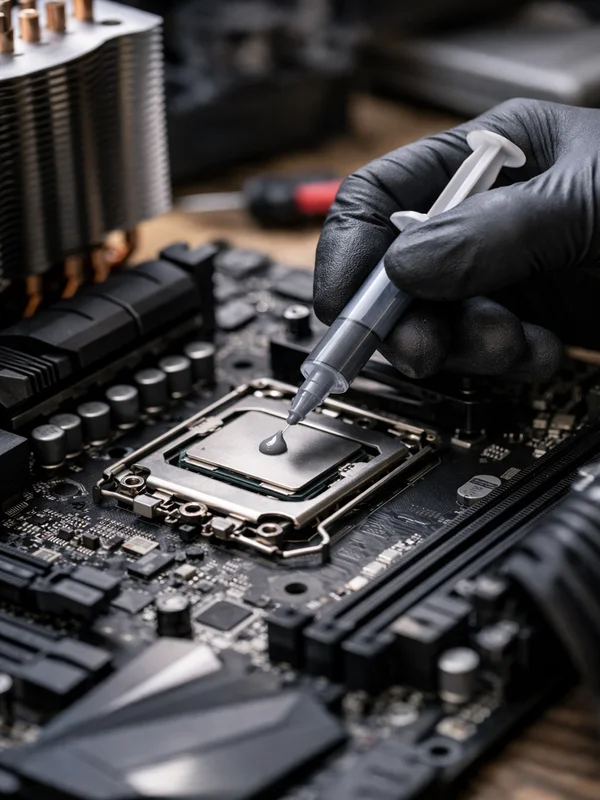
Thermal Paste Replacement
Dried or failing thermal paste can cause major temperature spikes. We clean the old compound and apply fresh high-quality thermal paste where appropriate.
Fan Testing & Replacement
We check CPU fans, case fans, laptop blower fans, and GPU cooling behavior to identify weak, noisy, or failing fan assemblies.
AIO Liquid Cooler Replacement
If your all-in-one liquid cooler has a failed pump, blockage, or poor cooling performance, we can replace it with a properly sized new unit.
Load Testing & Temperature Monitoring
After repairs, we verify temperatures and stability under load so you know the overheating problem has actually been resolved.
Common Overheating Problems We Solve:
High CPU Temperatures
We diagnose CPUs that idle too hot, spike quickly under load, or shut the system down because of failed cooling or poor heat transfer.
Laptop Running Hot
Laptops often overheat from blocked vents, packed dust, worn thermal material, or weak fans. We service the cooling system carefully and thoroughly.
Gaming PC Thermal Throttling
If your gaming computer loses FPS, stutters, or crashes during demanding games, overheating may be forcing the CPU or GPU to throttle.
Loud or Failing Fans
Grinding, rattling, or constantly maxed-out fans can signal cooling failure. We inspect and replace the necessary components when needed.
Sudden Shutdowns & Heat-Related Crashes
Unexpected shutdowns, blue screens, and black-screen crashes can happen when temperatures climb too high. We test for thermal causes and correct them.
Why Choose ElitePC for Computer Overheating Repair?
Experienced Hardware Repair
We work directly with desktop and laptop hardware issues, not just software, so your overheating problem gets a practical repair-focused diagnosis.
Honest Diagnosis & Real Solutions
If the answer is cleaning, repasting, a fan replacement, or an AIO cooler replacement, we recommend the fix that actually makes sense for your system.
Local Service You Can Count On
ElitePC NJ provides local computer repair in Garfield and nearby North Jersey towns with clear communication and service tailored to your needs.
Frequently Asked Questions
Why is my computer overheating?
Overheating is usually caused by dust buildup, degraded thermal paste, or failing cooling hardware. In some cases airflow inside the case is also poorly configured. Proper diagnosis is needed to determine the exact cause.
How hot is too hot for a CPU?
Most CPUs should remain under 85°C during heavy workloads. Temperatures above 90°C can cause thermal throttling or automatic shutdowns to protect the processor. Some Laptops will always run extremely hot.
Can overheating damage my computer?
Yes. Prolonged overheating can damage CPUs, GPUs, motherboards, and power delivery components. Fixing cooling issues early can prevent expensive hardware failures.
Do laptops need thermal paste replacement?
Yes. Laptop thermal paste can dry out over time just like desktops. Replacing it can significantly reduce temperatures and improve performance.
How often should a computer be cleaned?
For most environments, internal cleaning every 1–2 years helps maintain proper airflow and cooling performance.
Schedule Computer Overheating Repair
If your laptop, desktop, or gaming PC is overheating, do not wait for the problem to damage more expensive parts. We can inspect the system, identify the cause, and recommend the right repair.
Reliable Cooling Repairs by ElitePC NJ
From thermal paste service to fan replacement and complete overheating diagnostics, ElitePC NJ provides professional computer cooling repair to help keep your system stable, cooler, and more reliable.