Is My PC Outdated in 2026? How to Tell — And What You Can Upgrade Instead of Replacing
If you’re wondering whether your PC is “too old” in 2026, you’re not alone. Between Windows 10 reaching end-of-support, Windows 11 hardware requirements confusing people, and modern games demanding more performance, it’s easy to assume the only option is buying a whole new computer.
But here’s the truth we see every week at ElitePC NJ: a huge percentage of “outdated” PCs aren’t dead — they’re just bottlenecked. This guide shows you how to tell what’s actually holding you back, what upgrades matter most in 2026, and when replacing truly makes sense.
First: Is Your PC Actually Outdated — Or Just Bottlenecked?
A PC can feel ancient for totally fixable reasons. Before you spend big money, look at the symptom → likely cause:
- Slow boot / takes forever to open apps → usually storage (HDD or failing SSD)
- Browser lag + multitasking feels heavy → often RAM (8GB isn’t enough anymore)
- Game stutters / FPS drops → GPU limits, thermals, or driver issues
- Random freezes → storage health, RAM instability, overheating, or power problems
- “Windows 11 Not Supported” message → security/firmware requirements (TPM/Secure Boot) or CPU checks
If you want us to diagnose the exact bottleneck (so you don’t buy the wrong parts), start here:
https://www.elitepcnj.com/computer-repair/
Windows 11 Compatibility: “Not Supported” Doesn’t Always Mean “New PC Required”
This is the biggest reason people think their PC is obsolete going into 2026: Windows 11 checks for TPM, Secure Boot, and supported CPU lists — and many otherwise-capable PCs fail the “official” test.
Here’s what most users don’t realize: many systems can still be upgraded safely with the right BIOS/firmware settings, security module configuration, and a clean upgrade process. Sometimes it’s a simple configuration fix. Sometimes it’s a professional install approach depending on the hardware.
If your PC says Windows 11 is unsupported, that does NOT automatically mean you need to replace it.
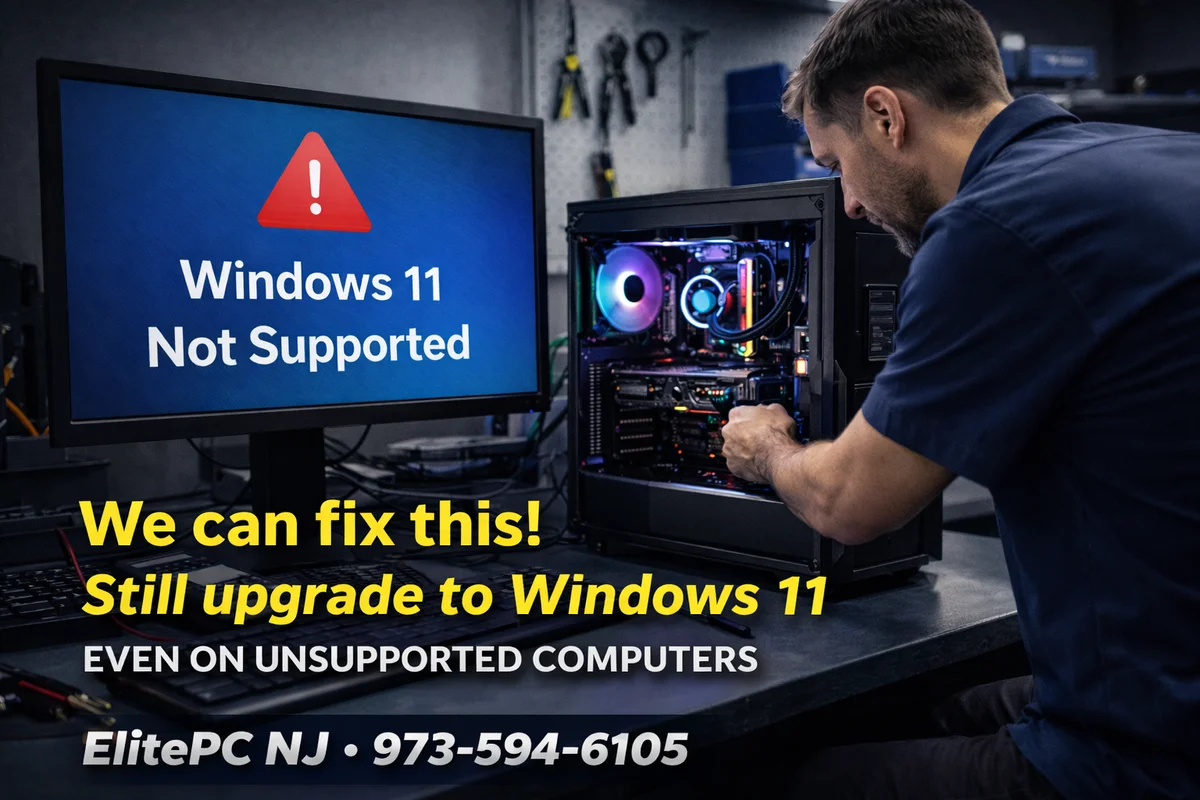
✅ Windows 11 “Not Supported”? We can often still upgrade your PC safely (when the hardware is a good candidate).
We’ll check TPM/Secure Boot, BIOS settings, storage health, and stability first — then upgrade the right way so you don’t end up with crashes, broken drivers, or data loss.
Call/Text: 973-594-6105 •
Contact ElitePC NJ
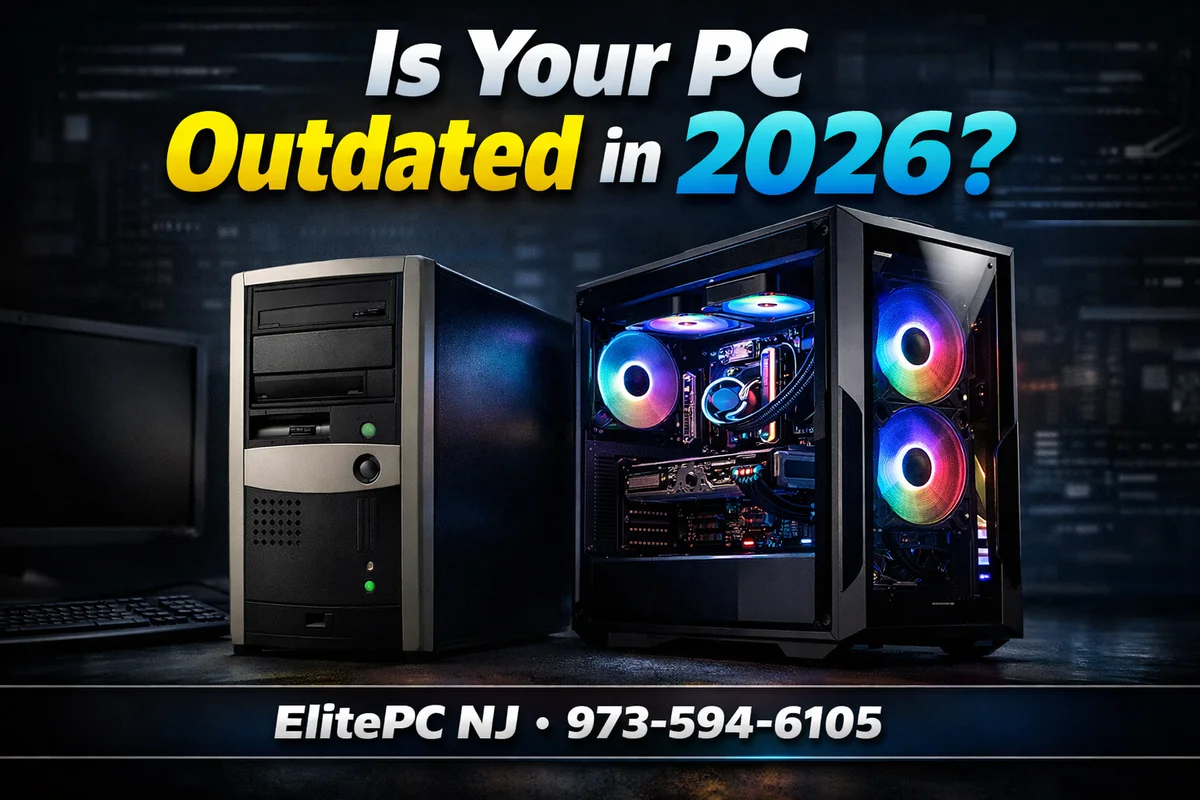
Old vs New PCs in 2026: What Actually Matters (And What Doesn’t)
Not all components “age” the same way. In 2026, some upgrades feel like you bought a brand-new PC. Others barely move the needle.
- Storage: If you’re still on a hard drive, that’s the #1 reason your PC feels old.
- RAM: 8GB is now “barely enough” — 16GB is the realistic baseline, 32GB is great for heavy gaming/multitasking.
- GPU: For gaming, the GPU is usually the biggest performance lever.
- CPU: Still important, but many older CPUs are “fine” until you pair them with a much stronger GPU (then the CPU becomes the limiter).
- Cooling + power: Overheating or power instability can make a good PC feel “broken.”

The Upgrades That Actually Extend PC Life in 2026 (In the Right Order)
If you want the biggest improvement per dollar, here’s the upgrade order we usually recommend — based on the symptoms you’re seeing:
1) SSD Upgrade (The “My PC Feels New Again” Upgrade)
If Windows is on a hard drive (or an old, struggling SSD), everything feels slow: boot time, opening apps, updates, even browsing.
- Fast boots
- Apps open instantly
- Games load dramatically faster
2) RAM Upgrade (Stops the “Everything Freezes When I Multitask” Problem)
In 2026, 8GB RAM gets crushed by modern Chrome tabs, Discord, launchers, Windows services, and game engines.
- 16GB = baseline for most gamers/home users
- 32GB = ideal for heavy gaming, streaming, creators, and future-proofing
3) GPU Upgrade (The FPS Upgrade)
For gaming, this is where the “wow” factor usually lives — higher FPS, better settings, smoother 1% lows. But the GPU has to match the rest of the system (PSU, cooling, CPU balance).
Important: a GPU upgrade can expose issues you didn’t notice before (weak PSU, bad airflow, unstable RAM). That’s why we test stability after major upgrades.
4) Cooling + Power (The “Stop the Crashes / Throttling” Upgrade)
Old thermal paste, clogged heatsinks, weak airflow, or a tired power supply can cause:
- random reboots under load
- black screens while gaming
- FPS drops from thermal throttling
If you want a single starting point for upgrades and builds, here’s our upgrades/build services hub:
https://www.elitepcnj.com/custom-computers/
Gaming Performance: Upgrade vs Replace (What’s Usually Smarter?)
Most people assume “new PC = massive gaming improvement.” Sometimes that’s true — but in many real-world 2026 builds, a targeted upgrade delivers a huge chunk of the benefit without the full cost.
- GPU upgrade → biggest FPS gains
- SSD upgrade → faster loading + less hitching in modern games
- Cooling upgrade → stable boost clocks + fewer crashes
Where replacement wins is when the platform itself is the limitation (old motherboard features, old CPU generation, or missing modern standards you actually need).

When Replacement Makes Sense (No Sugar Coating)
Upgrades aren’t always the answer. You should seriously consider replacement if:
- Your platform limits modern upgrades (example: you need a newer CPU socket to justify the money)
- The motherboard has major limitations (connectivity, stability, missing features you need)
- The cost of upgrades starts approaching a new system (especially if multiple parts are weak)
- You want a full modern platform jump (DDR5, newer PCIe standards, modern I/O)
Not sure what to upgrade first?
We’ll tell you the truth: upgrade it, fix it, or replace it — based on your actual bottleneck (not guesswork).
Contact ElitePC NJ •
973-594-6105
Want direct upgrade pages linked here (SSD/RAM/CPU/GPU)? Re-upload your sitemap list and I’ll insert the exact URLs cleanly.
FAQ: “Is My PC Outdated?” in 2026
How do I know if I should upgrade or replace?
If your PC is stable and the platform can support modern upgrades, upgrading is often the smarter move. If multiple major parts are weak and the total cost is close to a new PC, replacement may win.
Is an SSD really the biggest upgrade?
For most “slow PC” complaints, yes. An SSD won’t increase FPS like a GPU upgrade, but it makes the entire system feel dramatically faster.
Can you really upgrade to Windows 11 even if it says “Not Supported”?
Often, yes — depending on the exact hardware. The right approach is to verify firmware/security settings, stability, storage health, and then upgrade safely.
What’s the best RAM amount for gaming in 2026?
16GB is the baseline. 32GB is excellent if you multitask, stream, or want more headroom for modern titles.
Our 2026 Take at ElitePC NJ
Most PCs aren’t “outdated” — they’re misdiagnosed. In 2026, the smartest move is usually figuring out the real bottleneck and upgrading what matters first (SSD/RAM/thermals/GPU), instead of replacing everything blindly.
If you want a straight answer on your specific system, we’ll test it and recommend the most cost-effective path.
Contact ElitePC NJ:
https://www.elitepcnj.com/contact/
Phone: 973-594-6105