When a computer starts acting up — slowing down, freezing, overheating, or refusing to boot — most people jump straight to random fixes. They reinstall Windows, download “cleanup” software, or start guessing at solutions. But professional computer repair technicians don’t work that way. They follow a structured diagnostic process designed to quickly identify the root cause of the problem.
Understanding what repair shops check first can save you time, prevent unnecessary upgrades, and even help you avoid data loss. In this guide, we’ll walk through the exact steps technicians use to diagnose problems — including the things most people completely overlook.
1. Physical Inspection (The Step Most People Skip)
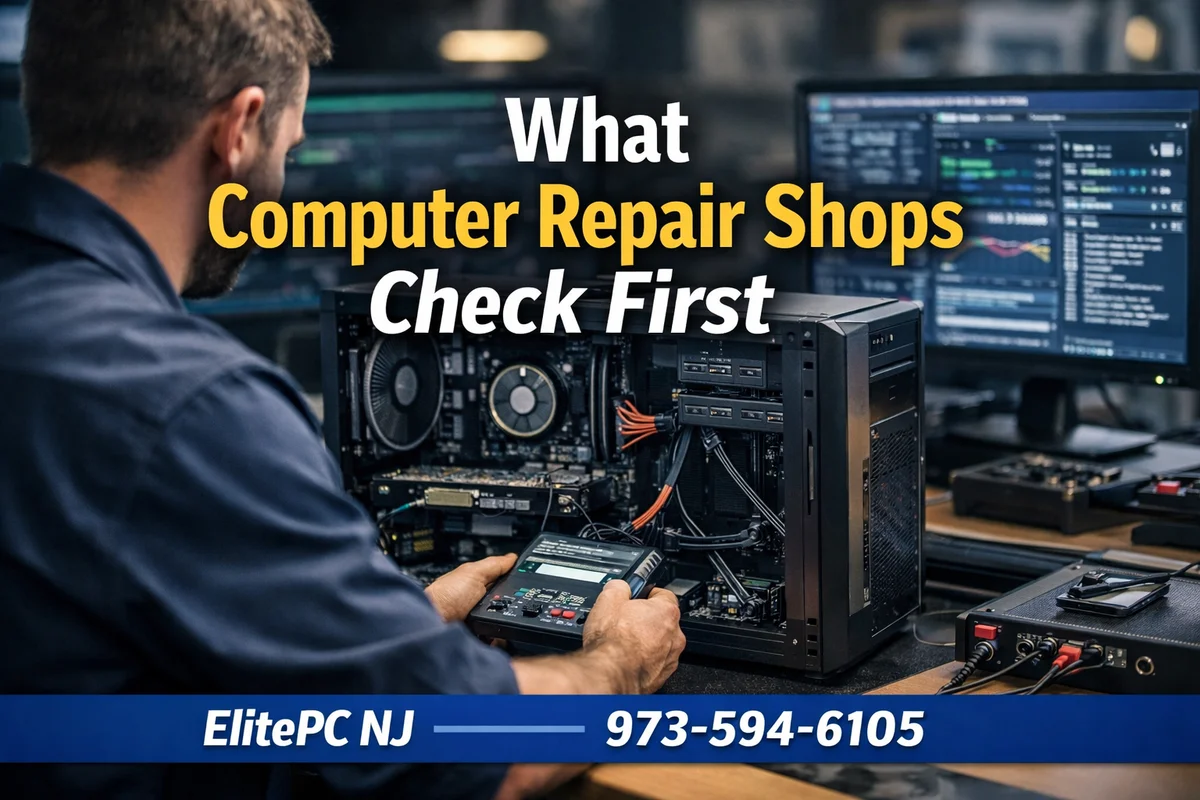
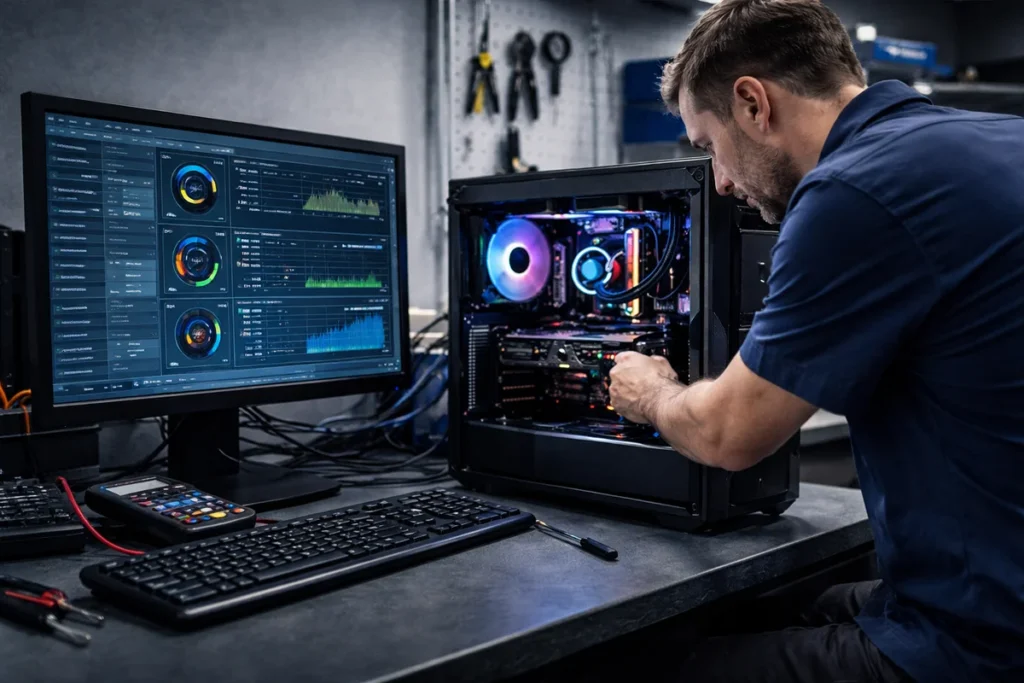
The very first thing experienced technicians do is a physical inspection. This step alone can reveal a surprising number of issues. Dust buildup, disconnected cables, failing fans, or visible damage can immediately explain performance problems or instability.
In fact, many issues are identified just by checking airflow and hardware condition. Dust accumulation around cooling systems can block airflow and lead to overheating, which directly impacts performance and stability.
If your system has never been cleaned internally, professional computer repair services can safely inspect and clean the system without risking damage.
2. Checking Startup Behavior and System Load
Before diving deeper, technicians observe how the system behaves during startup. Slow boot times, excessive disk activity, or lag immediately after login often point to software-related issues.
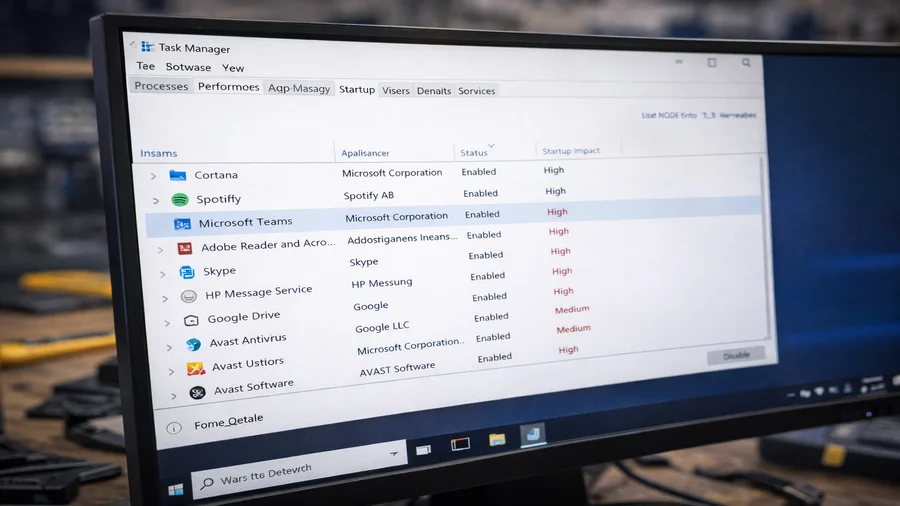
Startup programs are one of the most common causes of slow performance. Many applications automatically launch at boot, consuming CPU, memory, and disk resources before the user even starts working.
If your computer feels slow right after turning it on, reducing startup programs is one of the quickest fixes. If that doesn’t resolve the issue, a computer diagnostic service can determine whether deeper system problems exist.
3. Hardware Health Checks (Drives, RAM, and Power)
Once the basics are ruled out, technicians move on to hardware diagnostics. This includes testing the hard drive or SSD, checking memory stability, and verifying power delivery.
Hardware diagnostics involve systematically testing components like RAM, storage devices, and the motherboard to identify faults or performance limitations.
Failing drives are especially common and can cause slowdowns, freezing, or boot issues. If your system still uses a traditional hard drive, upgrading through an SSD upgrade with cloning can dramatically improve performance.
4. Malware and Background Processes
Another critical step is checking for malware and abnormal background activity. Not all malicious software is obvious. Some programs run quietly in the background, consuming CPU and memory resources without triggering alerts.
Technicians look for unusual processes, high CPU usage at idle, and unauthorized startup entries. Malware can significantly degrade system performance and even compromise security.
If malware is suspected, professional virus and malware removal services can safely remove threats and restore system stability. You can also review official security recommendations from Malwarebytes.
5. Temperature and Thermal Performance
Overheating is one of the most overlooked causes of performance issues. When a CPU or GPU gets too hot, the system automatically reduces performance to prevent damage. This is known as thermal throttling.
Technicians always check temperatures under load. If temperatures spike quickly or remain high at idle, it indicates cooling problems such as dust buildup, failing fans, or degraded thermal paste.
Overheating can also cause random shutdowns and instability, making it a critical step in diagnostics.
6. Boot Process and POST Checks What Computer Repair Shops Check First
If a system fails to boot properly, technicians analyze the startup process itself. Every computer runs a Power-On Self-Test (POST) when it starts, verifying that essential components like RAM and CPU are functioning correctly.
Errors during this stage can indicate hardware failure before Windows even loads. The POST process is essentially a built-in health check for critical components.
When systems fail at this stage, professional diagnostics are required to isolate the faulty component.
7. Software Conflicts and System Integrity
After hardware checks, technicians analyze the operating system itself. Corrupted system files, broken updates, and driver conflicts can all cause instability and slow performance.
Diagnostics often include scanning system logs, reviewing error reports, and testing software behavior under different conditions. Comprehensive diagnostics can include hundreds of tests to identify issues.
If problems are software-related, solutions may include repairs, driver updates, or system optimization.

Frequently Asked Questions
What computer repair shops check first?
Technicians typically begin with a physical inspection, followed by checking startup behavior, hardware health, and system performance. This structured approach helps quickly identify the root cause of the issue.
Can a slow computer be fixed without replacing parts?
Yes. Many slow computers are caused by software issues, startup overload, or malware. These problems can often be resolved without replacing hardware.
How long does a diagnostic take?
Basic diagnostics can take a few hours, while more complex issues may take 1–3 days depending on the problem and testing required.
Is overheating a common issue?
Yes. Overheating is one of the most common causes of performance problems and shutdowns, especially in systems that haven’t been cleaned internally.
When should I get professional help?
If your computer is freezing, crashing, overheating, or not booting properly, professional diagnostics are the fastest way to identify and fix the issue.

Need Help Diagnosing Your Computer?
If your computer is slow, crashing, or behaving unpredictably, guessing can waste time and lead to bigger problems. A proper diagnostic identifies the root cause quickly and ensures the right fix the first time.
ElitePC NJ provides professional diagnostics, repair, and upgrade services for homes and businesses throughout Garfield and North Jersey.
Call 973-594-6105 or email service@elitepcnj.com to schedule service today.